1. Giriş
This manual provides essential information for setting up, operating, maintaining, and troubleshooting your Sharp Aquos QLED 55 Inch 4K Ultra HD Xumo Smart TV. Please read this manual thoroughly before using your television and retain it for future reference.
Resim: Ön view of the Sharp Aquos QLED 55 Inch 4K Ultra HD Xumo Smart TV.
2. Güvenlik Bilgileri
Always follow basic safety precautions when using this television to reduce the risk of fire, electric shock, and injury. Keep the television away from moisture, direct sunlight, and heat sources. Ensure proper ventilation and do not block any ventilation openings. Use only the power cord and accessories specified by the manufacturer. Refer to the full safety guidelines in the included printed manual.
3. Kutuda Neler Var?
Your Sharp Aquos QLED 55 Inch 4K Ultra HD Xumo Smart TV package includes:
- Sharp Aquos QLED 55 Inch 4K Ultra HD Xumo Smart TV
- Sesli Uzaktan Kumanda
- TV Sehpası (2 adet)
- TV Sehpası Vidaları
- Güç Kablosu
- Kullanım Kılavuzu (bu belge)
- Hızlı Başlangıç Kılavuzu
4. Kurulum
4.1 TV Sehpasının Takılması
- Televizyonun hasar görmesini önlemek için ekranı alta gelecek şekilde yumuşak ve düz bir yüzeye dikkatlice yerleştirin.
- Her bir stand parçasını televizyonun alt kısmındaki ilgili vida delikleriyle hizalayın.
- Her bir ayak parçasını birlikte verilen vidaları kullanarak sabitleyin. Vidaların iyice sıkıldığından emin olun.
4.2 Duvara Montaj (Opsiyonel)
If you choose to wall mount your TV, ensure you use a VESA-compatible wall mount kit (sold separately) that supports the 55-inch screen size and weight. Follow the instructions provided with your wall mount kit. Remove the TV stand before mounting.
4.3 Cihazları Bağlama
Connect your external devices (cable box, gaming console, soundbar, etc.) to the appropriate ports on the back of the TV. The Sharp Aquos QLED TV features multiple HDMI inputs for versatile connectivity.

Resim: Arka view of the Sharp Aquos QLED TV showing cable management through the stand.
4.4 Güç Bağlantısı
Plug the power cord into the TV's power input, then into a wall outlet. The TV is now ready for initial setup.
5. Kullanım Talimatları
5.1 İlk Kurulum ve Ağ Bağlantısı
Upon first power-on, the TV will guide you through the initial setup process. This includes selecting your language, connecting to your Wi-Fi network (dual-band Wi-Fi supported for reliable streaming), and agreeing to terms and conditions. Follow the on-screen prompts.
5.2 Uzaktan Kumanda İşlevleri
The included voice remote allows for intuitive navigation. Use the directional pad to move through menus, the OK button to select, and dedicated buttons for popular streaming services. The built-in voice search feature provides hands-free control for launching apps, adjusting volume, and switching inputs.
5.3 Xumo Smart TV Platform
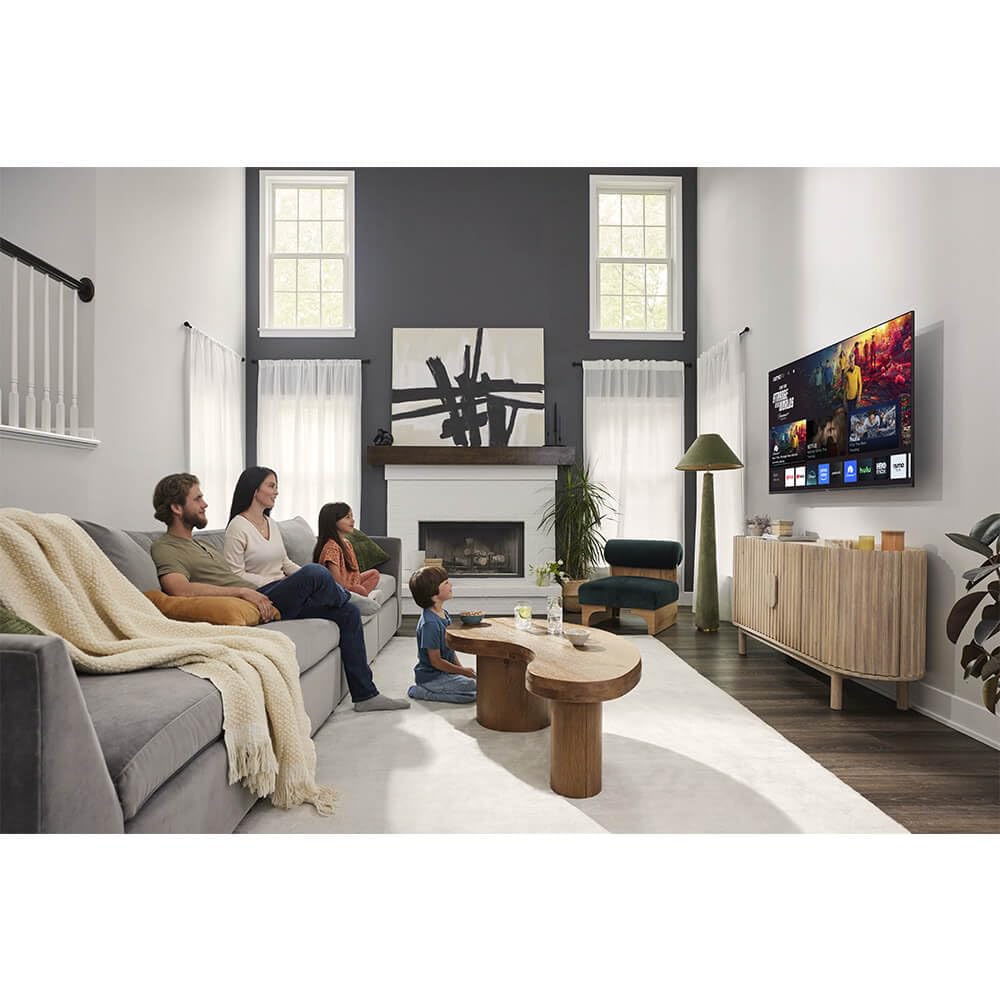
The Xumo Smart TV system offers fast and intuitive access to your favorite streaming applications. The clean home screen allows for easy navigation and personalized content recommendations.
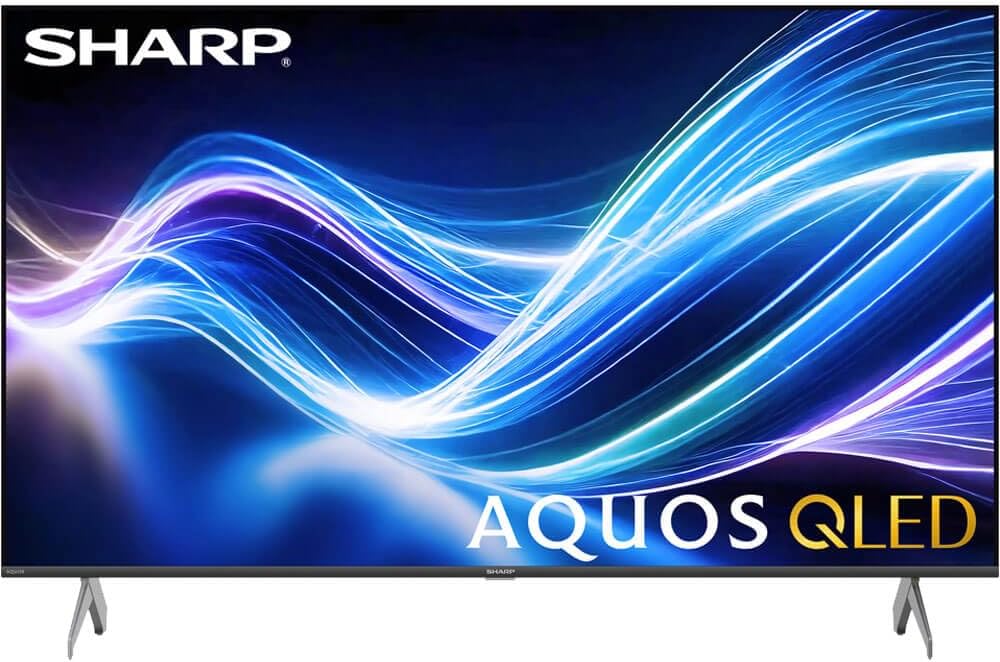
Image: The Xumo Smart TV home screen displaying various streaming apps and voice search functionality.
5.4 Görüntü ve Ses Ayarları
Your Sharp Aquos QLED TV supports advanced picture and sound technologies:
- 4K QLED Ekran: Enjoy vibrant, lifelike images with Quantum Dot color and enhanced brightness.
- Dolby Vision ve HDR10: These premium HDR formats optimize contrast, depth, and clarity for cinematic picture quality. Access picture settings via the TV menu to fine-tune brightness, contrast, color, and sharpness.
- Sürükleyici Ses: The TV features optimized sound processing for clear dialogue and enhanced bass. Connect Bluetooth headphones or speakers for wireless listening. Adjust audio modes (Standard, Music, Movie, Speech, Custom) in the sound settings.
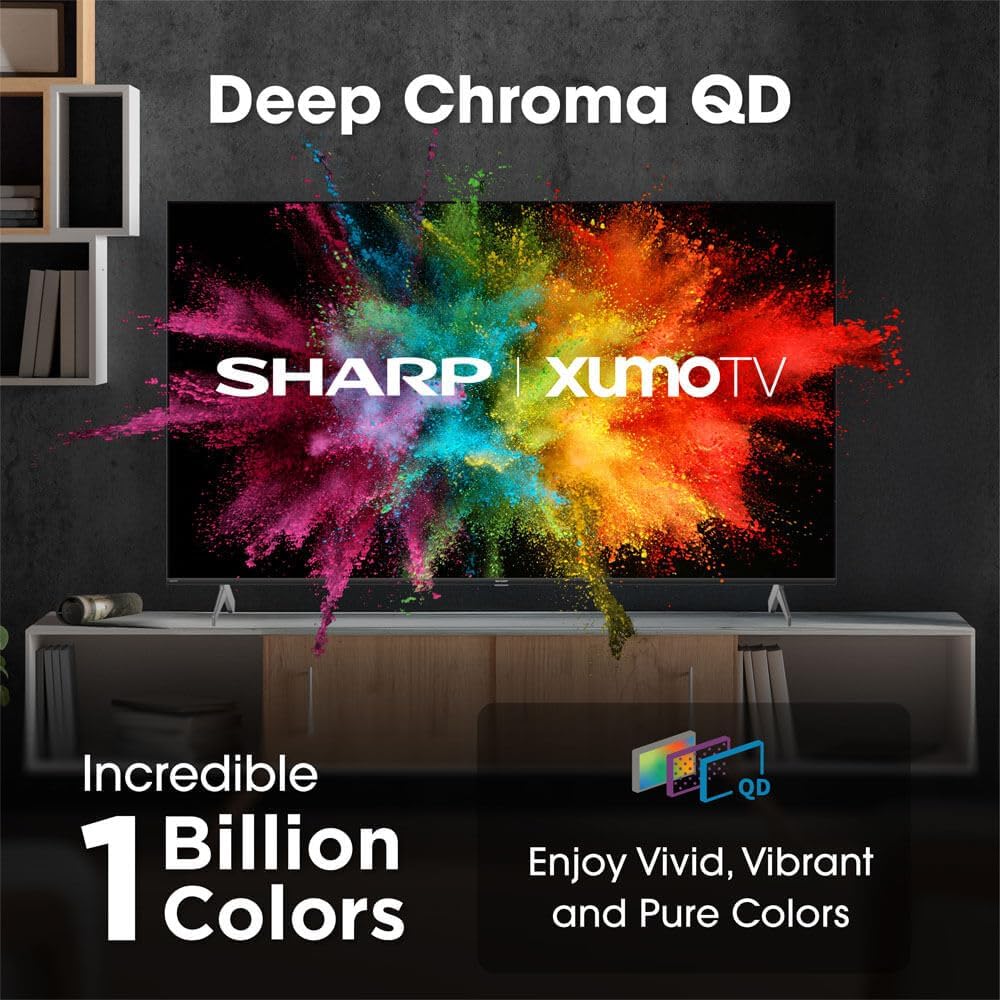
Image: Comparison of Dolby Vision enhanced picture quality against a standard display.

Image: Visual representation of Dolby Atmos creating immersive sound in a living room setting.
6. Bakım
6.1 TV'nin temizlenmesi
Ekranı temizlemek için yumuşak, tiftiksiz bir bezle hafifçe silin. İnatçı lekeler için hafifçe silin.ampen the cloth with water or a screen-cleaning solution. Never spray liquid directly onto the screen. Clean the TV's exterior with a soft, dry cloth.
6.2 Yazılım Güncellemeleri
Televizyonunuz, performansı artırmak ve yeni özellikler eklemek için otomatik yazılım güncellemeleri alabilir. Bu güncellemeleri alabilmek için televizyonunuzun internete bağlı olduğundan emin olun. Ayrıca, televizyonun ayarlar menüsünden manuel olarak da güncellemeleri kontrol edebilirsiniz.
7. Sorun Giderme
| Sorun | Olası Neden | Çözüm |
|---|---|---|
| Güç yok | Power cord not connected, power outlet not working. | Güç kablosunun bağlantısını kontrol edin, farklı bir priz deneyin. |
| Görüntü/ses yok | Incorrect input selected, external device off/disconnected. | Verify input source, check device power and connections. |
| Uzaktan kumanda çalışmıyor | Batteries low/dead, obstruction between remote and TV. | Pilleri değiştirin, engelleri kaldırın, gerekirse uzaktan kumandayı yeniden eşleştirin. |
| Wi-Fi bağlantı sorunları | Router issues, incorrect password, weak signal. | Restart router, re-enter Wi-Fi password, move TV closer to router or use Ethernet. |
8. Özellikler
- Marka: Keskin
- Model Numarası: 4TC55HP7050U
- Ekran Boyutu: 55 inç
- Ekran Teknolojisi: QLED Smart
- Çözünürlük: 4K Ultra HD
- Yenileme Hızı: 60Hz
- Özel Özellikler: Flat, Dolby Vision, HDR10, Xumo Smart TV, Voice Remote, Bluetooth, Dual-band Wi-Fi
- Bağlantı Teknolojisi: RCA, HDMI (multiple ports)
- Desteklenen İnternet Hizmetleri: Netflix, Hulu, Amazon Prime Video (and more via Xumo platform)
- Ürün Ağırlığı: 32 Pound
- Renk: Siyah
9. Garanti ve Destek
For warranty information and technical support, please refer to the warranty card included with your product or visit the official Sharp webSite. Satın alma fişinizi, garanti talepleriniz için satın alma belgeniz olarak saklayın.


