1. Giriş
This manual provides essential information for setting up, operating, and maintaining your Aiwa AW50RKQ 50-inch QLED 4K Ultra HD Roku TV. Please read these instructions carefully before using the product to ensure safe and optimal performance.
The Aiwa AW50RKQ is designed to deliver a powerful streaming experience and superior image quality with its QLED panel and 3840 x 2160 pixel (4K) resolution. It features Roku TV for quick access to applications and streaming channels, along with Dolby Digital sound and a slim design.
2. Paket İçeriği
Aşağıda listelenen tüm öğelerin paketinizde bulunduğunu doğrulayın:
- Aiwa AW50RKQ 50-inch QLED 4K Ultra HD Roku TV
- Uzaktan kumanda
- Televizyon sehpası
- Stand Montajı için Vidalar
- Güç kablosu
- Güç Adaptörü
- Kullanım Kılavuzu (bu belge)
- Garanti Kartı
3. Kurulum
3.1 TV Sehpasının Takılması
Carefully place the TV screen-down on a soft, clean surface to prevent scratches. Align the TV stand with the mounting holes on the bottom of the TV. Secure the stand using the provided screws.
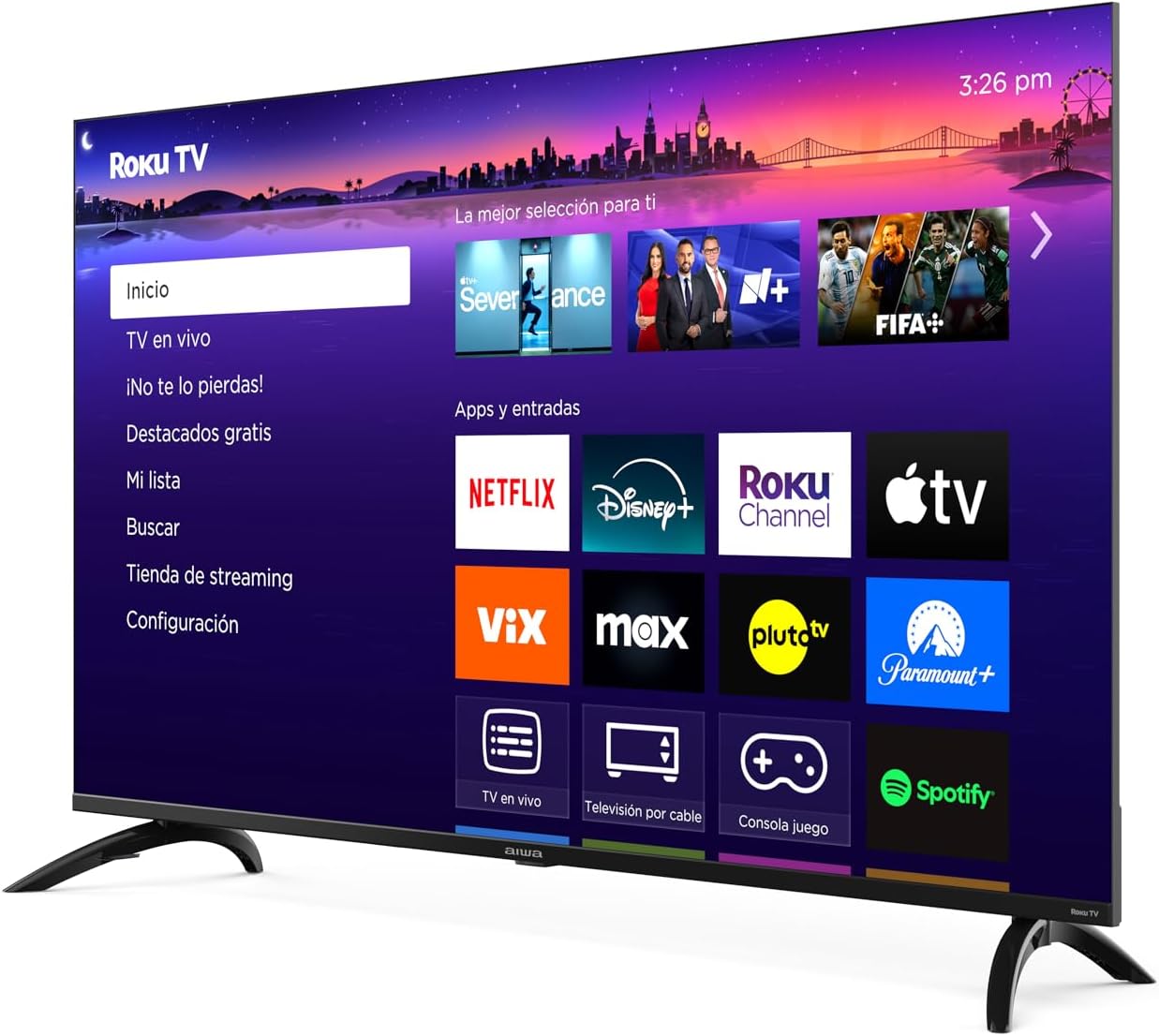
Resim: Ön view of the Aiwa AW50RKQ 50-inch QLED 4K Ultra HD Roku TV with its stand attached, displaying the Roku TV interface.
3.2 Gücün Bağlanması
Connect the power cable to the TV's power input and then plug it into a wall outlet. Ensure the power adapter is securely connected if provided separately.
3.3 Harici Cihazların Bağlanması
Your Aiwa AW50RKQ TV offers various connectivity options:
- HDMI: Connect up to 4 HDMI devices (e.g., Blu-ray player, game console, cable box). One HDMI port supports eARC for enhanced audio return channel functionality.
- USB BAĞLANTI: Connect a USB drive for media playback.
- Kompozit Ses/Görüntü: For older devices, use the composite audio/video input.
- Optik Dijital Çıkış: Dijital ses için bir soundbar veya ev sinema sistemine bağlayın.
- Kulaklık Çıkışı: Özel dinleme için kulaklıkları bağlayın.

Resim: Arka view of the Aiwa AW50RKQ TV, showing the various input and output ports including HDMI, USB, and audio connections.
3.4 Initial Power On and Roku TV Setup
Press the power button on the remote control or the TV. Follow the on-screen instructions to complete the initial setup, including connecting to your Wi-Fi network and activating your Roku account.
4. Kullanım Talimatları
4.1 Uzaktan Kumanda
The included remote control provides access to all TV functions. Familiarize yourself with the buttons for power, volume, channel selection, navigation, and dedicated app buttons.
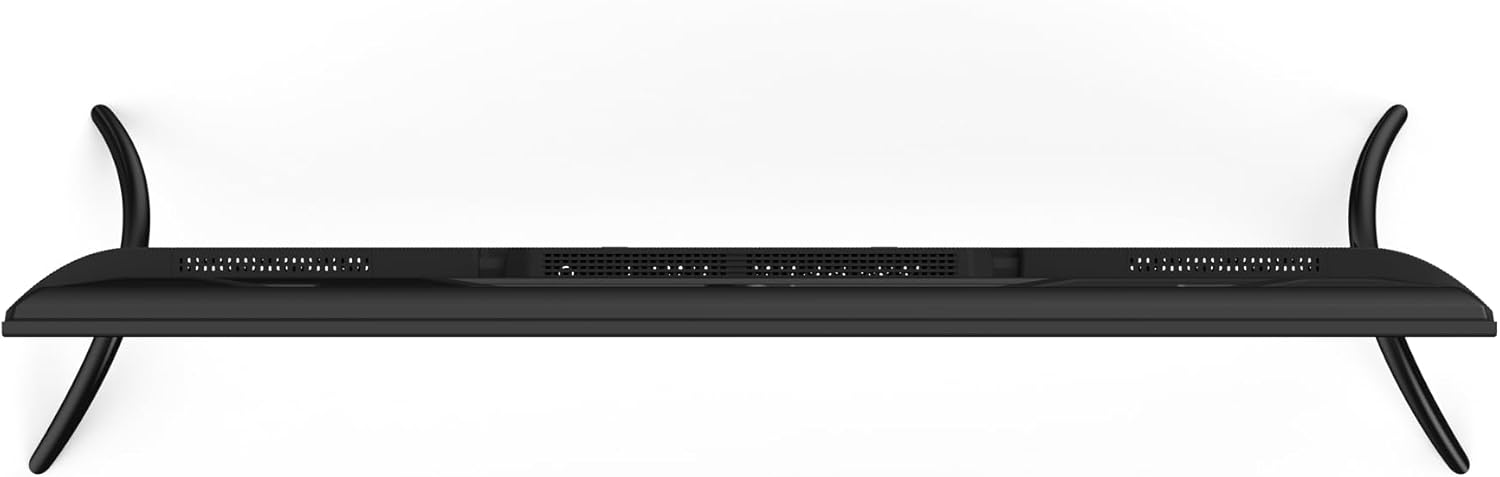
Image: Close-up of the Aiwa AW50RKQ TV remote control, showing its buttons and layout.
4.2 Roku TV Arayüzü
The Roku TV operating system provides a simple and fluid navigation experience. From the home screen, you can access:
- Yayın Kanalları: Browse and add thousands of free or paid streaming apps.
- Canlı TV: Access over-the-air broadcasts via the integrated ATSC tuner.
- Girişler: Switch between connected HDMI and other input sources.
- Aramak: Find movies, shows, and actors across various streaming services.
- Ayarlar: Adjust picture, sound, network, and system settings.
4.3 Sesli Asistan
The TV supports a compatible voice assistant for convenient control. Refer to the Roku TV on-screen guide for specific instructions on enabling and using voice commands.
5. Özellikler ve Teknik Özellikler
5.1 Ekran
- Ekran Boyutu: 50 inç
- Panel Tipi: QLED
- Çözünürlük: 3840x2160 (4K UHD)
- En Boy Oranı: 16:9
- Parlaklık: 330 nits (minimum)
- Kontrast Oranı: 1200:1 (tipik)
- Viewaçı: 178 ° yatay / 178 ° dikey
- Yenileme Hızı: 60 Hz
- HDR Desteği: Evet
5.2 Ses
- Ses Çıkış Gücü: 2 x 10 W
- Ses Teknolojisi: Dolby Dijital
5.3 Bağlantı
- HDMI Girişleri: 4 (1 eARC ile)
- USB Girişi: 1
- Composite A/V Input: Evet
- Optik Dijital Çıkış: Evet
- Kulaklık Çıkışı: Evet
- Kablosuz bağlantı: Wi-Fi 802.11 b/g/n/ac, Bluetooth
5.4 Dahili Donanım
- İşlemci: CPU CA55 x4
- Ekran Kartı: Mali 470 MP3
- VERİ DEPOSU: 1.5 GB
- Dahili Depolama: 16 GB eMMC
- İşletim Sistemi: Roku televizyon
5.5 Fiziksel Özellikler
- Dimensions without Stand: 1118x652x70 mm
- Standlı Boyutlar: 1118x735x210 mm
- Ağırlık: 12.1 kilo
- Güç Tüketimi: 90 B
- Bekleme Tüketimi: 0.5 W'tan az
6. Bakım
Televizyonunuzun uzun ömürlü ve optimum performans göstermesini sağlamak için aşağıdaki bakım yönergelerini izleyin:
- Ekranın Temizlenmesi: Elektronik cihazlar için özel olarak tasarlanmış, yumuşak ve tüy bırakmayan bir bez kullanın. Aşındırıcı temizleyiciler veya çözücüler kullanmayın. Hafifçe silin.ampGerekirse bezi suyla nemlendirin ve nazikçe silin.
- Kabinin Temizlenmesi: Wipe the TV cabinet with a soft, dry cloth. Avoid using harsh chemicals.
- Havalandırma: Ensure the ventilation openings on the back of the TV are not blocked. Allow adequate space around the TV for proper airflow.
- Güç Kablosu: Regularly check the power cord for any damage. If damaged, contact customer support for a replacement.
- Depolamak: If storing the TV for an extended period, disconnect it from power and cover it to protect against dust.
7. Sorun Giderme
Televizyonunuzda sorunlarla karşılaşırsanız aşağıdaki yaygın çözümlere başvurun:
| Sorun | Olası Neden | Çözüm |
|---|---|---|
| Güç yok | Power cable disconnected or no power from outlet. | Ensure power cable is securely connected and the outlet is functional. Try a different outlet. |
| Görüntü yok, ancak ses mevcut | Incorrect input source selected or external device issue. | Press the "Input" button on the remote to select the correct source. Check the external device's power and connections. |
| Ses yok ama görüntü var | Volume muted or too low, or audio settings incorrect. | Increase volume. Check if mute is active. Verify audio output settings in the TV menu. |
| Wi-Fi'ye bağlanılamıyor | Incorrect password, router issue, or TV too far from router. | Double-check Wi-Fi password. Restart your router. Move the TV closer to the router or use a Wi-Fi extender. |
| Uzaktan kumanda çalışmıyor | Pil bitmesi veya tıkanıklık. | Pilleri değiştirin. Uzaktan kumanda ile televizyonun kızılötesi sensörü arasında herhangi bir engel olmadığından emin olun. |
For further assistance, please refer to the official Aiwa support website veya müşteri hizmetleriyle iletişime geçin.
8. Garanti ve Destek
Your Aiwa AW50RKQ TV comes with a standard manufacturer's warranty. Please refer to the included warranty card for details on coverage, terms, and conditions. Keep your proof of purchase for warranty claims.
For technical support, service, or additional product information, please visit the official Aiwa website or contact their customer support line. Contact information can typically be found on the warranty card or the manufacturer's webalan.


