1. Giriş
Thank you for choosing the WOLFANG WT08-WB 4G Solar-Powered Outdoor Security Camera. This manual provides detailed instructions for the proper installation, operation, and maintenance of your camera. Please read this manual thoroughly before use to ensure optimal performance and longevity of your device. This camera is designed for outdoor surveillance in areas without Wi-Fi access, utilizing 4G LTE connectivity and solar power for continuous operation.
2. Ürün Bittiview
The WOLFANG WT08-WB is a robust outdoor security camera featuring 2.5K HD video, 4G LTE connectivity, solar power, and advanced night vision capabilities. It is ideal for monitoring remote locations such as farms, cabins, or wildlife areas where traditional power and Wi-Fi are unavailable.
Temel Özellikler:
- 4G LTE Bağlantısı: Operates independently without Wi-Fi, connecting to the strongest available 4G signal.
- Güneş Enerjili: Equipped with a 3W solar panel and a high-capacity 7800mAh built-in battery for continuous power.
- 2.5K HD Video: Delivers clear images and video recordings.
- Pan/Tilt/Zoom (PTZ): Offers 355° horizontal rotation, 90° vertical tilt, and 4x digital zoom for comprehensive coverage.
- Two Night Vision Modes: Supports black-and-white IR night vision and color night vision with integrated spotlights.
- PIR Hareket Algılama: Intelligent motion detection reduces false alarms and sends real-time notifications.
- İki Yönlü Ses: Uzaktan iletişime olanak sağlar.
- Yerel ve Bulut Depolama: Includes a 32GB SD card for local recording and supports cloud storage services.
- Hava koşullarına dayanıklı: IP66 rated for outdoor use, withstanding temperatures from -15°C to 50°C.
Paket İçeriği:
- WOLFANG WT08-WB 4G Camera
- Güneş Paneli (3W)
- Montaj Braketi ve Vidaları
- 32 GB SD Kart
- SIM Card (with 300MB trial data)
- Kullanıcı Kılavuzu
3. Kurulum
3.1 SIM ve SD Kartların Takılması
Before mounting, ensure the SIM card and SD card are correctly inserted into their respective slots on the camera. The camera comes with a pre-installed SIM card and a 32GB SD card.
- Locate the SIM and SD card slots, usually protected by a rubber cover on the camera body.
- Kapağı dikkatlice açın.
- Insert the provided 4G SIM card into the SIM slot with the gold contacts facing down and the notched corner aligned correctly.
- Insert the 32GB SD card into the SD card slot until it clicks into place.
- Su geçirmezliği sağlamak için kauçuk kapağı sıkıca kapatın.
3.2 Kamera ve Güneş Panelinin Montajı
Choose a location with good 4G signal reception and direct sunlight exposure for the solar panel. The camera can be mounted on a wall or tree.
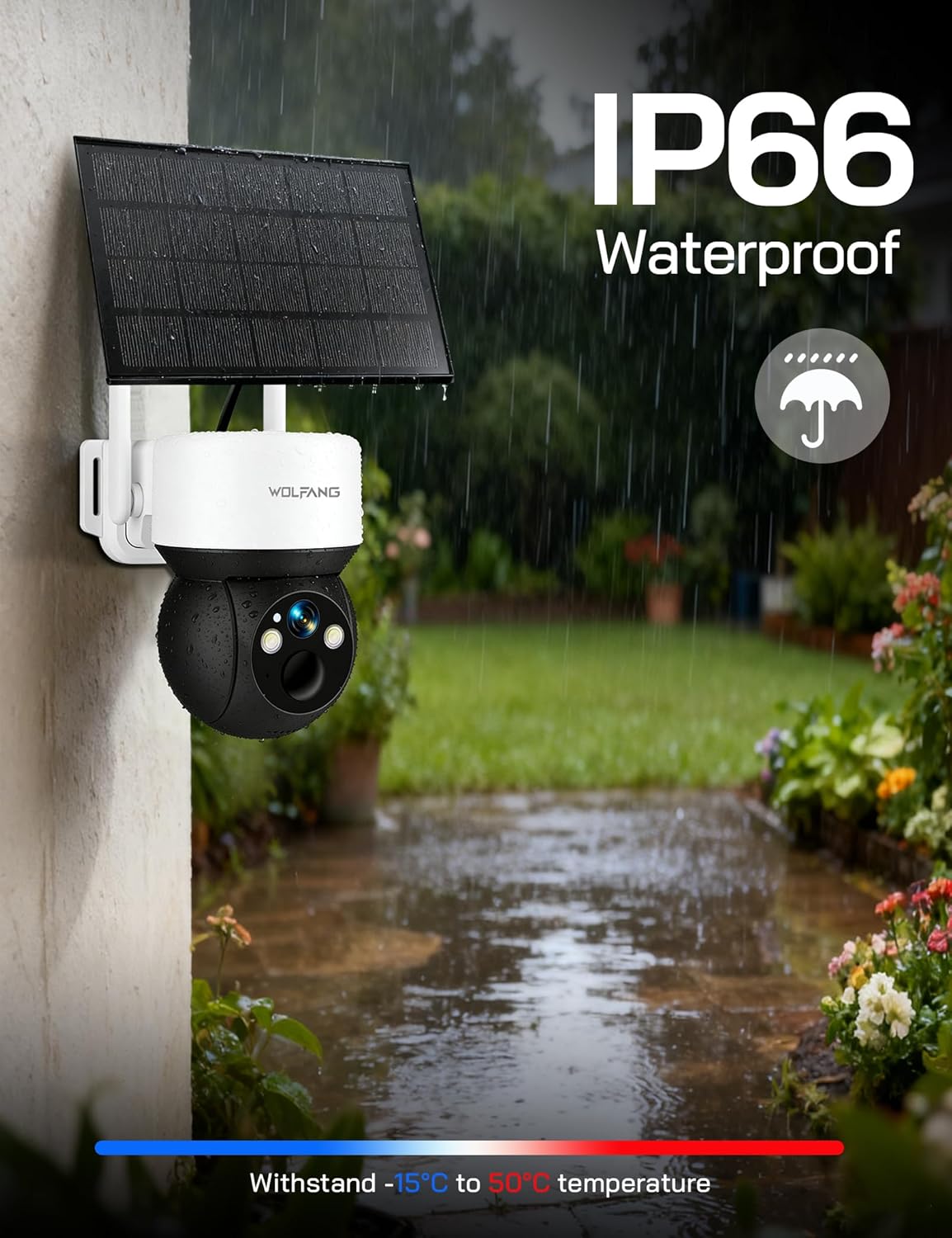
Image: The WOLFANG WT08-WB camera and solar panel mounted on an outdoor wall, illustrating a typical installation scenario for continuous power.
- Konum Seçin: Identify a mounting spot that provides the desired viewing angle and ensures the solar panel receives maximum sunlight throughout the day.
- Braketi Takın: Use the provided screws and mounting bracket to securely attach the camera to a wall or tree.
- Güneş Panelini Takın: Connect the solar panel to the camera using the provided cable. Ensure the connection is secure and weatherproof.
- Açıyı Ayarla: Adjust the camera and solar panel angles to optimize surveillance coverage and solar charging efficiency.
3.3 Uygulama İndirme ve İlk Bağlantı
The camera is controlled via the UBox app.
- İndir uygulaması: Arama "UBox" in your smartphone's app store (iOS or Android) and download it.
- Hesap Kaydı: Open the UBox app and follow the on-screen instructions to register a new account.
- Cihaz Ekle: Power on the camera. In the UBox app, tap "Add Device" or the '+' icon. Follow the prompts to scan the QR code on the camera or manually add the device.
- Connect to 4G: The camera will automatically attempt to connect to the 4G network. Once connected, you should see the camera's live feed in the app.
4. Kullanım Talimatları
4.1 Canlı View ve Kayıt
Access the camera's live feed and initiate manual recordings through the UBox app.
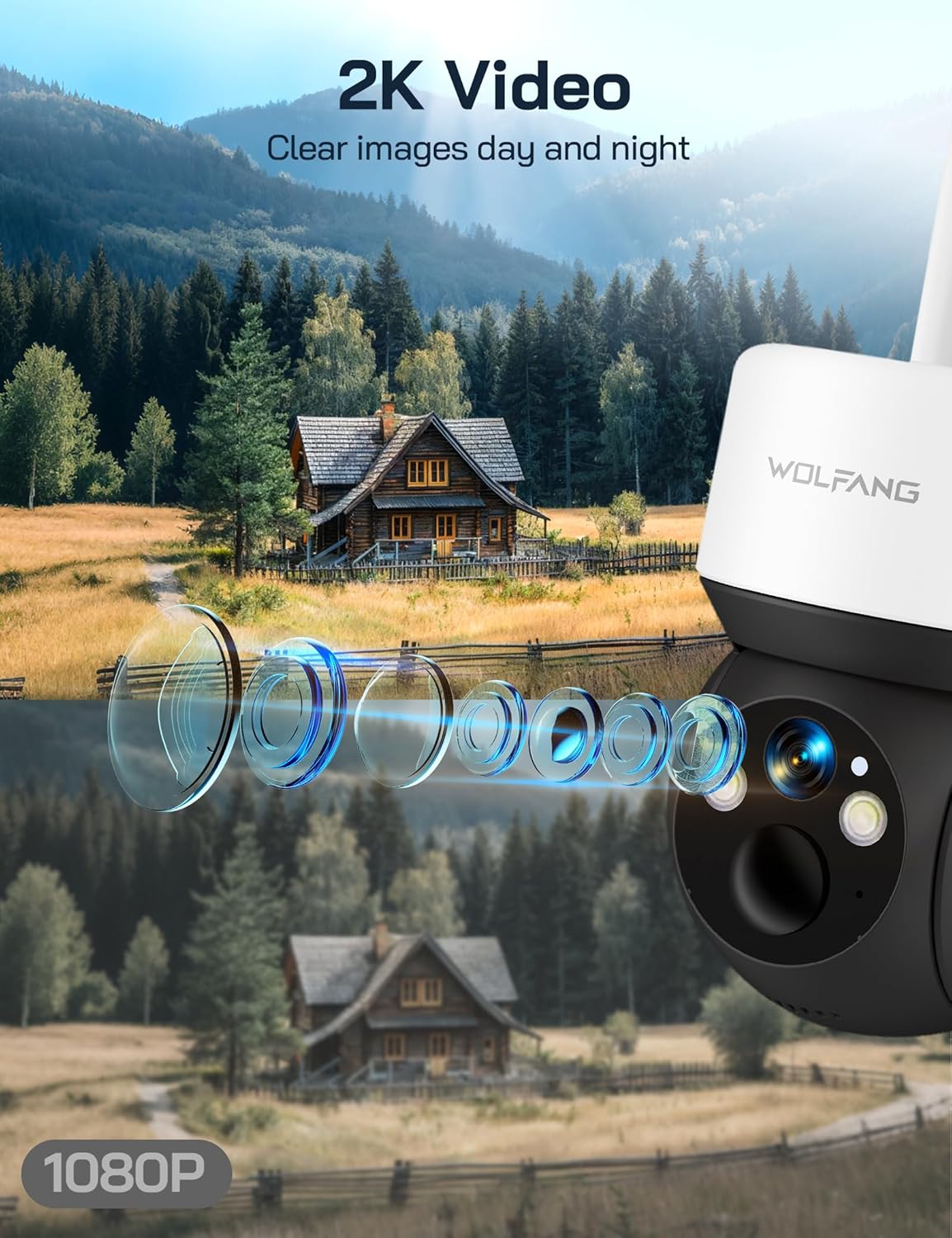
Image: A visual comparison demonstrating the superior clarity of 2.5K video resolution compared to 1080P, showcasing the camera's detailed image capture.
- Open the UBox app and select your camera from the device list.
- The live feed will display. You can tap the record button to start or stop manual recording.
- Recorded videos are saved to the SD card or cloud storage, depending on your settings.
4.2 Pan, Tilt ve Dijital Zoom
Kameranın kontrolünü sağlayın viewaçıyı uzaktan ayarlayın.
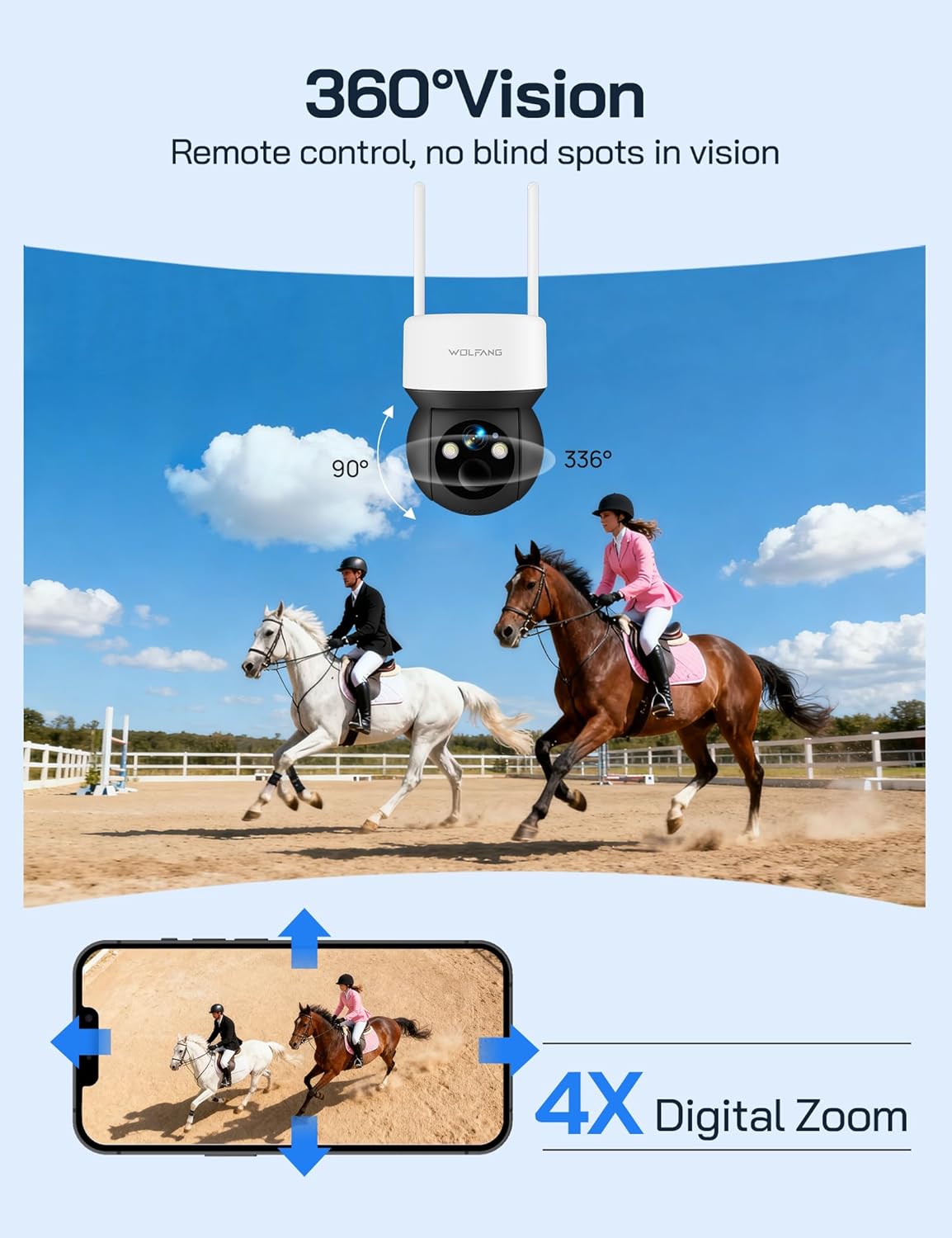
Image: The camera's 360-degree vision is depicted with directional arrows for pan and tilt, alongside a smartphone interface illustrating the 4x digital zoom function.
- canlı yayında view screen in the UBox app, use the directional controls to pan (355° horizontally) and tilt (90° vertically) the camera.
- Pinch to zoom on the live feed to utilize the 4x digital zoom feature.
4.3 Gece Görüş Modları
The camera offers two night vision options for different surveillance needs.

Image: A demonstration of the camera's night vision capabilities, including full-color night vision with spotlight, infrared (IR) black-and-white night vision, and smart night vision that automatically activates the spotlight.
- IR Gece Görüşü: Automatically activates in low-light conditions, providing clear black-and-white video without visible light.
- Renkli Gece Görüşü: When enabled, the camera's built-in spotlights illuminate the area, allowing for full-color video recording at night. This can be manually activated or set to trigger upon motion detection.
- Adjust night vision settings in the UBox app.
4.4 Hareket Algılama ve Uyarılar
Hareket algılandığında anında bildirim alın.
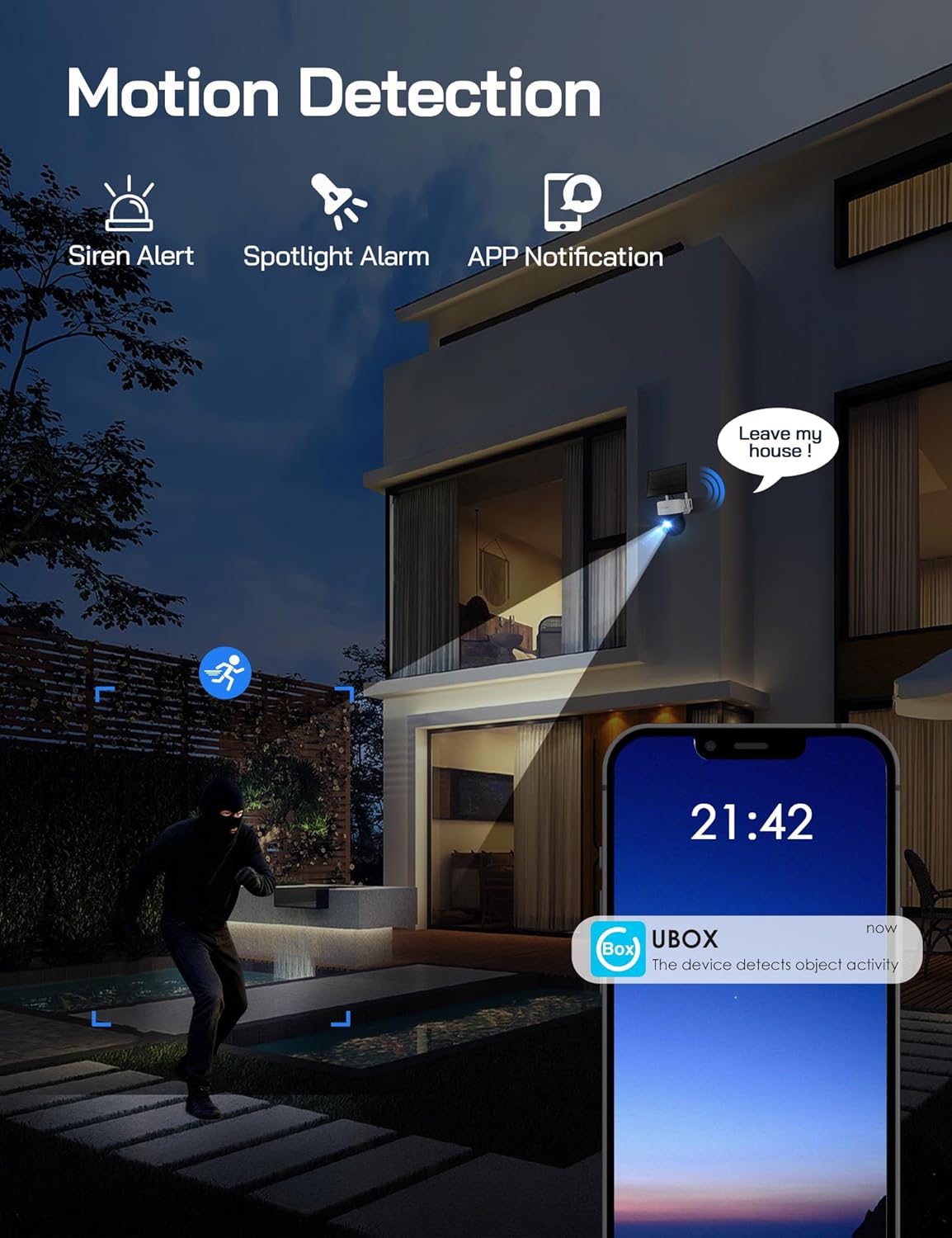
Image: A visual representation of the camera's motion detection system, showing a person being detected, which activates a spotlight, an audible siren, and sends an immediate notification to the user's smartphone via the UBox app.
- Enable motion detection in the UBox app settings.
- Adjust PIR sensitivity to minimize false alarms.
- When motion is detected, the camera will record a video clip, send a notification to your phone, and can optionally activate the spotlight and siren.
4.5 İki Yönlü Ses
Communicate through the camera using the UBox app.
- canlı yayında view Ekranda, kameranın hoparlöründen konuşmak için mikrofon simgesine dokunun.
- Kameranın mikrofonundan gelen sesi dinlemek için hoparlör simgesine dokunun.
5. Bakım
5.1 Temizlik
- Fotoğraf makinesinin objektifini ve güneş panelini düzenli olarak yumuşak bir bezle temizleyin.amp Net görüntüler ve verimli şarj sağlamak için kumaş.
- Sert kimyasallar veya aşındırıcı malzemeler kullanmayın.
5.2 Pil Yönetimi
- The solar panel is designed to keep the built-in battery charged. Ensure the solar panel is free from obstructions and receives adequate sunlight.
- Monitor battery levels through the UBox app. If the battery level is consistently low, check the solar panel's placement and cleanliness.
5.3 SIM Card Data
- The included SIM card provides 300MB of trial data. After this is used, you will need to renew the data package through the UBox app or replace the SIM card with one from your preferred provider.
- Ensure your SIM card has an active data plan for continuous 4G connectivity.
5.4 Firmware Güncellemesi
- Periodically check the UBox app for available firmware updates. Updates can improve performance, add new features, and enhance security.
- Follow the app's instructions carefully when performing firmware updates.
6. Sorun Giderme
6.1 Camera Not Connecting to 4G Network
- SIM Kartı Kontrol Edin: SIM kartın doğru takıldığından ve aktif bir veri paketine sahip olduğundan emin olun.
- Sinyal Gücü: Verify that the camera is in an area with sufficient 4G signal coverage. Relocate the camera if necessary.
- Restart Camera: Power cycle the camera by temporarily removing and reinserting the SIM/SD card cover (if accessible) or by pressing the reset button if available.
6.2 Pil Şarj Olmuyor
- Güneş Paneli Yerleşimi: Güneş panelinin günde birkaç saat doğrudan güneş ışığı alacak şekilde konumlandırıldığından emin olun.
- obstrüksiyonlar: Clear any dirt, dust, or debris from the solar panel surface.
- Kablo bağlantısı: Güneş paneli kablosunun kameraya güvenli bir şekilde bağlı olduğundan emin olun.
6.3 Hareket Algılama Çalışmıyor veya Çok Fazla Yanlış Alarm Veriyor
- Enable Feature: Confirm motion detection is enabled in the UBox app settings.
- Hassasiyeti Ayarlayın: Lower the PIR sensitivity in the app settings to reduce false alarms caused by small animals or environmental factors. Increase sensitivity if detections are missed.
- Algılama Bölgesi: Kameranın görüş alanının view covers the desired detection area.
6.4 Düşük Video Kalitesi
- Lensi Temizle: Fotoğraf makinesinin objektifini lekelerden ve kirlerden arındırmak için temizleyin.
- 4G Sinyali: A weak 4G signal can affect live stream quality. Ensure good signal strength.
- Uygulama ayarları: Check video quality settings in the UBox app; higher quality settings require more bandwidth.
7. Özellikler
| Özellik | Şartname |
|---|---|
| Model Numarası | WT08-WB |
| Video Çözünürlüğü | 2.5K Yüksek Çözünürlük |
| Bağlantı | 4G LTE (No Wi-Fi) |
| Güç Kaynağı | 3W Solar Panel, 7800mAh Built-in Battery |
| Tava açısı | 355° |
| Eğim Açısı | 90° |
| Dijital Zoom | 4x |
| Gece Görüşü | IR (Black & White), Color (with Spotlight) |
| Depolamak | 32GB SD Card (included), Cloud Storage Support |
| Ses | İki Yönlü İnterkom |
| Hava Direnci | IP66 |
| Çalışma Sıcaklığı | -15°C ila 50°C |
| Boyutlar (U x G x Y) | 11x13.8x14.8 cm |
| Ağırlık | 1.04 kilo |
8. Garanti ve Destek
For warranty information or technical assistance, please contact WOLFANG customer service. Our support team is available to help with any questions or issues you may encounter with your WT08-WB camera.
- E-posta Desteği: destek.vc@wolfang.co
- Please provide your model number (WT08-WB) and a detailed description of your issue when contacting support.


