giriiş
Thank you for choosing the Magcubic Smart Projector HY300GT. This portable projector offers a seamless smart entertainment experience with built-in Android 11, 2K support, and advanced features like automatic keystone correction and voice control. This manual provides essential information for setting up, operating, and maintaining your projector to ensure optimal performance.
Kurmak
1. Kutudan Çıkarma ve İlk İnceleme
Carefully remove all components from the packaging. Ensure all items listed below are present and undamaged.
- Magcubic Smart Projector HY300GT Unit
- Uzaktan kumanda
- Güç Adaptörü
- Kullanım Kılavuzu
2. Gücü Bağlama
Connect the power adapter to the projector's power input port and then plug it into a power outlet. The projector does not have an internal battery and requires continuous power for operation.
Resim: Arka view of the Magcubic HY300GT projector, highlighting the power input, HDMI, USB, and audio ports for connectivity.
3. Projektörün Konumlandırılması
Place the projector on a stable, flat surface. The unique portable and foldable split design allows for flexible positioning. You can adjust the angle of projection by tilting the main unit on its base. For optimal viewing, a distance of 5.2 feet from an 80-inch screen is recommended.

Image: The Magcubic HY300GT projector demonstrating its flexible projection capabilities, including projecting onto a ceiling from a bedside table.
4. İlk Güç Açma
Projeksiyon cihazındaki veya uzaktan kumandadaki güç düğmesine basarak cihazı açın. Projeksiyon cihazı açılacak ve ana arayüzü gösterecektir.
Kullanım Talimatları
1. Navigasyon ve Uzaktan Kumanda
Use the provided remote control to navigate the projector's interface. The remote features dedicated buttons for popular apps like YouTube, Netflix, Prime Video, and Google Play for quick access. It also includes navigation arrows, an OK button, volume controls, and a mute button.
Video: A demonstration of the projector's main interface and remote control functionality, showing navigation through apps and settings.
2. Adjusting Focus and Keystone Correction
The HY300GT features automatic hardware keystone correction, which adjusts the image in real-time to ensure a uniform and high-quality display, even with side projection. It also supports 80%-100% zoom function for screen size adjustment. For manual focus, use the dedicated focus buttons on the remote control.

Image: The projector automatically correcting a tilted image of a motocross rider, illustrating the hardware keystone correction feature.
3. Bağlantı (Wi-Fi ve Bluetooth)
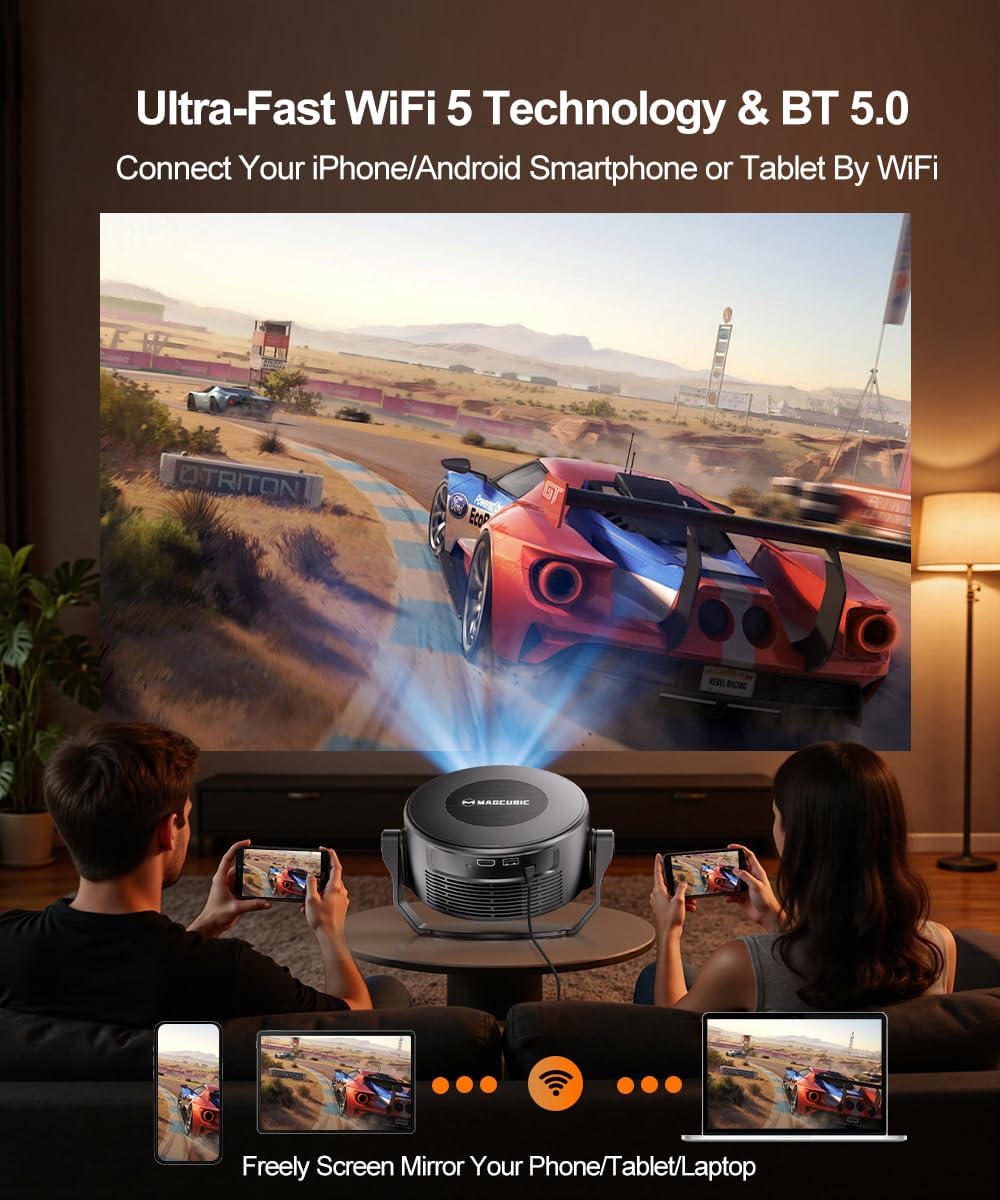
The projector supports 2T2R 802.11a/b/g/n/ac 2.4G&5G WIFI5 for fast and stable internet connectivity. Bluetooth 5.0 allows connection to wireless headphones or external speakers for enhanced audio. You can also effortlessly cast content from your smartphone, tablet, or PC screen.

Image: The projector's dual-band Wi-Fi and Bluetooth 5.0 capabilities are shown, with diagrams illustrating connections to external speakers and screen mirroring from a phone.
4. Using Built-in Android 11 and Voice Assistant
The projector comes with built-in Android 11, providing access to over 10,000 apps directly from the homepage, including YouTube, Prime Video, and Hulu. Use the smart voice assistant by pressing the voice button on the remote and issuing commands like "open YouTube" or "adjust volume."

Image: The projector's screen shows the Android 11 home interface with app icons, while a remote control illustrates how to use voice commands for operation.
Temel Özellikler
- Seamless Smart Entertainment: Built-in Android 11 with access to over 10,000 apps (YouTube, Prime Video, Hulu).
- Akıllı Sesli Asistan: Control the projector with simple voice commands for easy operation.
- Stunning Picture Quality: 260 ANSI lumens brightness, native 720P resolution with 2K support, and 10000:1 high contrast for vivid and sharp images.
- Gelişmiş Keystone Düzeltme: Automatic hardware keystone correction maintains 100% original resolution and supports 80%-100% zoom.
- En iyi ViewTürkçe: 0.8:1 throw ratio, recommended 5.2 feet distance for an 80-inch screen.
- Rich Audio & Stable Connectivity: Built-in 5W speaker, Bluetooth 5.0, and 2.4G&5G WIFI5 for a seamless audio-visual experience.
- Portable & Foldable Split Design: Detachable main body and base for mobile entertainment or free-form projection.
Özellikler
| Marka | Magcubic |
| Örnek | HY300GT |
| Ürün Ağırlığı | 2.4 pound |
| Paket Boyutları | 9.02 x 7.44 x 5.67 inç |
| Ekran Çözünürlüğü | 1280 x 720 (Native), 2K Support |
| Parlaklık | 260 ANSI Lümenleri |
| Kontrast Oranı | 10000:1 |
| Bağlantı Teknolojisi | Wi-Fi (2.4G&5G WIFI5), Bluetooth 5.0 |
| Özel Özellikler | Smart Voice Assistant, 5W Speaker, Auto Keystone Correction, Built-in Android 11 |
Bakım
1. Projektörün Temizlenmesi
Regularly clean the projector vents to prevent dust buildup, which can cause overheating and affect performance. Use a soft, dry cloth to clean the exterior surfaces. Do not use liquid cleaners or harsh chemicals.
2. Lens Bakımı
Gently clean the projector lens with a lens cleaning cloth. Avoid touching the lens directly with your fingers to prevent smudges.
Sorun giderme
1. No Power / Not Turning On
- Güç adaptörünün hem projektöre hem de çalışan bir elektrik prizine güvenli bir şekilde bağlı olduğundan emin olun.
- Başka bir cihazı takarak elektrik prizinin çalışır durumda olduğunu doğrulayın.
- Try pressing the power button on the projector unit itself, not just the remote.
2. Blurry Image / Focus Issues
- Allow the automatic keystone correction to complete its cycle.
- Use the dedicated focus buttons on the remote control to manually adjust the focus.
- Ensure the projection surface is flat and free from obstructions.
3. Ses Yok
- Check the volume level on the projector and the connected source device.
- Ensure the projector is not muted (check the mute button on the remote).
- Harici Bluetooth hoparlör kullanıyorsanız, bunların doğru şekilde eşleştirildiğinden ve bağlandığından emin olun.
Garanti ve Destek
- 30-Day Return or Exchange: Products are eligible for return or exchange within 30 days of purchase.
- Ömür Boyu Teknik Destek: Magcubic offers lifetime technical support for your projector.
- 24/7 Service Professional: Access to professional service support around the clock.
For any inquiries or assistance, please contact Magcubic customer support.