giriiş
This instruction manual provides essential information for the safe and efficient operation of your Skyworth 60Q6600H 60-Inch QLED+ 4K Google TV. Please read this manual thoroughly before using the television and retain it for future reference. It covers setup, operation, maintenance, and troubleshooting to ensure you get the best experience from your new TV.
Önemli Güvenlik Bilgileri
Elektrik çarpması, yangın veya hasar riskini azaltmak için her zaman şu temel güvenlik önlemlerine uyun:
- Güç Kaynağı: Televizyonu yalnızca 100-240V, 50/60Hz AC güç kaynağına bağlayın.
- Havalandırma: Ensure adequate ventilation. Do not block ventilation openings. Maintain a minimum distance of 10 cm (4 inches) around the TV for proper airflow.
- Su ve Nem: Televizyonunuzu yağmura veya neme maruz bırakmayın. Vazo gibi sıvı dolu nesneleri televizyonun üzerine koymayın.
- Isı Kaynakları: Keep the TV away from heat sources like radiators, heat registers, stoves, or other apparatus (including amp(ısı üreten)
- Temizlik: Temizlemeden önce televizyonu prizden çıkarın. Yumuşak, kuru bir bez kullanın. Sıvı temizleyiciler veya aerosol temizleyiciler kullanmayın.
- Servis: Bu ürüne kendiniz servis vermeye çalışmayın. Tüm servis işlemleri için kalifiye servis personeline başvurun.
- Çocuklar: Çocukların televizyonla oynamamaları için onları gözetim altında tutun.
Paket İçeriği
Aşağıda listelenen tüm öğelerin paketinizde bulunduğunu doğrulayın:
- Skyworth 60Q6600H 60-Inch QLED+ 4K Google TV
- Uzaktan kumanda
- TV Stand (Base)
- Kullanım Kılavuzu (Bu belge)
- Garanti Kartı
- Güç Kablosu
- Stand Montajı için Vidalar
Kurulum Kılavuzu
1. Unpacking the TV
Carefully remove the TV from its packaging. It is recommended to have two people for this process due to the size and weight of the television. Place the TV face down on a soft, flat surface (like a blanket or foam) to prevent screen damage during stand installation.
2. Standın Takılması
Televizyonu duvara monte etmeyecekseniz, birlikte verilen standı takın:
- Stand tabanlarını televizyonun alt kısmındaki ilgili yuvalara hizalayın.
- Secure each stand base with the provided screws using a screwdriver. Ensure the stands are firmly attached.
- Televizyonu dikkatlice dik konumuna kaldırın ve sağlam, düz bir yüzeye yerleştirin.
Duvara Montaj: The Skyworth 60Q6600H is wall-mountable. If you choose to wall-mount, please refer to the instructions provided with your wall-mount bracket (sold separately) and ensure professional installation for safety.
3. Çevre Birimlerini Bağlama
Harici cihazlarınızı TV'nin bağlantı noktalarına bağlayın. TV, birden fazla bağlantı seçeneği sunmaktadır:
- HDMI (HDMI 2.1): For high-definition devices like Blu-ray players, gaming consoles, and set-top boxes.
- USB BAĞLANTI: Medya oynatmak için USB depolama aygıtlarını bağlamak için files.
- LAN (Ethernet): Kablolu internet bağlantısı için.
- Anten/Kablo Girişi: Anten veya kablolu TV sinyalini bağlamak için.
- Ses Çıkışı: For connecting external sound systems.
4. İlk Açılış ve İlk Kurulum
- Güç kablosunu televizyona ve ardından duvardaki prize bağlayın.
- Uzaktan kumandadaki veya televizyonun üzerindeki güç düğmesine basın.
- Ekranda gösterilen talimatları izleyerek ilk kurulumu tamamlayın. Kurulum adımları şunlardır:
- Dil seçimi.
- Connecting to a Wi-Fi network (or using a wired LAN connection).
- Google TV özelliklerine, uygulamalarına ve Google Asistan'a erişmek için Google hesabınızla oturum açın.
- Scanning for available TV channels (if using an antenna).
Televizyonunuzu Çalıştırma
1. Uzaktan Kumanda İşlevleri
The included remote control allows you to navigate the TV's interface and control various functions. Familiarize yourself with the buttons for power, volume, channel, input selection, Google Assistant, and app shortcuts.
2. Navigating Google TV Interface
Google TV organizes your content from various streaming services and live TV into a personalized home screen. Use the directional pad and OK button on your remote to browse recommendations, access your apps, and manage settings.
3. Akıllı Özelliklerin Kullanımı
- Google Asistan: Uzaktan kumandanızdaki Google Asistan düğmesine basın ve içerik aramak, akıllı ev cihazlarını kontrol etmek, sorularınıza cevap almak ve daha fazlasını yapmak için mikrofona konuşun.
- Chromecast Yerleşik: Cast content (videos, photos, music) directly from your compatible smartphone, tablet, or computer to the TV. Look for the Cast icon in supported apps.
- Uygulamalar: Access pre-installed apps like Netflix, YouTube, and Prime Video. Download thousands more from the Google Play Store.
4. Resim Ayarları
Your Skyworth 60Q6600H features advanced display technologies. Adjust picture settings via the TV's menu to optimize your viewDeneyim.
- QLED+ Display: Enjoy vibrant colors and enhanced brightness.
- HDR10+: Uyumlu içerikler için üstün kontrast ve renk doğruluğu sağlar.
- Göz Bakımı 5.0: Uzun süreli kullanımda göz yorgunluğunu en aza indirmek için mavi ışık emisyonunu azaltır. viewIng.
- 120Hz Turbo Hareket ve MEMC: Enhances motion clarity, reducing blur and judder in fast-paced scenes.
- Film Maker Mode: Preserves the original aspect ratio, colors, and frame rates of films as intended by the director.
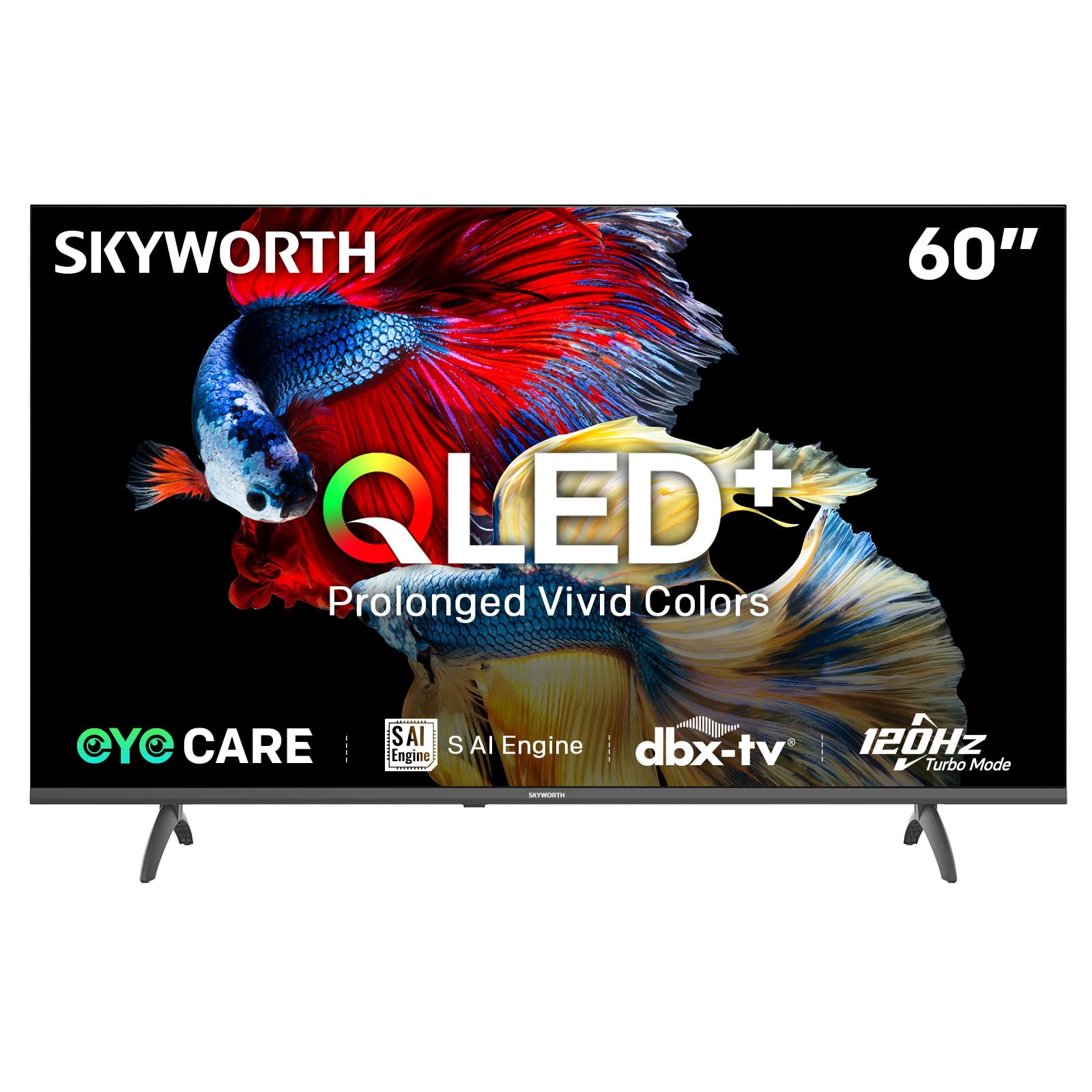
Image: A diagram illustrating the "No-Fading Extended Watching" feature, comparing Skyworth's stable and eco-friendly quantum dot performance over 10 years against conventional quantum dots.

Image: A graphic explaining the QLED+ technology, emphasizing its vivid, eco-friendly, brilliant, and prolonged color performance.

Image: An illustration of the 120Hz Turbo Motion feature, depicting a motocross rider with multiple frames to show enhanced motion clarity compared to 60Hz.
5. Ses Ayarları
The TV is equipped with 2x15W speakers and supports Dolby Digital/DBX audio processing for clear and powerful sound. Adjust sound modes (e.g., Standard, Music, Movie) and equalizer settings in the audio menu.

Image: A visual highlighting Skyworth's collaboration with Total Sonics for enhanced audio quality, featuring a sound wave graphic and a person associated with audio engineering.
6. Oyun Modu
Activate Game Mode for reduced input lag and optimized picture settings when connecting gaming consoles, providing a more responsive gaming experience.
7. DVB-T2 Tuner
The integrated DVB-T2 tuner allows you to receive digital terrestrial television broadcasts. Perform a channel scan in the TV settings to find available channels.
Bakım
1. Televizyonun Temizlenmesi
- Ekran: Ekranı yumuşak, tiftiksiz bir bezle nazikçe silin. İnatçı lekeler için hafifçe silin.ampBezi suyla veya özel bir ekran temizleyiciyle (TV ekranları için güvenli olduğundan emin olun) ıslatın ve nazikçe silin. Asla sıvıyı doğrudan ekrana püskürtmeyin.
- TV Gövdesi: Use a soft, dry cloth to wipe dust from the TV's frame and stand.
- Önemli: Temizlemeden önce mutlaka televizyonun fişini prizden çekin.
2. Yazılım Güncellemeleri
Your Google TV may receive automatic software updates to improve performance and add new features. Ensure your TV is connected to the internet for these updates. You can also manually check for updates in the TV's settings menu.
3. Depolama ve Taşıma
If storing the TV for an extended period, keep it in a cool, dry place, preferably in its original packaging. When moving the TV, always lift it with at least two people and avoid putting pressure on the screen.
Sorun giderme
Müşteri desteğiyle iletişime geçmeden önce, sık karşılaşılan sorunlar için aşağıdaki çözümleri deneyin:
| Sorun | Olası Çözüm |
|---|---|
| Güç Yok |
|
| Görüntü Yok, Ama Ses Var |
|
| Ses Yok, Ama Görüntü Var |
|
| Uzaktan Kumanda Çalışmıyor |
|
| Ağ Bağlantı Sorunları |
|
Fabrika Ayarlarına Sıfırlama
If problems persist, a factory reset may resolve them. This will erase all personal settings and installed apps, returning the TV to its original factory state. Navigate to Ayarlar > Sistem > Hakkında > Sıfırla > Fabrika ayarlarına sıfırlama ve seçiminizi onaylayın.
Özellikler
Detailed technical specifications for the Skyworth 60Q6600H TV:
| Özellik | Detay |
|---|---|
| Örnek | 60Q6600H |
| Ekran Boyutu | 60 inç |
| Ekran Teknolojisi | QLED+ |
| Çözünürlük | 3840x2160 (4K UHD) |
| Yenileme Hızı | 120Hz Turbo Motion |
| HDR Desteği | HDR10+ |
| Parlaklık | 300 nit |
| Renk Gamı | %90 DCI-P3 |
| Eye Care Teknolojisi | Eye Care 5.0 |
| İşletim Sistemi | Google televizyon |
| Ses Çıkışı | 2 x 15W Hoparlör |
| Ses Teknolojisi | Dolby Digital, DBX |
| Bağlantı | HDMI 2.1, USB, LAN, Bluetooth 5.1, Dual-band WiFi |
| Ayarlayıcı | DVB-T2 |
| Ürün Boyutları (standlı) | 134.5G x 29.9D x 85.8Y cm |
| Ürün Ölçüleri (ayaklık hariç) | 134.5G x 8.8D x 78.5Y cm |
| Ağırlık (stand ile) | 15.9 kilo |
| Ağırlık (standsız) | 12.1 kilo |
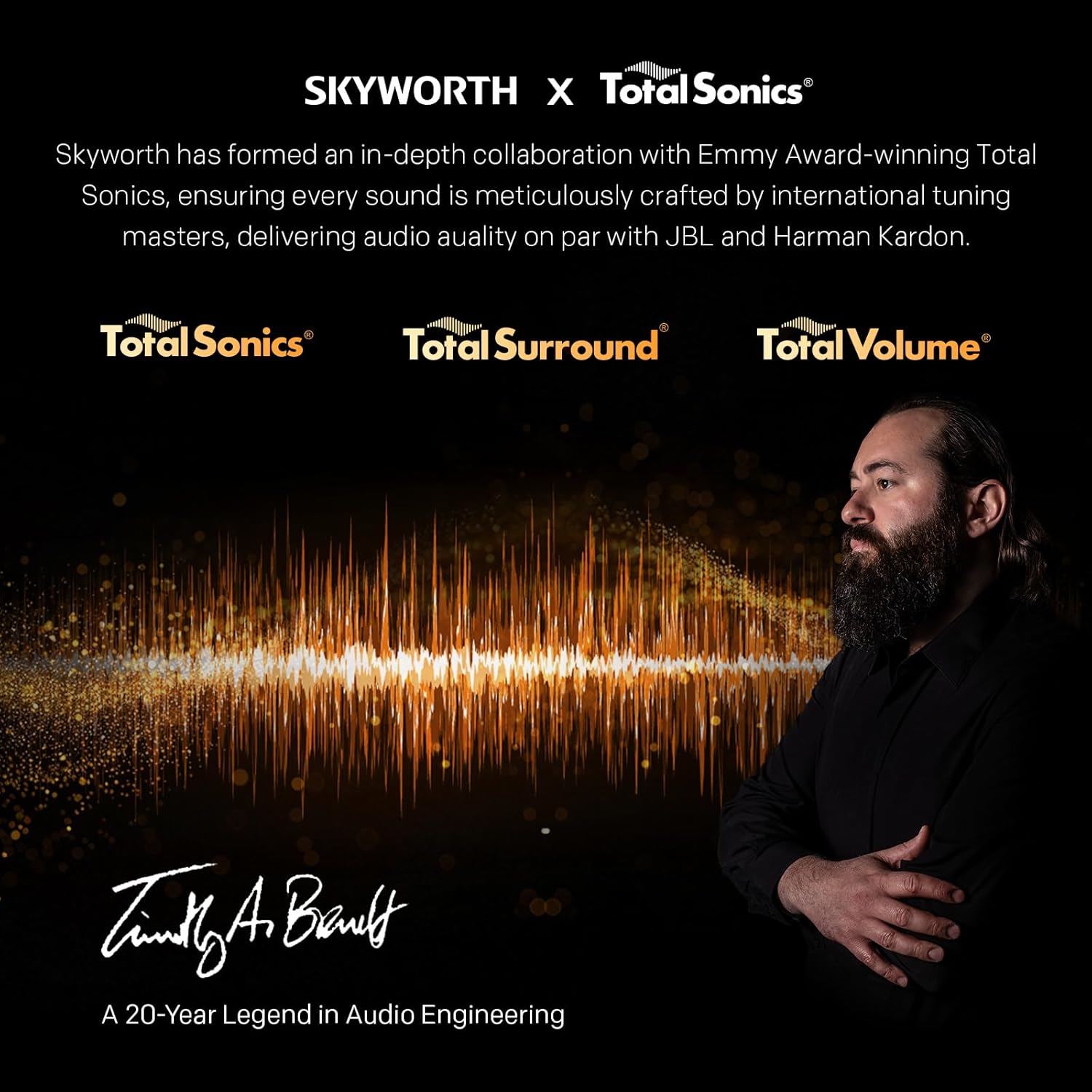
Image: A detailed diagram illustrating the width, depth, and height dimensions of the Skyworth Q6600H 60-inch TV, both with and without its stand.
Garanti ve Destek
Garanti Bilgileri
Your Skyworth 60Q6600H TV comes with a 3 Yıllık Üretici Garantisi. This warranty covers defects in materials and workmanship under normal use. Please retain your proof of purchase for warranty claims. For full terms and conditions, refer to the included Warranty Card.
Spare part availability information is not available or provided.
Müşteri Desteği
If you encounter issues that cannot be resolved using the troubleshooting guide, or for any other inquiries, please contact Skyworth customer support. Refer to your Warranty Card or the official Skyworth webEn güncel iletişim bilgileri için sitemizi ziyaret edin.
Çevrimiçi Kaynaklar: Skyworth'ün resmi sitesini ziyaret edin. webSıkça sorulan sorular, yazılım indirmeleri ve ek destek kaynakları için site.


