giriiş
Thank you for choosing the INPHIC Wireless Rechargeable Mouse. This manual provides detailed instructions for setting up, operating, and maintaining your mouse to ensure optimal performance and longevity. This mouse features a visible battery indicator, silent buttons, an ergonomic design, and adjustable DPI settings for a comfortable and efficient user experience.
Kurmak
1. Paket İçeriği
- INPHIC Wireless Rechargeable Mouse
- USB Alıcı (farenin içinde saklanır)
- USB-C Şarj Kablosu
- Kullanıcı Kılavuzu
2. İlk Şarj
Before first use, fully charge the mouse for approximately 1 hour. Connect the provided USB-C charging cable to the mouse's charging port and the other end to a USB power source (e.g., computer USB port, USB wall adapter). The visible battery indicator on the top of the mouse will show charging status and remaining battery level.

Image: The mouse connected via USB-C cable for charging, highlighting the charging port and the visible battery level indicator.
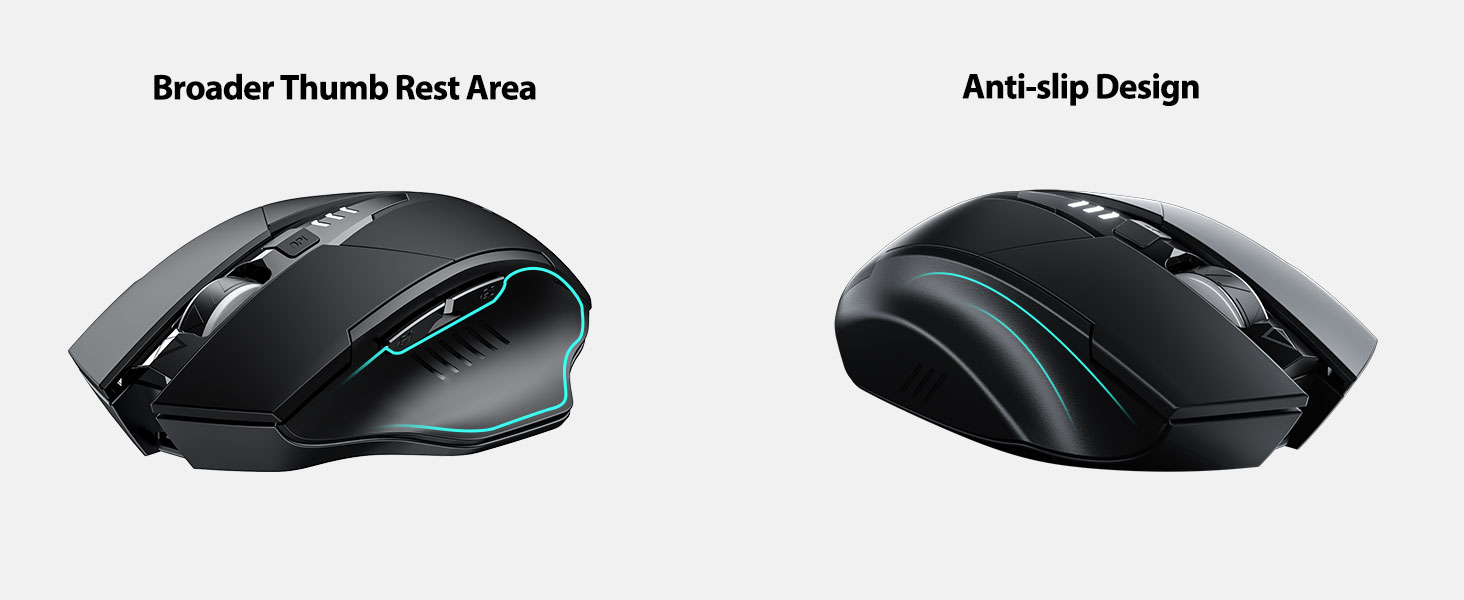
Image: A close-up of the mouse's top surface, showing the illuminated battery indicator displaying the current charge level.
3. Connecting the USB Receiver (2.4G Mode)
- Farenin alt kısmındaki bölmede saklanan USB alıcısını bulun.
- USB alıcısını çıkarın.
- USB alıcısını bilgisayarınızdaki veya dizüstü bilgisayarınızdaki kullanılabilir bir USB bağlantı noktasına takın.
- Alt tarafta bulunan güç düğmesini kullanarak fareyi açın.
- Bilgisayarınız gerekli sürücüleri otomatik olarak algılayıp yükleyecektir. Fare kullanıma hazırdır.

Image: The underside of the mouse, illustrating the storage compartment for the USB receiver.

Image: The mouse in use on a desk, demonstrating its reliable 2.4G wireless connection with a laptop.
4. Uyumluluk
The 2.4G USB connected mode is compatible with any USB-enabled device and supports a wide range of operating systems, including:
- Windows 7/8/10/XP, Vista
- Mac OS Sistemi
- Android
- Chrome İşletim Sistemi
- Linux çekirdeği 2.6+

Image: The mouse positioned alongside icons representing Windows, Chrome OS, and Linux, illustrating its broad compatibility.
Kullanım Talimatları
1. Güç Açma/Kapatma ve Uyku Modu
Use the power switch on the bottom of the mouse to turn it on or off. To conserve battery, the mouse will automatically enter sleep mode after 5 minutes of inactivity. Click any button to wake it up.
2. DPI Ayarlaması
The mouse features 4 adjustable DPI levels: 800, 1200, 1600, and 2400. Press the DPI button located behind the scroll wheel to cycle through these settings. Each press will change the cursor speed, allowing you to select the sensitivity that best suits your task.
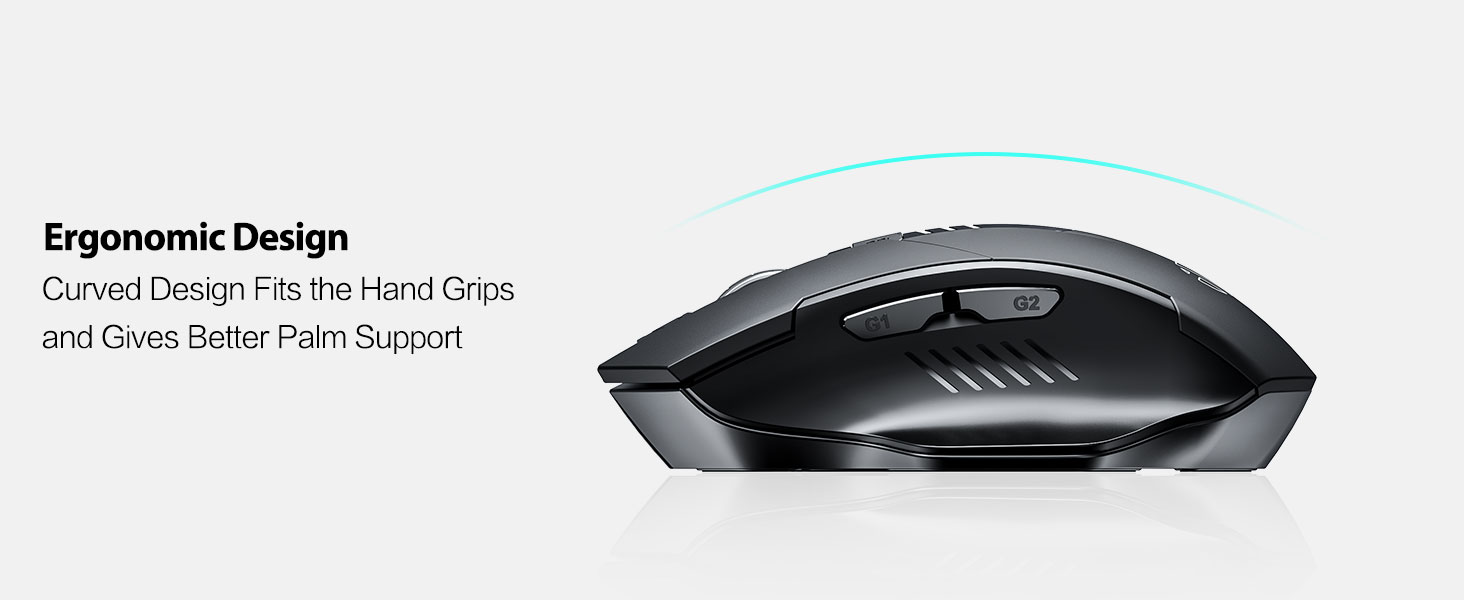
Image: An illustration showing the mouse and a graphic representing the adjustable DPI settings from 800 to 2400.

Resim: Yakın çekim view of the DPI controller button located on the top of the mouse.
3. Düğme Fonksiyonları
The mouse is equipped with 6 efficient buttons:
- Sol Tıklama Düğmesi: Primary function, silent operation.
- Sağ Tıklama Butonu: Secondary function, silent operation.
- Kaydırma tekerleği: Dikey kaydırma için. Ayrıca orta tıklama işlevi için de basılabilir.
- DPI Düğmesi: İmleç hassasiyetini ayarlar (800/1200/1600/2400 DPI).
- Side Buttons (G1, G2): Typically function as 'Forward' and 'Back' in web tarayıcılar ve file kaşifler.

Image: The mouse on a desk, emphasizing its quiet left and right click buttons for reduced noise.

Resim: Yakın çekim view of the smooth scrolling wheel on the mouse.
4. Ergonomik Tasarım
The mouse is designed for right-handed users with a curved shape and a broader thumb rest area to provide optimal support for the entire palm and fingers. This design aims to reduce pressure and tension during extended use.
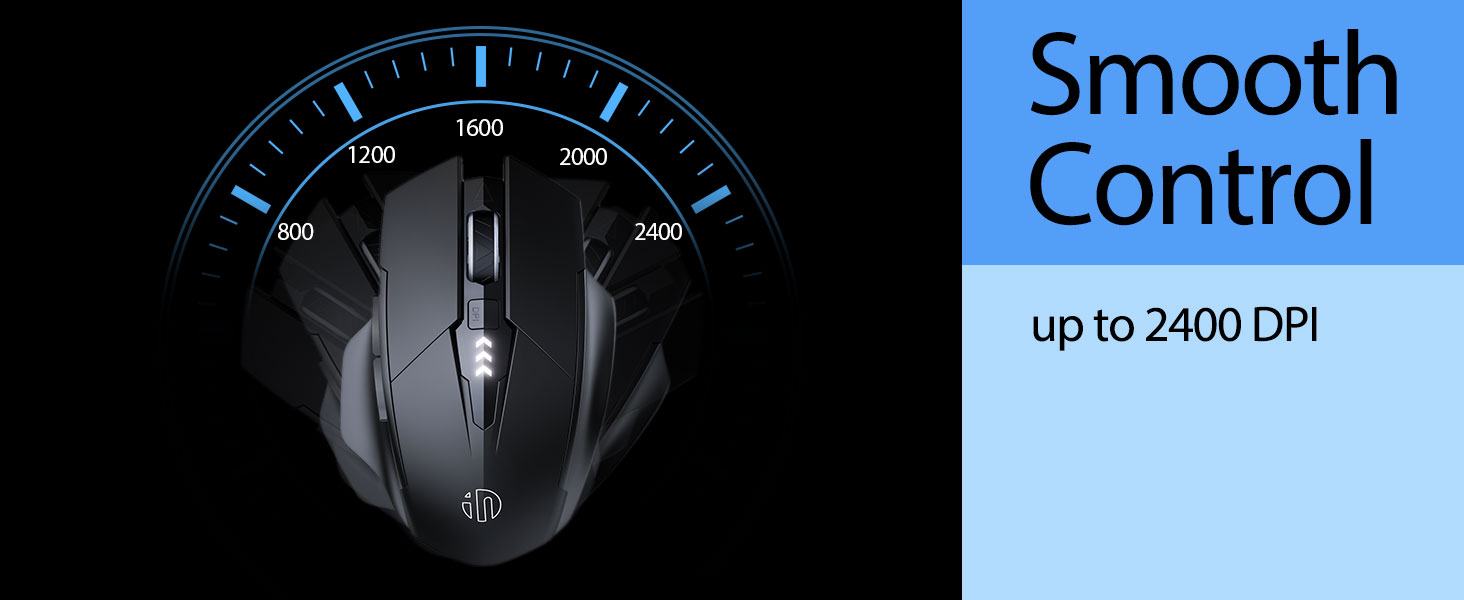
Image: An illustration demonstrating the ergonomic curve of the mouse, designed to fit the hand comfortably.

Resim: İki views of the mouse, highlighting its broader thumb rest area and anti-slip design for improved grip and comfort.
Bakım
1. Temizlik
Farenizi temizlemek için yüzeyini yumuşak bir bezle hafifçe silin.amp Bez kullanın. Yüzeye zarar verebileceğinden sert kimyasallar veya aşındırıcı malzemeler kullanmaktan kaçının. İç bileşenlere sıvı girmemesine dikkat edin.
2. Depolama
When not in use for extended periods, store the mouse in a cool, dry place. It is recommended to turn off the mouse to preserve battery life. The USB receiver can be stored in its dedicated compartment on the mouse's underside.
3. Pil Bakımı
The built-in 400mAh rechargeable battery is designed for long-lasting performance. For optimal battery health, avoid completely draining the battery frequently. Recharge the mouse when the visible indicator shows a low battery level. Do not expose the mouse to extreme temperatures.
Sorun giderme
| Sorun | Olası Neden | Çözüm |
|---|---|---|
| Fare yanıt vermiyor | Low battery; USB receiver disconnected; Mouse power off. | Charge the mouse; Re-insert USB receiver; Turn on the mouse. |
| İmleç hareketi düzensiz veya yavaş | Incorrect DPI setting; Dirty optical sensor; Unsuitable surface. | Adjust DPI using the DPI button; Clean the optical sensor; Use on a clean, non-reflective surface. |
| Fare şarj olmuyor | USB-C kablosu veya güç kaynağı arızalı olabilir. | Try a different USB-C cable or USB port/power adapter. |
| Side buttons (G1/G2) not working | Application does not support side button functions. | Ensure the application (e.g., web browser) is active and supports 'back'/'forward' commands. |
Özellikler
- Modeli: B0FQCCP1VH
- Ürün Ölçüleri: 4.7 x 3.1 x 0.1 inç
- Ürün Ağırlığı: 4.2 ons
- Pil: 1 Nonstandard Battery (400mAh, included)
- Bağlantı Teknolojisi: 2.4G Kablosuz (USB Alıcı)
- Hareket Algılama Teknolojisi: Optik
- DPI Düzeyleri: 800 / 1200 / 1600 / 2400 (Ayarlanabilir)
- Düğmeler: 6 (Left, Right, Scroll Wheel, DPI, G1, G2)
- Özel Özellikler: Ergonomic Design, LED Battery Level Display, Rechargeable, Silent Clicks (Left & Right Buttons)
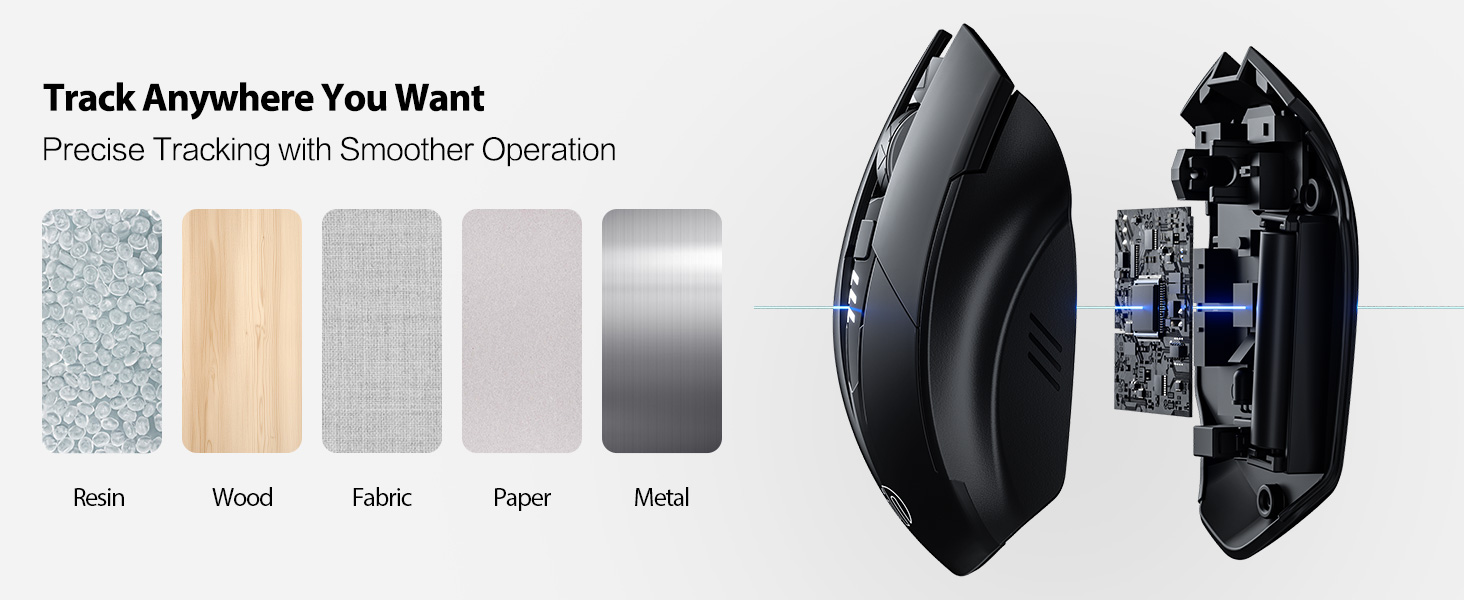
Image: A diagram illustrating the physical dimensions of the INPHIC Wireless Mouse.
Ürün Videosu
Video: Bir fazlaview of the INPHIC Wireless Rechargeable Mouse, demonstrating its features and ergonomic design.
Garanti ve Destek
Garanti bilgileri veya teknik destek için lütfen ürün ambalajına bakın veya doğrudan üreticiyle iletişime geçin. Satın alma belgesi olarak satın alma fişinizi saklayın.


