giriiş
The OMAIC Silicone Protective Cover is designed to safeguard your Samsung Smart TV remote control from daily wear and tear. This durable and flexible silicone case offers enhanced grip, protection against drops and impacts, and a unique glow-in-the-dark feature for easy location in low-light conditions. It is crafted from safe, skin-friendly, and washable material, making it suitable for households with children and pets.
Uyumluluk
This silicone protective remote cover is specifically designed for Samsung Smart TV remote controls from the BN59-Series and Samsung soundbar remote control models. Please verify your remote model against the list below to ensure proper fit:
- Samsung Smart TV Remote Control BN59-Series: BN59-01385A, BN59-01385B, BN59-01386A, BN59-01391A, BN59-01311B, BN59-01363A, BN63-19253A.
- Samsung Soundbar Remote Control Models: AH81-15047A, AH81-15944A, AH81-15047A, AH81-15340A.

Kurulum ve Yükleme
Installing the OMAIC silicone cover on your compatible Samsung remote is a straightforward process:
- Ensure your remote control is clean and dry before installation.
- Gently slide the remote control into the silicone cover, starting from the top (button end).
- Adjust the cover to ensure all buttons and sensors are properly aligned and accessible.
- If your cover includes a lanyard, thread it through the designated hole at the bottom of the cover for added security.

Video: This video provides a step-by-step guide on how to install the silicone protective cover onto your Samsung remote control, demonstrating the ease of application and highlighting key features.
Kullanım Talimatları ve Özellikler
The OMAIC silicone cover enhances your remote control experience with several key features:
- Gelişmiş Kavrama: The soft silicone material provides a comfortable and secure grip, reducing the chance of accidental slips.
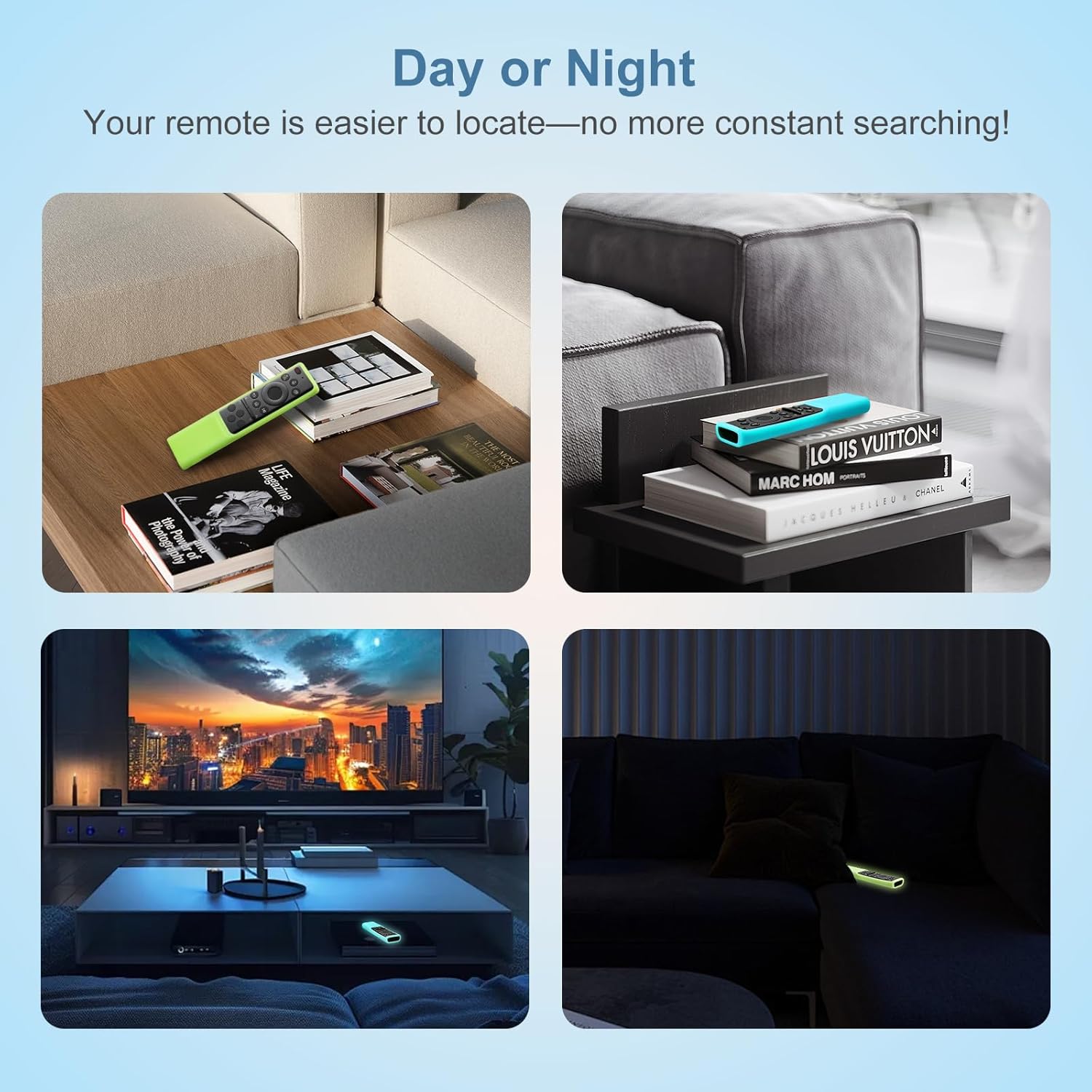
- Karanlıkta Parlayan: The cover features a glow-in-the-dark property, making your remote easy to locate in dimly lit rooms or at night. Expose the cover to light for a period to activate its luminescence.
- Düğme Erişilebilirliği: Precision cutouts ensure full access to all remote buttons and functions without obstruction.
- Koruma: The cover acts as a protective barrier against drops, impacts, and scratches, extending the lifespan of your remote.
Bakım ve Onarım
To keep your OMAIC silicone cover in optimal condition:
- Temizlik: The silicone material is washable. You can gently wipe it with a damp cloth or rinse it under water. Ensure it is completely dry before re-installing your remote.
- Dayanıklılık: The cover is designed to be wear-resistant and durable, providing long-lasting protection.
- Malzeme Güvenliği: Made from safe, skin-friendly silicone, it is harmless for use around children and pets.

Sorun giderme
- Kapak uymuyor: Double-check your remote control model against the compatibility list in the "Compatibility" section. Ensure it is a BN59-Series Samsung Smart TV remote or a compatible Samsung soundbar remote.
- Glow-in-the-dark feature is weak: The glow-in-the-dark material requires exposure to light to charge. Place the remote cover under direct light (natural or artificial) for a period to enhance its luminescence.
- Buttons are obstructed: Remove the cover and re-install it carefully, ensuring all cutouts align perfectly with the remote's buttons and sensors.
Özellikler
| Özellik | Detay |
|---|---|
| Marka | OMAMİK |
| Model Uyumluluğu | Samsung BN59-Series (e.g., BN59-01385A) and select Samsung Soundbar remotes |
| Malzeme | Yumuşak silikon |
| Renk | Glow Green and Glow Blue (as per 2-pack) |
| Özellikler | Glow-in-the-dark, Anti-slip, Shockproof, Waterproofing, Anti-fingerprint, Washable, Enhanced Grip, Raised Bezel |
| Paket Boyutları | 7.44 x 3.54 x 0.67 inç |
| Ürün Ağırlığı | 1.41 ons |
| Dahil Aksesuarlar | Lanyard (one per cover) |
Garanti ve Destek
OMAIC provides 100-Day service support for this product. Our dedicated customer service team is available around the clock to assist with any questions or concerns you may have. We aim to provide a response within 12 hours, along with personalized help.
For support, please contact the seller, LEMUS, through the Amazon platform or refer to the contact information provided with your purchase.


