giriiş
This manual provides essential information for the NIMO 15.6-inch Light Gaming Laptop N15A. It covers setup, operation, maintenance, troubleshooting, and product specifications. Please read this manual thoroughly before using your new laptop to ensure proper function and longevity.

Image: NIMO 15.6-inch Light Gaming Laptop N15A, showcasinEkranının ve klavyesinin tamamını gösterir.
Paket İçeriği
Verify that all items listed below are present in your product packaging. If any items are missing or damaged, please contact NIMO customer support.
- 1 x NIMO N15A Laptop
- 1 x Type-C 100W PD Hızlı Şarj Cihazı
- 1 x Kullanım Kılavuzu
- Windows 11 Home İşletim Sistemi (önceden yüklenmiş)
Ürün Bittiview
The NIMO N15A laptop is designed for balanced performance, featuring an AMD Ryzen 7 Pro 6850U processor, 32GB LPDDR5 RAM, and a 1TB PCIe 4.0 SSD. It includes a 15.6-inch Full HD IPS display, a backlit keyboard, and an integrated fingerprint reader for secure access.
Temel Özellikler:
- İşlemci: AMD Ryzen 7 Pro 6850U with 8 Cores and 16 Threads, up to 4.7GHz.
- Grafikler: Integrated AMD Radeon 680M GPU.
- Hafıza: 32GB LPDDR5 RAM for efficient multitasking.
- Depolamak: 1TB PCIe 4.0 SSD for fast boot times and data access.
- Görüntülemek: 15.6-inch Full HD (1920x1080) IPS Anti-Glare Display.
- Şarj: 100W USB-C Power Delivery fast charging.
- Güvenlik: Integrated fingerprint reader for secure login.
- Klavye: Backlit keyboard for use in various lighting conditions.

Image: Visual representation of the AMD Ryzen 7 Pro 6850U processor's core and thread count, and turbo boost speed.
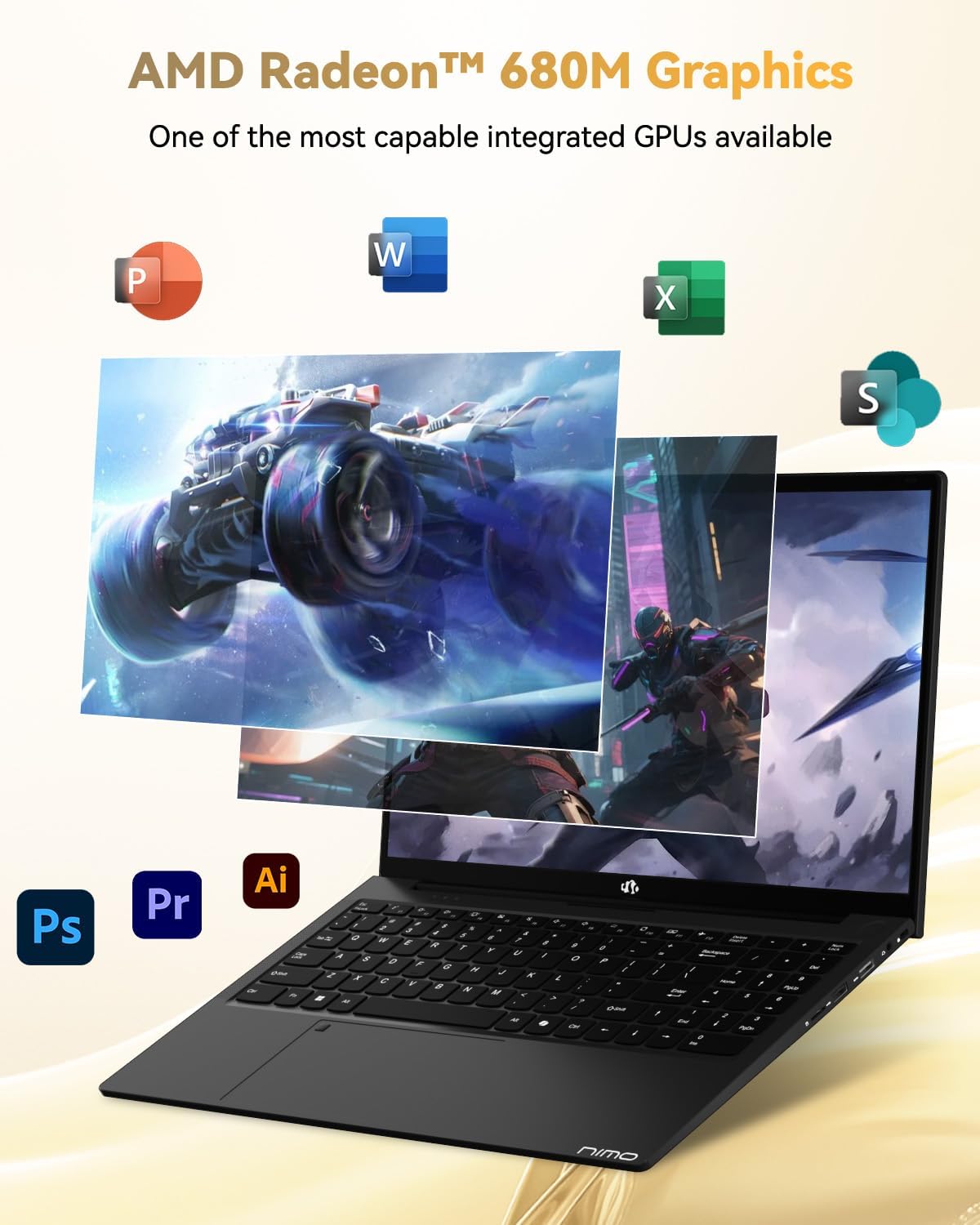
Image: Illustration highlighting the capabilities of the AMD Radeon 680M integrated graphics for various applications.

Image: Diagram showing the 32GB LPDDR5 RAM and 1TB PCIe 4.0 SSD for seamless multitasking and ample depolama.
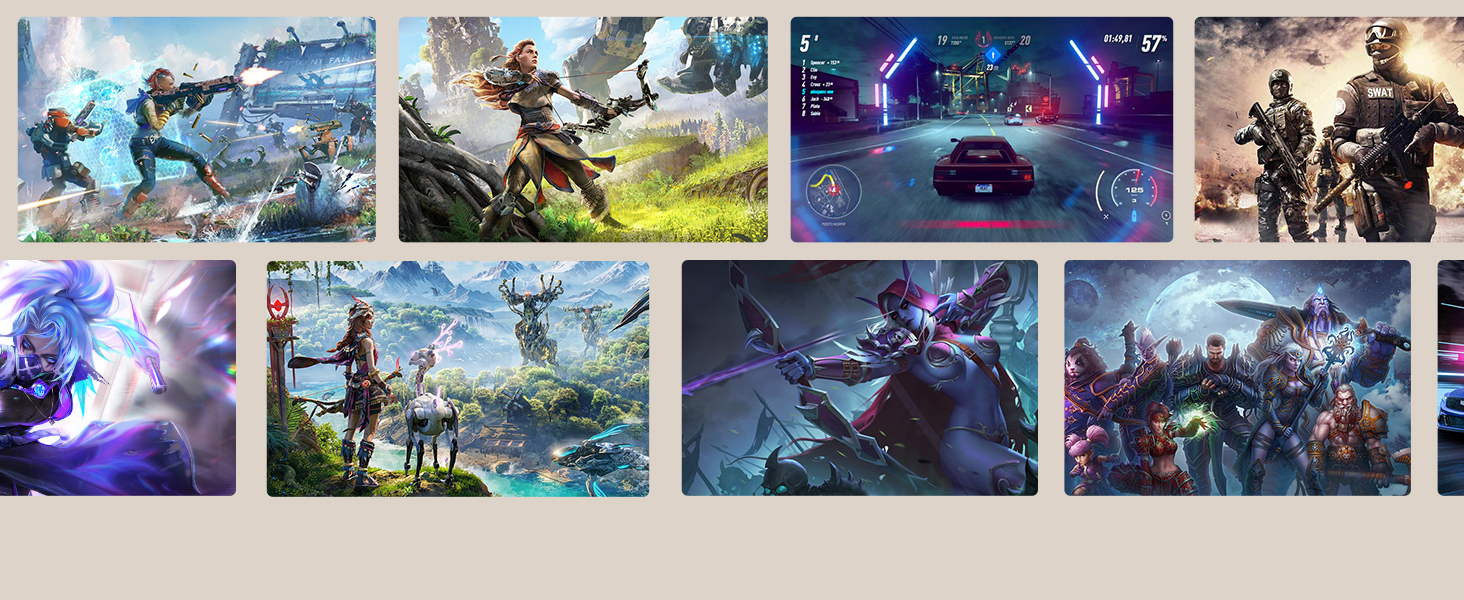
Image: The NIMO N15A laptop displaying a vibrant image on its 15.6-inch Full HD IPS screen.
Bağlantı Noktaları ve Bağlantı:

Image: Diagram illustrating the various ports on the NIMO N15A laptop, including USB, HDMI, and Type-C.
- Mikro SD Okuyucu
- USB 2.0 Bağlantı Noktası
- USB 3.2 Ports (multiple)
- Kulaklık girişi
- Kensington Kilit Yuvası
- Type-C (Multifunction) Ports (supporting charging and data transfer)
- HDMI Bağlantı Noktası
Kurmak
1. Initial Charging and Power On:
- Connect the provided 100W Type-C PD Fast Charger to the laptop's Type-C charging port and a power outlet.
- Allow the laptop to charge for at least 30 minutes before initial use, or until the charging indicator shows sufficient battery.
- Dizüstü bilgisayarı açmak için klavyede bulunan güç düğmesine basın.

Image: Illustration of the NIMO N15A laptop being charged with the 100W Type-C PD Fast Charger.
2. Windows 11 Initial Setup:
Follow the on-screen prompts to complete the Windows 11 setup process. This typically includes:
- Bölgenizi ve klavye düzeninizi seçin.
- Bir Wi-Fi ağına bağlanma.
- Microsoft hesabınızla oturum açma veya yerel bir hesap oluşturma.
- PIN veya parola belirleme.
- Gizlilik ayarlarını yapılandırma.
Kullanım Talimatları
Güç yönetimi:
- Güç Açık: Güç düğmesine basın.
- Uyku modu: Kapağı kapatın veya güç düğmesine kısa süreliğine basın.
- Kapat: Başlat düğmesine, ardından Güç düğmesine ve son olarak Kapat düğmesine tıklayın.
- Tekrar başlat: Başlat düğmesine, ardından Güç düğmesine ve son olarak Yeniden Başlat düğmesine tıklayın.
Klavye ve Dokunmatik Yüzey:

Resim: Yakın çekim view of the NIMO N15A laptop's backlit keyboard and the integrated fingerprint reader on the touchpad.
- Arkadan Aydınlatmalı Klavye: Use the dedicated function key (usually Fn + Fx) to toggle the keyboard backlight on/off and adjust brightness levels.
- Parmak izi okuyucu: The fingerprint reader is integrated into the touchpad. During Windows setup, you can configure your fingerprint for secure, quick login.
- Hassas Dokunmatik Yüzey: Gezinme için çoklu dokunmatik hareketleri destekler. Özelleştirme için Windows ayarlarına bakın.
Çevre Birimlerinin Bağlanması:
Utilize the various ports to connect external devices such as monitors, printers, external storage, and audio devices.
- USB Cihazları: Plug USB devices into the available USB 2.0 or USB 3.2 ports.
- Harici Ekran: Connect an external monitor or TV using the HDMI port or a compatible Type-C adapter.
- Ses: Use the 3.5mm headphone jack for headphones or external speakers.
Kamera Gizliliği:

Image: Illustration of the NIMO N15A laptop's built-in privacy camera switch, allowing users to easily disable the webkam.
The NIMO N15A laptop features a built-in privacy camera switch. This allows you to physically disable the 2.0MP webKullanılmadığı zamanlarda kamerayı açık tutarak gizliliğinizi korur.
Bakım
Dizüstü bilgisayarın temizlenmesi:
- Power off the laptop and disconnect the charger before cleaning.
- Yumuşak, tiftiksiz bir bez kullanın ve hafifçe kurulayın.ampEkranınızı su veya ekran temizleyicisi ile temizleyin.
- Klavye ve kasa için yumuşak bir bez kullanın. Sert kimyasallardan veya aşındırıcı malzemelerden kaçının.
- Klavye tuşlarından ve havalandırma deliklerinden tozu temizlemek için basınçlı hava kullanın.
Pil Bakım:
- Pilin sık sık tamamen boşaltılmasından kaçının.
- Store the laptop in a cool, dry place if not used for extended periods, with the battery charged to around 50-70%.
- Use only the original NIMO 100W Type-C PD Fast Charger.
Yazılım Güncellemeleri:
- Sistemin istikrarını ve güvenliğini sağlamak için Windows güncellemelerini düzenli olarak kontrol edin ve yükleyin.
- Keep device drivers updated, especially for graphics and chipset, by checking the NIMO support website veya Windows Update.
Sorun giderme
| Sorun | Olası Çözüm |
|---|---|
| Dizüstü bilgisayar açılmıyor. | Ensure the charger is properly connected and the power outlet is functional. Allow the battery to charge for at least 30 minutes. If the issue persists, contact support. |
| Ekran boş veya titriyor. | Try connecting an external monitor to check if the issue is with the laptop's display. Adjust display brightness. Restart the laptop. |
| Yavaş performans. | Close unnecessary applications. Check for background processes consuming high resources. Ensure sufficient free storage space. Run a system scan for malware. |
| Klavye arka ışığı çalışmıyor. | Press the dedicated function key combination (e.g., Fn + Fx) to toggle or adjust the backlight. Check keyboard settings in Windows. |
| Fingerprint reader not responding. | Ensure your finger is clean and dry. Re-register your fingerprint in Windows settings. Restart the laptop. |
For issues not listed here or if solutions do not resolve the problem, please refer to the Warranty and Support section for assistance.
Özellikler
| Özellik | Detay |
|---|---|
| Marka | NIMO |
| Model Adı | NIMO N15AL (N15A) |
| Ekran Boyutu | 15.6 inç |
| Ekran Çözünürlüğü | 1920 x 1080 piksel (Tam HD) |
| İşlemci | AMD Ryzen 7 Pro 6850U (8 Cores, up to 4.7 GHz) |
| Veri deposu | 32 GB LPDDR5 (6400 MHz) |
| Sabit Sürücü | 1024 GB SSD (PCIe 4.0, Solid State) |
| Grafik Eş İşlemcisi | AMD Radeon 680M (Entegre) |
| İşletim Sistemi | Windows 11 |
| Kablosuz Tip | 802.11a/b/g/n/ac |
| USB 2.0 Bağlantı Noktaları | 1 |
| USB 3.0/3.2 Bağlantı Noktaları | 4 |
| Ortalama Pil Ömrü | 9 Saat |
| Ürün Ağırlığı | 3.75 pound |
| Ürün Boyutları | 14.07 x 8.98 x 0.76 inç |
| Renk | Siyah |
| Arka Webkam Çözünürlüğü | 2 MP |
| Özel Özellikler | Arkadan Aydınlatmalı Klavye, Parmak İzi Okuyucu, HD Ses, Sayısal Tuş Takımı |
Garanti ve Destek
NIMO provides comprehensive support for your laptop.
- Garanti: Your NIMO N15A laptop comes with a 2-year manufacturer's warranty.
- İade politikasi: A 90-day hassle-free return policy is offered from the date of purchase.
- Müşteri Desteği: For technical assistance, warranty claims, or product-related inquiries, please contact NIMO customer support.
Contact information for support is typically available on the official NIMO website or through the product's packaging.
Güvenlik Bilgileri
Önemli: Read and follow these safety guidelines to prevent damage to your device or personal injury.
- Use only original chargers and regularly inspect cables for damage.
- Handle the laptop by its base and consider using a protective case. Avoid placing heavy objects on it.
- Place the laptop on a hard, flat surface to ensure proper ventilation and prevent overheating. Keep it away from extreme temperatures and moisture.
- Do not overcharge the battery. Discontinue use if the battery shows signs of swelling or damage.
- Set strong passwords, keep software updated, use antivirus software, and regularly back up your data.
- In case of liquid spills, immediately unplug the laptop and allow it to dry completely before attempting to power it on.
- For any issues, consult qualified professionals. Do not attempt to disassemble or repair the device yourself.
Yasal Uyarı
This NIMO laptop is provided "as is," without express or implied warranties, except for any applicable manufacturer's limited warranty. Implied warranties of merchantability or fitness for a specific purpose are disclaimed. NIMO is not liable for damages resulting from misuse (e.g., non-approved chargers, unauthorized repairs), physical damage, or failure to adhere to safety guidelines, including data loss or business interruption. Users are responsible for regularly backing up their data. This disclaimer does not exclude liability for manufacturing defects or violations of mandatory local laws. By using this laptop, you accept these terms, which are governed by the laws of the applicable jurisdiction.


