
1. Giriş
This manual provides essential information for the safe and efficient use of your URAO 14-inch Android 15 Tablet, model G140L. Please read this manual thoroughly before operating the device to ensure proper setup and functionality. Keep this manual for future reference.
2. Paket İçeriği
Paketin içinde tüm öğelerin mevcut olduğundan emin olun:
- URAO 14-inch Android 15 Tablet (G140L)
- Bluetooth Klavye
- Bluetooth Mouse (Note: Batteries not included)
- Kalem
- Koruyucu Kılıf
- Kulaklıklar
- USB Type-C Şarj Kablosu
- Güç Adaptörü (Şarj Cihazı)

Image: A visual representation of the URAO G140L tablet, highlighting its ports and buttons, alongside all standard accessories provided in the retail package.
3. Kurulum
3.1 İlk Güç Açma
- Press and hold the Power ON/OFF button located on the side of the tablet until the screen illuminates.
- Dilinizi seçmek, bir Wi-Fi ağına bağlanmak ve Google hesabınızı kurmak için ekrandaki talimatları izleyin.
3.2 Tableti Şarj Etme
Before first use, fully charge the tablet. Use the provided USB Type-C charging cable and power adapter.
- USB Type-C kablosunu tabletin şarj portuna bağlayın.
- Güç adaptörünü duvar prizine takın.
- The battery indicator on the screen will show charging status. A full charge typically takes approximately 2.5 hours with the 30W fast charging capability.
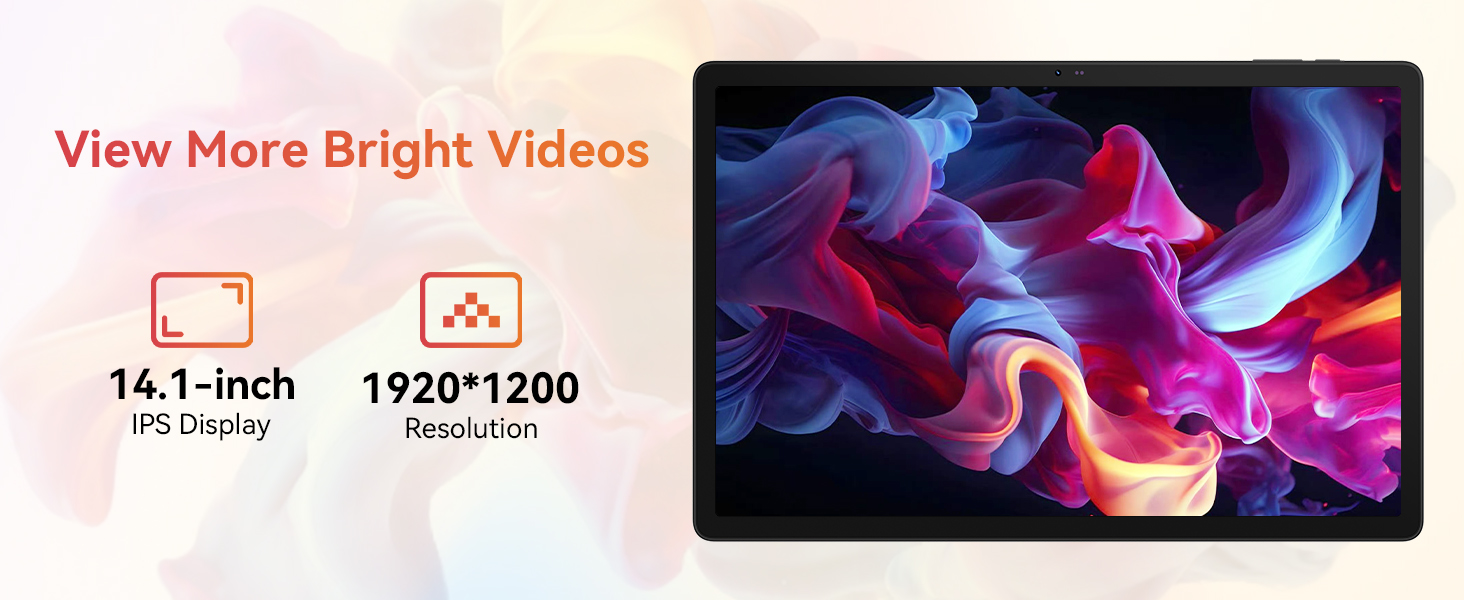
Image: The URAO tablet connected to a charger via its Type-C port, illustrating the 10000mAh battery and 30W fast charging feature.
3.3 Connecting Peripherals (Keyboard, Mouse, Stylus)
The included keyboard, mouse, and stylus connect via Bluetooth.
- Git Ayarlar > Bağlı cihazlar > Bluetooth tabletinizde.
- Bluetooth'un açık olduğundan emin olun. On.
- Put the keyboard, mouse, or stylus into pairing mode (refer to each accessory's individual instructions for specific pairing steps).
- Select the accessory from the list of available devices on your tablet to pair.
3.4 Ağ Bağlantısı (Wi-Fi)
İnternet erişimi için bir Wi-Fi ağına bağlanın.
- Git Ayarlar > Ağ ve internet > İnternet.
- Dönüş Wifi Açık.
- Select your desired Wi-Fi network from the list and enter the password if required. The tablet supports Wi-Fi 6 (802.11ax) for faster and more stable connections.
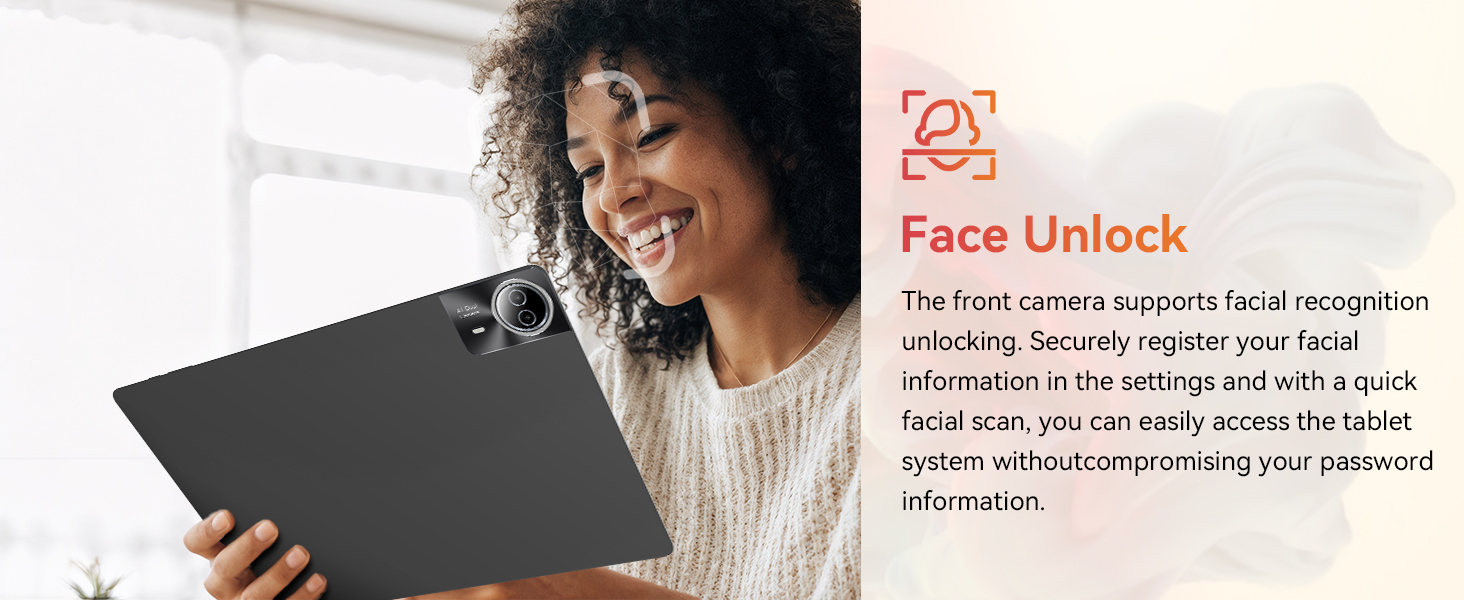
Image: The URAO tablet screen showing icons for dual-band Wi-Fi (2.4G+5G) and Bluetooth 5.4, indicating its connectivity features.
4. Kullanım Talimatları
4.1 Temel Navigasyon (Android 15)
Your tablet runs on Android 15, offering an intuitive user interface. Use touch gestures for navigation:
- Musluk: Bir öğe seçin.
- Tokatlamak: Sayfalar veya listeler arasında gezinin.
- Tutam: Görüntüleri yakınlaştırın veya uzaklaştırın ve web sayfalar.
- Uzun basma: Bağlamsal menülere erişin veya simgeleri taşıyın.
4.2 Ekran Ayarları
The 14.1-inch IPS FHD display offers a resolution of 1920x1200 pixels for clear visuals. Adjust display settings via Ayarlar > Görüntülemek.
- Parlaklık Seviyesi: Ekran parlaklığını ayarla.
- Koyu Tema: Enable for reduced eye strain in low light.
- Göz Koruma Modu: Mavi ışık emisyonunu azaltır.
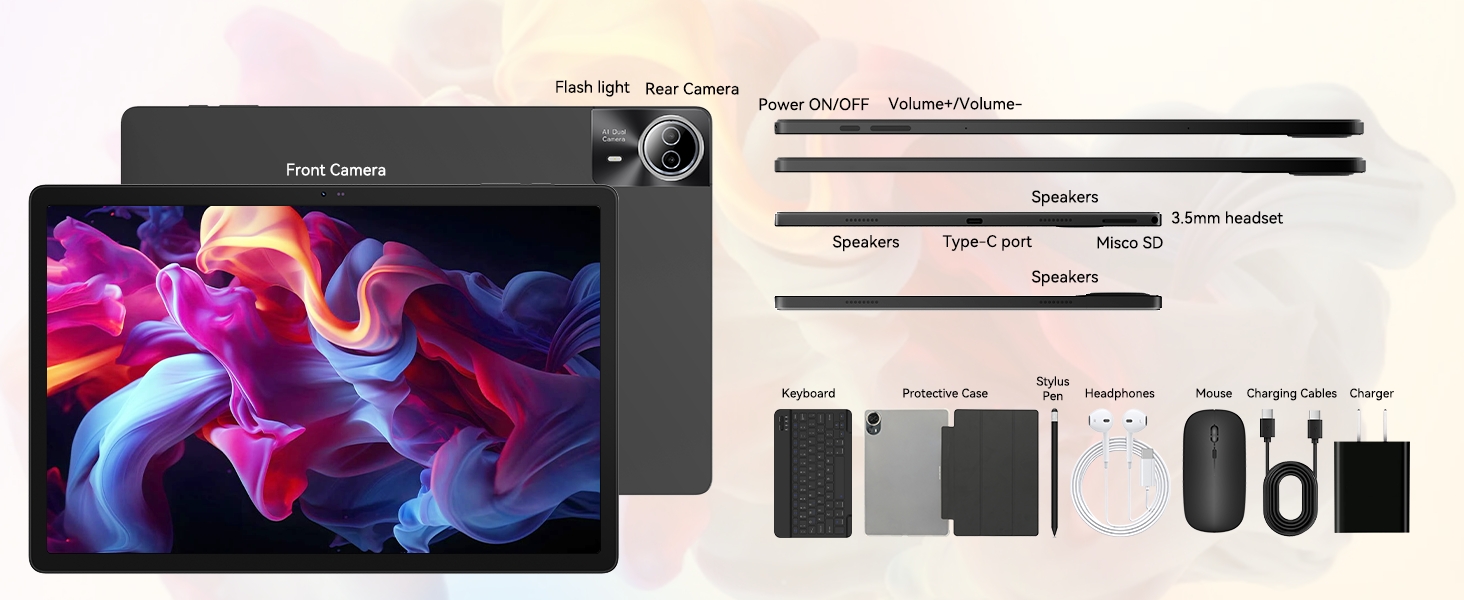
Image: The URAO tablet displaying a high-resolution image, emphasizing its 14.1-inch IPS display and 1920x1200 pixel resolution for bright and clear visuals.
4.3 Kamera Kullanımı
The tablet features a 5MP front camera and an 8MP rear camera.
- Açın Kamera Ana ekrandan veya uygulama çekmecesinden uygulamayı açın.
- Ön ve arka kameralar arasında geçiş yapmak için kamera simgesine dokunun.
- Fotoğraf çekmek veya video kaydını başlatmak/durdurmak için deklanşör düğmesine dokunun.
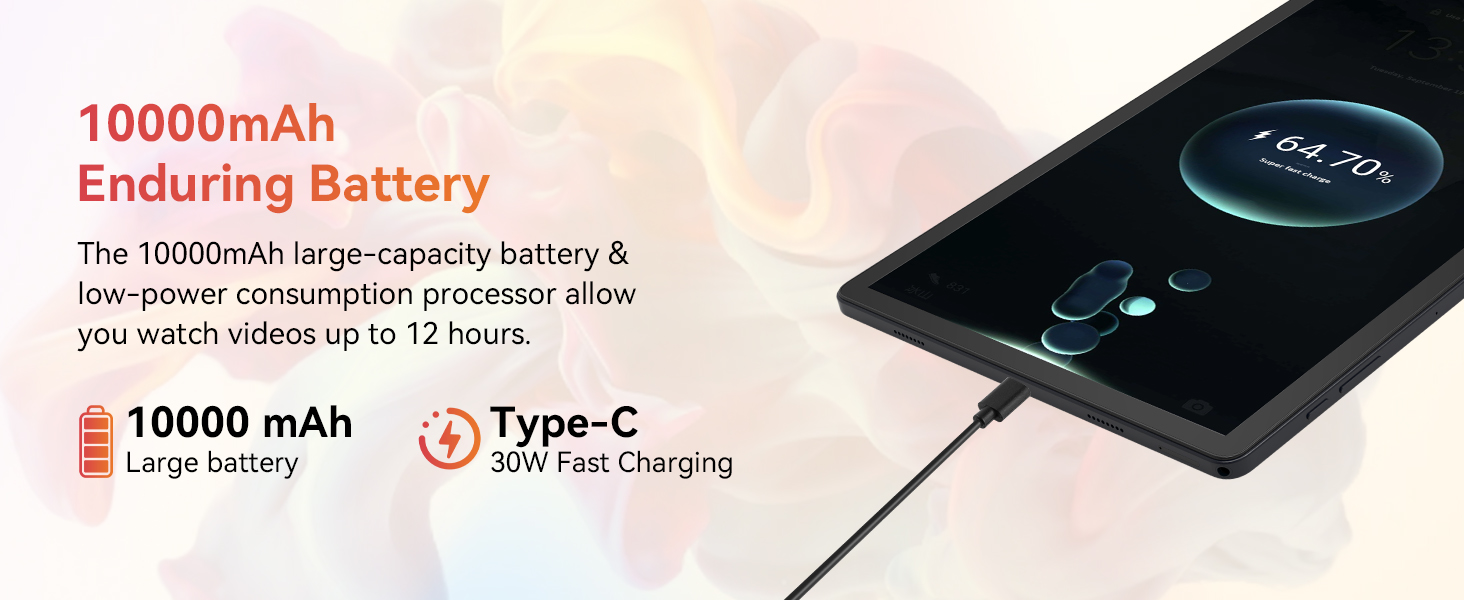
Image: A collage demonstrating the photo capabilities of the URAO tablet, featuring images taken with its 8MP rear camera and 5MP front camera, suitable for video calls and capturing moments.
4.4 Ses
The tablet is equipped with Stereo 4 Speakers for an immersive audio experience. Volume can be adjusted using the Volume +/- buttons on the side of the tablet or through the on-screen controls.
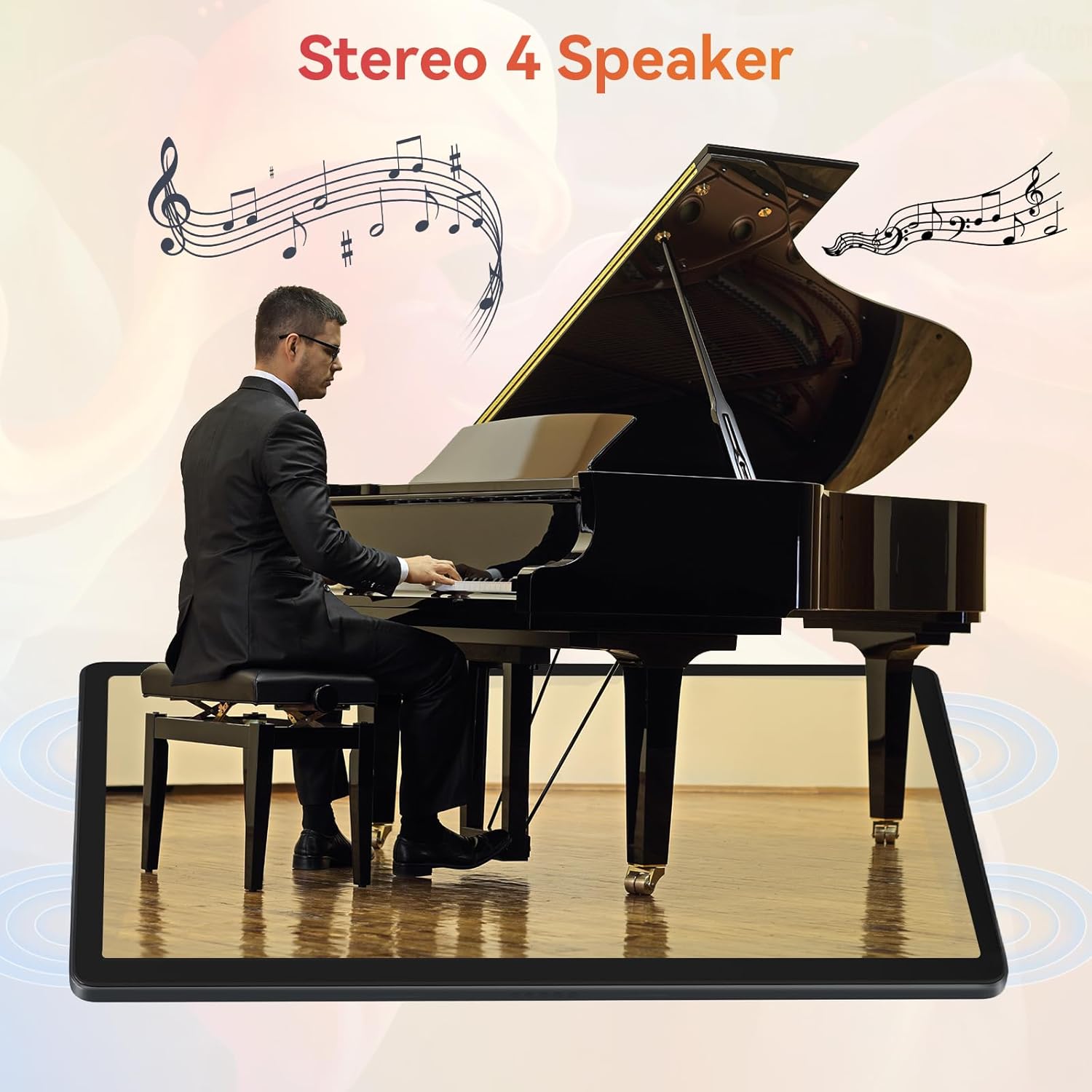
Image: The URAO tablet positioned in front of a piano player, with a graphic overlay indicating the presence of Stereo 4 Speakers for enhanced sound.
4.5 Depolama Yönetimi
Your tablet comes with 256GB of internal storage and 30GB of RAM (6GB physical + 24GB virtual expansion). Storage can be expanded up to 1TB using a TF (Micro SD) card (not included).
- To insert a TF card, locate the card slot on the side of the tablet and gently push the card in until it clicks.
- Manage storage via Ayarlar > Depolamak.
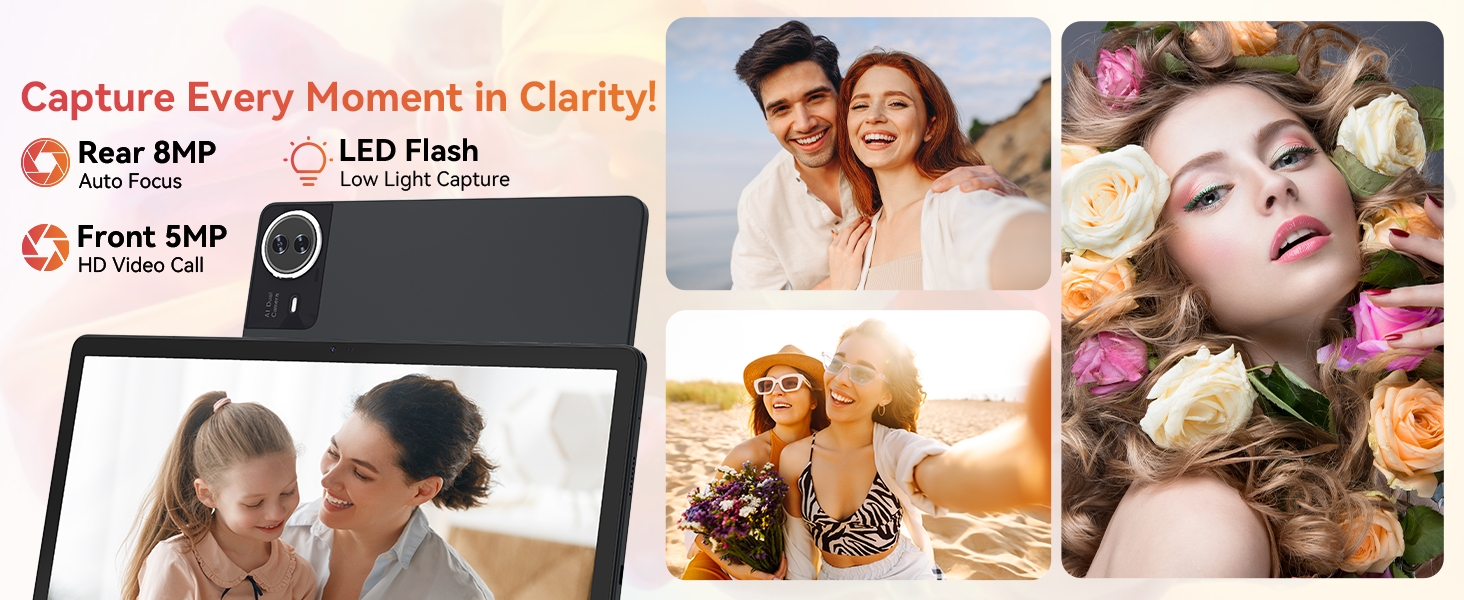
Image: The URAO tablet displaying multiple application icons, with graphics indicating its 30GB RAM (6+24GB), 256GB ROM, and support for up to 1TB external storage.
4.6 2-in-1 Mode
Transform your tablet into a laptop-like experience by connecting the Bluetooth keyboard and mouse. The protective case can also function as a stand.

Image: A multi-panel image showing the URAO tablet in different usage scenarios, including note-taking with a stylus, typing with the keyboard and mouse, and watching videos, demonstrating its versatility.
4.7 Yüz Tanıma
The front camera supports facial recognition for convenient unlocking.
- Git Ayarlar > Güvenlik ve gizlilik > Yüz tanıma kilidi.
- Follow the on-screen instructions to register your facial data.
- Once set up, you can unlock your tablet by simply looking at the front camera.
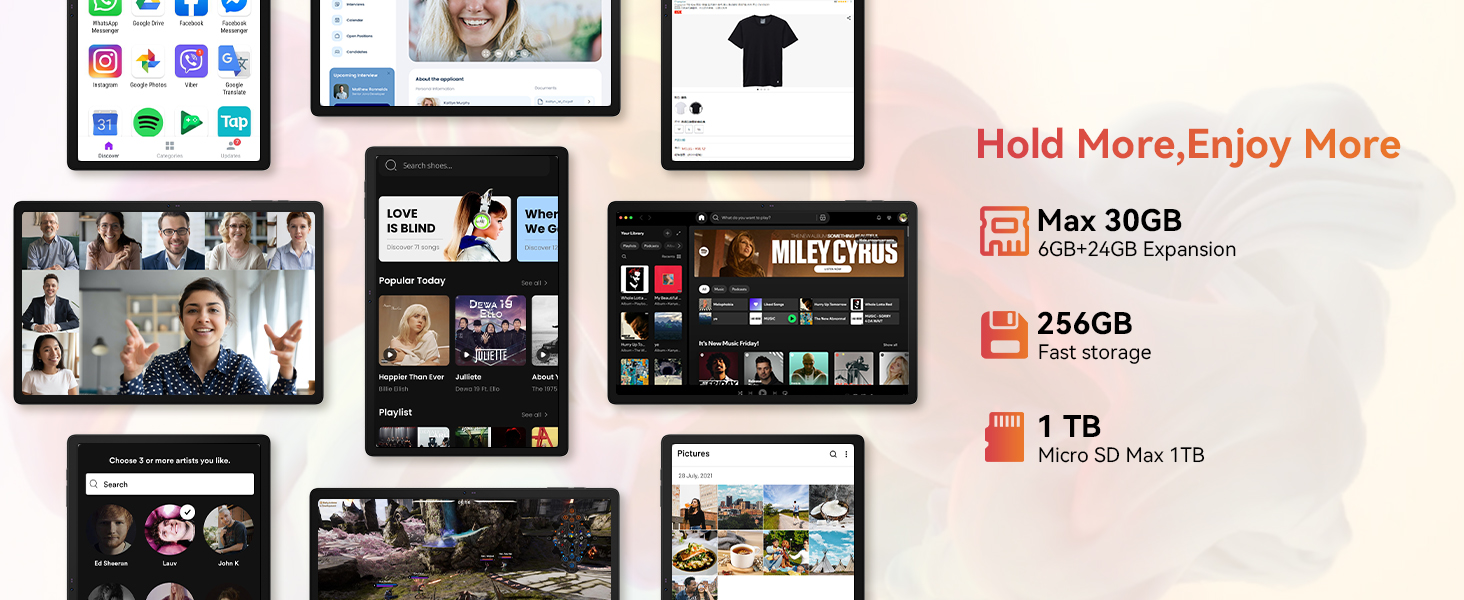
Image: A woman demonstrating the face unlock feature of the URAO tablet, with an icon indicating facial recognition technology.
5. Bakım
5.1 Cihazın Temizlenmesi
- Tabletinizin ekranını ve gövdesini temizlemek için yumuşak, tiftiksiz bir bez kullanın.
- Sert kimyasallar veya aşındırıcı malzemeler kullanmaktan kaçının.
- Temizlik ürünlerini doğrudan ekranın üzerine püskürtmeyin.
5.2 Yazılım Güncellemeleri
En iyi performans ve güvenliği sağlamak için sistem güncellemelerini düzenli olarak kontrol edin.
- Git Ayarlar > Sistem > Sistem güncellemesi.
- Mevcut güncellemeleri indirmek ve yüklemek için ekrandaki talimatları izleyin.
5.3 Pil Bakımı
Pil ömrünü uzatmak için:
- Tableti aşırı sıcaklıklara maruz bırakmaktan kaçının.
- Akünün sık sık tamamen boşalmasına izin vermeyin.
- Yalnızca ürünle birlikte verilen şarj aleti ve kablosunu kullanın.
6. Sorun Giderme
6.1 Cihaz Açılmıyor
- Tabletin yeterince şarj olduğundan emin olun. En az 30 dakika şarj cihazına bağlayın.
- Press and hold the Power ON/OFF button for 10-15 seconds to perform a forced restart.
6.2 Wi-Fi Bağlantı Sorunları
- Wi-Fi yönlendiricinizi ve tabletinizi yeniden başlatın.
- Wi-Fi sinyalinin kapsama alanında olduğunuzdan emin olun.
- Wi-Fi şifresinin doğru girildiğinden emin olun.
6.3 Peripherals Not Connecting (Keyboard/Mouse/Stylus)
- Ensure Bluetooth is enabled on the tablet and the accessory is in pairing mode.
- Check if the accessory has sufficient battery (e.g., replace mouse batteries).
- Unpair and re-pair the accessory from the tablet's Bluetooth settings.
6.4 Touchscreen Unresponsiveness
- Tableti yeniden başlatın.
- Ensure the screen is clean and free of debris or liquids.
- If the issue persists, a factory reset may be necessary (back up your data first).
7. Özellikler
Technical Specifications for URAO G140L Tablet:
| Örnek | G140L |
| İşletim Sistemi | Android 15 |
| Ekran Boyutu | 14.1 inç |
| Ekran Çözünürlüğü | 1920 x 1200 piksel (FHD IPS) |
| İşlemci | 2.0 GHz Sekiz Çekirdekli |
| Veri deposu | 30GB (6GB fiziksel + 24GB sanal) |
| Dahili Depolama (ROM) | 256 GB |
| Genişletilebilir Depolama | Up to 1TB (TF card, not included) |
| Pil Kapasitesi | 10000mAh |
| Şarj etme | 30W Hızlı Şarj, USB Type-C |
| Ortalama Pil Ömrü | 12 saate kadar (karma kullanım) |
| Kablosuz Bağlantı | Wi-Fi 6 (802.11ax), Bluetooth 5.4 |
| Ön Kamera | 5 MP |
| Arka Kamera | 8 MP |
| Ses | Stereo 4 Speakers |
| Sensörler | Yerçekimi Hızlandırma Sensörü |
| Boyutlar (UxGxY) | 12.8 x 8.39 x 0.39 inç |
| Ürün Ağırlığı | 4.29 pound |
8. Garanti ve Destek
8.1 Garanti Bilgileri
Your URAO G140L Tablet is covered by a manufacturer's warranty. Please refer to the warranty card included in your package for specific terms and conditions. Keep your proof of purchase for warranty claims.
8.2 Müşteri Desteği
For technical assistance, troubleshooting, or warranty inquiries, please contact URAO customer support through the retailer where the product was purchased or visit the official URAO webiletişim bilgileri için site.

