1. Ürün Bittiview
The HP OmniDesk M02 Tower Desktop is a high-performance personal computer designed for business and productivity. It features an AMD Ryzen 7 8700G processor, ample DDR5 RAM, and fast SSD storage, running on Windows 11 Home. This manual provides essential information for setting up, operating, maintaining, and troubleshooting your device.
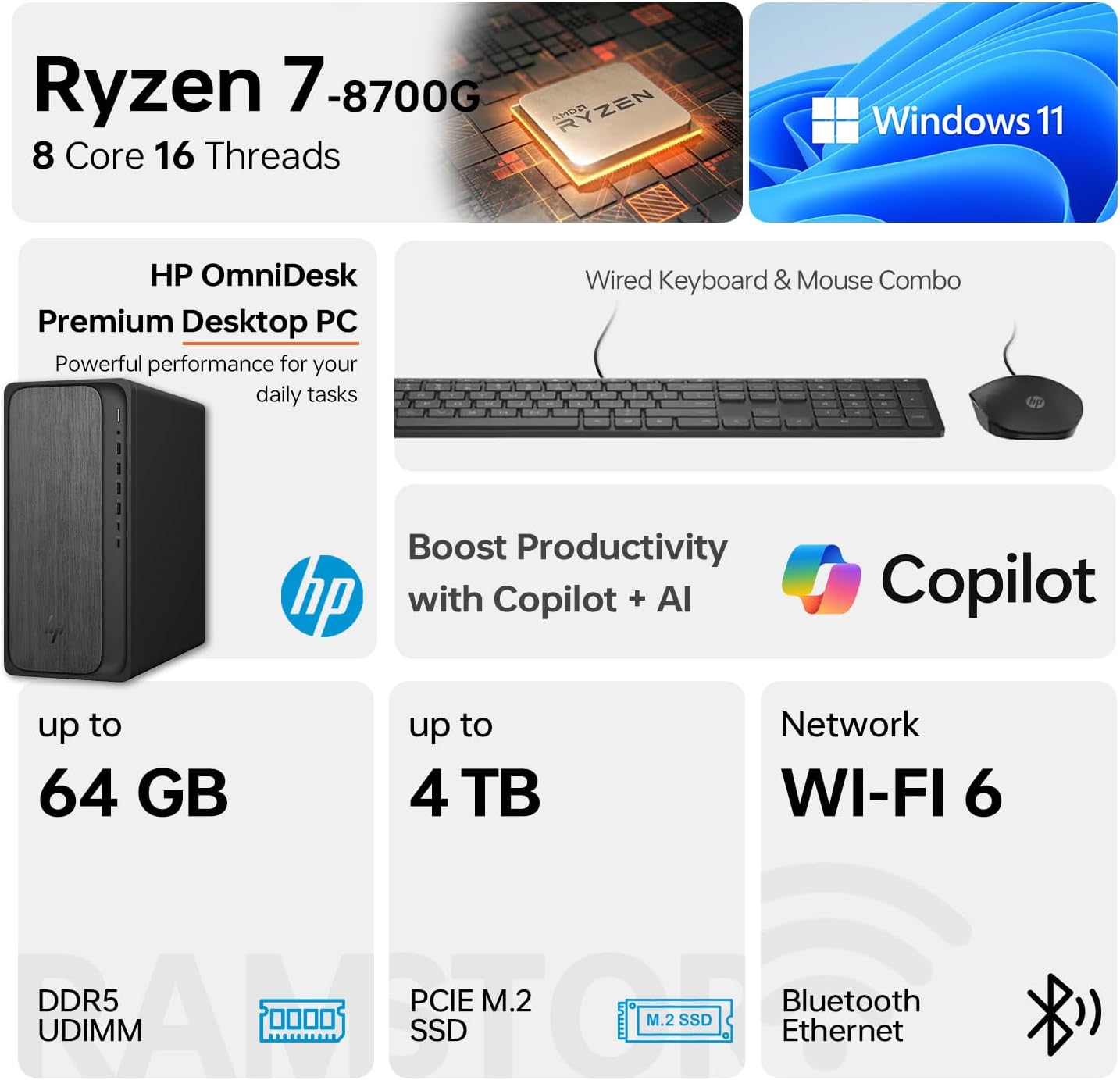
Image 1.1: HP OmniDesk M02 Tower Desktop highlighting its AMD Ryzen 7 8700G processor, Windows 11 operating system, Wi-Fi 6 connectivity, and memory/storage capabilities.
Temel Özellikler:
- İşlemci: AMD Ryzen 7 8700G (8 Cores, 16 Threads, up to 5.1GHz Max Boost)
- Hafıza: 16GB DDR5 RAM (expandable up to 64GB)
- Depolamak: 1TB PCIe M.2 SSD, bundled with ADATA 512GB External SSD
- İşletim Sistemi: Windows 11 Ev
- Grafikler: Entegre AMD Radeon Grafikleri
- Bağlantı: Wi-Fi 6, Bluetooth, Ethernet (RJ-45)
- Limanlar: Multiple USB Type-A and Type-C ports, HDMI, DisplayPort, audio jacks
- Included Peripherals: Wired Keyboard & Mouse
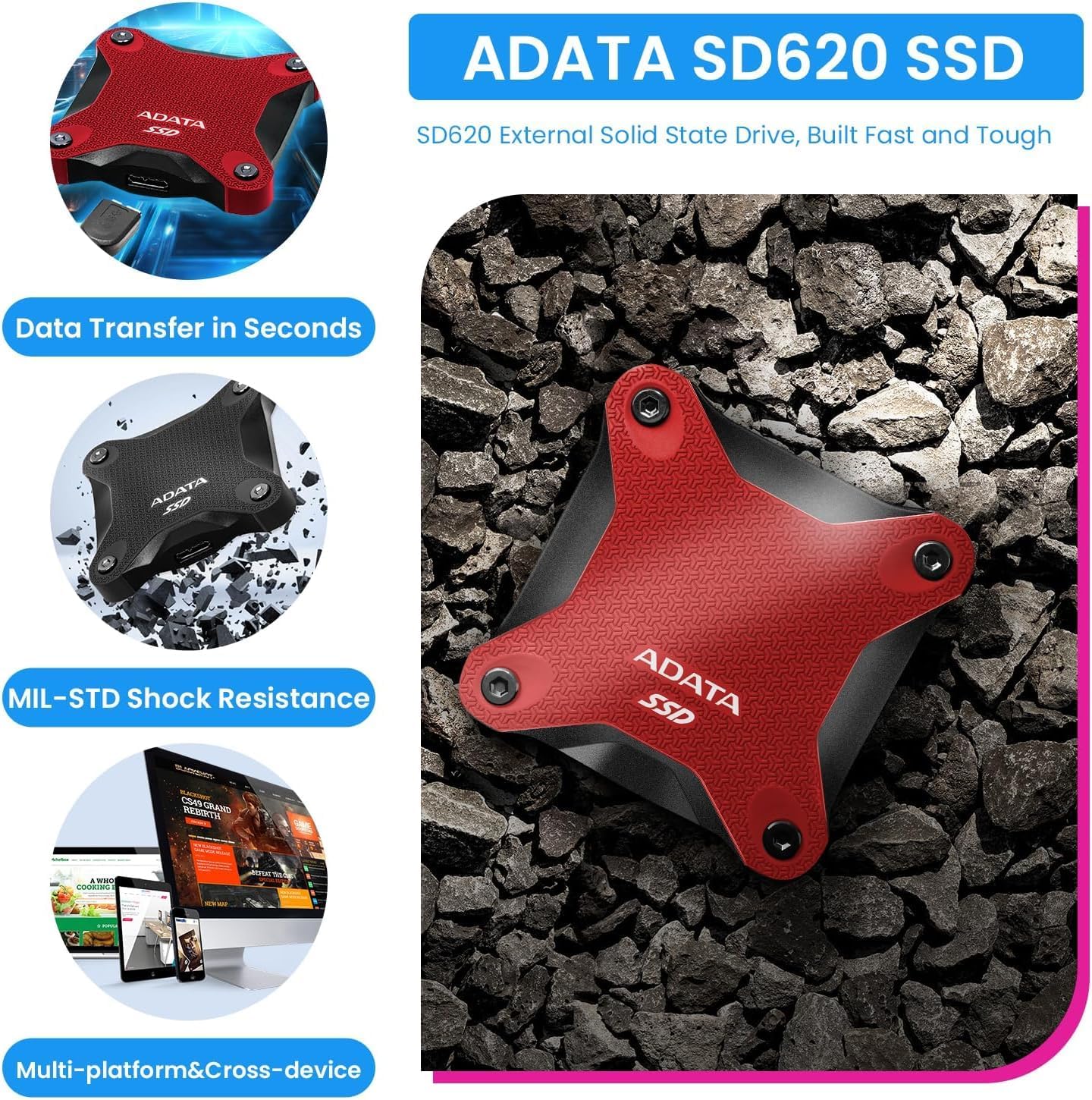
Image 1.2: The ADATA SD620 External SSD, included with the HP OmniDesk M02, highlighting its data transfer speed and MIL-STD shock resistance.
2. Kurulum Talimatları
Follow these steps to set up your HP OmniDesk M02 Tower Desktop.
2.1 Paketin açılması
- Tüm bileşenleri dikkatlice ambalajından çıkarın.
- Verify that all items are present: HP OmniDesk M02 Tower Desktop, Wired Keyboard, Wired Mouse, Power Cable, and ADATA 512GB External SSD.
- Retain packaging materials for future transport or service.
2.2 Çevre Birimlerini Bağlama
Connect your monitor, keyboard, mouse, and other devices to the appropriate ports on the desktop.

Resim 2.1: Ayrıntılı view of the front and rear ports on the HP OmniDesk M02 Tower Desktop, indicating their types and functions.
- İzleme: Connect your monitor to either the HDMI or DisplayPort on the rear of the desktop.
- Klavye fare: Connect the wired keyboard and mouse to any available USB Type-A ports.
- Güç: Connect the power cable to the desktop's power input and then to a wall outlet.
- External SSD: Connect the ADATA 512GB External SSD to an available USB port.
- Ağ (Opsiyonel): Kablolu internet bağlantısı için RJ-45 portuna bir Ethernet kablosu bağlayın.
2.3 İlk Başlatma
- Masaüstü bilgisayarın ön tarafındaki güç düğmesine basın.
- Follow the on-screen instructions to complete the Windows 11 Home setup. This typically involves selecting your region, language, and creating a user account.
- Ensure an internet connection is established during setup for updates and account synchronization.
3. Kullanım Talimatları
This section covers basic operation of your HP OmniDesk M02.
3.1 Gücü Açma/Kapatma ve Yeniden Başlatma
- Güç Açık: Masaüstü bilgisayarın ön tarafındaki güç düğmesine basın.
- Kapat: Windows 11'de Başlat düğmesine tıklayın, ardından Güç > Kapat'ı seçin.
- Tekrar başlat: Başlat düğmesine tıklayın, ardından Güç > Yeniden Başlat'ı seçin.
3.2 Wi-Fi ve Bluetooth'a Bağlanma
- Wifi: Click the Network icon in the taskbar, select your desired Wi-Fi network, enter the password, and click Connect.
- Bluetooth: Go to Settings > Bluetooth & devices, ensure Bluetooth is turned on, and then click "Add device" to pair new Bluetooth devices.
3.3 Using Windows 11 and AI Features
Your HP OmniDesk M02 comes with Windows 11 Home, offering a modern interface and integrated AI capabilities through Copilot.
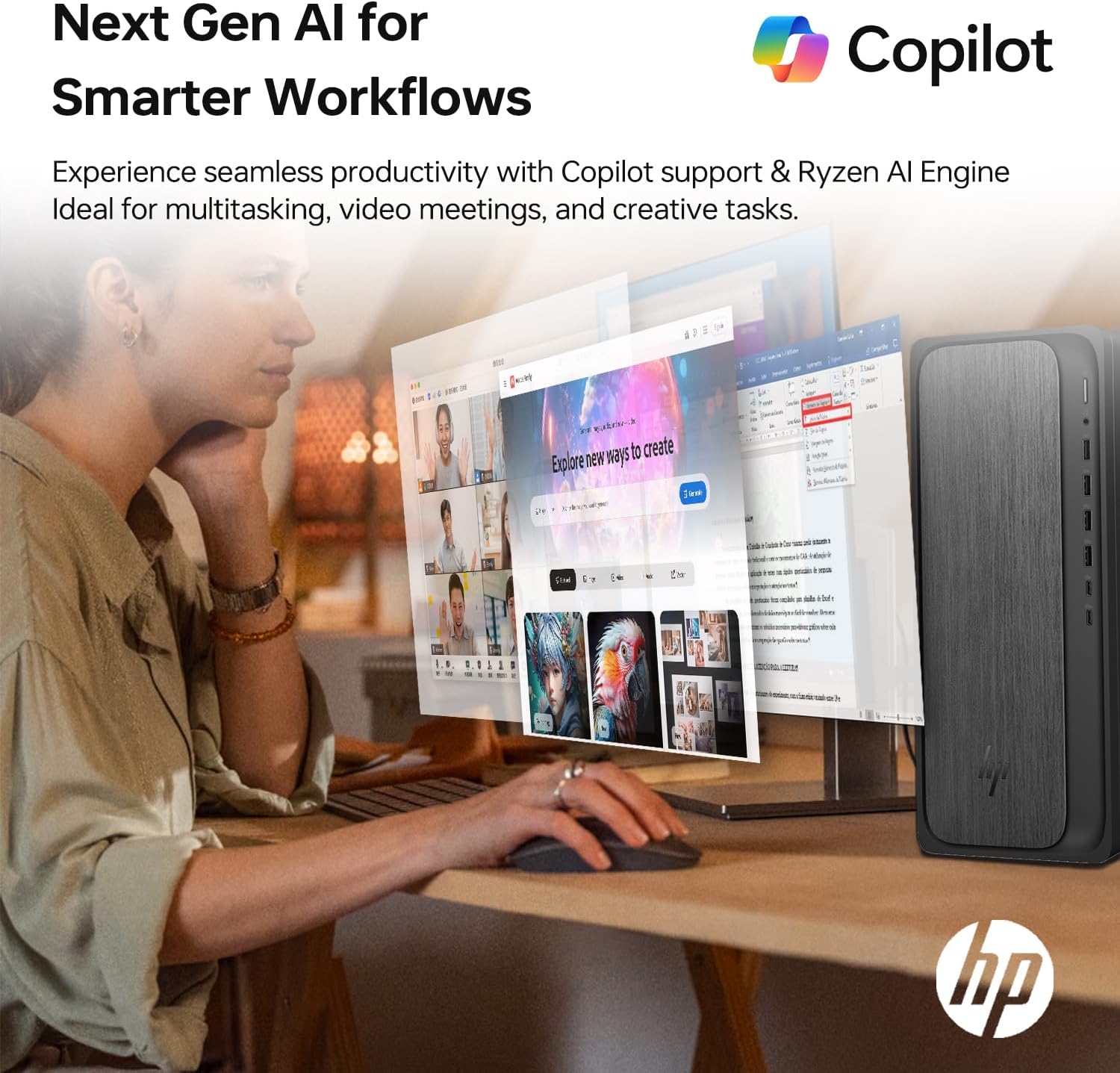
Image 3.1: A user interacting with the HP OmniDesk M02, demonstrating the integration of Copilot for enhanced productivity and AI-driven workflows.
- Başlat Menüsü: Access applications, settings, and power options from the centered Start menu.
- widget'lar: Personalize your desktop with widgets for news, weather, and more.
- Yardımcı pilot: Utilize the integrated Copilot AI for assistance with tasks, content creation, and system navigation. Access it via the taskbar icon.
4. Bakım
Uygun bakım, masaüstü bilgisayarınızın uzun ömürlü olmasını ve optimum performans göstermesini sağlar.
4.1 Temizlik
- Dış: Yumuşak, tiftiksiz bir bez kullanın ve hafifçe kurulayın.ampSu veya hafif bir temizleme solüsyonu ile temizleyin. Sert kimyasallardan kaçının.
- Havalandırmalar: Periodically clean dust from the ventilation grilles using compressed air to prevent overheating. Ensure the desktop is powered off before cleaning vents.
4.2 Yazılım Güncellemeleri
Güvenliği ve performansı sağlamak için işletim sisteminizi ve sürücülerinizi düzenli olarak güncelleyin.
- Windows Güncellemeleri: Go to Settings > Windows Update and check for available updates.
- Sürücü Güncellemeleri: HP'nin resmi destek sitesini ziyaret edin. website for your model to download the latest drivers for components like graphics and chipset.
4.3 Hardware Upgrades
The HP OmniDesk M02 supports upgrades for RAM and internal storage.
- VERİ DEPOSU: The system supports up to 64GB DDR5 UDIMM RAM.
- Dahili SSD: The system supports up to 4TB PCIe M.2 SSD.
- Önemli: Opening the chassis for upgrades may affect the original manufacturer's warranty. Consult the warranty section for details.
5. Sorun Giderme
Bu bölümde karşılaşabileceğiniz yaygın sorunlar ele alınmaktadır.
5.1 Güç Yok
- Ensure the power cable is securely connected to both the desktop and a working power outlet.
- Başka bir cihaz takarak prizin çalışıp çalışmadığını kontrol edin.
- Verify the power supply unit (PSU) switch (if present) is in the ON position.
5.2 Monitörde Görüntü Yok
- Confirm the monitor is powered on and its input source is correctly selected (HDMI/DisplayPort).
- Check that the video cable is securely connected to both the desktop and the monitor.
- Try connecting the monitor to a different video port on the desktop if available.
5.3 Ağ Bağlantı Sorunları
- Kablolu: Ethernet kablosunun doğru şekilde bağlı olduğundan ve yönlendiricinizin/modeminizin çalıştığından emin olun.
- Wifi: Verify Wi-Fi is enabled in Windows settings and you are connected to the correct network with the correct password. Restart your router/modem.
6. Özellikler
Detailed technical specifications for the HP OmniDesk M02 Tower Desktop.

Resim 6.1: Yakın çekim view of the AMD Ryzen 7 8700G processor, highlighting its core count, thread count, clock speed, and L3 cache.
| Bileşen | Şartname |
|---|---|
| Model Numarası | TPC-F134-MT |
| İşlemci | AMD Ryzen 7 8700G (8 Cores, 16 Threads, 4.2GHz base, up to 5.1GHz max turbo) |
| Veri deposu | 16GB DDR5 UDIMM (4800 MHz), expandable to 64GB |
| Dahili Depolama | 1TB PCIe M.2 SSD, expandable to 4TB |
| Harici Depolama | ADATA 512GB External SSD (bundled) |
| Grafikler | Entegre AMD Radeon Grafikleri |
| İşletim Sistemi | Windows 11 Ev |
| Kablosuz Bağlantı | Wi-Fi 6 (802.11ax), Bluetooth |
| Ön Portlar | 1x USB Type-C 10Gbps, 1x USB Type-C 5Gbps, 2x USB Type-A 10Gbps, 2x USB Type-A 5Gbps, 1x Headphone/Microphone Combo |
| Arka Bağlantı Noktaları | 4x USB 2.0 Type-A, 1x RJ-45 (Ethernet), 3x 3.5mm Audio Jack Combo, 1x HDMI, 1x DisplayPort |
| Boyutlar (UxGxY) | 6.10" x 13.27" x 12.40" (15.5 x 33.7 x 31.5 cm) |
| Ağırlık | 12.72 lbs (5.77 kg) |
| Renk | Gri |
7. Garanti ve Destek
7.1 Garanti Bilgileri
The HP OmniDesk M02 Tower Desktop comes with a manufacturer's warranty. For this specific configuration, a 1-year warranty on the upgraded RAM and SSD is provided by PCOnline US. All other original components retain the standard 1-year manufacturer's warranty from HP.
Garanti talepleri için lütfen satın alma belgenizi saklayın.
7.2 Teknik Destek
For technical assistance, please refer to the official HP support website or contact their customer service. For issues related to the upgraded RAM or SSD, please contact PCOnline US directly.
HP Desteği: www.hp.com/support