1. Giriş
Thank you for choosing the HTC N15 Wireless Clip-On Earbuds. These open-ear earphones are designed to provide audio while allowing you to remain aware of your surroundings. This manual provides detailed instructions for setup, operation, and maintenance to ensure optimal performance and longevity of your device.

Image 1.1: HTC N15 Wireless Clip-On Earbuds and Charging Case.
2. Paket İçeriği
Lütfen kutuyu açarken paket içeriğini kontrol edin. Eksik veya hasarlı bir ürün varsa, müşteri hizmetleriyle iletişime geçin.
- 1 Pair HTC N15 Clip-On Earbuds
- 1 Şarj Kutusu
- 1 USB-C Şarj Kablosu
- 1 Kullanıcı Kılavuzu (bu belge)
Video 2.1: Unboxing the HTC N15 Wireless Clip-On Earbuds, showing the earbuds, charging case, and USB-C cable.
3. Ürün Bittiview
3.1 Kulaklık Özellikleri
- Açık Kulak Tasarımı: Çevrenin farkında olmayı sağlar.
- Clip-On Fit: Secure and comfortable for various activities.
- Dokunmatik Kontrol: Intuitive control for audio and calls.
- Dahili Mikrofon: For clear communication.
- Hafif: Her bir kulaklığın ağırlığı yaklaşık 4.7 gramdır.
- 13 mm Sürücü: Daha iyi ses kalitesi için.
3.2 Şarj Kutusu Özellikleri
- USB-C Şarj Portu: Kolay şarj için.
- Pil Göstergesi: LEDs show charging status and battery level.

Resim 3.1: Üzeriview of HTC N15 earbuds and charging case, highlighting battery life and Type-C charging port.
4. Kurulum
4.1 Kulaklıkları ve Kutuyu Şarj Etme
İlk kullanımdan önce kulaklıklarınızı ve şarj kutusunu tamamen şarj edin.
- Kulaklıkları şarj kutusuna yerleştirin.
- USB-C şarj kablosunu kasanın üzerindeki şarj portuna ve bir güç kaynağına bağlayın.
- The LED indicators on the case will illuminate to show charging status. A full charge for the case takes approximately 1.5 hours.
- The earbuds provide up to 8 hours of playback on a single charge, and the charging case extends total playtime to 22 hours.

Image 4.1: Visual representation of charging times and battery life for the HTC N15 earbuds and case.
4.2 Cihazla Eşleştirme
The HTC N15 earbuds use Bluetooth 6.0 for fast and stable connections.
- Kulaklıkların şarjlı olduğundan ve şarj kutusunun içinde olduğundan emin olun.
- Şarj kutusunu açın. Kulaklıklar, yanıp sönen LED ışıklarla gösterilen eşleştirme moduna otomatik olarak geçecektir.
- Cihazınızda (akıllı telefon, tablet, dizüstü bilgisayar) Bluetooth ayarlarına gidin ve Bluetooth'u açın.
- Arama Mevcut cihazlar arasından "HTC NE15"u seçin.
- Bağlantı kurulduktan sonra kulaklıkların LED ışıkları yanıp sönmeyi durduracak ve bir onay sesi duyacaksınız.
Kulaklıklar, cihazda Bluetooth etkinse, kutudan çıkarıldığında son eşleştirilen cihaza otomatik olarak yeniden bağlanacaktır.

Image 4.2: The HTC N15 earbuds offer flexible connectivity with various devices including notebooks, TVs, desktops, watches, phones, and iPads.
5. Giyme Talimatları
For optimal sound and comfort, ensure the earbuds are worn correctly.
- Sol (L) ve Sağ (R) kulaklıkları tanımlayın.
- Confirm the direction of the earbud, ensuring the clip is oriented to hook over the top of your ear.
- Gently clip the earbud onto the thinnest part of your ear, sliding it down until it feels secure.
- Adjust the earbud tip to align with your ear canal for the best sound experience and comfort.

Image 5.1: Step-by-step guide on how to properly wear the HTC N15 Clip-On Earbuds for a secure and comfortable fit.

Image 5.2: Illustration of the ergonomic open-ear clip design and wearing tips for optimal sound alignment.
6. Kullanım Talimatları
The HTC N15 earbuds feature smart touch controls for easy management of audio and calls.

Image 6.1: Diagram illustrating the touch control functions for the HTC N15 earbuds.
6.1 Müzik Kontrolü
- Oynat/Duraklat: Kulaklıklardan birine çift tıklayın.
- Sonraki Şarkı: Triple-click the Right (R) earbud.
- Önceki Şarkı: Triple-click the Left (L) earbud.
- Sesi aç: Click the Right (R) earbud.
- Sesi kıs: Click the Left (L) earbud.
6.2 Çağrı Kontrolü
- Çağrıyı Cevapla/Sonlandır: Kulaklıklardan birine tıklayın.
- Çağrıyı Reddet: Kulaklıklardan birini 2 saniye basılı tutun.
6.3 Voice Assistant & Game Mode
- Voice Assistant'ı etkinleştirin: Sol (L) kulaklığı 2 saniye basılı tutun.
- Oyun Modu: Hold the Right (R) earbud for 2 seconds to activate low-latency mode.

Image 6.2: The HTC N15 earbuds feature a low-latency Game Mode, reducing audio delay to 40ms for an improved gaming experience.
7. Bakım
7.1 Temizlik
- Kulaklıklarınızı ve şarj kutusunu yumuşak, kuru ve tiftiksiz bir bezle düzenli olarak temizleyin.
- Aşındırıcı temizleyiciler, alkol veya kimyasal çözücüler kullanmayın.
- Her iki kulaklığın ve kutunun şarj temas noktalarının temiz ve kuru olduğundan emin olun.
7.2 Depolama
- Kulakiçi kulaklıkları, kullanılmadığında onları korumak ve şarjlı halde tutmak için şarj kutusunda saklayın.
- Aşırı sıcaklıklarda veya yüksek nemde saklamaktan kaçının.
7.3 Su ve Toz Direnci
The HTC N15 earbuds are rated IP45 for water and dust resistance. This means they are protected against dust ingress and low-pressure water jets from any direction. They are suitable for workouts and light rain but should not be submerged in water.
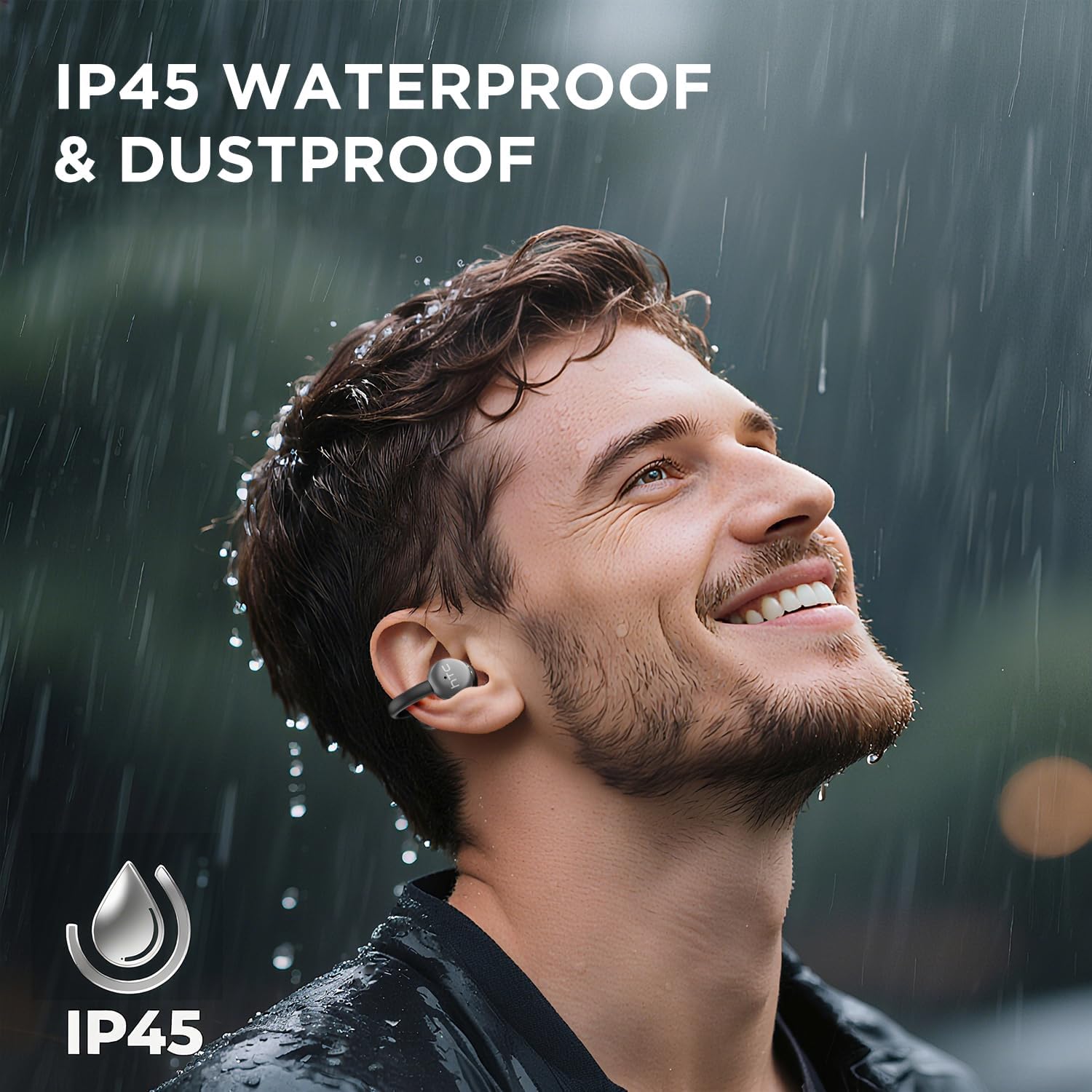
Image 7.1: The HTC N15 earbuds are IP45 rated, offering protection against dust and water splashes, making them suitable for outdoor activities.
8. Sorun Giderme
| Sorun | Olası Neden | Çözüm |
|---|---|---|
| Kulaklıklar eşleşmiyor | Pil seviyesi düşük; Cihazda Bluetooth kapalı; Kulaklıklar eşleştirme modunda değil; Parazit. | Charge earbuds and case. Ensure Bluetooth is enabled on your device. Place earbuds in case, close, then open to re-enter pairing mode. Move closer to your device. |
| Ses yok veya düşük ses kalitesi | Volume too low; Earbuds not properly seated; Device not connected; Dirty earbuds. | Increase device volume. Adjust earbuds for a proper fit. Reconnect earbuds to your device. Clean earbuds as per maintenance section. |
| Kulaklıklar şarj olmuyor | Charging cable not connected properly; Dirty charging contacts; Faulty cable/adapter. | Ensure USB-C cable is securely connected. Clean charging contacts. Try a different USB-C cable or power adapter. |
| Dokunmatik kontroller yanıt vermiyor | Earbuds not active; Moisture on touch surface; Software glitch. | Ensure earbuds are active and connected. Wipe touch surface dry. Place earbuds back in case, close, then reopen to reset. |
9. Özellikler
| Özellik | Şartname |
|---|---|
| Model Adı | HTC NE15 |
| Bluetooth Sürümü | 6.0 |
| Bağlantı Teknolojisi | Kablosuz (Bluetooth) |
| Kulaklık Tipi | Clip-On, Open-Ear |
| Sürücü Boyutu | 13mm |
| Kontrol Yöntemi | Dokunmak |
| Mikrofon | Dahili |
| Tek Şarjla Oynatma Süresi | 8 saate kadar |
| Toplam Oynatma Süresi (kılıflı) | 22 saate kadar |
| Case Fast Charging | Yaklaşık 1.5 saat |
| Şarj Portu | USB-C |
| Suya Dayanıklılık | IP45 (Suya ve Toza Dayanıklı) |
| Kulaklık Ağırlığı | Yaklaşık 4.7 g (her biri) |
| Uyumlu Cihazlar | Smartphones, Tablets, Bluetooth-enabled Devices (iOS, Android) |
| UPC | 768649989642 |
10. Garanti ve Destek
HTC provides customer support for its products. If you encounter any issues or have questions not covered in this manual, please contact our support team.
- Müşteri Desteği: 7*24 Live Chat Support is available. Refer to the product packaging or official HTC webiletişim bilgileri için site.
- Garanti Bilgileri: Please retain your proof of purchase for warranty claims. Specific warranty terms and conditions may vary by region. Refer to the warranty card included in your package or the official HTC webDetaylı bilgi için sitemizi ziyaret edebilirsiniz.


