1. Giriş
Thank you for choosing the boAt Rockerz 512 ANC Wireless Headphones. This manual provides essential information for setting up, operating, and maintaining your headphones. Please read it carefully to ensure optimal performance and longevity of your device.

Image: boAt Rockerz 512 ANC Wireless Headphones, Cosmic Black.
2. Paket İçeriği
Paketinizde tüm öğelerin mevcut olduğundan emin olun:
- boAt Rockerz 512 ANC Wireless Headphones
- Şarj kablosu
- Kullanıcı Kılavuzu
3. Kurulum
3.1 Kulaklıkların Şarj Edilmesi
Before first use, fully charge your headphones. The boAt Rockerz 512 ANC offers up to 80 hours of playback on a full charge.
- Şarj kablosunu kulaklıktaki şarj portuna bağlayın.
- Kablonun diğer ucunu bir USB güç kaynağına (örneğin duvar adaptörü, bilgisayar USB portu) bağlayın.
- LED göstergesi şarj durumunu gösterecektir. Tamamen şarj olduğunda genellikle söner veya rengi değişir.

Image: Headphones illustrating 80 hours of battery life.
3.2 Açma/Kapatma
- Açmak İçin: LED göstergesi yanana kadar Güç düğmesini basılı tutun.
- Kapatmak İçin: LED göstergesi sönene kadar Güç düğmesini basılı tutun.
3.3 Bluetooth Eşleştirme
The headphones use Bluetooth v5.4 for a stable connection up to 10 meters.
- Kulaklıkların kapalı olduğundan emin olun.
- Güç düğmesini yaklaşık 5-7 saniye basılı tutun; LED göstergesi mavi ve kırmızı yanıp sönmeye başlayacak ve eşleştirme moduna geçecektir.
- Cihazınızda (akıllı telefon, dizüstü bilgisayar, tablet) Bluetooth'u etkinleştirin ve kullanılabilir cihazları arayın.
- Cihaz listesinden "boAt Rockerz 512 ANC"yi seçin.
- Eşleştirme işlemi tamamlandıktan sonra, LED göstergesi periyodik olarak mavi renkte yanıp sönecektir.

Image: Close-up of headphone controls for power and pairing.
4. Kullanım Talimatları
4.1 Müzik Oynatma
- Oynat/Duraklat: Çok işlevli düğmeye bir kez basın.
- Sesi aç: Ses + düğmesine basın.
- Sesi kıs: Ses kısma düğmesine (-) basın.
- Sonraki Parça: Ses açma (+) düğmesine basılı tutun.
- Önceki parça: Ses kısma (-) düğmesine basılı tutun.
4.2 Çağrı Yönetimi
- Çağrıyı Cevapla/Sonlandır: Çok işlevli düğmeye bir kez basın.
- Çağrıyı Reddet: Çok işlevli düğmeyi 2 saniye basılı tutun.
- Sesli Asistan: Cihazınızın sesli asistanını etkinleştirmek için çok fonksiyonlu düğmeye iki kez basın.
The integrated ENx Technology ensures clear voice transmission during calls, even in noisy environments.

Image: Illustration of ENx Technology for clear calls.
4.3 Active Noise Cancellation (ANC) & Ambient Mode
The headphones feature 40dB Hybrid ANC to reduce ambient noise and an Ambient Mode to stay aware of your surroundings.
- ANC'yi Etkinleştir/Devre Dışı Bırak: ANC düğmesine bir kez basın.
- Switch to Ambient Mode: Press the ANC button again to cycle through modes (ANC On, Ambient Mode, ANC Off).

Image: Person experiencing 40dB Hybrid Active Noise Cancellation.

Image: Person using Ambient Mode to stay aware of surroundings.
4.4 BEAST Mode (Low Latency Gaming)
Activate BEAST Mode for an ultra-low latency of 40ms, enhancing your gaming experience.
- Activate/Deactivate BEAST Mode: Refer to the specific button or combination on your headphones (usually a dedicated button or a long press of a volume button).
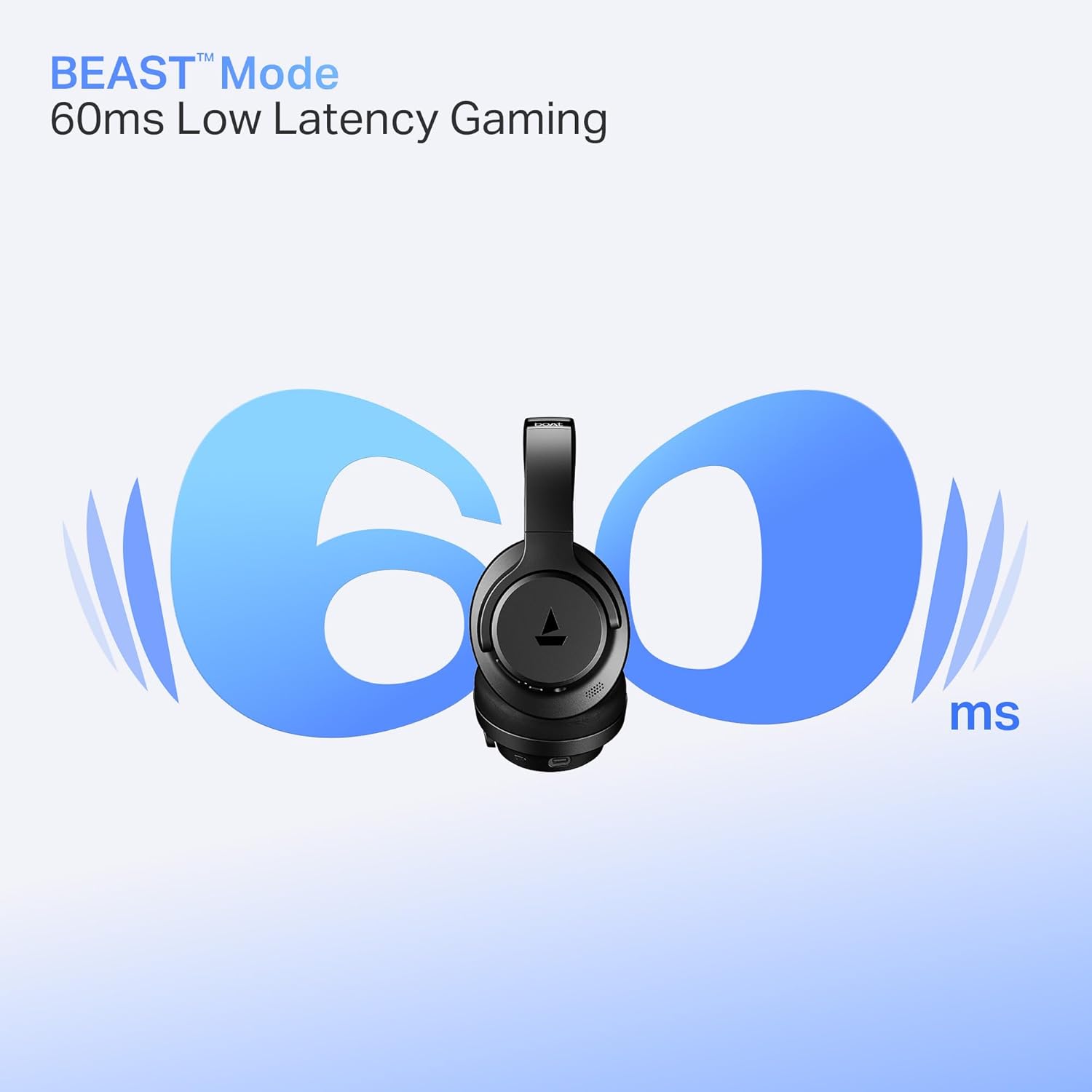
Image: Headphones illustrating BEAST Mode for low latency gaming.
4.5 boAt Hearables App Support
Enhance your experience by downloading the boAt Hearables App. The app provides additional features and controls for your headphones.
Image: Smartphone displaying the boAt Hearables App with a QR code for download. Scan the QR code or visit https://l.ead.me/bdAX6k Uygulamayı indirmek için.
5. Bakım
5.1 Temizlik
Regular cleaning helps maintain the headphones' condition.
- Kulaklığınızı yumuşak ve kuru bir bezle silin.
- Aşındırıcı temizleyiciler, çözücüler veya sert kimyasallar kullanmayın.
5.2 Depolama
The headphones feature foldable earcups for convenient storage.
- Fold the earcups inward when not in use to save space and protect them.
- Serin ve kuru yerde, aşırı sıcaktan ve doğrudan güneş ışığından uzakta saklayınız.

Image: Headphones with earcups folded for storage.
5.3 Suya Dayanıklılık
The headphones are IPX4 rated, meaning they are resistant to splashes of water. They are not waterproof and should not be submerged in water.
6. Sorun Giderme
boAt Rockerz 512 ANC kulaklıklarınızla ilgili sorun yaşıyorsanız, aşağıdaki yaygın çözümlere göz atın:
- Güç Yok: Kulaklıkların tamamen şarj olduğundan emin olun. Kulaklıkları bir güç kaynağına bağlayın ve şarj göstergesini kontrol edin.
- Eşleştirilemiyor: Make sure the headphones are in pairing mode (flashing blue and red LED). Ensure Bluetooth is enabled on your device and it is within the 10-meter range. Try forgetting the device on your phone and re-pairing.
- Ses Yok: Check the volume levels on both the headphones and your connected device. Ensure the headphones are properly paired and connected.
- ANC Etkili Bir Şekilde Çalışmıyor: Ensure the ANC feature is activated. In extremely noisy environments, some sounds may still be audible.
- Kötü Arama Kalitesi: Ensure the microphone is not obstructed. Check your device's network signal. ENx Technology helps, but extreme background noise can still affect clarity.
7. Özellikler
| Özellik | Şartname |
|---|---|
| Model Adı | rocker |
| Model Numarası | PB0012 |
| Bağlantı Teknolojisi | Bluetooth |
| Bluetooth Sürümü | 5.4 |
| Bluetooth Menzili | 10 Metre |
| Ses Sürücüsü Türü | Dinamik Sürücü |
| Sürücü Boyutu | 40mm |
| Gürültü Kontrolü | Hibrit Aktif Gürültü Önleme (40 dB'ye kadar) |
| Pil Ömrü | 80 Saate Kadar |
| Düşük Gecikme Modu | BEAST Mode (40ms) |
| Mikrofon Teknolojisi | ENx Teknolojisi |
| Su Direnç Seviyesi | IPX4 (Sıçrama Direnci) |
| Ürün Ağırlığı | 250 Gram |
| Ürün Boyutları | 17x7x20 cm |
| Uyumlu Cihazlar | Cep telefonları, Dizüstü bilgisayarlar, Tabletler |
| Kontrol Yöntemi | Basmalı Düğme |
| Üretici | Imagine Pazarlama Limited |
| Menşei ülke | Çin |

Resim: Dahili view highlighting the 40mm audio drivers.
8. Garanti ve Destek
8.1 Garanti Bilgileri
Your boAt Rockerz 512 ANC headphones come with a standard manufacturer's warranty. Please refer to the warranty card included in your package or visit the official boAt webAyrıntılı şartlar ve koşullar için site.
8.2 Müşteri Desteği
For any queries, technical assistance, or warranty claims, please contact boAt customer support:
- E-posta: info@imaginemarketingindia.com
- Webalan: Visit the official boAt webDestek kaynakları ve SSS'ler için site.


