1. Giriş
This manual provides detailed instructions for the setup, operation, and maintenance of your WZATCO Yuva Vibe Smart Home Projector. Please read this manual thoroughly before using the product to ensure proper functionality and to maximize your viewdeneyim. Bu kılavuzu ileride başvurmak üzere saklayın.

Image 1.1: The WZATCO Yuva Vibe Smart Home Projector and its remote control.
2. Kutuda Neler Var?
Paketinizde aşağıdaki tüm öğelerin bulunduğunu doğrulayın:
- Yuva Vibe Projector
- Uzaktan kumanda
- Kullanım Kılavuzu (bu belge)
- Garanti Kartı
- Güç Kablosu
- Temizlik Kiti
3. Ürün Özellikleri
The WZATCO Yuva Vibe Projector is designed to provide a premium home cinema experience with advanced features:
- Native 1080P Resolution with 4K HDR Support: Delivers rich colors and sharp details for an immersive viewDeneyim.
- 14,000 Lümen Parlaklığı: Ensures clear viewiyi aydınlatılmış ortamlarda bile.
- Fully Automatic Setup: Features auto focus, auto keystone correction, auto screen fit, and auto obstacle avoidance for hassle-free image alignment.
- Certified Operating System: Includes built-in official OTT applications like Netflix and Prime Video for direct streaming.
- 270° Dönebilen Tasarım: Allows flexible positioning for optimal viewing angles on various surfaces or mounts.
- HDMI ARC Desteği: Enables seamless audio connectivity with external soundbars and home theater systems.
- Bluetooth Uzaktan Kumanda: Provides lag-free control from any direction.
- Çift Bantlı WiFi 6: Ensures smoother streaming and a lag-free gaming experience with high-bandwidth content.
- Bluetooth Bağlantısı: Allows pairing with wireless headphones, speakers, soundbars, keyboards, and other devices.
- Dahili Hoparlörler: Provides clear, powerful sound without the need for external audio devices.
- Sesli Asistan: Control functions and applications hands-free.
- Kablosuz Ekran Paylaşımı: Supports casting from phones, tablets, or laptops.
- ChatGPT Entegrasyonu: Offers smart assistance, real-time information, and content suggestions.
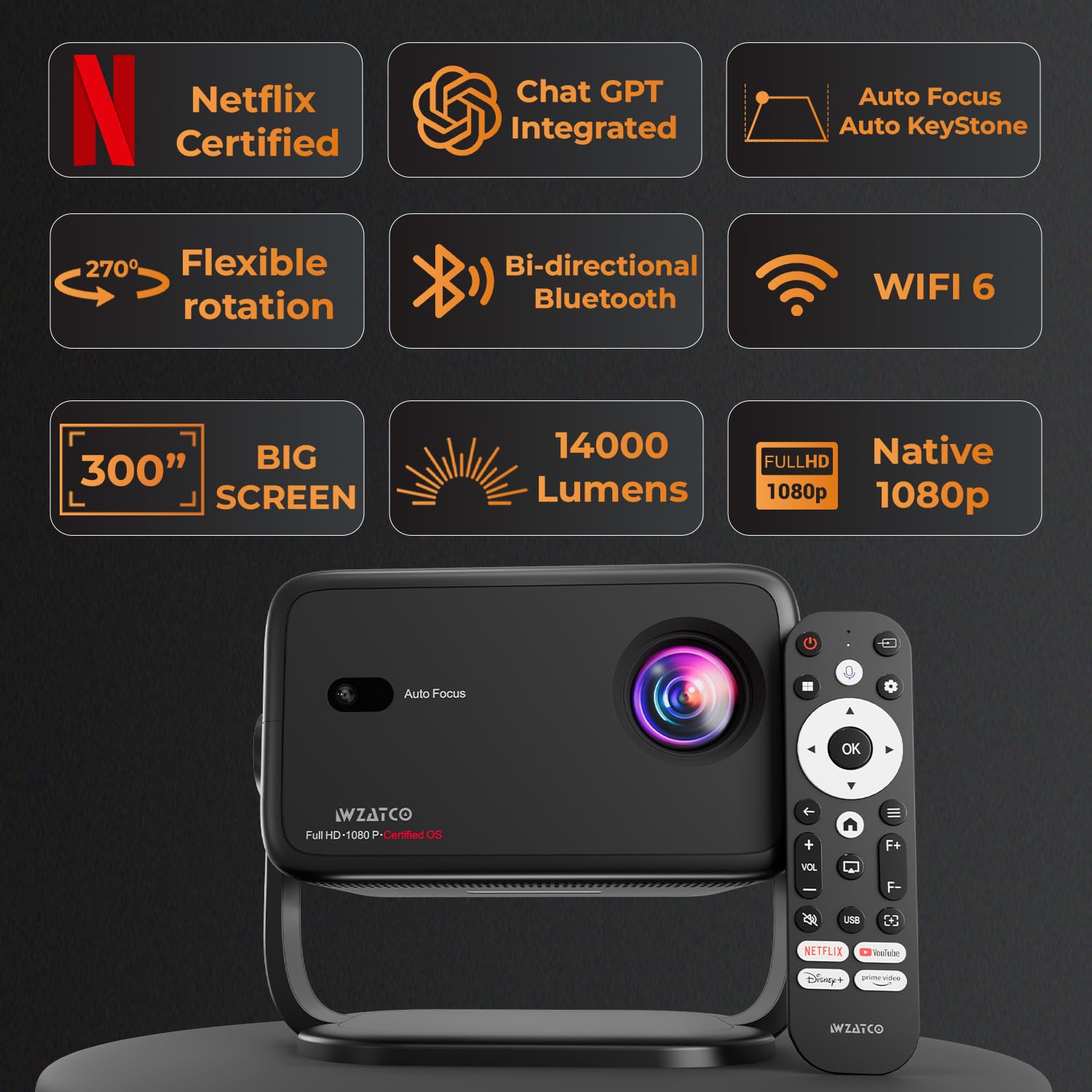
Resim 3.1: Üzeriview of key features including Netflix certification, ChatGPT integration, automatic adjustments, and connectivity options.
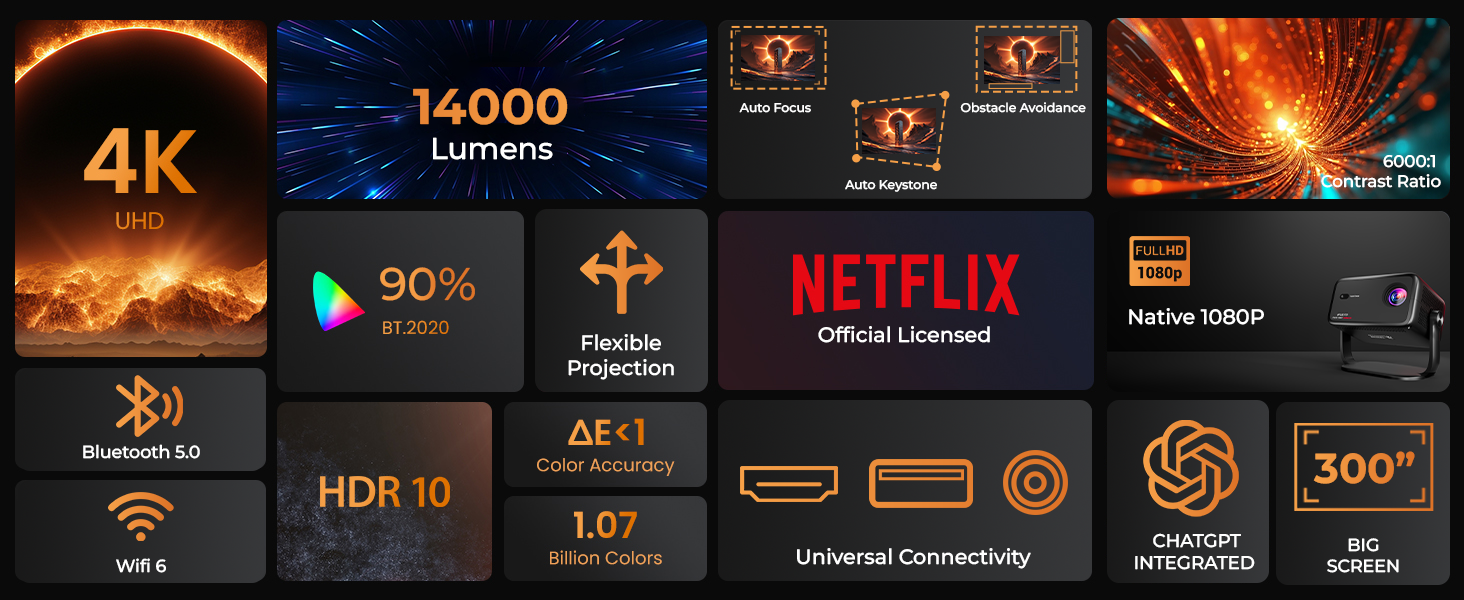
Image 3.2: Comprehensive feature set of the Yuva Vibe Projector.
4. Kurulum
4.1 İlk Yerleştirme
Place the projector on a stable, flat surface. Ensure there is adequate ventilation around the device. The 270° rotatable design allows for flexible positioning. You can place it on a table, tripod, or ceiling mount.

Image 4.1: The projector's 180-degree rotation capability for flexible projection.
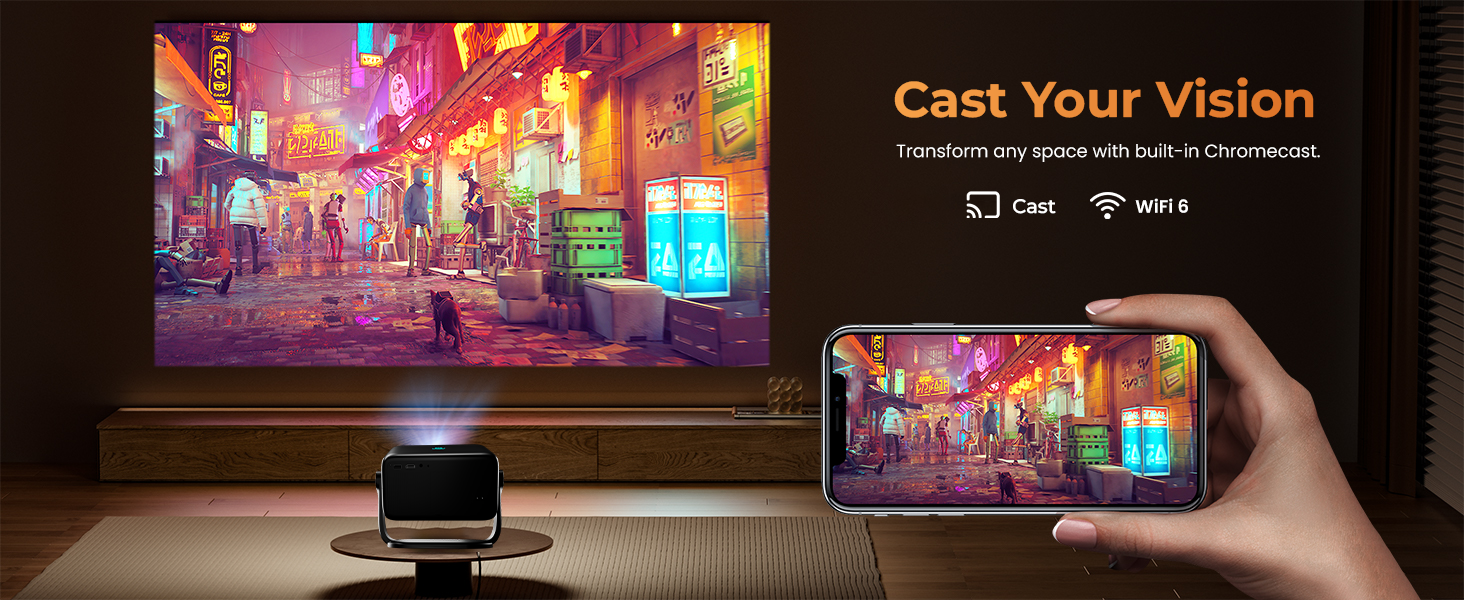
Image 4.2: Various mounting options for the projector, including ceiling, table, and floor placement.
4.2 Güç Bağlantısı
Connect the provided power cord to the projector's power input and then to a suitable electrical outlet (220 Volts).
4.3 İlk Güç Açma
Press the power button on the projector or the remote control to turn on the device. The projector will initiate its automatic setup sequence.
5. Kullanım Talimatları
5.1 Otomatik Ayarlamalar
The Yuva Vibe Projector features intelligent screen adjustments for optimal image quality:
- Otomatik odaklama: Projeksiyon cihazı görüntü netliğini otomatik olarak ayarlar.
- Otomatik Çarpıklık Düzeltme: Bozuk görüntüleri mükemmel bir dikdörtgene dönüştürür.
- Otomatik Ekran Uyumu: Adjusts the image size to fit the projection surface.
- Otomatik Engellerden Kaçınma: Görüntüdeki nesneleri algılar ve yansıtma yolundan kaçınmak için görüntüyü ayarlar.
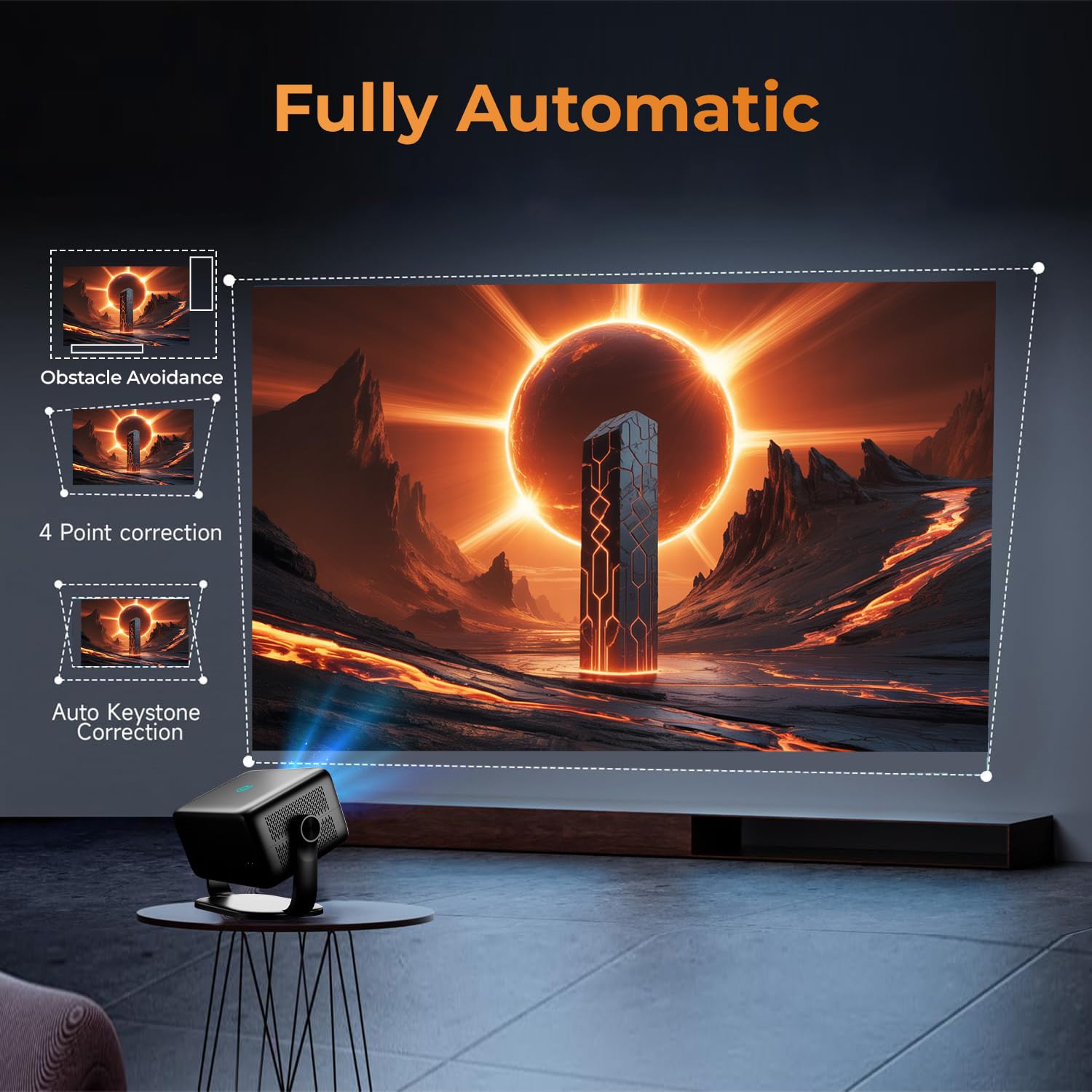
Image 5.1: Visual representation of the projector's fully automatic adjustment capabilities.
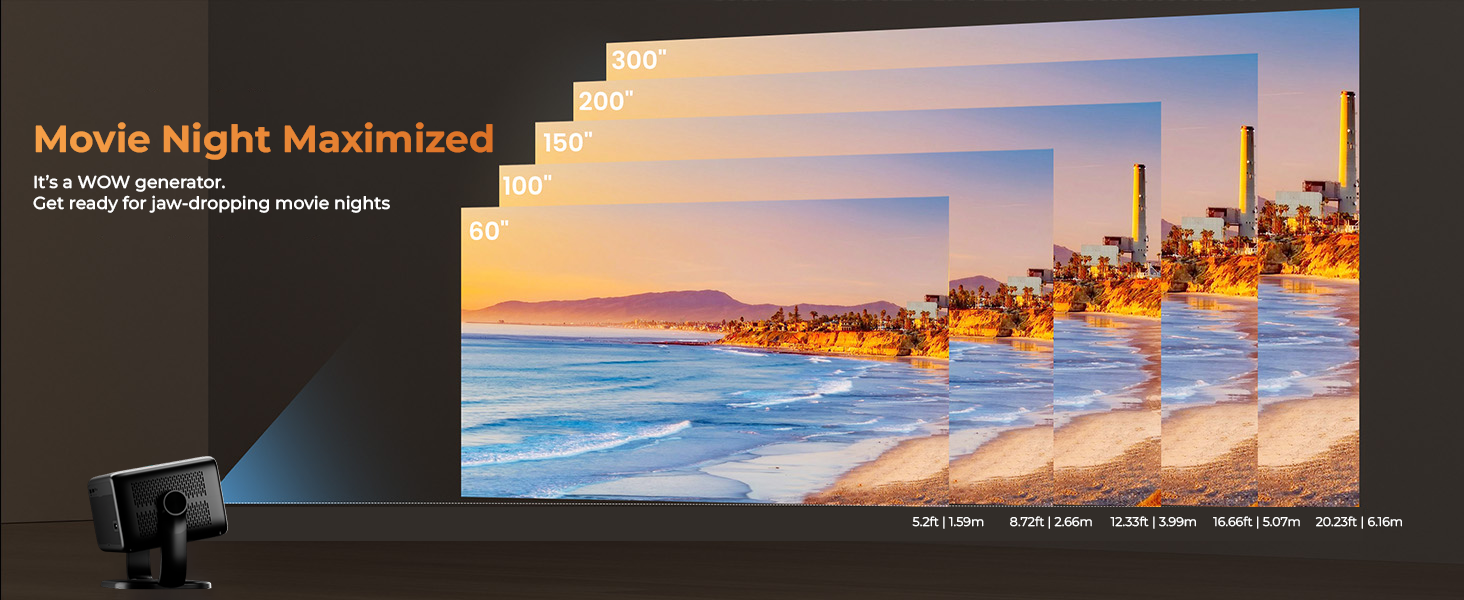
Image 5.2: Illustration of Auto Focus, Smart Object Avoidance, and Lossless Zoom functions.
5.2 Navigating the Certified OS
The projector runs on a certified operating system with pre-installed applications. Use the remote control to navigate the interface:
- Use the directional pad to move between icons and menus.
- Basın OK bir öğe seçmek için düğmesine basın.
- Basın Geri Önceki ekrana dönmek için düğmesine basın.
- Access streaming services like Netflix and Prime Video directly from the home screen.
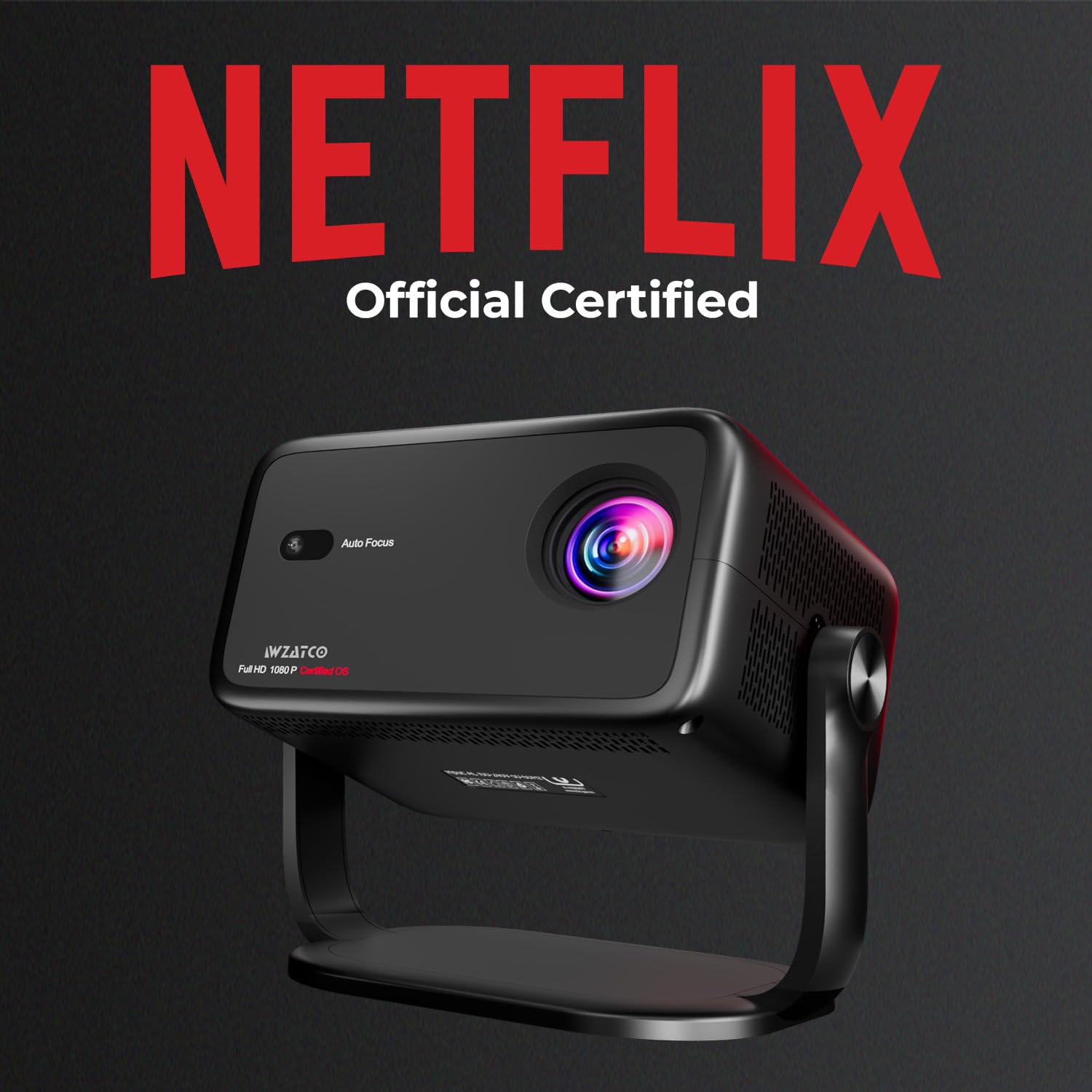
Image 5.3: The projector is officially certified for Netflix streaming.
5.3 Voice Assistant and ChatGPT
Activate the voice assistant by pressing the dedicated button on the remote. You can use voice commands to control the projector, search for content, or ask questions via ChatGPT integration.
6. Bağlantı
6.1 Wi-Fi Bağlantısı
Bir Wi-Fi ağına bağlanmak için:
- Git Ayarlar Projektörün ana ekranında.
- Seçme Ağ ve İnternet.
- İstediğiniz Wi-Fi ağını listeden seçin.
- İstendiğinde şifreyi girin ve seçin Bağlamak.
The projector supports Dual-Band WiFi 6 for stable and fast wireless connectivity.
6.2 Bluetooth Eşleştirme
To pair Bluetooth devices (e.g., speakers, headphones, keyboards):
- Git Ayarlar Projektörün ana ekranında.
- Seçme Bluetooth.
- Ensure Bluetooth is enabled on both the projector and the device you wish to pair.
- Select the device from the list of available devices and confirm pairing.
6.3 HDMI ARC
Connect an HDMI cable from the projector's HDMI ARC port to an HDMI ARC compatible port on your soundbar or AV receiver for enhanced audio output.
6.4 Ekran Yansıtma
The projector supports wireless casting from compatible phones, tablets, or laptops. Refer to your device's screen mirroring instructions and select the projector from the available devices.
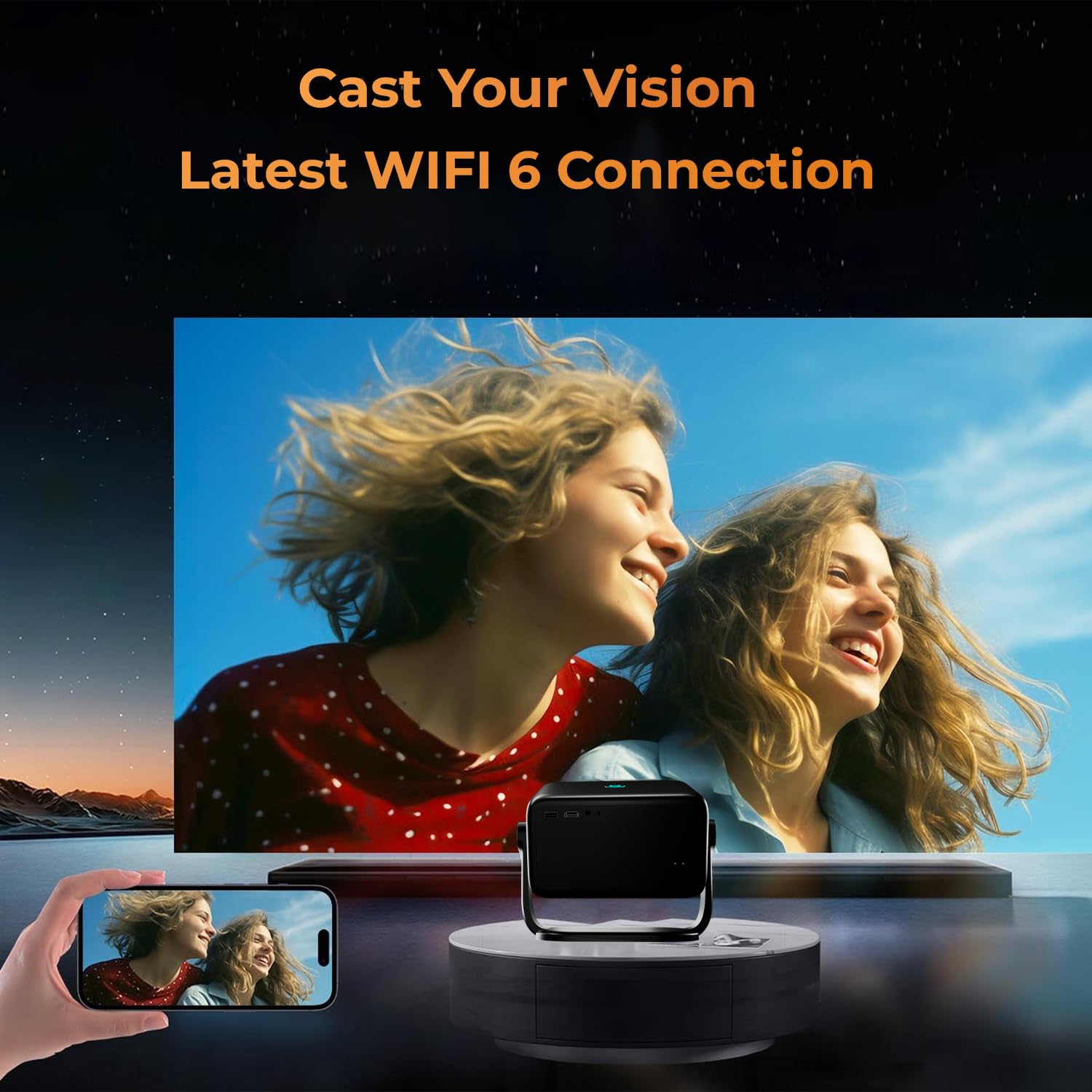
Image 6.1: Demonstrating screen mirroring from a smartphone to the projector using WiFi 6.
7. Bakım
7.1 Lensin Temizlenmesi
Use the provided cleaning kit or a soft, lint-free cloth specifically designed for optical lenses to gently wipe the projector lens. Avoid using abrasive materials or chemical cleaners.
7.2 Projektör Gövdesinin Temizlenmesi
Projektörün dış yüzeyini yumuşak, kuru bir bezle silin. Cihazın üzerine doğrudan sıvı temizleyiciler kullanmayın.
7.3 Havalandırma
Ensure that the ventilation openings are not blocked to prevent overheating. Regular cleaning of dust from these vents is recommended.
8. Sorun Giderme
- Güç Yok:
- Check if the power cord is securely connected to both the projector and the power outlet.
- Elektrik prizinin çalışır durumda olduğundan emin olun.
- Resim Yok:
- Projektörün açık olduğundan emin olun.
- Check the input source settings if an external device is connected.
- Objektif kapağının çıkarıldığından emin olun.
- Bulanık görüntü:
- Otomatik odaklama özelliğinin ayarını tamamlamasına izin verin.
- Yansıtma yüzeyinin düz ve temiz olduğundan emin olun.
- Ses Yok:
- Check the volume settings on the projector and any connected audio devices.
- If using external speakers, ensure they are properly connected via Bluetooth or HDMI ARC.
- Uzaktan Kumanda Yanıt Vermiyor:
- Uzaktan kumandanın pillerini değiştirin.
- Uzaktan kumanda ile projektör arasında herhangi bir engel bulunmadığından emin olun.
9. Özellikler
| Özellik | Şartname |
|---|---|
| Marka | WZATCO |
| Seri | Yuva Vibe |
| Model Numarası | 86 |
| Form Faktörü | Taşınabilir |
| Resolution (Native) | 1920 x 1080 (Orijinal 1080P) |
| Resolution (Supported) | Up to 3840 x 2160 Pixels (4K HDR Support) |
| Parlaklık | 14000 Lümen |
| Bağlantı Teknolojisi | Wi-Fi (Dual-Band WiFi 6), Bluetooth |
| Özel Özellikler | Netflix Certified, HDMI ARC, Fully Automatic (Auto Focus, Auto Keystone, Obstacle Avoidance), 5 Watt HiFi Speakers, USB, HDMI, Certified OS, Voice Assistant, ChatGPT Integrated |
| Önerilen Kullanımlar | Ev Sineması |
| Cilttage | 220 Volt |
| Netage | 120 Watt |
| Ürün Boyutları (UxGxY) | 13x28x27.5 cm |
| Ürün Ağırlığı | 2.5 kilo |
10. Garanti ve Destek
10.1 Garanti Bilgileri
WZATCO India provides a 1 Yıl garanti from the date of purchase. Product registration is mandatory to avail warranty benefits. Please visit the official WZATCO website for additional details and to register your product.
10.2 Müşteri Desteği
For any technical assistance, queries, or support, please contact WZATCO customer care:
- Müşteri Hizmetleri Numarası: 80-7097-7097
- E-posta: destek@wzatco.com


