1. Getting Started: Unboxing and Components
This section details the contents of your TABWEE T80 package and provides an overview of the tablet's physical features.
1.1 Paket İçeriği
Aşağıda listelenen tüm öğelerin paketinizde mevcut olduğundan emin olun:
- TABWEE T80 Android Tablet
- Bluetooth Klavye
- Kablosuz Fare
- Kalem
- Koruyucu Kılıf
- Ekran Koruyucu (hazır takılmış veya ayrı)
- Tablet standı
- Charger and USB-C Cable

1.2 Ürün Üzeriview
Familiarize yourself with the tablet's buttons, ports, and camera locations.
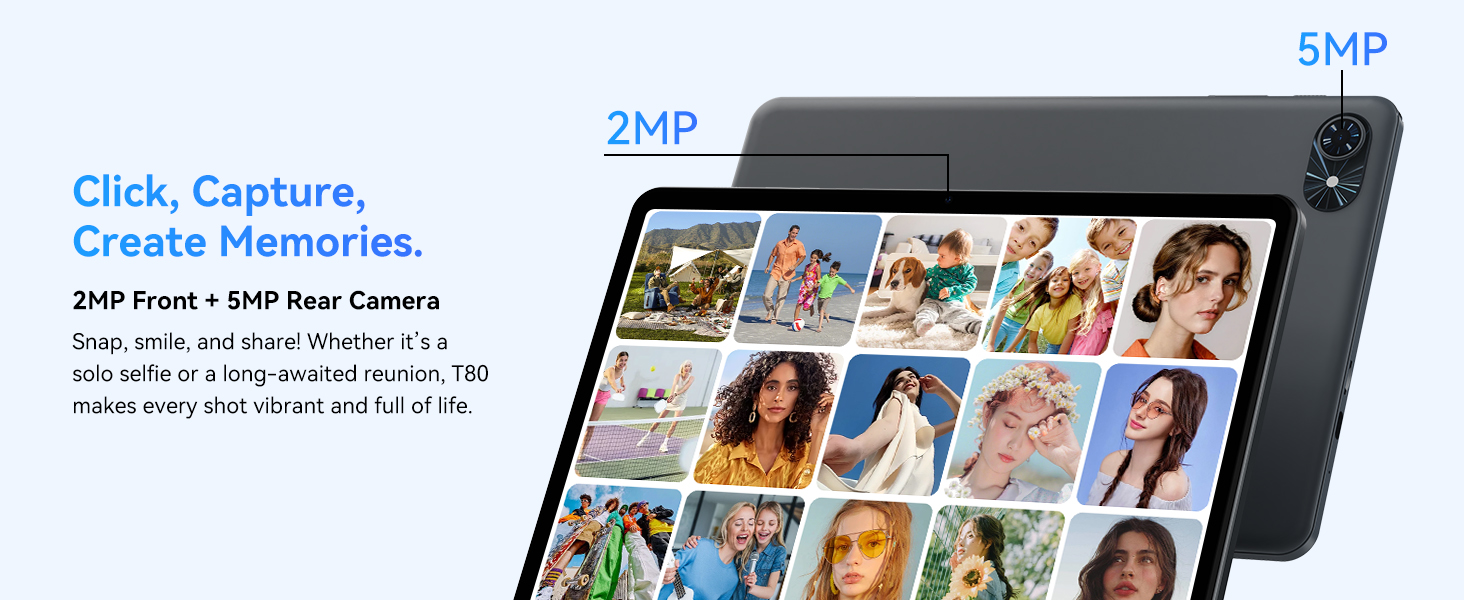
- Ön Kamera: Located at the top center when held in landscape orientation. (2MP)
- Arka Kamera: Located on the back panel, typically in the upper left corner. (5MP)
- Güç Düğmesi: Used to turn the tablet on/off or wake/sleep the screen.
- Ses Düğmeleri: Ses çıkış seviyesini ayarlayın.
- USB-C Bağlantı Noktası: Şarj ve veri aktarımı için.
- MicroSD Kart Yuvası: Depolama alanını 2 TB'a kadar genişletmek için.
- Konuşmacılar: Ses çıkışı için çift hoparlör.
2. Kurulum Talimatları
Follow these steps to set up your TABWEE T80 tablet for first-time use.
2.1 İlk Güç Açma ve Temel Yapılandırma
- Tableti Şarj Edin: Connect the provided USB-C cable and charger to the tablet and a power outlet. Allow the tablet to charge for at least 30 minutes before first use.
- Güç Açık: Press and hold the Power button until the TABWEE logo appears on the screen.
- Dil ve Bölge: Ekranda beliren yönergeleri izleyerek tercih ettiğiniz dili ve bölgeyi seçin.
- Wi-Fi'ye bağlanın: Select your Wi-Fi network from the list and enter the password. A stable internet connection is required for initial setup and updates.
- Google hesabı: Google hesabınızla oturum açın veya yeni bir hesap oluşturun. Bu, Google Play Store'dan uygulama indirmek için gereklidir.
- Tarih ve Saat: Confirm the date and time settings.
- Güvenlik: Set up a screen lock (PIN, pattern, or password) for security.
2.2 Aksesuarların Bağlanması
The TABWEE T80 comes with several accessories to enhance its functionality.
- Bluetooth Keyboard and Mouse:
- Ensure the keyboard and mouse are charged and powered on.
- Tabletinizde şuraya gidin: Ayarlar > Bağlı cihazlar > Bluetooth.
- Enable Bluetooth and scan for new devices.
- Select the keyboard and mouse from the list to pair them. Follow any on-screen prompts.
- Dokunmatik kalem: The stylus pen can be used directly on the screen for navigation, drawing, or writing. No pairing is typically required for basic capacitive styluses.
- Protective Case and Stand: Attach the protective case to the tablet. The case often includes a foldable stand for hands-free viewIng.
3. Kullanım Talimatları
This section covers the daily operation of your TABWEE T80 tablet.
3.1 Temel Navigasyon ve Android 15 Özellikleri
- Ana Ekran: Swipe left or right to access different home screens. Tap and hold an empty space to customize widgets, wallpaper, and settings.
- Bildirimler ve Hızlı Ayarlar: için ekranın üst kısmından aşağı doğru kaydırın. view Bildirimlere erişin ve Wi-Fi, Bluetooth ve parlaklık gibi hızlı ayarlara ulaşın.
- Uygulama Çekmecesi: Yüklü tüm uygulamalara erişmek için ekranın altından yukarı doğru kaydırın.
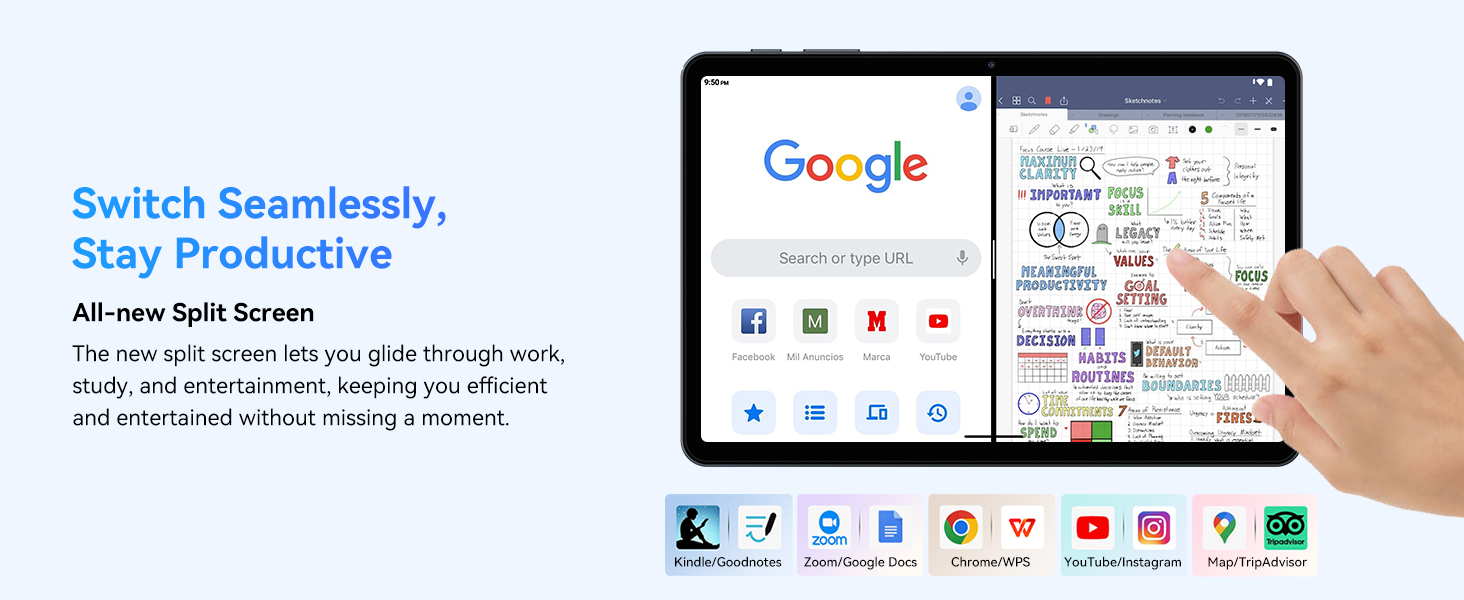
- Multitasking (Split Screen): Android 15 supports enhanced split-screen functionality. To use, open an app, then swipe up from the bottom, hold, and drag another app icon to either side of the screen.
- Gemini AI 2.0: Your tablet integrates Gemini AI 2.0 for enhanced task management, smart chats, text-to-image generation, voice-enabled Q&A, and real-time conversations. Access AI features through compatible apps or dedicated AI interfaces.
- Gizlilik ve Güvenlik: Android 15 offers improved privacy controls. Review and adjust app permissions in Ayarlar > Gizlilik.
3.2 Bağlantı
- Wifi: Supports 802.11a/b/g/n/ac for fast 5G Wi-Fi connectivity. Manage Wi-Fi connections in Ayarlar > Ağ ve internet > Wi-Fi.
- Bluetooth 5.0: For connecting wireless headphones, speakers, keyboards, and mice. Manage Bluetooth devices in Ayarlar > Bağlı cihazlar > Bluetooth.
- KÜRESEL KONUMLAMA SİSTEMİ: The tablet includes GPS functionality for location services and navigation apps.
- OTG (Hareket Halindeyken): Supports OTG, allowing you to connect USB devices like flash drives or external hard drives using an appropriate adapter.
3.3 Kamera Kullanımı
The TABWEE T80 features a 2MP front camera and a 5MP rear camera.
- Ana ekranınızdan veya uygulama çekmecenizden Kamera uygulamasını açın.
- Fotoğraf çekmek için deklanşör düğmesine dokunun.
- Kamera geçiş simgesini kullanarak ön ve arka kameralar arasında geçiş yapın.
- Explore different modes such as video recording or panorama if available.

3.4 Depolama ve Performans
- VERİ DEPOSU: The tablet comes with 6GB of physical RAM, expandable virtually to 18GB for smooth multitasking. Adjust RAM settings in Ayarlar eğer gerekirse.
- Dahili Depolama: 128GB ROM is provided for apps and files.
- Genişletilebilir Depolama: A MicroSD card slot allows for storage expansion up to 2TB. Insert a compatible MicroSD card into the designated slot.
- İşlemci: Powered by a Quad-Core Unisoc T310 processor (1x A75 2.0GHz, 3x A55 1.8GHz) and GE8300 GPU for efficient performance.
3.5 Pil ve Şarj Etme
- Pil Kapasitesi: Equipped with a 6000mAh battery, providing over 10 hours of typical usage.
- Şarj: Use the provided 10W fast charger and USB-C cable. Connect the cable to the tablet's USB-C port and the charger to a power outlet.
- Pil Optimizasyonu: Android 15 includes AI Super Power Saving Algorithms to extend battery life. Monitor battery usage in Ayarlar > Pil.

3.6 Display and Entertainment
- Görüntülemek: 10-inch IPS display with a resolution of 1280 x 800 pixels.
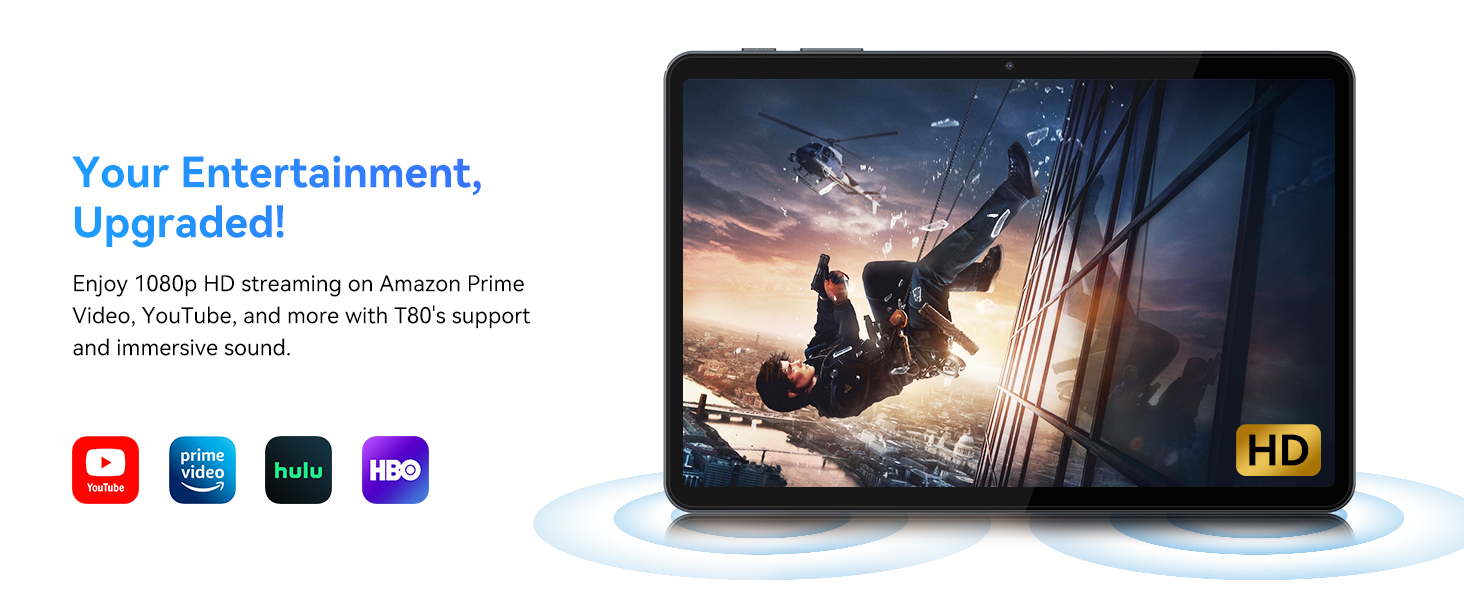
- Video Oynatma: Supports 1080P video playback for streaming services like Amazon Prime Video, YouTube, Hulu, and HBO.
- Ses: Dual speakers provide clear audio for media consumption.
4. Bakım
Doğru bakım, tabletinizin uzun ömürlü olmasını ve en iyi performansı göstermesini sağlar.
4.1 Pil Bakımı
- Pil ömrünü azaltabileceğinden aşırı sıcaklıklardan kaçının.
- Pilinin tamamen boşalmasına sık sık izin vermeyin. %0'a ulaşmadan önce şarj edin.
- Hasarı önlemek için yalnızca verilen şarj cihazını ve kabloyu kullanın.
4.2 Temizlik
- Tabletinizin ekranını ve gövdesini temizlemek için yumuşak, tiftiksiz bir bez kullanın.
- İnatçı lekeler için hafifçeampBezi su veya ekran temizleme solüsyonuyla silin. Sert kimyasallardan kaçının.
- Tüm portların toz ve kalıntılardan arındırılmış olduğundan emin olun.
4.3 Yazılım Güncellemeleri
- Regularly check for and install system updates. These updates often include performance improvements, security patches, and new features.
- Git Ayarlar > Sistem > Sistem güncellemesi Mevcut güncellemeleri kontrol etmek için.
5. Sorun Giderme
This section addresses common issues you might encounter with your TABWEE T80 tablet.
5.1 Tablet Açılmıyor
- Tabletin yeterince şarj olduğundan emin olun. Şarj cihazına bağlayın ve tekrar açmayı denemeden önce birkaç dakika bekleyin.
- Try holding the Power button for 10-15 seconds to force a restart.
5.2 Wi-Fi Bağlantı Sorunları
- Toggle Wi-Fi off and on in Quick Settings.
- Wi-Fi yönlendiricinizi yeniden başlatın.
- Ağı unutun Ayarlar > Ağ ve internet > Wi-Fi ve yeniden bağlanın.
5.3 Yavaş Performans
- Gereksiz arka plan uygulamalarını kapatın.
- Sık kullanılan uygulamaların önbelleğini temizle. Ayarlar > Uygulamalar > [Uygulama Adı] > Depolama ve önbellek > Önbelleği temizle.
- Ensure you have sufficient free storage space. Delete old files or move them to expandable storage.
- Tableti periyodik olarak yeniden başlatın.
5.4 Accessories Not Connecting
- For Bluetooth accessories, ensure they are charged, powered on, and in pairing mode.
- Verify Bluetooth is enabled on the tablet and try re-pairing the device.
- Check the battery level of the accessories.
6. Özellikler
Detailed technical specifications for the TABWEE T80 Android 15 Tablet.
| Özellik | Şartname |
|---|---|
| Model Adı | T80(6+128) |
| İşletim Sistemi | Android 15 |
| Ekran Boyutu | 10 inç |
| Maksimum Ekran Çözünürlüğü | 1280 x 800 Piksel |
| İşlemci | Unisoc T310 Quad-Core (1x A75 2.0GHz, 3x A55 1.8GHz) |
| Veri deposu | 18GB (6GB fiziksel + 12GB sanal) |
| Flash Bellek Boyutu (ROM) | 128 GB |
| Genişletilebilir Depolama | MicroSD kart ile 2 TB'a kadar |
| Kablosuz Tip | 802.11a, 802.11ac, 802.11b, 802.11g, 802.11n (5G WiFi) |
| Bluetooth | Bluetooth 5.0 |
| Pil Kapasitesi | 6000mAh |
| Ortalama Pil Ömrü | 480 Hours (Standby) / 10+ Hours (Usage) |
| Ön Kamera | 2 MP |
| Arka Kamera | 5 MP |
| Ürün Ağırlığı | 1.1 pound |
| Ürün Boyutları | 9.5 x 6.3 x 0.3 inç |
| Renk | Gümüş Gri |
7. Garanti ve Destek
Information regarding your product warranty and how to obtain customer support.
7.1 Ürün Garantisi
The TABWEE T80 tablet comes with a 2 Yıllık Garanti, covering manufacturing defects and ensuring product reliability. This warranty provides peace of mind and support for your device.
7.2 Müşteri Desteği
For any technical assistance, inquiries, or warranty claims, please contact TABWEE customer support:
- E-posta: serviceplus.linda@gmail.com
- Telefon (ABD): +1 (717) 896-6060
- Telefon (İngiltere): +44 7700 156388
- Phone (CA): +1 (587) 841-0500
- Telefon (DE): +49 157 3598 0115
TABWEE offers 24/7 customer support and lifetime technical assistance to ensure you have the best experience with your product.