NIVIAN NV-ACCESS-RFID

NIVIAN NV-ACCESS-RFID IP68 RFID Access Control System Instruction Manual

Model: NV-ACCESS-RFID

1. Ürün Bittiview

The NIVIAN NV-ACCESS-RFID is an IP68-rated outdoor RFID access control system designed for secure door access. It supports up to 2,000 users and offers convenient configuration via a remote control. This system provides a robust and reliable solution for managing access in various environments.

Temel Özellikler:

  • RFID Card and Key Fob Access: Securely opens doors using EM 125kHz proximity cards and key fobs for quick, contactless entry.
  • High User Capacity: Supports up to 2,000 users, making it suitable for communities, businesses, or facilities with high personnel turnover.
  • Uzaktan Kumanda Yapılandırması: Manage users, cards, and functions easily with the included remote control, eliminating the need for internet connection or additional software.
  • IP68 Outdoor Rating: Features a robust, water-resistant, and dustproof design, ideal for outdoor installations. Constructed from durable ABS material.
  • Wiegand System Compatibility: Easily integrates into existing security systems through its 26-bit Wiegand input/output and configurable NO/NC relay output.

Paket İçeriği:

  • NIVIAN Access Control Unit (NV-ACCESS-RFID)
  • Remote Control for configuration
  • Montaj aksesuarları (vidalar, dübeller)
  • Kullanıcı Kılavuzu

Ürün View:

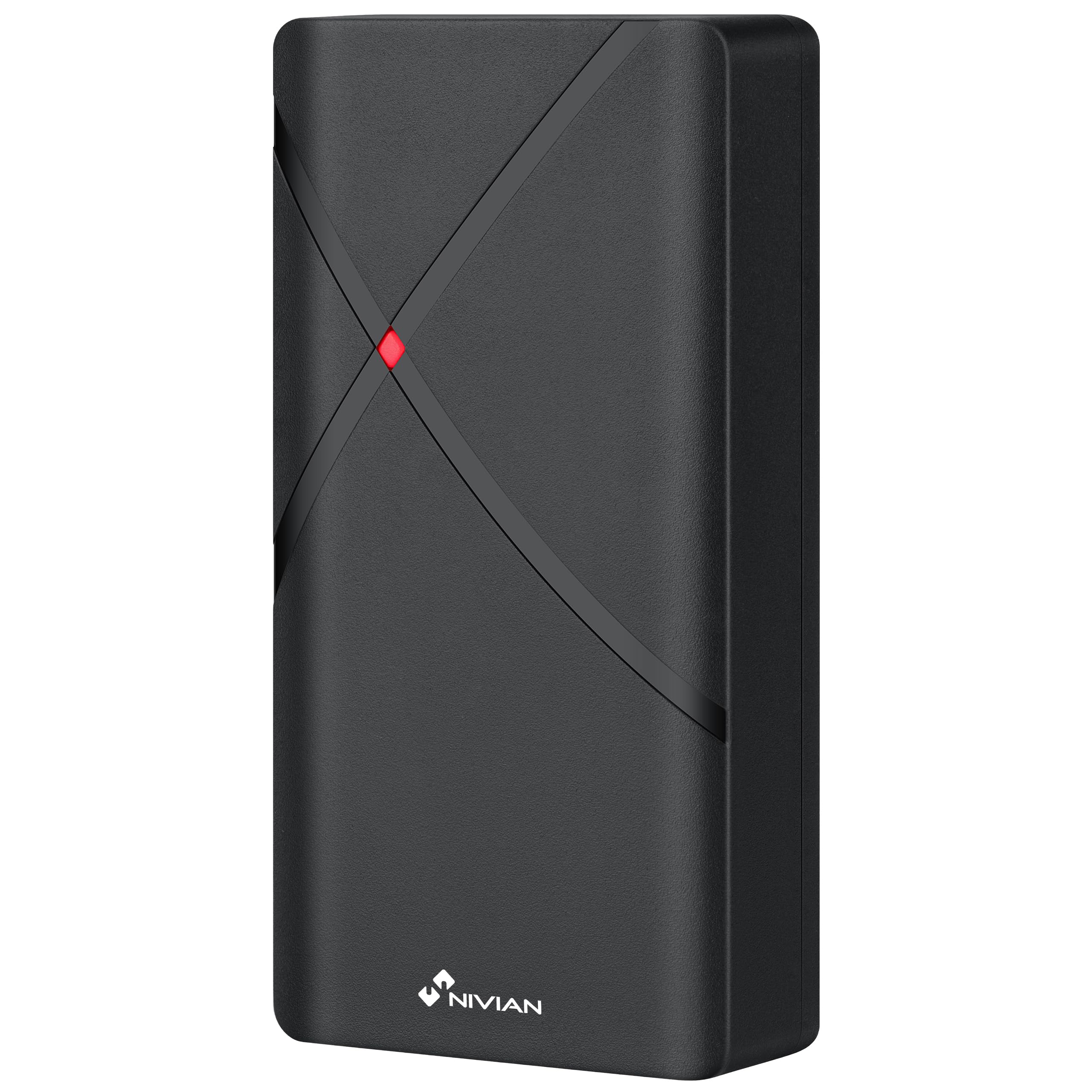
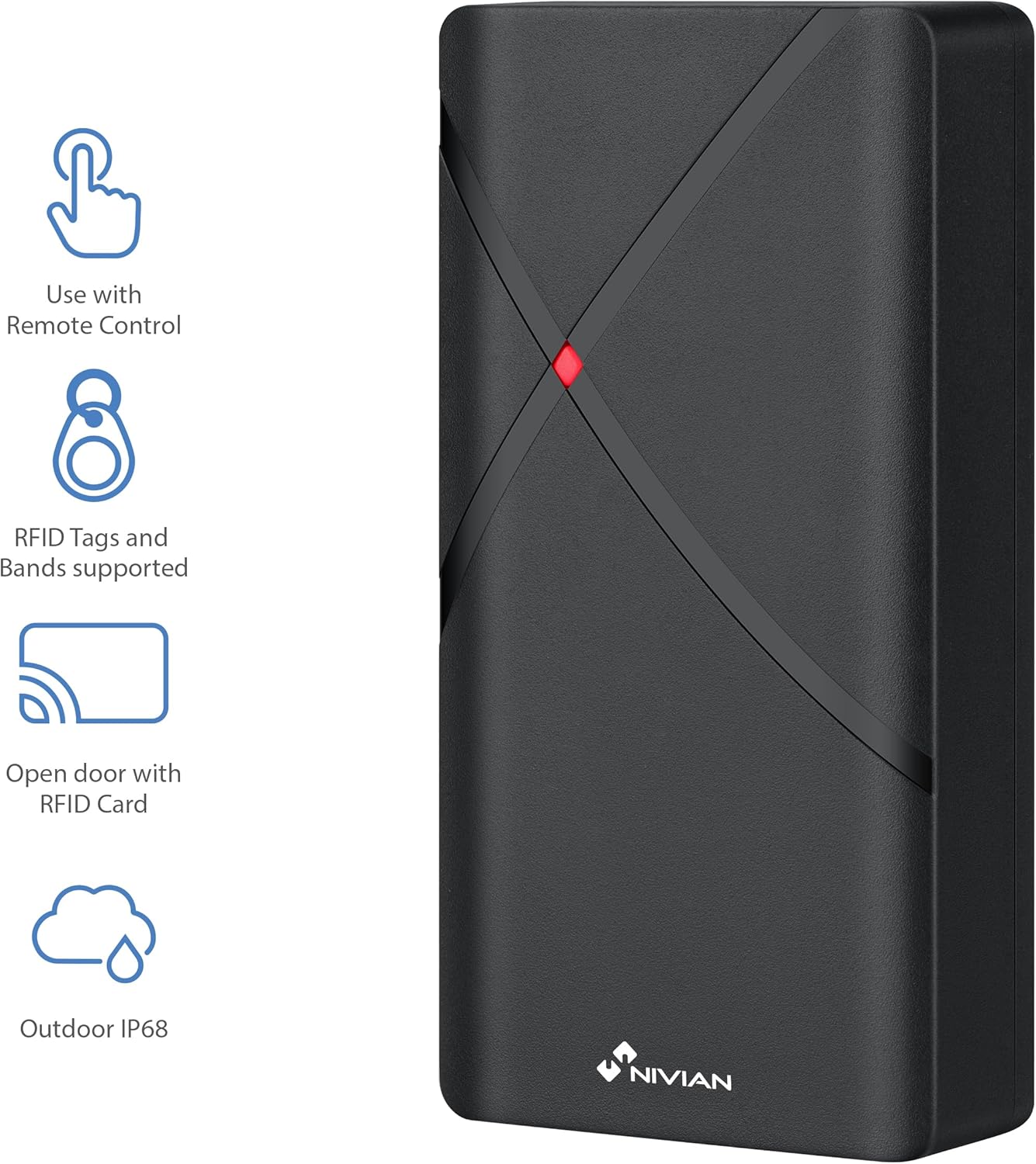
NIVIAN NV-ACCESS-RFID Access Control Unit with feature icons
Şekil 1: Ön view of the NIVIAN NV-ACCESS-RFID Access Control Unit, highlighting its remote control compatibility, RFID tag support, RFID card opening, and IP68 outdoor rating.
NIVIAN NV-ACCESS-RFID Access Control Unit in a weatherproof and anti-vandalism metal alloy casing
Figure 2: The NIVIAN NV-ACCESS-RFID unit demonstrating its weatherproof and anti-vandalism metal alloy construction, suitable for outdoor use.

2. Kurulum Kılavuzu

Proper installation is crucial for the optimal performance and security of your NIVIAN NV-ACCESS-RFID system. Please follow these steps carefully.

2.1 Ünitenin Montajı

  • Choose a suitable mounting location, ensuring it is within reach of necessary wiring and provides clear access for users. The IP68 rating allows for outdoor placement.
  • Use the provided mounting template (if included) to mark drilling points on the wall or door frame.
  • Drill holes and insert wall plugs. Secure the unit to the surface using the provided screws.
  • Cihazın sağlam bir şekilde takıldığından ve sabitlendiğinden emin olun.
NIVIAN NV-ACCESS-RFID Access Control Unit mounted on a narrow door frame
Figure 3: The access control unit designed for installation on narrow door frames, demonstrating its compact form factor.
NIVIAN NV-ACCESS-RFID Access Control Unit mounted on a glass door
Figure 4: The access control unit mounted on a glass door, showcasing its versatility in installation environments.

2.2 Kablolama Şeması

Connect the access control unit to your power supply, electric lock, and optional exit button or doorbell according to the following diagram. Always ensure power is disconnected before performing any wiring.

Diagram showing wiring options for the NIVIAN NV-ACCESS-RFID system, including power supply, electric lock, remote control, and optional exit button
Figure 5: Wiring diagram illustrating the connections for power supply, electric lock, remote control, and optional exit button for the access control system.

Video 1: This video demonstrates the installation scheme for the access control system, detailing how to connect the various components such as the door access control unit, lock, power supply, exit button, proximity card reader, and doorbell.

3. Kullanım Talimatları

The NIVIAN NV-ACCESS-RFID system is designed for user-friendly operation. This section covers basic access methods and user management.

3.1 Granting Access with RFID Cards/Key Fobs

  • To grant access, simply present a pre-programmed RFID card or key fob to the reader area on the unit.
  • The unit will emit an audible signal and/or visual indicator (e.g., green light) to confirm successful access.
A hand presenting an RFID card to the NIVIAN NV-ACCESS-RFID unit for door access
Figure 6: A user presenting an RFID card to the access control unit to gain entry, illustrating the contactless operation.

3.2 User Management (via Remote Control)

The remote control allows for easy management of users without complex software. Refer to the remote control's specific instructions for detailed programming steps.

  • Kullanıcı Ekleme: Use the remote control to enter programming mode, then follow the prompts to add new RFID cards or key fobs.
  • Kullanıcıların Silinmesi: Access programming mode via the remote control and select the option to delete specific user cards or all users.
  • Ana Kodu Değiştirme: The remote control can also be used to change the system's master programming code for enhanced security.

4. Teknik Özellikler

ÖzellikŞartname
Model NumarasıNV-ACCESS-RFID
MarkaNİVİAN
Boyutlar (UxGxY)12x7x2 cm
Ağırlık300 gram
Giriş Koruması (IP) DerecesiIP68 (Suya ve Toza Dayanıklı)
Kullanıcı Kapasitesi2,000 kullanıcıya kadar
Erişim yöntemiRFID (EM 125kHz cards/key fobs)
YapılandırmaUzaktan kumanda
MalzemeDayanıklı ABS
UyumlulukWiegand systems (26-bit input/output)
Güç KaynağıKablolu Elektrik

5. Bakım

  • Temizlik: Wipe the unit regularly with a soft, damp Bez. Aşındırıcı temizleyicilerden veya çözücülerden kaçının.
  • Denetleme: Periodically check for any signs of damage, loose connections, or wear and tear.
  • Donanım Yazılımı Güncellemeleri: Üreticinin kontrol edin webEn iyi performans ve güvenliği sağlamak için mevcut tüm yazılım güncellemelerini bulabileceğiniz bir site.

6. Sorun Giderme

SorunOlası NedenÇözüm
Ünite açılmıyorElektrik yok veya kablolama hatalı.Check power connections and ensure the power supply is active. Verify wiring according to the installation diagram.
RFID card/fob not recognizedCard/fob not programmed or damaged. Incorrect card type.Ensure the card/fob is correctly programmed into the system using the remote control. Try a different card/fob. Verify it's an EM 125kHz type.
Door does not unlock after successful scanElectric lock malfunction or incorrect wiring.Check the electric lock's functionality independently. Verify the wiring between the access control unit and the lock. Ensure relay output is correctly configured (NO/NC).
Uzaktan kumanda çalışmıyorBattery low or out of range.Replace the remote control battery. Ensure you are within the effective range of the unit.

7. Destek ve Garanti

For technical support, warranty information, or additional resources, please visit the official NIVIAN website veya müşteri hizmetleriyle iletişime geçin.

NIVIAN branding with links to NIVIANHOME WEB, Instagram, and YouTube for support and tutorials
Figure 7: NIVIAN support information, including links to their website, Instagram, and YouTube channel for technical assistance and tutorials.

İlgili Belgeler - NV-ACCESS-RFID

Önview Nivian NV-ACCESS-PIN-RFID-W: Akıllı Ev WiFi Erişim Kontrolü Kullanım Kılavuzu
Bu kullanım kılavuzu, Nivian NV-ACCESS-PIN-RFID-W Akıllı Ev WiFi Erişim Kontrol sistemi için kurulum, ayar, çalıştırma, paylaşım ve programlama konularını kapsayan ayrıntılı talimatlar sunmaktadır.
Önview NIVIAN 4G Solar Camera User Manual: Setup, Installation & Settings
Discover how to set up, install, and configure your NIVIAN 4G Solar Camera with this comprehensive user manual. Learn about mobile app integration, device features, installation tips, and advanced settings for models NV-CAM01-SOLAR 4G and NV-CAM02S-SOLAR 4G.
Önview NIVIAN NV-VIDEOINTERCOM-2-BASIC: Hızlı Başlangıç ​​Kılavuzu ve Kurulum
NIVIAN NV-VIDEOINTERCOM-2-BASIC 2 Kablolu Görüntülü İnterkom Sistemi için kapsamlı hızlı başlangıç ​​kılavuzu ve kurulum talimatları. Cihazınızı nasıl kuracağınızı, bağlayacağınızı ve çalıştıracağınızı öğrenin.
Önview Nivian NV-VIDEOINTERCOM-2BASIC: 2 Kablolu Görüntülü İnterkom Kurulum Kılavuzu
Nivian NV-VIDEOINTERCOM-2BASIC 2 kablolu görüntülü interkom sistemi için kapsamlı kurulum ve kullanım kılavuzu. Kurulum, bağlantı şemaları, düğme fonksiyonları ve sistem ayarlarını kapsar.
Önview Nivian NVS-GARAGEMINISWITCH-W Akıllı Ev WiFi Garaj Kapısı Kontrol Cihazı Kullanım Kılavuzu
Nivian NVS-GARAGEMINISWITCH-W Akıllı Ev WiFi Garaj Kapısı Kontrol Cihazı için kurulum, uygulama ayarları, kullanım ve güvenlik bilgilerinin ayrıntılı olarak açıklandığı kullanıcı kılavuzu.
Önview Nivian Akıllı Ev Görüntülü İnterkom Kullanım Kılavuzu
Nivian Akıllı Ev Görüntülü İnterkom sisteminin kurulumu, yapılandırılması ve çalıştırılması hakkında kapsamlı bir kılavuz. İç ve dış ünitelerin nasıl bağlanacağını, mobil uygulama entegrasyonunun nasıl kurulacağını ve IP kamera izleme ve Rahatsız Etmeyin modu gibi çeşitli özelliklerin nasıl kullanılacağını öğrenin.