giriiş
This manual provides essential information for setting up, operating, maintaining, and troubleshooting your TECNO Spark GO 2 smartphone. Please read this guide carefully to ensure optimal performance and longevity of your device.
Kurmak
1. Kutudan Çıkarma ve İlk İnceleme
Tüm ürünleri ambalajından dikkatlice çıkarın. 'Kutunun İçindekiler' bölümünde listelenen tüm bileşenlerin eksiksiz ve hasarsız olduğunu doğrulayın.
2. SIM Kart ve Hafıza Kartının Takılması
- Cihazınızın yan tarafındaki SIM tepsisini bulun.
- Verilen SIM tepsisi çıkarma aracını tepsinin yanındaki küçük deliğe yerleştirin ve tepsi dışarı çıkana kadar hafifçe bastırın.
- Nano-SIM kartınızı/kartlarınızı ve/veya microSD kartınızı (varsa) tepsideki belirlenmiş yuvalara doğru yönde yerleştirin.
- Tepsiyi yerine oturana kadar dikkatlice cihazın içine doğru itin.
3. Cihazın Şarj Edilmesi
Before first use, fully charge your TECNO Spark GO 2. Connect the provided USB cable to the phone's charging port and the power adapter. Plug the adapter into a wall outlet. The device supports 15W fast charging.

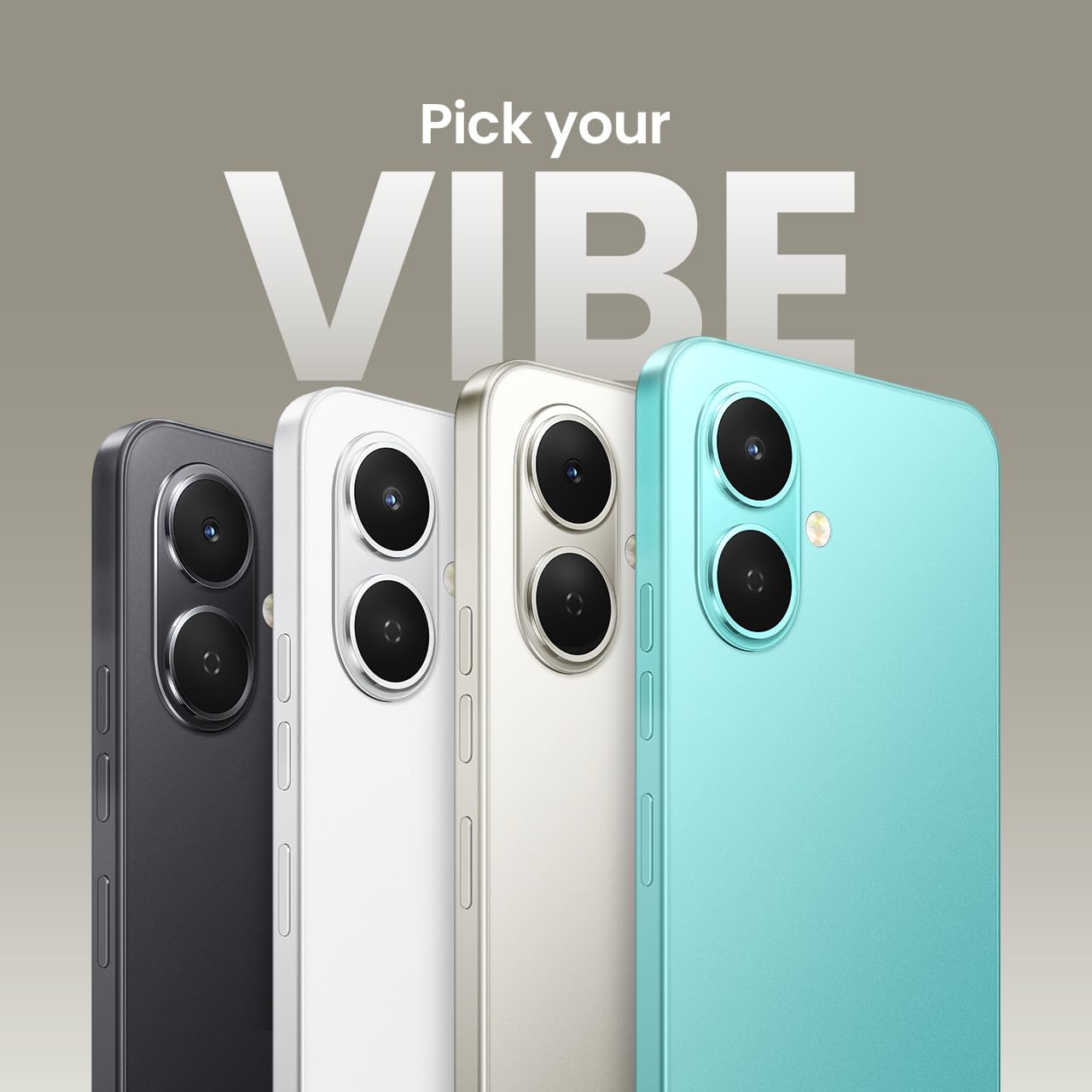
Üzerindeview of TECNO Spark GO 2 features, including AI, durability, display, and battery.
4. Açma ve İlk Kurulum
Press and hold the Power button until the TECNO logo appears. Follow the on-screen instructions to select your language, connect to Wi-Fi, and set up your Google account.
Cihazın Çalıştırılması
1. Temel Gezinme
The TECNO Spark GO 2 features a responsive touchscreen. Use gestures such as tap, swipe, pinch-to-zoom, and long-press to navigate the interface, open apps, and interact with content.
2. Ekran Özellikleri
Experience smooth visuals on the 6.67-inch Punch-Hole Display with a 120Hz refresh rate. This high refresh rate provides a fluid scrolling and viewDeneyim.

The 120Hz Dynamic Punch-hole Display offers smooth visuals.
3. Ella AI with Indian Language Support
Your device includes Ella, an AI assistant that supports voice commands in various Indian regional languages. Utilize Ella for productivity tasks and smart interactions.

Ella AI provides support for multiple Indian languages.
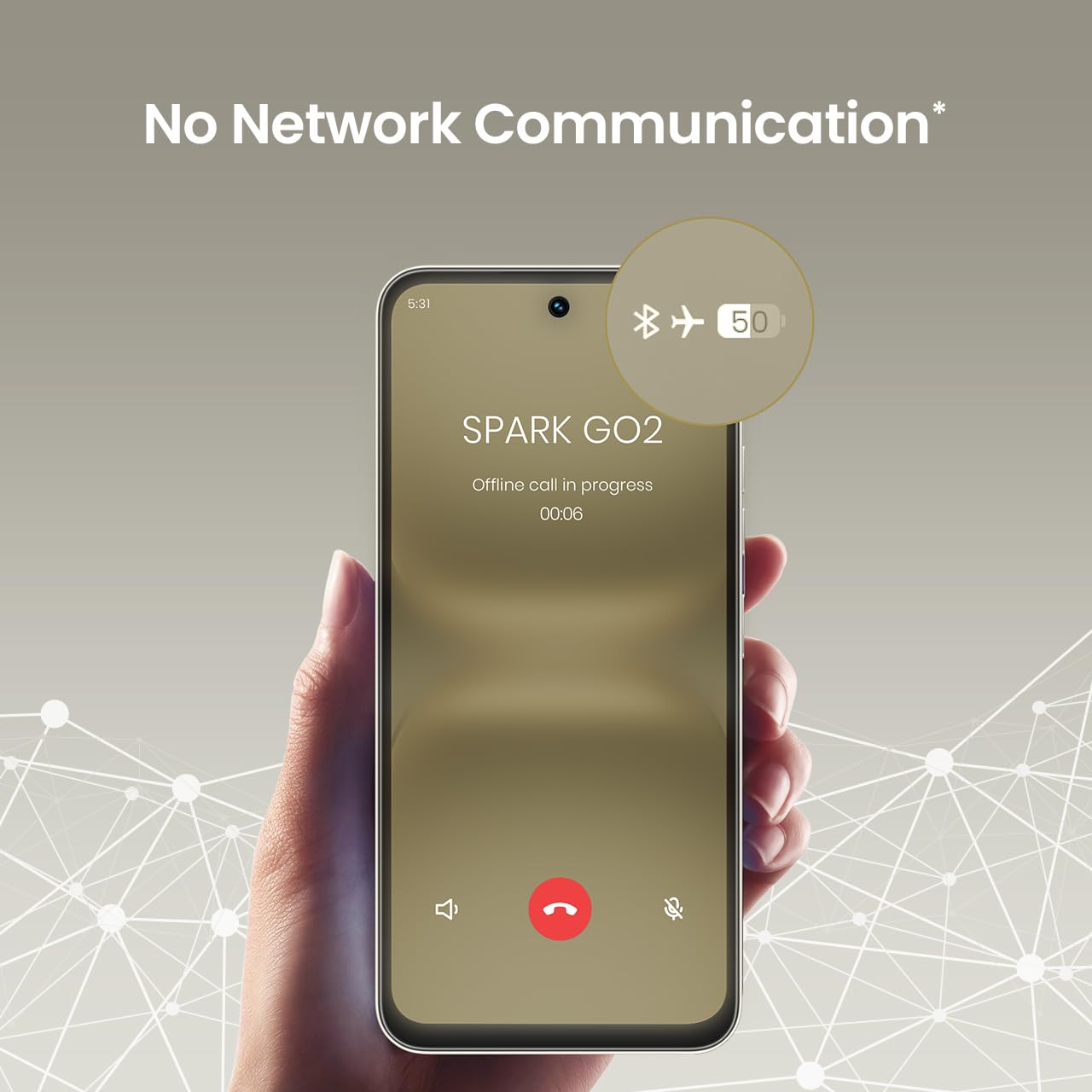
4. No Network Communication Feature
The TECNO Spark GO 2 features a unique 'No Network Communication' capability, allowing certain functions even in areas without cellular signal. Refer to the device's settings for details on how to utilize this feature.

The 'No Network Communication' feature allows limited functionality without cellular service.
5. Kamera Kullanımı
Your device is equipped with a 13MP main camera and an 8MP front camera. Open the Camera application to capture photos and videos. Explore various modes and settings for different photographic effects.
The TECNO Spark GO 2 features a 13MP main camera and an 8MP front camera.
6. AI Active Noise Cancellation
Benefit from AI Active Noise Cancellation during calls to ensure clearer audio by reducing background noise.

AI Active Noise Cancellation enhances call clarity.
Bakım
1. Dayanıklılık ve Koruma
The TECNO Spark GO 2 is IP64 rated and SGS certified, offering protection against dust and splashes. While durable, avoid submerging the device in water or exposing it to excessive dust.

The TECNO Spark GO 2 is IP64 rated for dust and splash resistance.
2. Pil Bakımı
To maximize battery life, avoid extreme temperatures. Use only the provided charger and cable. For optimal performance, keep the battery charge between 20% and 80% when possible.
The 5000mAh battery supports 15W fast charging.
3. Yazılım Güncellemeleri
Regularly check for and install software updates to ensure your device has the latest features, security patches, and performance enhancements. This contributes to the promised 4 years of lag-free performance.
4. Temizlik
Telefonunuzun ekranını ve gövdesini temizlemek için yumuşak, tiftiksiz bir bez kullanın. Sert kimyasallar veya aşındırıcı malzemeler kullanmaktan kaçının.
Sorun giderme
1. Cihaz Yanıt Vermiyor
Cihazınız yanıt vermez hale gelirse, yeniden başlatmaya zorlamak için Güç düğmesini yaklaşık 10-15 saniye basılı tutun.
2. Pilin Hızlı Bitmesi
Check for background apps consuming power. Adjust screen brightness, disable unnecessary features like GPS or Bluetooth when not in use, and ensure your software is up to date.
3. Ağ Bağlantı Sorunları
If you experience issues with cellular or Wi-Fi connectivity, try restarting your device. Verify that your SIM card is correctly inserted and that you are within network coverage. For Wi-Fi, ensure the router is functioning correctly.
4. Performans Gecikmesi
Close unused applications, clear cache, and ensure sufficient storage space. The device is designed for lag-free performance for up to 4 years, supported by its UNISOC T7250 processor and up to 8GB RAM (including virtual RAM).

The TECNO Spark GO 2 is engineered for 4 years of lag-free performance.

The device offers up to 8GB RAM for smooth multitasking.
Özellikler
| Özellik | Detay |
|---|---|
| İşletim Sistemi | Android 15 |
| Veri deposu | 4 GB (Sanal RAM ile 8 GB'a kadar) |
| Dahili Depolama | 64 GB |
| Model Numarası | KM4 |
| Ürün Boyutları | 16.6x7.7x0.8 cm |
| Ürün Ağırlığı | 186 gr |
| Pil Güç Derecesi | 5000 mAh |
| Şarj Desteği | 15W Hızlı Şarj |
| Görüntülemek | 6.67" Punch-Hole Display, 120Hz Refresh Rate, 720 x 1600 Resolution |
| Ana Kamera | 13 MP |
| Ön Kamera | 8 MP |
| Bağlantı | Bluetooth, Kızılötesi, USB, Wi-Fi, 4G Taşıyıcı Birleştirme 2.0 |
| Ses Jakı | 3.5 mm |
| Özel Özellikler | Ella AI with Indian Language Support, IP64 SGS Certified, No Network Communications, AI Active Noise Cancellation |
| Renk | Titanyum Grisi |
Kutuda Neler Var?
The TECNO Spark GO 2 package typically includes the following items:
- TECNO Spark GO 2 Akıllı Telefon
- Telefon Kılıfı
- Güç Adaptörü
- SIM Tepsisi Çıkarıcı
- USB kablosu
Garanti ve Destek
For warranty information and customer support, please refer to the warranty card included with your product or visit the official TECNO Mobile India website. The manufacturer is G Mobiles India.
For technical assistance or service inquiries, please contact TECNO customer service through their official channels.


