1. Giriş
This manual provides essential information for the safe and efficient use of your Doro Leva E20 4G Flip Phone. Designed with seniors in mind, this phone features a large 2.8-inch display, contrasting keys, loud and clear sound, HD voice, a camera, and a dedicated assistance button. Please read these instructions carefully before using your new phone.

Image 1: Doro Leva E20 highlighting key features such as 4G connectivity, large display, clear sound, and hearing aid compatibility.
2. Kurulum
2.1. SIM Kartı ve Bataryayı Takma
Before using your phone, you must insert a SIM card (provided by your mobile network operator) and the battery.
- Open the phone: Gently open the flip phone to access the battery compartment.
- Pil kapağını çıkarın: Locate the notch on the back cover and carefully lift it off.
- SIM kartı takın: Slide the SIM card into the designated slot with the gold contacts facing down and the cut corner aligned as shown in the diagram (refer to your quick start guide for a visual).
- Pili takın: Place the battery into its compartment, ensuring the contacts align with those in the phone.
- Kapağı değiştirin: Snap the battery cover back into place until it clicks.
2.2. Telefonu Şarj Etme
Your phone's battery may not be fully charged upon purchase. It is recommended to fully charge the battery before first use.
- Şarj cihazını bağlayın: Plug the USB Type-C cable into the charging port on the phone.
- Güce bağlan: Şarj cihazının diğer ucunu duvardaki prize takın.
- Şarj göstergesi: The charging indicator on the screen will show the charging status. The phone is fully charged when the indicator shows a full battery icon.
2.3. Açma/Kapama
- Açmak için: Kırmızıyı basılı tutun Çağrıyı Sonlandır/Güç button until the Doro logo appears.
- Kapatmak için: Kırmızıyı basılı tutun Çağrıyı Sonlandır/Güç button, then select 'Power off' from the options on the screen.
3. Kullanım Talimatları
3.1. Temel İşlevler
- Arama yapmak:
- Tuş takımını kullanarak telefon numarasını girin.
- Yeşile basın Arama Aramayı başlatmak için kullanılan düğme.
- Bir Aramayı Cevaplama: Simply open the flip phone to answer an incoming call. Alternatively, press the green Arama düğme.
- Aramayı Bitirme: Close the flip phone or press the red Çağrı Sonu düğme.
- Sesi Ayarlama: Use the volume buttons located on the side of the phone during a call or when playing media.
3.2. Mesaj Gönderme ve Alma (SMS)
- Ana menüden şuraya gidin: Mesajlar.
- Seçme Yeni Mesaj.
- Alıcının telefon numarasını girin veya rehberinizden seçin.
- Tuş takımını kullanarak mesajınızı yazın.
- Basmak Göndermek.
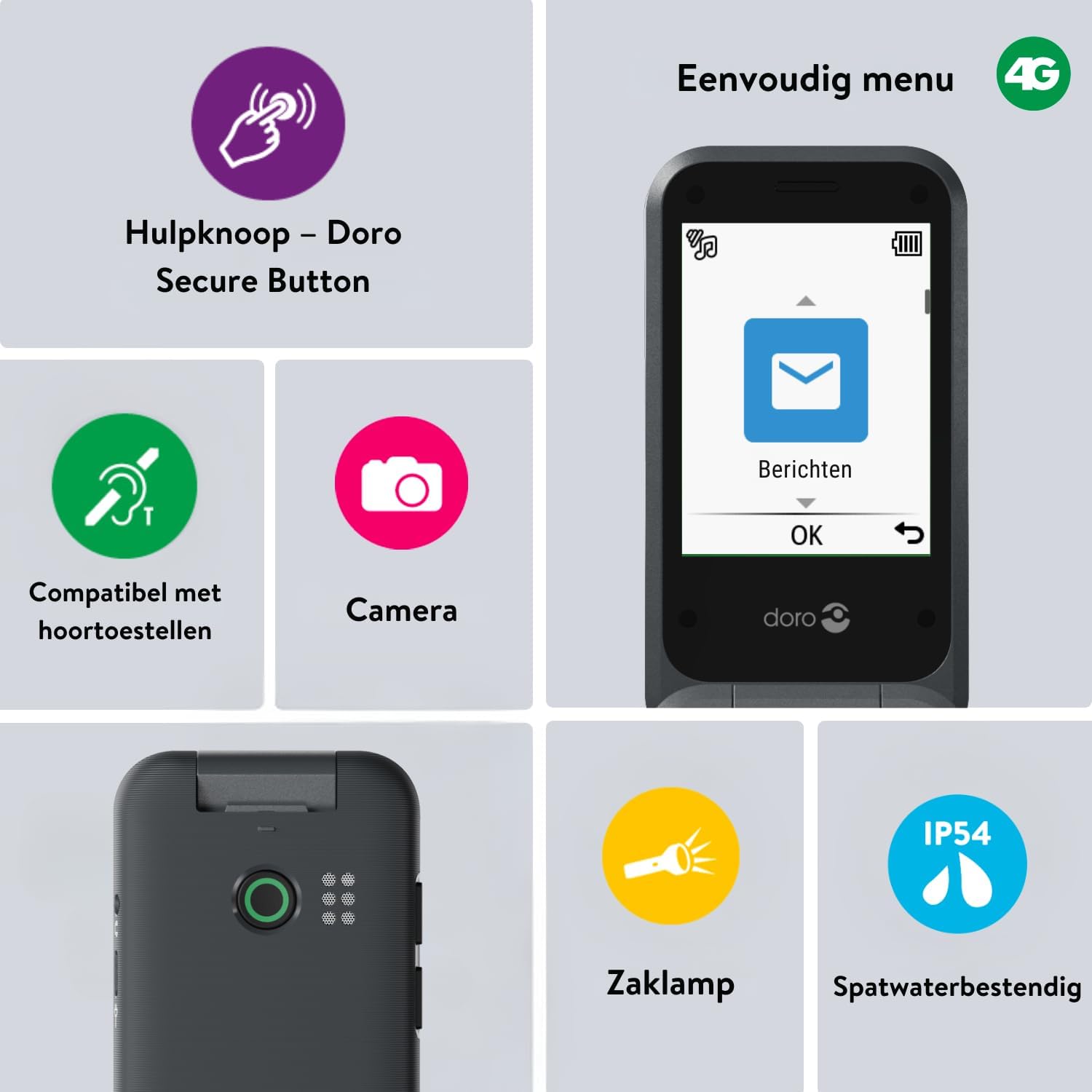
Image 2: The Doro Leva E20's simple menu interface, showing the 'Messages' icon, along with other features like the assistance button, camera, flashlight, and IP54 splash resistance.
3.3. Kamera
Doro Leva E20, fotoğraf çekmek için temel bir kamera içerir.
- Ana menüden şunu seçin: Kamera.
- Ekranı bir çerçeve olarak kullanarak çekiminizi kadrajlayın. viewbulucu.
- Basın OK Fotoğraf çekmek için düğmeye basın.
3.4. Assistance Button (Doro Secure Button)
The dedicated assistance button is a key safety feature, allowing you to quickly contact pre-set emergency numbers.
- Kurulum: Refer to the phone's settings menu under 'Assistance' to program emergency contacts.
- Etkinleştiriliyor: Press and hold the assistance button (located on the back of the phone) for a few seconds. The phone will automatically call and send an SMS to your pre-programmed emergency contacts.

Image 3: The Doro Leva E20's Doro Secure Button, designed for quick access to emergency contacts.
3.5. El feneri
To activate the built-in flashlight:
- Locate the flashlight icon or dedicated button (if available) on the phone or in the quick settings menu.
- Press the corresponding key or navigate to the option to turn the flashlight on/off.
3.6. Quick Access Buttons
The Doro Leva E20 features quick access buttons for frequently used functions.
- Favori Kişiler: Assign frequently called numbers to speed dial keys.
- Kamera: A dedicated button or menu option for quick camera access.
- Mesajlar: A dedicated button or menu option for quick message access.

Image 4: The Doro Leva E20 in hand, showcasing the keypad with quick access buttons for favorite contacts, camera, and messages.
4. Bakım
4.1. Cihazın Temizlenmesi
Telefonunuzu en iyi durumda tutmak için:
- Use a soft, dry, lint-free cloth to clean the screen and body of the phone.
- Sert kimyasallar, temizleme solventleri veya güçlü deterjanlar kullanmaktan kaçının.
- Telefonu aşırı neme maruz bırakmayın.
4.2. Pil Bakımı
The Doro Leva E20 is powered by a rechargeable battery. To maximize battery life and performance:
- Charge the phone regularly. Avoid letting the battery drain completely before recharging.
- Pili aşırı sıcaklıklara maruz bırakmayın.
- Telefon uzun süre kullanılmayacaksa, saklamadan önce yaklaşık %50'ye kadar şarj edin.
4.3. Suya Dayanıklılık
The Doro Leva E20 has an IP54 rating, meaning it is protected against dust ingress and splashing water from any direction. It is not designed to be submerged in water.
5. Sorun Giderme
Doro Leva E20 cihazınızla ilgili sorun yaşıyorsanız, aşağıdaki çözümleri deneyin:
| Sorun | Olası Çözüm |
|---|---|
| Telefon açılmıyor | Ensure the battery is charged. Connect the charger and try again. Check if the battery is correctly inserted. |
| Arama yapılamıyor veya alınamıyor. | Check if the SIM card is correctly inserted. Ensure you have network coverage. Contact your service provider if the issue persists. |
| Kötü ses kalitesi | Adjust the volume. Ensure the speaker/microphone is not blocked. If using a hearing aid, ensure compatibility settings are correct. |
| Pil çabuk bitiyor | Reduce screen brightness. Close unused applications. Limit background data usage. Ensure the phone is not in an area with poor network signal, which can increase battery consumption. |
If these steps do not resolve the issue, please contact Doro customer support.
6. Özellikler
- Model Adı: Leva E20
- İşletim Sistemi: Mocor OS
- İşlemci Modeli: Korteks A7
- Ekran Boyutu: 2.8 inç
- Çözünürlük: 320x240
- Hücresel Teknoloji: 4G
- Bağlantı: USB Tip C
- Bellek Depolama Kapasitesi: 17 GB
- Renk: Siyah
- Suya Dayanıklılık: IP54 (Su sıçramalarına karşı dayanıklı)
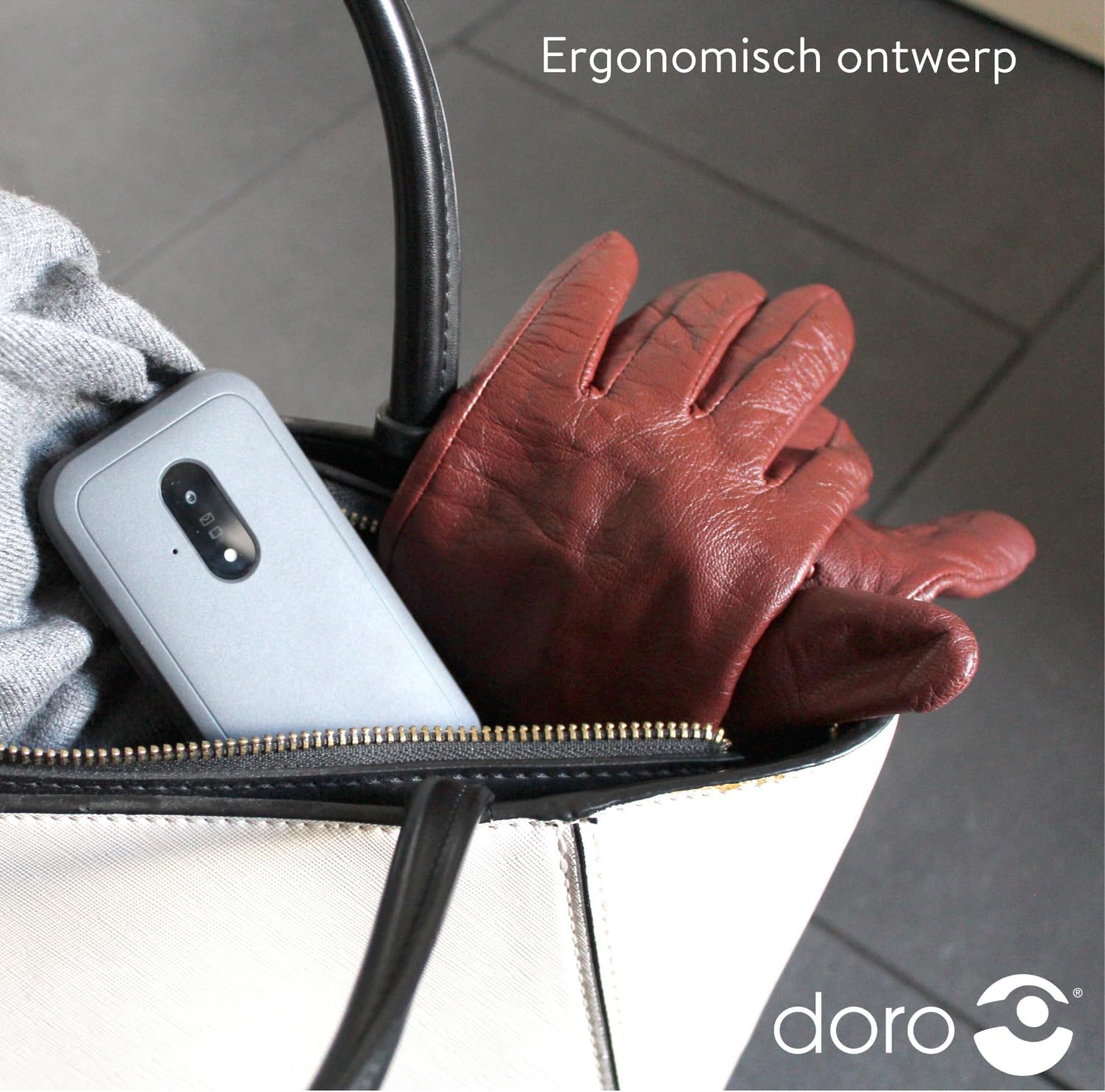
Image 5: The Doro Leva E20's ergonomic design allows for easy portability, fitting comfortably in a bag.
7. Garanti ve Destek
Your Doro Leva E20 is manufactured by Doro. For specific warranty information, including terms and conditions, please refer to the warranty card included with your product or visit the official Doro website. For technical support, troubleshooting assistance beyond this manual, or service inquiries, please contact Doro customer support directly.
Üretici: Doro
Webalan: www.doro.com (Please check your regional Doro website for local support contact details.)


