1. Giriş
This manual provides essential information for the proper setup, operation, and maintenance of your SANSUI 24 Inch Gaming Monitor. Please read this manual thoroughly before using the product to ensure optimal performance and safety.
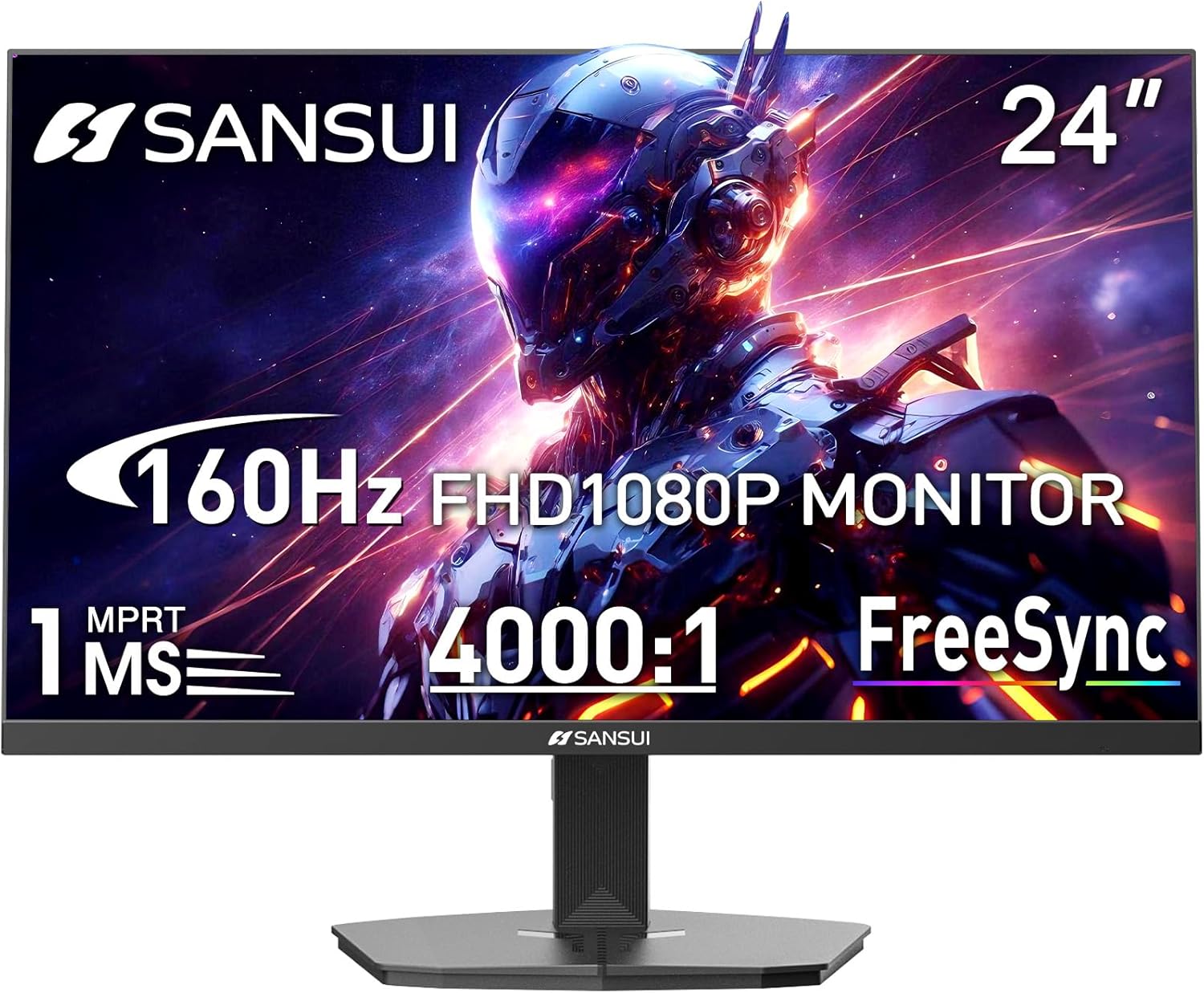
Image 1.1: SANSUI 24 Inch Gaming Monitor (Model ES-G24F4M)
2. Güvenlik Bilgileri
- Kazara düşmeleri önlemek için monitörün sabit ve düz bir yüzeye yerleştirildiğinden emin olun.
- Monitörü yağmura, neme veya aşırı sıcaklıklara maruz bırakmayın.
- Aşırı ısınmayı önlemek için havalandırma açıklıklarını tıkamaktan kaçının.
- Lütfen yalnızca monitörle birlikte verilen güç adaptörünü kullanın.
- Disconnect the power cable from the outlet before cleaning or if the monitor will not be used for an extended period.
3. Paket İçeriği
Paketin içinde tüm öğelerin mevcut olduğundan emin olun:
- SANSUI 24 Inch Gaming Monitor
- HDMI Kablosu x 1
- Güç Adaptörü x 1
- Hızlı Kurulum Kılavuzu
- Garanti Kartı
4. Ürün Özellikleri
- Ekran Boyutu: 24 inç
- Çözünürlük: FHD 1080p (1920 x 1080 Piksel)
- Yenileme Hızı: 160Hz
- Yanıt Süresi: 1ms MPRT
- Kontrast Oranı: 4000:1
- Parlaklık: 300 cd/m²
- Renk Gamı: %72 sRGB
- Teknoloji: FreeSync, HDR, Anti-flicker, Anti-Glare, Low Blue Light Eye Care
- Limanlar: HDMI & DP Ports (HDMI Cable Included)
- Montaj: VESA Support (75x75mm)
- Boyutlar: 21.2 x 7.95 x 16.28 inç
- Ağırlık: 3.54 pound
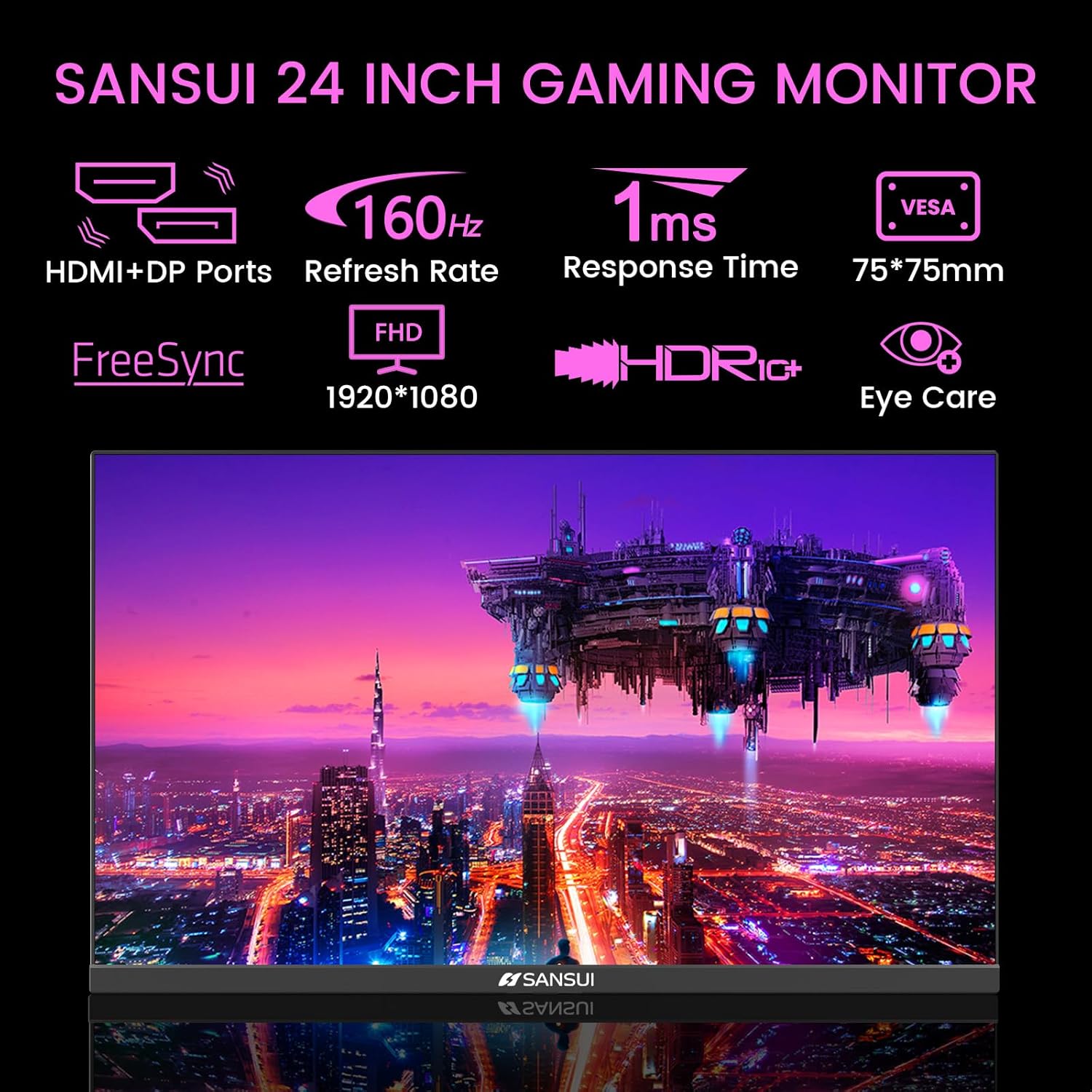
Image 4.1: Key Features of the SANSUI 24 Inch Gaming Monitor.
5. Kurulum
5.1. Standın Montajı
- Monitör ve stand bileşenlerini ambalajından dikkatlice çıkarın.
- Birlikte verilen vidaları kullanarak sehpa tabanını sehpa boynuna takın.
- Secure the assembled stand to the back of the monitor. Ensure it clicks into place or is fastened securely with screws, depending on the design.
5.2. VESA Montajı (İsteğe bağlı)
The monitor supports VESA 75x75mm mounting. If using a VESA mount, remove the pre-attached stand and follow the instructions provided with your VESA mounting kit.
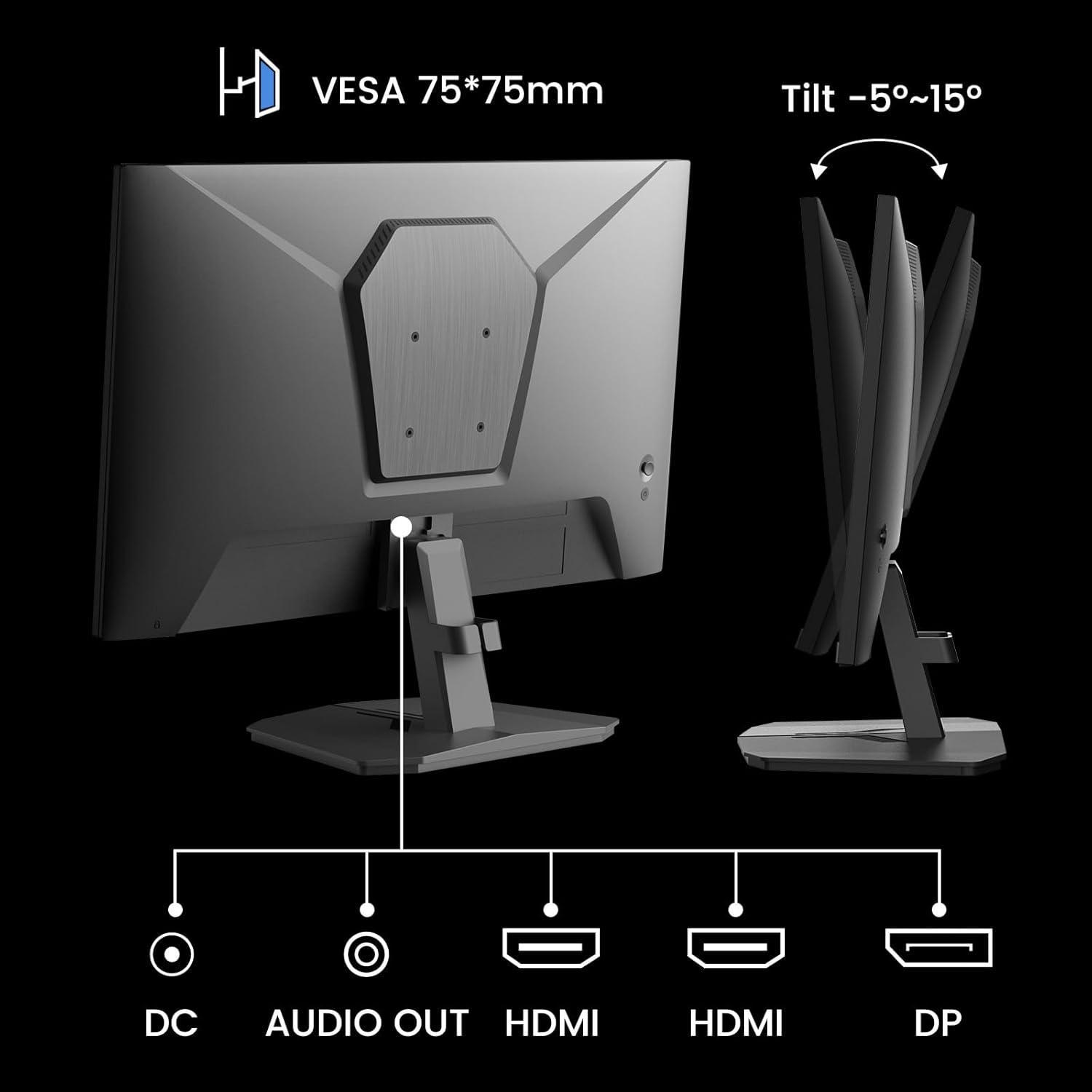
Resim 5.1: Arka view showing VESA mount and input ports.
5.3. Bir Cihaza Bağlanma
- Connect one end of the HDMI cable (included) or a DisplayPort (DP) cable to the corresponding port on your computer or gaming console.
- Connect the other end of the cable to the HDMI or DP input port on the SANSUI monitor.
- For audio output, connect external speakers or headphones to the 'AUDIO OUT' port on the monitor.
- Connect the power adapter to the 'DC IN' port on the monitor, then plug the adapter into a power outlet.
5.4. İlk Güç Açma
Press the power button located on the underside of the monitor to turn it on. The monitor will automatically detect the active input source. If not, manually select the input source using the OSD menu.
6. Kullanım Talimatları
6.1. OSD (On-Screen Display) Menu Navigation
The OSD menu allows you to adjust various monitor settings. The control buttons are located on the underside of the monitor:
- Menü Düğmesi: Press to open the OSD menu or enter a sub-menu.
- Yukarı/Aşağı Oklar: Menü seçenekleri arasında gezinin.
- Giriş Düğmesi: Confirm selection or adjust values.
- Güç Düğmesi: Monitörü açın/kapatın.
6.2. Resim Ayarları
Access the 'Picture' section in the OSD menu to adjust:
- Parlaklık: Ekranın genel parlaklığını ayarlar.
- Zıtlık: En parlak ve en karanlık alanlar arasındaki farkı ayarlar.
- Aşırı hız: Enhances pixel response time for reduced motion blur.
- HDR (Yüksek Dinamik Aralık): When enabled, HDR provides a wider range of colors and contrast. Note: Some settings may be locked when HDR is active.
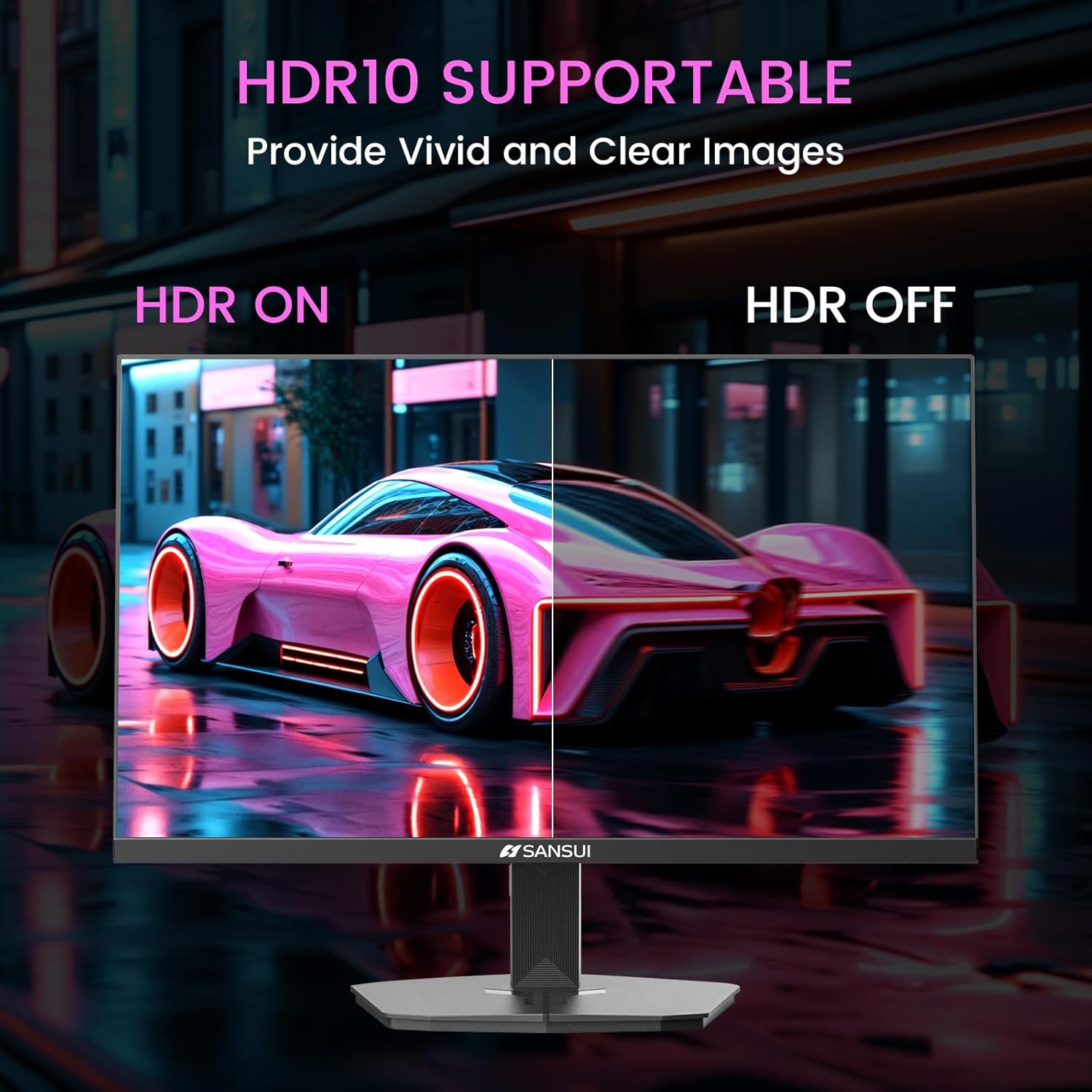
Image 6.1: HDR10 Support for vivid and clear images.
6.3. Renk Ayarları
In the 'Color Setup' menu, you can adjust color temperature and other color-related parameters when HDR is not active.
6.4. Game Modes and Assistants
The monitor includes exclusive gaming modes and assistants to enhance your gaming experience:
- CrossHair: Provides an on-screen crosshair for improved aiming.
- Zamanlayıcı: Displays an on-screen timer.
- RTS/FPS/RACING: Pre-calibrated display modes optimized for specific game genres.
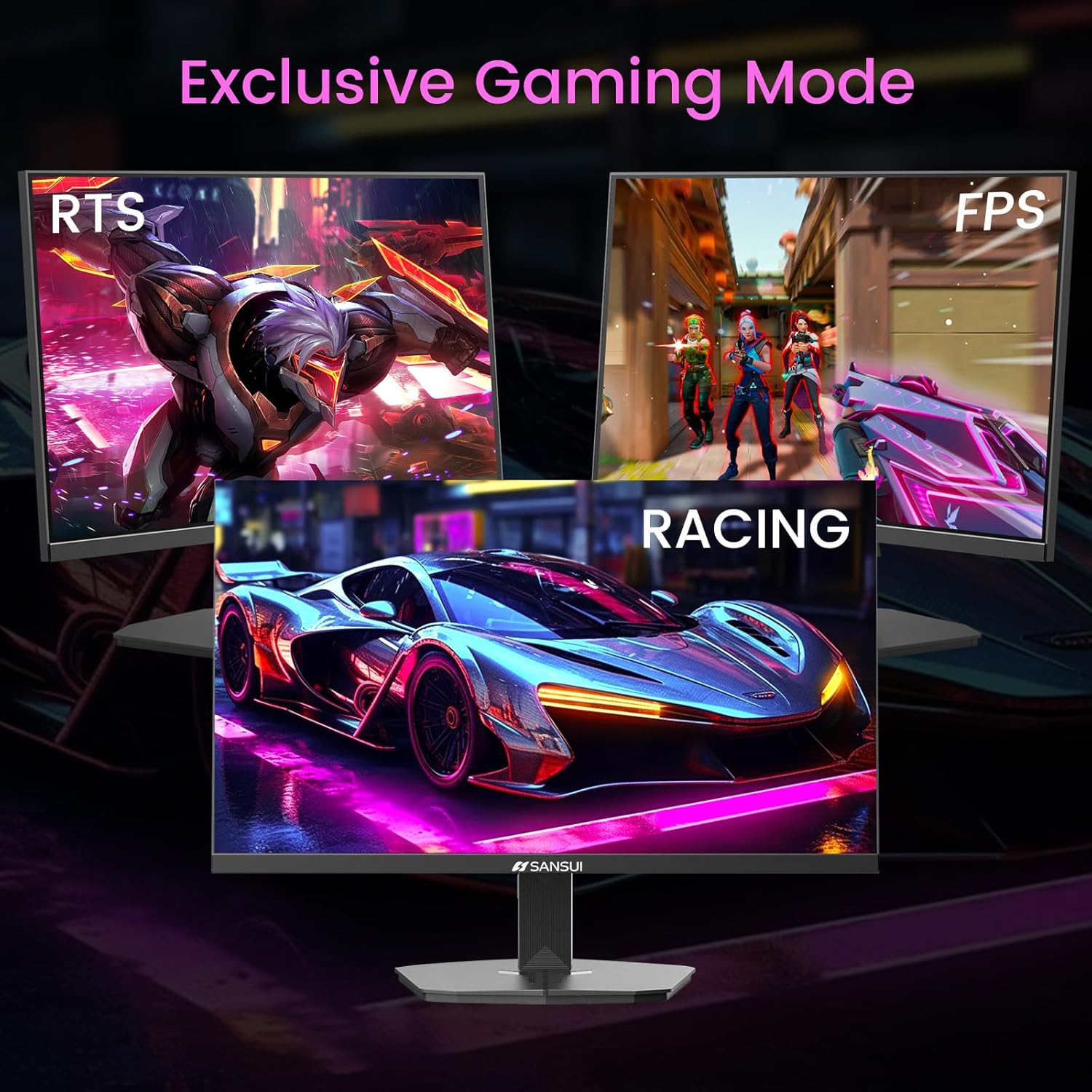
Image 6.2: Exclusive Gaming Modes for optimized visuals.
6.5. FreeSync Technology
FreeSync technology synchronizes the monitor's refresh rate with your graphics card's frame rate, eliminating screen tearing and stuttering for a smoother gaming experience. Enable or disable FreeSync through the OSD menu.
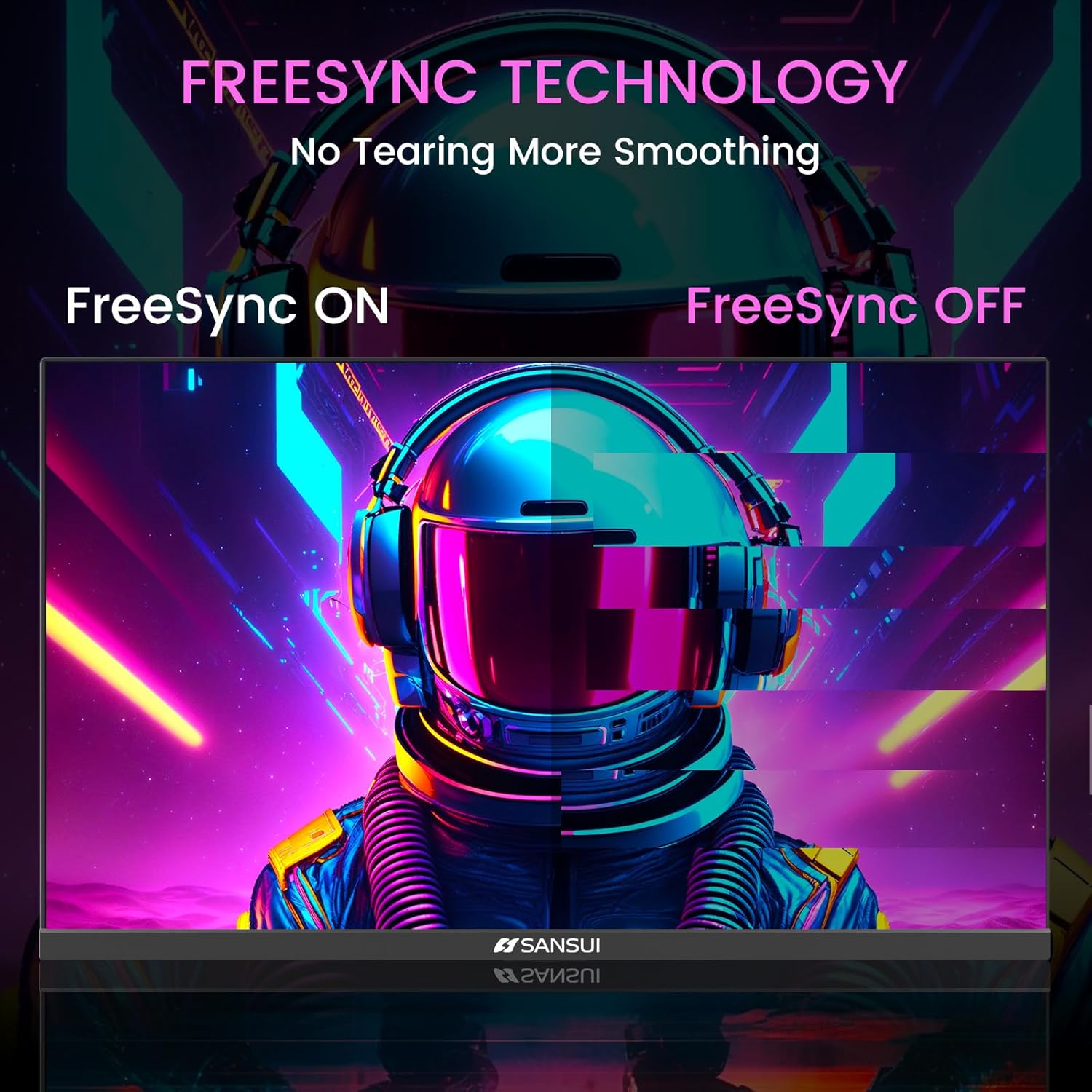
Image 6.3: FreeSync Technology for no tearing and smoother visuals.
6.6. Giriş Seçimi
Use the OSD menu to manually select the input source (HDMI or DP) if the monitor does not automatically detect it.
Video 6.1: SANSUI FreeSync - 24-inch Gaming Monitor, 160Hz, FHD. This video demonstrates the monitor's features and performance, including its 160Hz refresh rate and FreeSync technology.
7. Bakım
- Ekranın Temizlenmesi: Yumuşak, tiftiksiz bir bez kullanın ve hafifçe kurulayın.ampSu veya ekran temizleyici ile temizleyin. Temizleyiciyi doğrudan ekrana püskürtmeyin.
- C'yi Temizlemeasing: Monitörü silmek için yumuşak, kuru bir bez kullanın.asing. Aşındırıcı temizleyicilerden kaçının.
- Depolamak: Monitörü uzun süre saklayacaksanız, tüm kabloları çıkarın ve serin ve kuru bir yerde, tercihen orijinal ambalajında saklayın.
8. Sorun Giderme
- Güç Yok: Güç kablosunun hem monitöre hem de elektrik prizine sağlam bir şekilde bağlı olduğundan emin olun. Elektrik prizinin çalışır durumda olup olmadığını kontrol edin.
- Sinyal yok: Verify that the video cable (HDMI/DP) is correctly connected to both the monitor and the source device. Ensure the correct input source is selected in the OSD menu.
- Titreyen Ekran: Check the video cable connection. Ensure the refresh rate is set correctly in your device's display settings.
- Görüntü Bozulması: Reset the monitor to factory settings via the OSD menu. Check your device's display resolution settings.
- Düğmeler Yanıt Vermiyor: Disconnect the power for a few minutes, then reconnect. If the issue persists, contact customer support.
9. Özellikler
| Özellik | Şartname |
|---|---|
| Ürün Boyutları | 21.2 x 7.95 x 16.28 inç |
| Ürün Ağırlığı | 3.54 pound |
| Üretici | EXPRESS LUCK INDUSTRIAL(ZHONGSHAN)LIMITED |
| Ürün Model Numarası | ES-G24F4M |
| Ayakta Ekran Görüntüleme Boyutu | 24 inç |
| En Boy Oranı | 16:9 |
| Çözünürlük | 1920 x 1080 Piksel (FHD 1080p) |
| Görüntü parlaklığı | 300 cd/m² |
| Ekran Yüzeyi Açıklaması | Mat |
10. Garanti ve Destek
SANSUI offers a money-back and free replacement warranty from the order date within 30 days. Additionally, lifetime technical support is provided for the SANSUI 24 inch 160Hz 1ms gaming monitor. For any questions or support needs, please contact SANSUI's after-sales support team.


