giriiş
Satın aldığınız için teşekkür ederizasing the Paladone Fortnite Logo LED Wall Light. This product is designed to add a vibrant, decorative touch to your gaming space or home. This manual provides detailed instructions for safe and effective use of your new LED light. Please read all instructions carefully before installation and operation.
Güvenlik Bilgileri
- Bu ürün yalnızca iç mekan kullanımı içindir. Suya veya yüksek neme maruz bırakmayın.
- Çocukların erişemeyeceği yerde saklayınız.
- Do not attempt to disassemble or modify the light. This may cause damage and void the warranty.
- Ensure the power source is compatible with the USB power requirements of the device.
- Avoid placing the light near heat sources or in direct sunlight for extended periods.
- If the product is damaged or malfunctions, discontinue use immediately and contact customer support.
Paket İçeriği
Lütfen tüm öğelerin mevcut olduğundan emin olmak için kutuyu işaretleyin:
- Fortnite Logo LED Wall Light (Model 14621)
- Integrated USB Power Cable with On/Off Switch
- Kullanım Kılavuzu (bu belge)
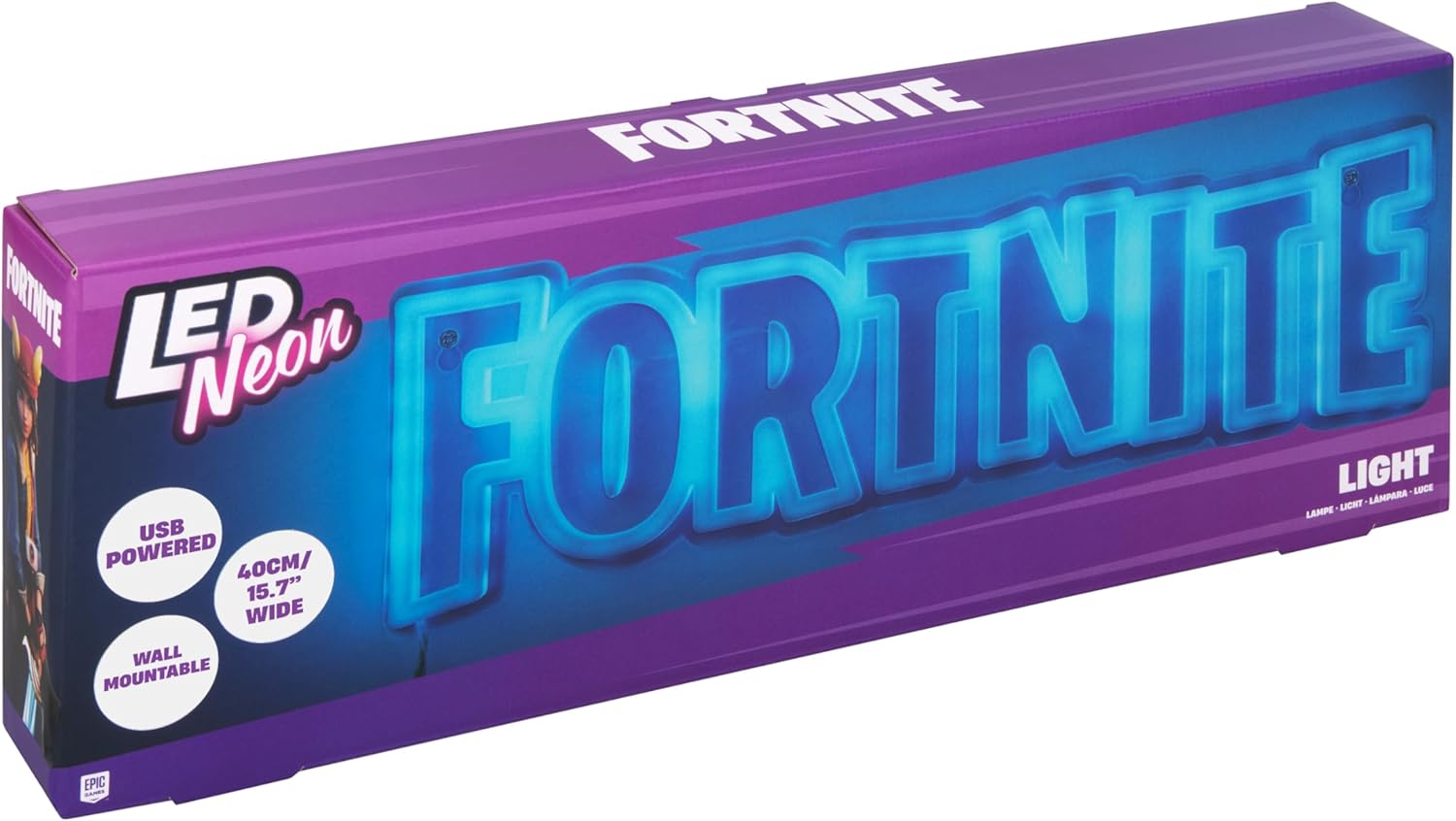
Image: The retail packaging for the Paladone Fortnite Logo LED Wall Light, showing the product name and key features.
Kurmak
1. Kutudan Çıkarma ve İnceleme
Carefully remove the Fortnite Logo LED Wall Light from its packaging. Inspect the light and its components for any signs of damage. If any damage is found, do not proceed with setup and contact customer support.
Video: A seller demonstrating the unboxing and initial inspection of the Fortnite Logo LED Wall Light, highlighting its features and power connection.
2. Işığın Montajı
The Fortnite Logo LED Wall Light is designed for wall mounting. It features pre-drilled holes on the clear plastic backing for easy installation. Use appropriate wall anchors and screws (not included) suitable for your wall type to securely mount the light.
- Choose a suitable location on your wall, ensuring it is near a USB power source.
- Mark the positions for the mounting holes on the wall using the light as a template.
- Gerekirse pilot delikler açın ve duvar dübellerini yerleştirin.
- Secure the light to the wall using screws, ensuring it is level and stable.

Resim: Arka view of the Fortnite Logo LED Wall Light, displaying the clear plastic backing and the integrated mounting holes for wall installation.
3. Güç Bağlantısı
The light is powered via a USB-A cable. Connect the USB-A plug to a compatible USB power adapter (e.g., a phone charger, computer USB port, or USB wall outlet). The light requires a standard 5V USB power supply.
Kullanım Talimatları
Once the light is securely mounted and connected to a power source, you can operate it using the inline switch located on the USB power cable.
- Işığı açmak için ON, slide the switch to the 'ON' position. The Fortnite logo will illuminate in a vibrant blue color.
- Işığı açmak için KAPALI, slide the switch to the 'OFF' position.

Image: The Fortnite Logo LED Wall Light fully illuminated in a bright blue, showcasing its distinctive glow.
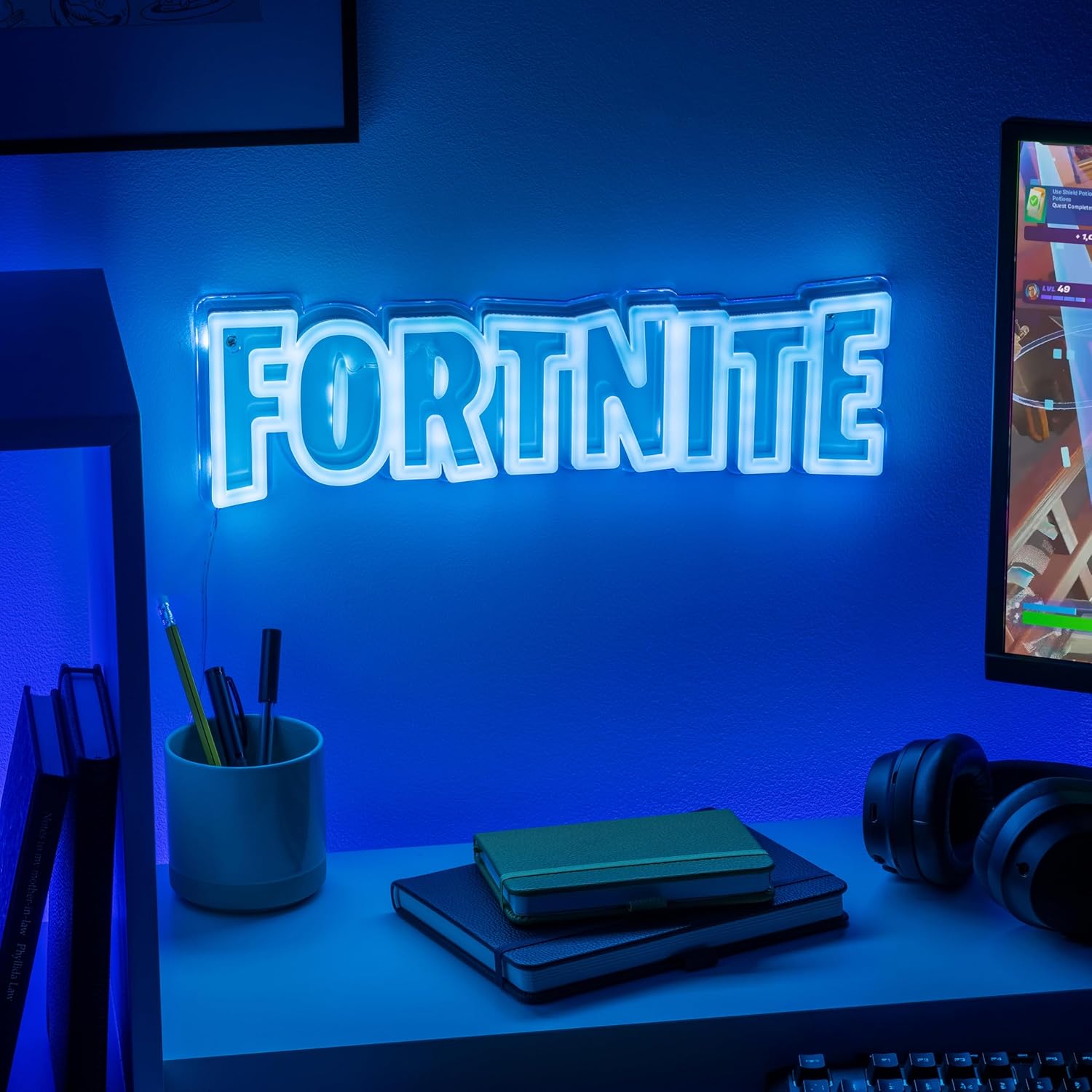
Image: The Fortnite Logo LED Wall Light displayed in a gaming setup, mounted on a wall above a desk with a computer monitor and headphones.
Bakım
To ensure the longevity and optimal performance of your Paladone Fortnite Logo LED Wall Light, follow these simple maintenance guidelines:
- Temizlik: Gently wipe the surface of the light with a soft, dry, lint-free cloth. Do not use abrasive cleaners, solvents, or harsh chemicals, as these can damage the plastic and LED components.
- Depolamak: If storing the light for an extended period, ensure it is clean and dry. Store it in its original packaging or a protective container in a cool, dry place away from direct sunlight.
- İşleme: Handle the light with care to avoid dropping or impacting it, which could cause internal damage to the LEDs or external damage to the casing.
Sorun giderme
If you encounter any issues with your Fortnite Logo LED Wall Light, please refer to the following common troubleshooting steps:
| Sorun | Olası Neden | Çözüm |
|---|---|---|
| Işık açılmıyor. | No power, loose connection, switch is off. | Ensure the USB cable is securely plugged into a working USB power source. Check the inline on/off switch is in the 'ON' position. Try a different USB port or power adapter. |
| Işık titriyor veya sönük. | Insufficient power, faulty cable/adapter. | Ensure the USB power source provides adequate power (standard 5V). Try a different USB cable or power adapter. |
| Light is damaged. | Physical impact or defect. | Discontinue use. Contact Paladone customer support for assistance. |
Özellikler
| Özellik | Detay |
|---|---|
| Model Numarası | 14621 |
| Montaj Tipi | Duvara Montaj |
| Ürün Boyutları | 2.17"U x 15.87"G (yaklaşık 5.5 cm U x 40.3 cm G) |
| Ürün Kalınlığı | 2.1 Santimetre |
| Ürün Ağırlığı | 0.47 Kilogram (1.03 pound) |
| Hafif Tip | NEDEN OLMUŞ |
| Güç Kaynağı | USB ile Güçlendirilmiş (5V) |
| Malzeme | Plastik |
| Renk | Multicolor (illuminates blue) |
| Üretici | Paladon |

Image: The Fortnite Logo LED Wall Light with measurements indicating its width (40cm/15.7") and height (12.3cm/4.8").
Garanti ve Destek
This product is manufactured by Paladone. For any warranty claims, product support, or inquiries, please contact Paladone directly or refer to the retailer's return policy where the product was purchased. Typically, products are eligible for return or replacement within 30 days of purchase, subject to the retailer's terms and conditions.
For more information about Paladone products, you may visit the official Paladone webweb sitelerinde veya Amazon'daki marka mağazalarında.


