giriiş
This manual provides comprehensive instructions for the setup, operation, and maintenance of your ZEBRONICS Glassy 10 Wireless Mouse. Designed for comfort and efficiency, this mouse features dual-mode connectivity (2.4GHz and Bluetooth), adjustable DPI up to 1600, silent operation, and convenient Type-C charging. Please read this manual thoroughly before using the product to ensure optimal performance and longevity.
Paket İçeriği
- Fare - 1 adet
- Nano Alıcı - 1 adet
- Şarj kablosu - 1 adet
- Quick user Guide - 1 unit
Kurulum Talimatları
1. Fareyi Şarj Etme
The ZEBRONICS Glassy 10 mouse features a built-in rechargeable battery and Type-C charging. Connect the provided Type-C charging cable to the mouse's charging port and to a USB power source (e.g., computer, wall adapter). The LED indicator will show charging status and turn off when fully charged.

2. Açma/Kapatma ve Mod Seçimi
Locate the Mode/Power switch on the underside of the mouse. Slide the switch to turn the mouse ON or OFF, and to select between 2.4GHz wireless mode and Bluetooth mode.
3. 2.4GHz Kablosuz Modu ile Bağlantı Kurma
- Take out the USB Nano Receiver from its storage slot on the underside of the mouse.
- Plug the USB Nano Receiver into an available USB port on your computer or laptop.
- Slide the Mode/Power switch on the mouse to the 2.4GHz position.
- Fare otomatik olarak cihazınıza bağlanmalıdır.
4. Bluetooth Modu ile Bağlanma
- Slide the Mode/Power switch on the mouse to the Bluetooth position.
- The mouse will enter pairing mode (an indicator light may flash).
- Bilgisayarınızda veya cihazınızda Bluetooth ayarlarını açın.
- Arama new devices and select "ZEB-Glassy 10" (or similar) from the list.
- Confirm pairing on your device. The mouse will connect once paired.

Kullanım Talimatları
1. Mouse Buttons
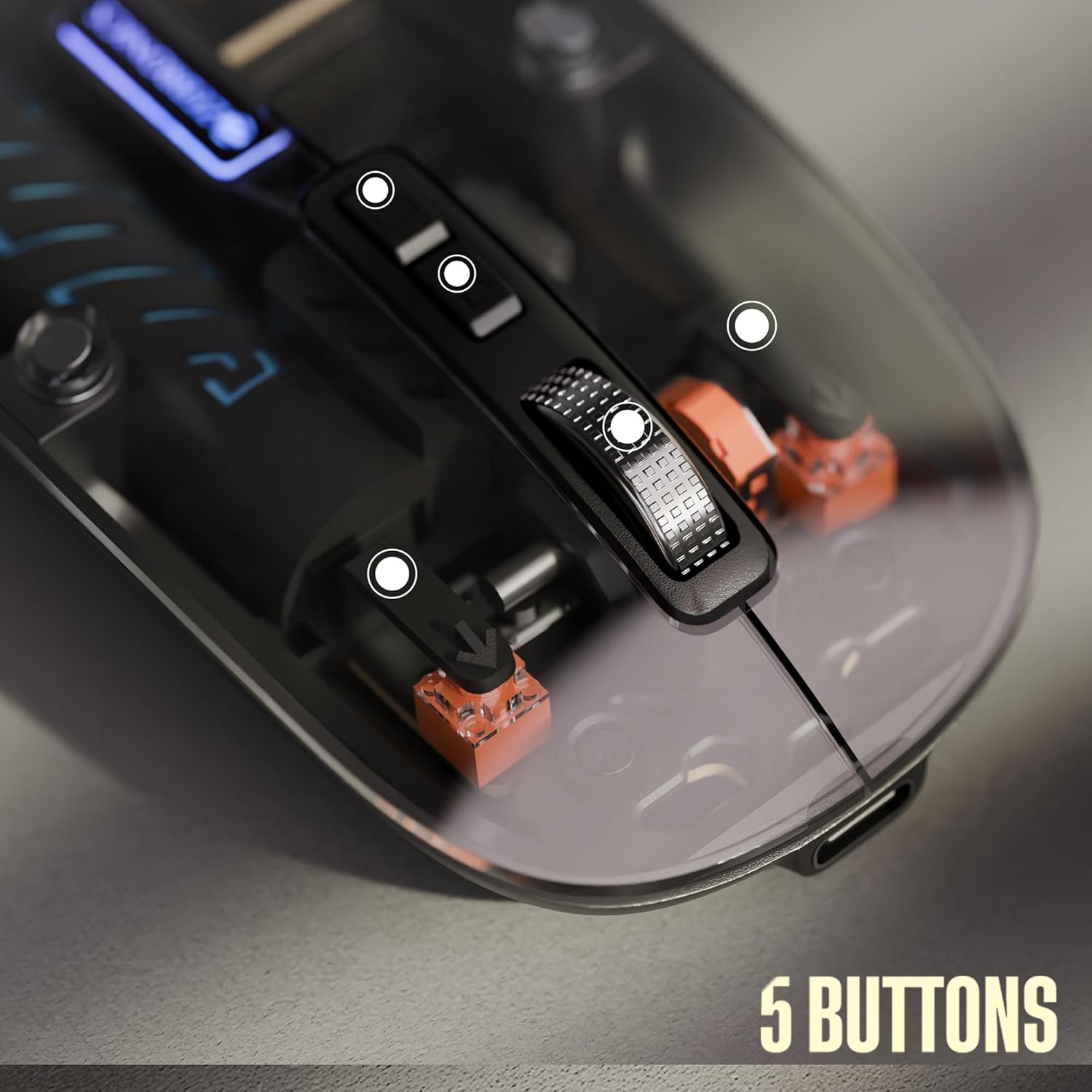
The ZEBRONICS Glassy 10 mouse is equipped with 5 buttons for enhanced functionality:
- Sol tık: Standart seçim ve aktivasyon.
- Sağ tık: Bağlam menüsüne erişim.
- Orta Kaydırma Tekerleği: Belgeler arasında gezinmek için ve web pages. Can also be clicked for additional functions depending on software.
- DPI Control Button: Fare hassasiyetini (DPI) ayarlar.
- Masaüstüne Özel Düğme: Provides quick access to the desktop or other programmed functions.

2. DPI Ayarlaması
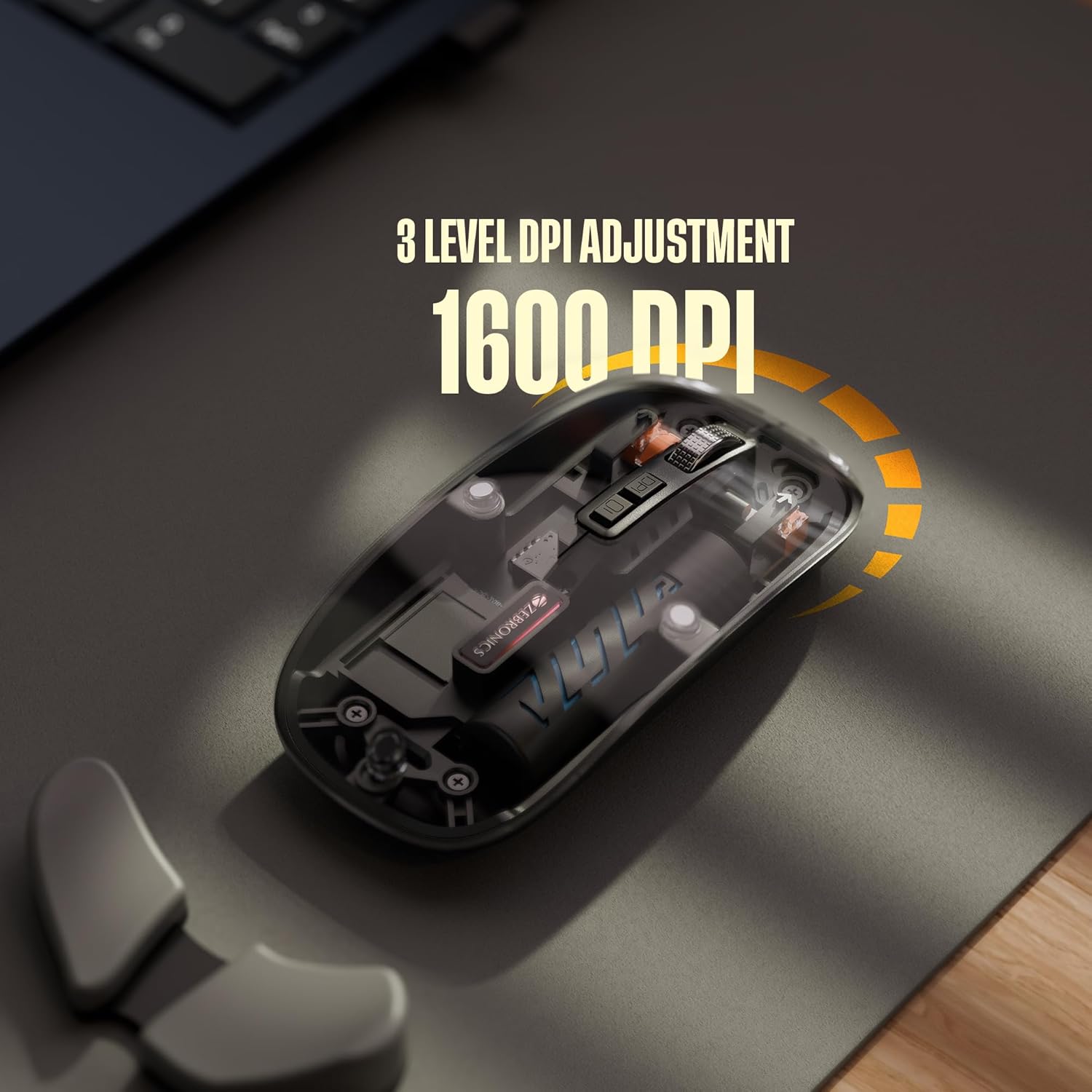
The mouse features 3 levels of DPI adjustment, up to 1600 DPI. Press the DPI control button to cycle through the available sensitivity settings. A higher DPI setting results in faster cursor movement across the screen with less physical mouse movement.
3. Sessiz Çalışma
The ZEBRONICS Glassy 10 mouse is designed for silent operation, minimizing click sounds. This feature is beneficial in quiet environments, ensuring a less disruptive user experience.

4. Yüzey Uyumluluğu
The mouse is ergonomically designed to function effectively on various surfaces, including mouse pads, plain tables, and wooden surfaces, providing consistent tracking performance.
Bakım
- Temizlik: Fareyi temizlemek için yumuşak, kuru bir bez kullanın. Sert kimyasallar veya aşındırıcı malzemeler kullanmaktan kaçının.
- Depolamak: When not in use, store the mouse in a cool, dry place. If storing for an extended period, ensure the mouse is turned off to preserve battery life.
- Pil Bakım: Recharge the battery regularly. Avoid completely draining the battery frequently to prolong its lifespan.
Sorun giderme
| Sorun | Olası Çözüm |
|---|---|
| Fare yanıt vermiyor |
|
| Gecikmeli veya kesintili bağlantı |
|
| Cursor movement is too fast/slow |
|
| Şarj sorunu |
|
Özellikler
| Özellik | Detay |
|---|---|
| Marka | ZEBRONİK |
| Örnek | Glassy 10 |
| Bağlantı Teknolojisi | Dual Mode (2.4GHz Wireless, Bluetooth) |
| DPI Seviyeleri | Up to 1600 DPI (3-level adjustable) |
| Düğmeler | 5 (Left, Right, Scroll Wheel, DPI, Dedicated Desktop) |
| Operasyon | Sessiz Tıklama |
| Şarj etme | Type-C, Built-in Rechargeable Battery |
| İşletim Sistemi Uyumluluğu | Mac OS (and generally Windows, Linux compatible) |
| Boyutlar (UxGxY) | 11.3x5.7x0.1 cm |
| Ürün Ağırlığı | 70 gr |
Garanti ve Destek
For warranty information and technical support, please refer to the warranty card included in your package or visit the official ZEBRONICS webSite. Satın alma fişinizi, garanti talepleriniz için satın alma belgeniz olarak saklayın.
Üretici: Zebronics Hindistan Özel Limited Şirketi
Adres: No.13/7, Smith Road, Royapettah, Chennai - 600 002, India


