1. Giriş
Thank you for choosing the iFFALCON 75-Inch Class U85 Series QD-Mini LED 4K UHD Google Smart TV. This manual provides essential information for the safe and efficient use of your television. Please read it thoroughly before operating the device and retain it for future reference.
This television combines advanced QD-Mini LED technology with 4K UHD resolution, Google Smart TV features, and enhanced gaming capabilities to deliver a comprehensive entertainment experience.
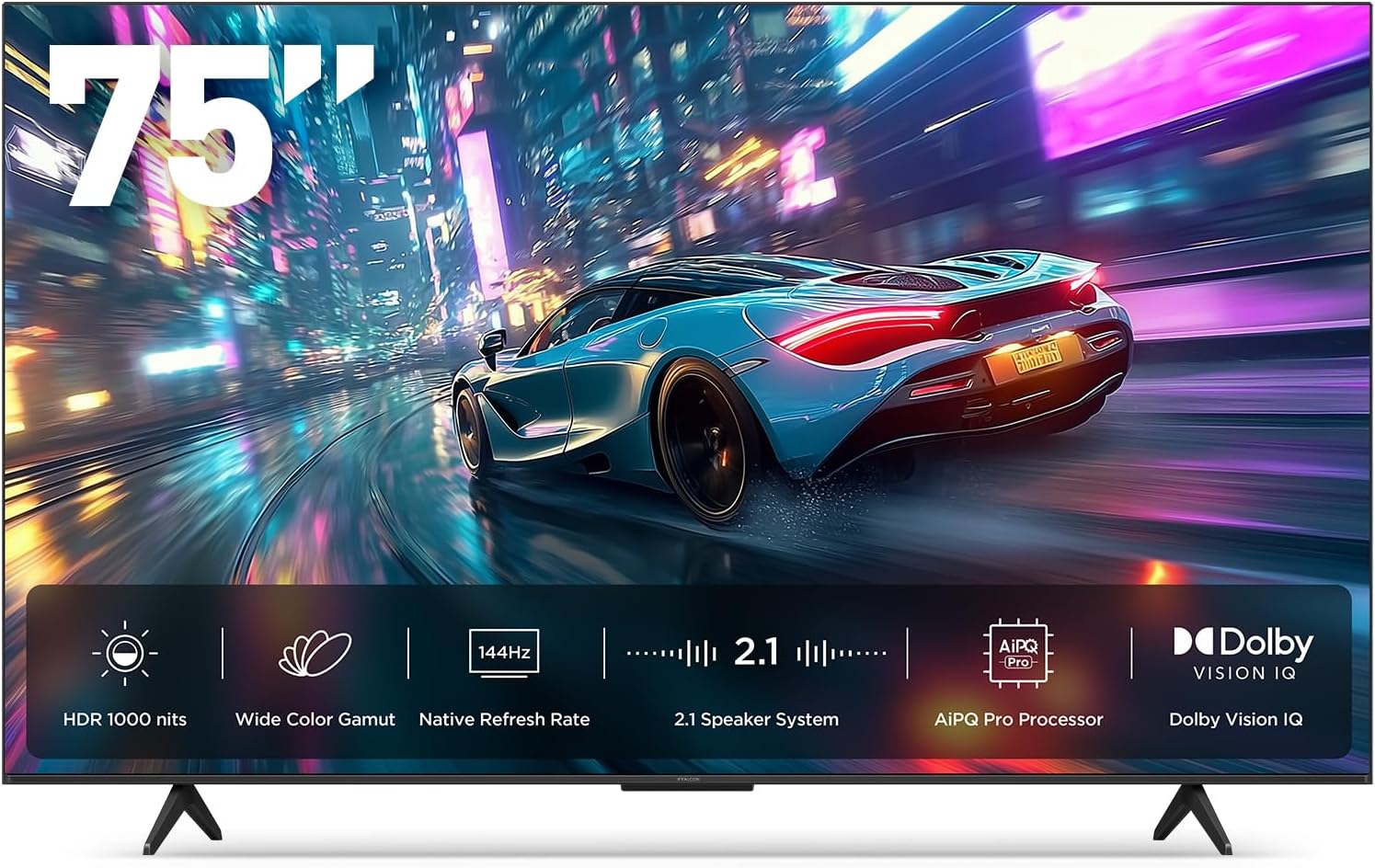
Image 1.1: The iFFALCON 75-Inch U85 Series QD-Mini LED 4K UHD Google Smart TV.
2. Kutuda Neler Var?
Please check the contents of your product packaging. If any items are missing or damaged, contact your retailer.
- iFFALCON 75-Inch Class U85 Series QD-Mini LED 4K UHD Google Smart TV
- Güç kablosu
- Uzaktan kumanda için 2 x AAA pil
- 6 x Stand vidaları
- Table stands (2 pieces)
- 5 x Kablo klipsi
- Hızlı Başlangıç Kılavuzu
- TV kumandası
3. Kurulum
3.1. Stand Kurulumu
Carefully place the TV screen-down on a soft, flat surface to prevent damage. Attach the two table stands to the designated slots on the bottom of the TV using the provided stand screws. Ensure the stands are securely fastened.
3.2. Çevre Birimlerini Bağlama
Connect your external devices (e.g., cable box, gaming console, Blu-ray player) to the HDMI ports on the back of the TV. Ensure the power cable is securely connected to the TV and a wall outlet.
3.3. İlk Açılış ve Google TV Kurulumu
Press the power button on the remote control or the TV. Follow the on-screen instructions to complete the initial setup, including language selection, network connection (Wi-Fi or Ethernet), and Google TV account login. This process will also guide you through setting up Google Assistant and Alexa compatibility for voice control.

Image 3.1: The TV's ultra-slim unibody design for seamless integration into living spaces.
4. Kullanım Talimatları
4.1. Resim Ayarları
Your iFFALCON U85 TV features QD-Mini LED technology for precise lighting and vibrant colors. Access the picture settings menu to adjust brightness, contrast, color, and sharpness. The AiPQ Pro Processor optimizes these settings in real-time.
- Mini LED & Local Dimming: The TV utilizes 300 local dimming zones and All-domain Halo Control for deep blacks and bright highlights, achieving up to 1000 nits peak brightness and a 7000:1 contrast ratio.
- QLED Wide Color: Experience a 93% DCI-P3 wide color gamut for accurate and lifelike color reproduction.
- Dolby Vision IQ'su: This feature automatically adjusts HDR brightness based on the room's ambient light, ensuring optimal viewkoşullar.

Image 4.1: Mini LED technology provides precise local dimming for enhanced contrast.

Image 4.2: The TV achieves up to 1000 nits peak brightness for vivid details.
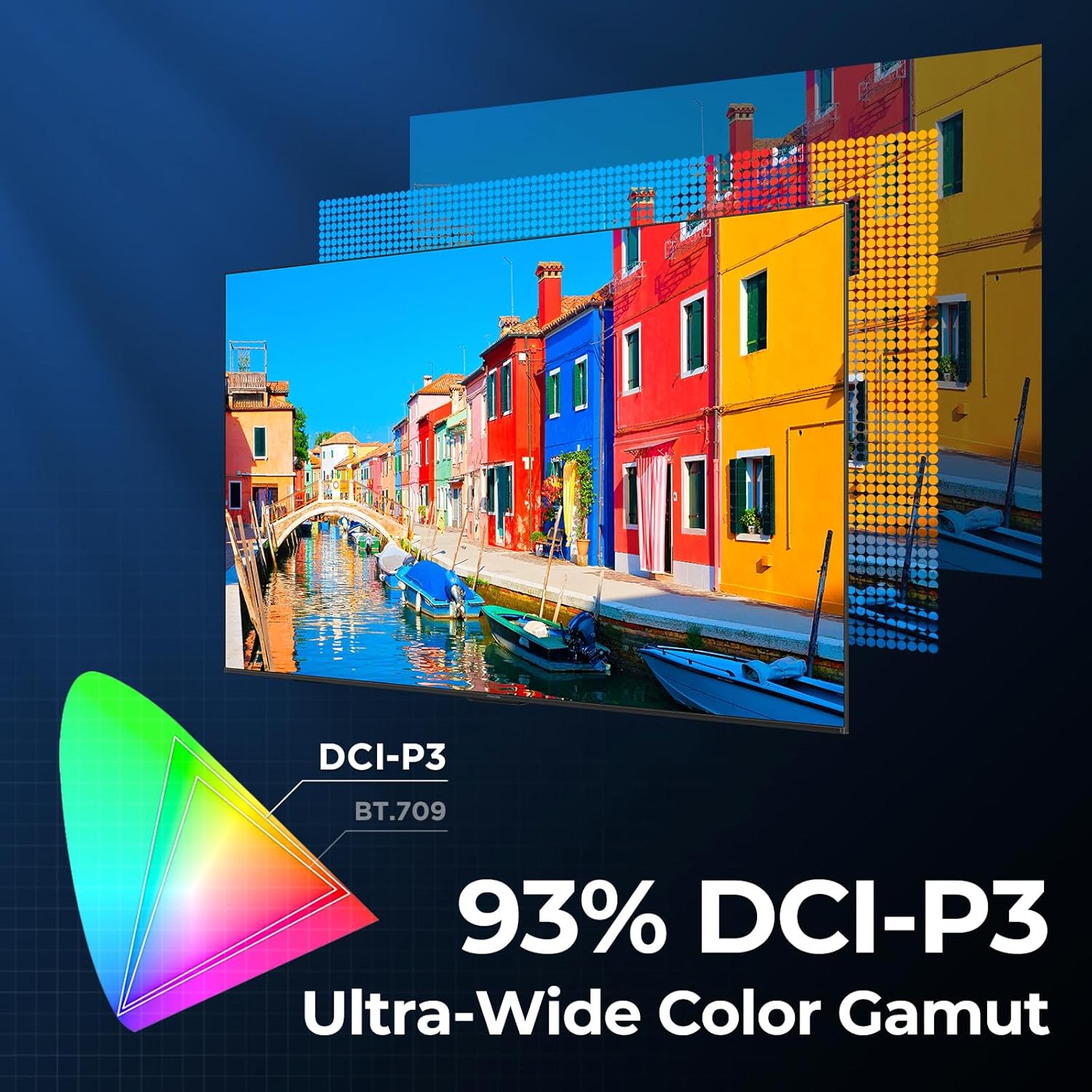
Image 4.3: The QLED display offers a 93% DCI-P3 ultra-wide color gamut.

Image 4.4: The AiPQ Pro Processor intelligently optimizes picture quality.
4.2. Ses Ayarları
The TV features a 2.1-channel 50W sound system. Adjust audio modes and settings through the sound menu to enhance your listening experience.
- Dolby Atmos: Provides immersive, multi-dimensional sound that flows around and above you.
- DTS Virtual X: Delivers expansive, room-filling audio with virtual height and surround effects.
- IMAX Geliştirilmiş: Optimizes audio and video for a premium cinematic experience with compatible content.

Image 4.5: The TV's audio system creates an immersive sound experience.
4.3. Oyun Özellikleri
The iFFALCON U85 TV is equipped with features designed for an optimized gaming experience.
- 144Hz Game Mode Pro: Provides a native 144Hz refresh rate for smooth motion.
- 288Hz DLG Acceleration: Rekabetçi oyunlarda hareket netliğini daha da artırır.
- VRR (Değişken Yenileme Hızı): Synchronizes the TV's refresh rate with the game console's output to eliminate screen tearing and stuttering.
- FreeSync Premium Pro: Offers tear-free, low-latency gaming with HDR support.
- ALLM (Otomatik Düşük Gecikme Modu): Automatically switches the TV to a low-latency mode when a game console is detected.
- Oyun Çubuğu: An on-screen overlay that allows quick access to gaming-related settings and information like FPS, HDR status, and more.
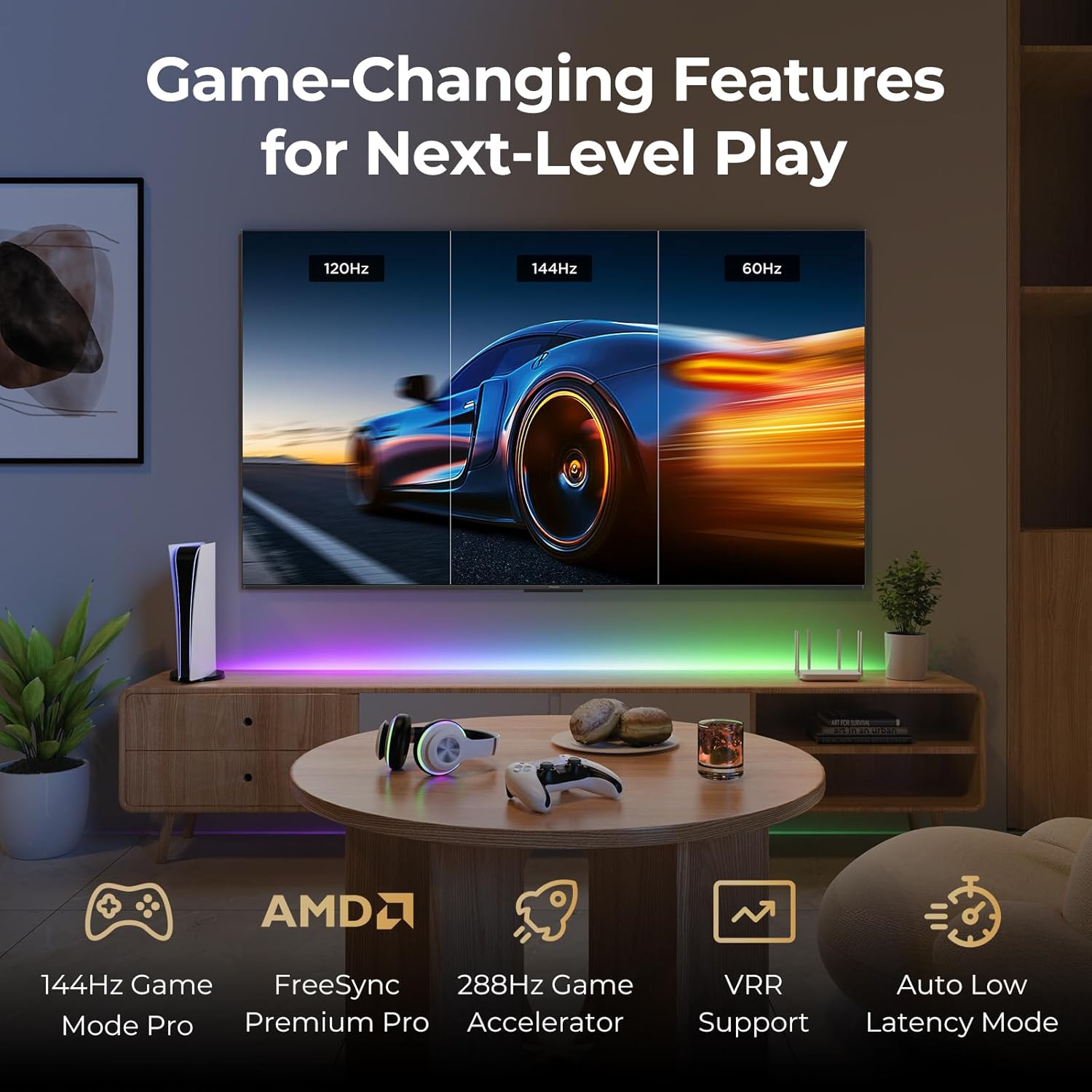
Image 4.6: The TV offers advanced features for an enhanced gaming experience.
4.4. Smart Features and Voice Control
The iFFALCON U85 TV runs on Google TV, providing access to a wide range of streaming services and applications. Utilize integrated voice assistants for hands-free control.
- Google TV: Organizes movies, shows, and live TV from your subscriptions and apps into one place.
- Google Asistan: Use voice commands to search for content, control smart home devices, and manage your TV.
- Alexa Uyumluluğu: Integrate your TV with Amazon Alexa devices for additional voice control options.
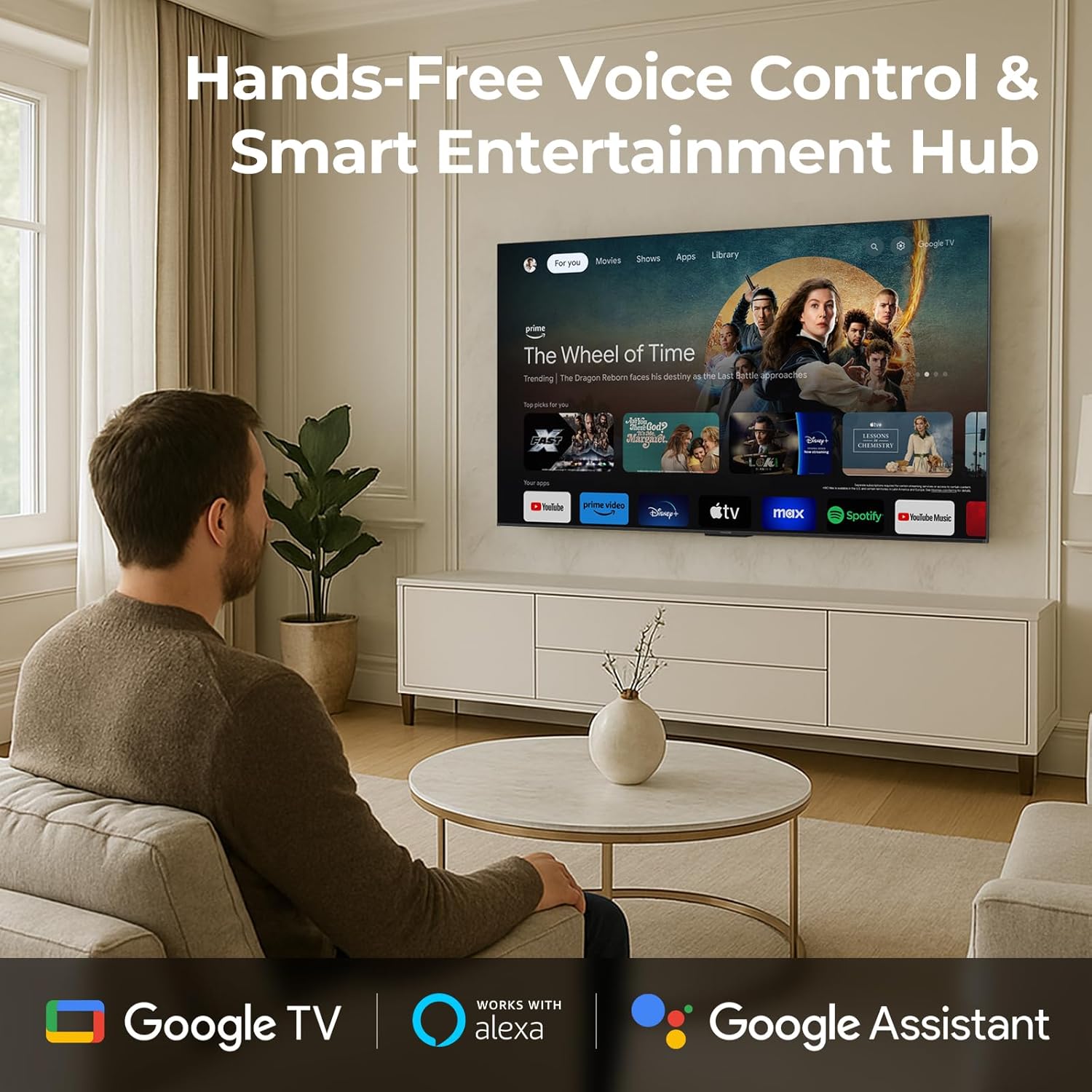
Image 4.7: Access smart features and hands-free voice control with Google TV and integrated assistants.
4.5. Eye Comfort Mode
The TV includes multiple eye-care technologies to reduce strain during extended viewseanslar.
- Düşük Mavi Işık: Filters harmful blue light emissions.
- Natural Light Optimization: Adjusts screen brightness and color temperature to match ambient lighting.

Image 4.8: Eye comfort features reduce strain for healthier viewIng.
5. Bakım
5.1. Ekranın Temizlenmesi
Ekranı yumuşak, tiftiksiz bir bezle nazikçe silin. İnatçı lekeler için hafifçe silin.ampBezi su veya özel bir ekran temizleyici ile silin. Sert kimyasallar, aşındırıcı malzemeler veya doğrudan ekrana püskürtmekten kaçının.
5.2. Televizyon Gövdesinin Temizlenmesi
Wipe the TV's frame and back panel with a soft, dry cloth. Ensure the TV is unplugged before cleaning.
6. Sorun Giderme
If you encounter issues with your TV, refer to the following common solutions. If the problem persists, contact customer support.
| Sorun | Olası Çözüm |
|---|---|
| Güç yok | Check if the power cable is securely connected to the TV and the power outlet. Ensure the outlet is functional. |
| Görüntü yok, ancak ses mevcut | Verify the correct input source is selected. Check external device connections. Try restarting the TV. |
| Ses yok ama görüntü var | Check the volume level and mute status. Ensure external audio devices are correctly connected and powered on. |
| Uzaktan kumanda çalışmıyor | AAA pilleri değiştirin. Uzaktan kumanda ile TV'nin kızılötesi sensörü arasında herhangi bir engel olmadığından emin olun. |
| Ağ bağlantı sorunları | Restart your router and modem. Check Wi-Fi password. Try connecting via Ethernet cable if possible. |
7. Özellikler
| Özellik | Detay |
|---|---|
| Marka | iFFALCON |
| Model Numarası | 75U85 |
| Ekran Boyutu | 75 inç |
| Ekran Teknolojisi | QD-Mini LED |
| Çözünürlük | 4K UHD (3840x2160) |
| Yenileme Hızı | 144 Hz (Native), 288Hz DLG |
| Tepe Parlaklığı | 1000 nit |
| Kontrast Oranı | 7000:1'e kadar |
| Yerel Karartma Bölgeleri | 300 |
| Renk Gamı | %93 DCI-P3 |
| İşlemci | AiPQ Pro İşlemci |
| HDR Desteği | Dolby Vision IQ, HDR10, HLG |
| Ses Sistemi | 2.1-channel 50W |
| Ses Teknolojileri | Dolby Atmos, DTS Virtual X, IMAX Enhanced |
| Akıllı TV Platformu | Google televizyon |
| Sesli asistanlar | Google Asistan, Alexa ile uyumlu |
| Oyun Özellikleri | 144Hz VRR, FreeSync Premium Pro, ALLM, Game Bar |
| Bağlantı | Bluetooth, Wi-Fi, Ethernet, HDMI |
| Ürün Boyutları (standlı) | 13.9"D x 65.6"G x 40.3"Y |
| Ürün Ağırlığı | 56.4 Pound |
| Dahil Bileşenler | Mini LED TV, Power cable, 2 x AAA batteries for remote, 6 x Stand screws, Table stands, 5 x Cable clips, Quick Start Guide, TV remote |
8. Garanti ve Destek
8.1. Ürün Garantisi
Your iFFALCON 75U85 TV is covered by a manufacturer's warranty. Please refer to the warranty card included in your packaging for specific terms, conditions, and duration. Keep your proof of purchase for warranty claims.
8.2. Müşteri Desteği
For technical assistance, troubleshooting beyond this manual, or warranty inquiries, please contact iFFALCON customer support. Contact information can typically be found on the manufacturer's official webSiteye veya Hızlı Başlangıç Kılavuzuna bakın.
Additional protection plans may be available for purchase from your retailer or third-party providers, offering extended coverage beyond the standard manufacturer's warranty.


