1. Giriş
This manual provides essential information for setting up, operating, maintaining, and troubleshooting your HP 15.6 inch FHD Touchscreen Laptop. Please read these instructions carefully to ensure proper use and longevity of your device.
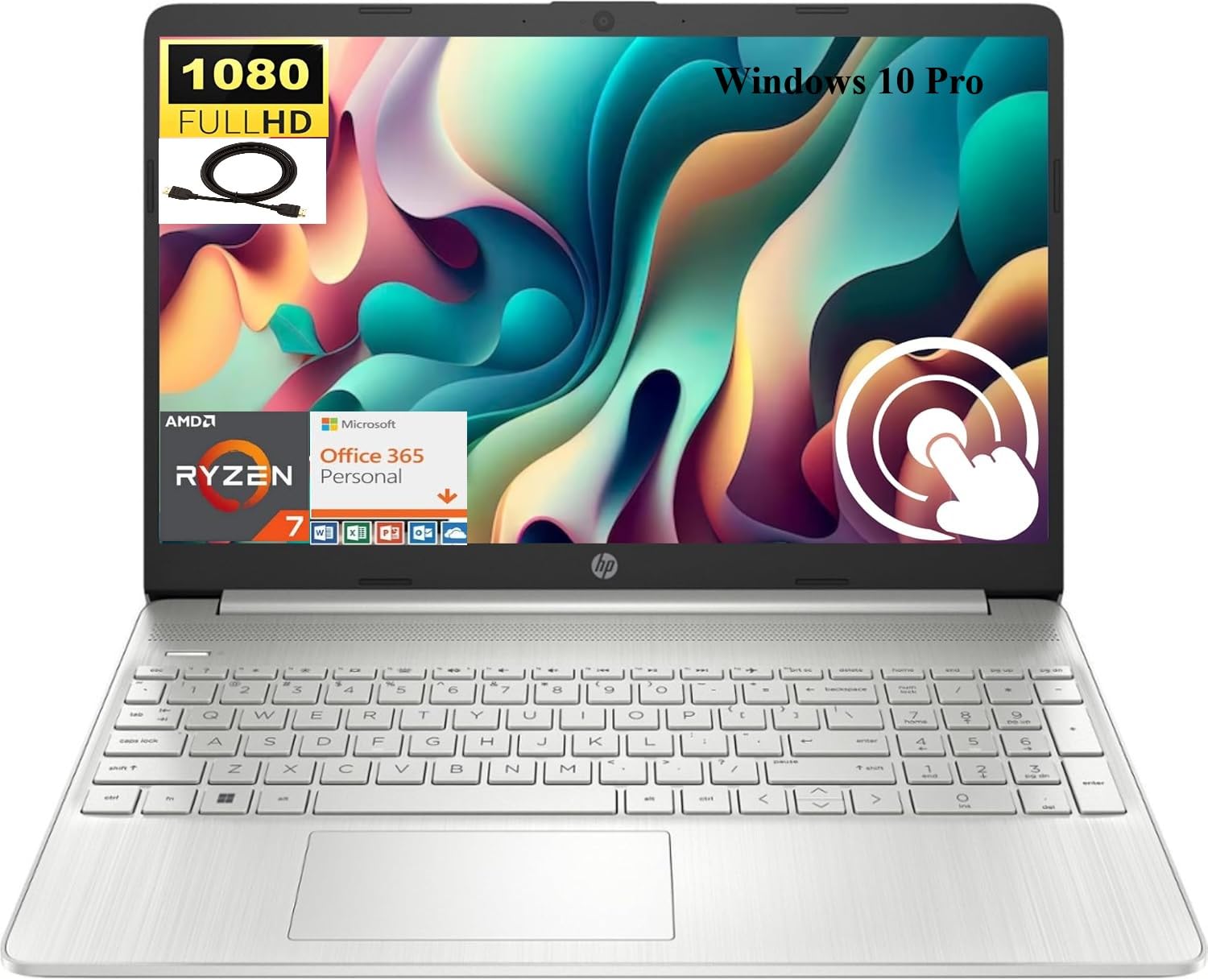
Image 1.1: HP 15.6 inch FHD Touchscreen Laptop, silver finish, open with screen displaying a scenic image.
2. Kurulum
2.1 Kutudan Çıkarma ve İlk İnceleme
Carefully remove your laptop and all accessories from the packaging. Verify that all components are present and undamaged. Retain the packaging for future transport or service needs.
2.2 Gücün Bağlanması
- AC adaptörünü dizüstü bilgisayarınızdaki güç konektörüne bağlayın.
- Güç kablosunu elektrik prizine takın.
- İlk kullanımdan önce veya pil göstergesi yeterli şarj seviyesini gösterene kadar pilin en az 30 dakika şarj olmasına izin verin.
2.3 Initial Boot-up and Windows 10 Pro Setup
Press the power button to turn on your laptop. Follow the on-screen instructions to complete the Windows 10 Pro setup process. This includes selecting your region, language, creating a user account, and connecting to a Wi-Fi network.

Image 2.1: HP laptop shown with an HDMI cable, illustrating connectivity options.
3. Kullanım Talimatları
3.1 Touchscreen and Display
Your laptop features a 15.6 inch Full HD (1920 x 1080) IPS touchscreen display. Use touch gestures for navigation, zooming, and interaction with applications. The micro-edge design maximizes your viewing alanı.
3.2 Klavye ve Dokunmatik Yüzey
The full-size, natural silver keyboard includes a numeric keypad for efficient data entry. The integrated touchpad supports multi-touch gestures for precise cursor control.

Image 3.1: HP laptop displaying the Windows Start Menu, showcasing the operating system interface.
3.3 Bağlantı Noktaları ve Bağlantı
Dizüstü bilgisayarınızda harici aygıtları bağlamak için çeşitli bağlantı noktaları bulunur:
- 2 x SuperSpeed USB Type-A 5Gbps: Standart USB aygıtları için.
- 1 x SuperSpeed USB Type-C 5Gbps: Modern USB-C cihazları için.
- 1 x HDMI 1.4b: Harici ekranlara veya projektörlere bağlanın.
- 1 adet AC akıllı fiş: For power adapter connection.
- 1 x Multi-format SD media card reader: SD kartları okumak için.
- 1 x Kulaklık/mikrofon kombinasyonu: Ses girişi/çıkışı için.
Wireless connectivity includes Realtek RTL8821CE 802.11a/b/g/n/ac (1x1) Wi-Fi and Bluetooth 4.2 combo.

Image 3.2: Detailed diagram highlighting the location and type of ports on the HP laptop, including headphone/microphone combo, SD media card reader, SuperSpeed USB Type-C, SuperSpeed USB Type-A, and HDMI 1.4b.
3.4 Webkamera ve ses
The HP True Vision 720p HD camera with integrated dual array digital microphones allows for clear video conferencing. Enjoy HD Audio with stereo speakers for an enhanced listening experience.

Image 3.3: Visual representation of the HP True Vision HD Camera for video chat and HD Audio with stereo speakers for sound output.
4. Bakım
4.1 Dizüstü Bilgisayarınızı Temizleme
Yumuşak, tiftiksiz bir bez kullanın ve hafifçe kurulayın.ampened with water or a screen cleaner specifically designed for electronics to clean the display and exterior surfaces. Avoid harsh chemicals or abrasive materials.
4.2 Pil Bakımı
To prolong battery life, avoid extreme temperatures and fully discharging the battery frequently. For optimal performance, keep the laptop connected to power when possible, but also allow occasional discharge cycles.
4.3 Yazılım Güncellemeleri
Sistem kararlılığını, güvenliğini ve en iyi performansı sağlamak için Windows güncellemelerini ve HP sürücü güncellemelerini düzenli olarak kontrol edin ve yükleyin.
5. Sorun Giderme
If you encounter issues with your HP laptop, consider the following basic troubleshooting steps:
- Güç Yok: AC adaptörünün hem dizüstü bilgisayara hem de çalışan bir elektrik prizine güvenli bir şekilde bağlı olduğundan emin olun. Güç gösterge ışığını kontrol edin.
- Görüntüleme Sorunları: If the screen is blank, try connecting an external monitor via HDMI to check if the issue is with the laptop's display. Restart the laptop.
- Bağlantı Sorunları: For Wi-Fi or Bluetooth issues, ensure wireless is enabled. Try restarting your router or the laptop's wireless adapter.
- Yavaş Performans: Gereksiz uygulamaları kapatın, arka planda çalışan işlemleri kontrol edin ve yeterli boş depolama alanı olduğundan emin olun.
Daha karmaşık sorunlar için HP destek sayfasına başvurun. website or contact HP customer service for assistance.
6. Özellikler
Below are the detailed technical specifications for your HP 15.6 inch FHD Touchscreen Laptop (Model HP 15):
| Marka | HP |
| Model Adı | HP 15 |
| Ekran Boyutu | 15.6 inç |
| Ekran Çözünürlüğü | 1920x1080 Piksel (FHD) |
| Görüntü Türü | LED, Touch, IPS, Micro-edge, BrightView |
| İşlemci | AMD Ryzen 7 4700U (8 Çekirdek, 4.1 GHz'e kadar) |
| Grafikler | Entegre AMD Radeon Grafikleri |
| RAM Bellek | 8 GB DDR4 SDRAM |
| Sabit Disk Boyutu | 512 GB SSD (PCIe NVMe M.2) |
| İşletim Sistemi | Windows 10 Pro |
| Bağlantı | Wi-Fi (802.11a/b/g/n/ac), Bluetooth 4.2 |
| Limanlar | 2x USB-A 5Gbps, 1x USB-C 5Gbps, 1x HDMI 1.4b, 1x AC Smart Pin, 1x SD Card Reader, 1x Headphone/Mic Combo |
| Kamera | HP True Vision 720p HD Camera |
| Ses | HD Audio, Dual Speakers |
| Pil | 3 hücreli, 41 Wh Li-ion |
| Boyutlar (U x G x Y) | 14.11 x 9.53 x 0.78 inç |
| Ürün Ağırlığı | 3.75 Pound |

Image 6.1: Diagram illustrating the dimensions of the HP laptop: 14.11" W, 9.53" D, and 0.78" H.
7. Garanti ve Destek
Your HP laptop comes with a standard manufacturer's warranty. For detailed warranty information, please refer to the documentation included with your product or visit the official HP support website. For technical assistance, driver downloads, and service inquiries, please visit destek.hp.com.