Cosmic Byte Nexus Wireless Controller for PC - Instruction Manual
Model: Nexus
giriiş
This manual provides comprehensive instructions for the setup, operation, maintenance, and troubleshooting of your Cosmic Byte Nexus Wireless Controller. Please read this manual carefully before using the product to ensure optimal performance and longevity.

Resim: Ön view of the Cosmic Byte Nexus Wireless Controller, showcasing ergonomik tasarımı ve tuş dizilimi.
Paket İçeriği
Paketin içerisinde tüm ürünlerin mevcut olduğundan emin olun:
- Cosmic Byte Nexus Wireless Controller
- USB Kablosuz Alıcı
- Kullanım Kılavuzu (bu belge)
Note: 2x AAA batteries are required and are not included in the package.
Kurulum Kılavuzu
1. Pil Kurulumu
- Kontrol cihazının arkasındaki pil bölmesini bulun.
- Pil kapağını açın.
- İki (2) adet AAA pili, doğru kutuplara (+/-) dikkat ederek takın.
- Pil kapağını sıkıca kapatın.

Image: Illustration showing the battery compartment and the insertion of 2x AAA batteries into the controller.
2. Bilgisayara bağlanma
- Insert the USB Wireless Receiver into an available USB port on your PC.
- Bilgisayar gerekli sürücüleri otomatik olarak algılayıp yükleyecektir. Bu işlem birkaç dakika sürebilir.
- Once the drivers are installed, the controller is ready for use. No additional software is typically required for Windows PCs.
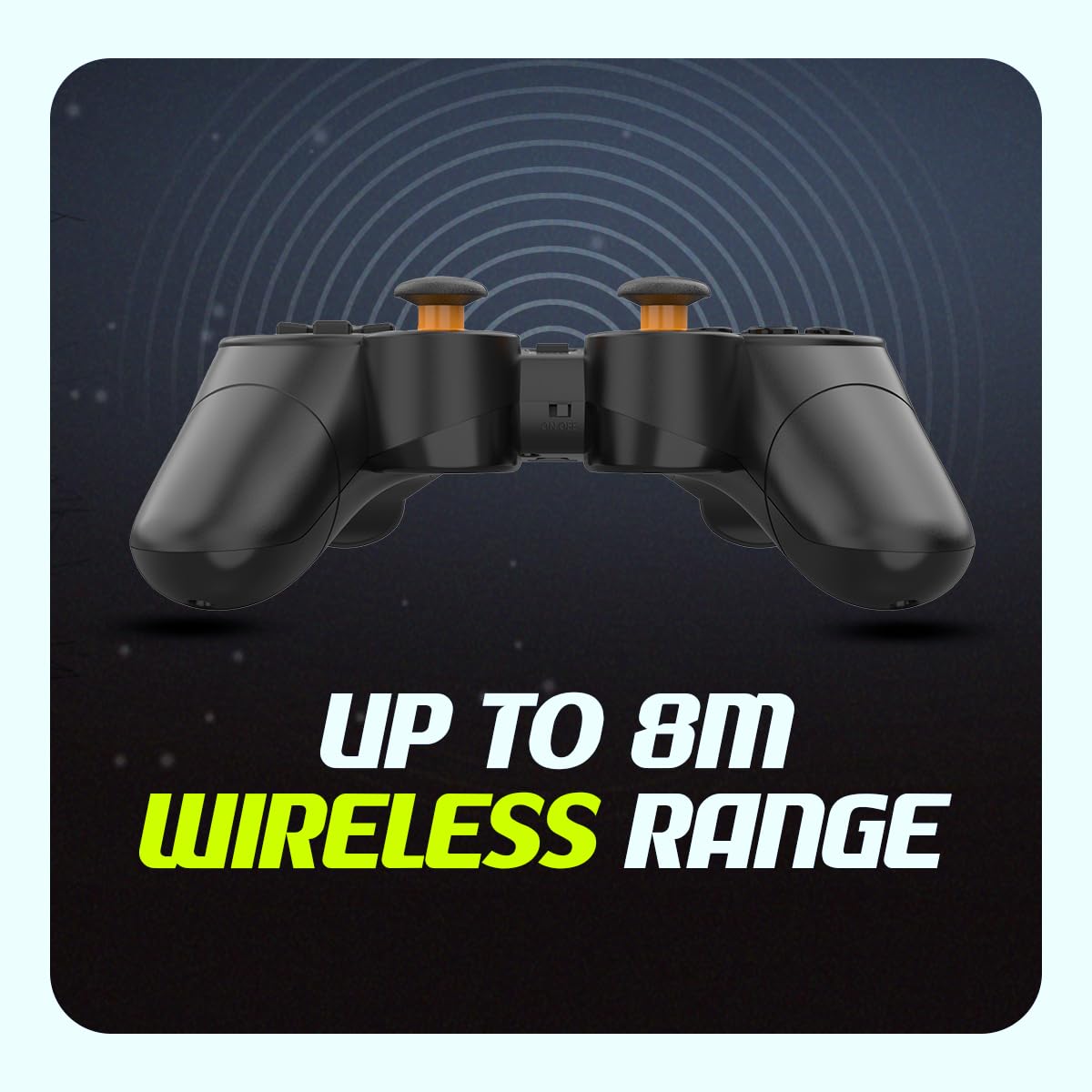
Image: The compact USB wireless receiver, ready to be plugged into a PC.
3. Açma/Kapama
- To power on the controller, ensure batteries are installed and slide the ON/OFF switch located on the top edge of the controller to the "ON" position.
- To power off the controller, slide the ON/OFF switch to the "OFF" position.
Resim: Yakın çekim view of the controller's top edge, highlighting the ON/OFF switch for easy power management.
Kullanım Talimatları
Kablosuz Bağlantı
The Cosmic Byte Nexus controller utilizes 2.4GHz wireless technology, providing a stable connection with a range of up to 8 meters from the USB receiver. Ensure no significant obstructions are between the controller and the receiver for optimal performance.
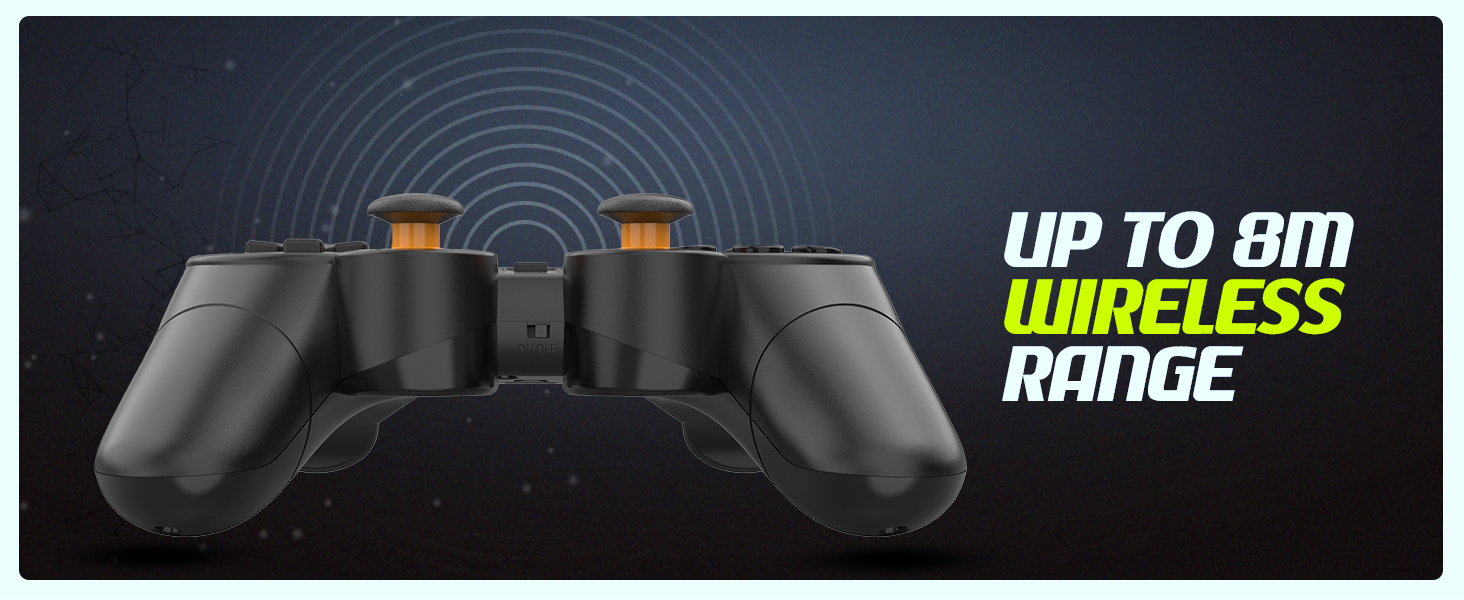
Image: Visual representation of the controller's wireless range, indicating connectivity up to 8 meters.
Denetleyici Düzeni ve İşlevleri
The controller features a standard gamepad layout with responsive buttons and sensitive analog triggers for precise control.
- Yön Tuş Takımı (D-Pad): Yönlü giriş için.
- Sol/Sağ Analog Çubuklar: 360 derece hareket ve kamera kontrolü için.
- Eylem Düğmeleri (A, B, X, Y): Oyun içi eylemler için.
- Omuz Düğmeleri (L1, R1) ve Tetikleyiciler (L2, R2): For additional in-game functions. The triggers are designed for sensitive input.
- SELECT/BACK Button: Genellikle menü navigasyonu veya belirli oyun işlevleri için kullanılır.
- Başlama butonu: Typically used for pausing games or accessing menus.
- MOD Düğmesi: May switch between different input modes (e.g., X-Input/D-Input) if supported by the controller.

Resim: Ayrıntılı view of the controller's front, highlighting the various buttons, D-pad, and analog sticks.
Çift Titreşim Motorları
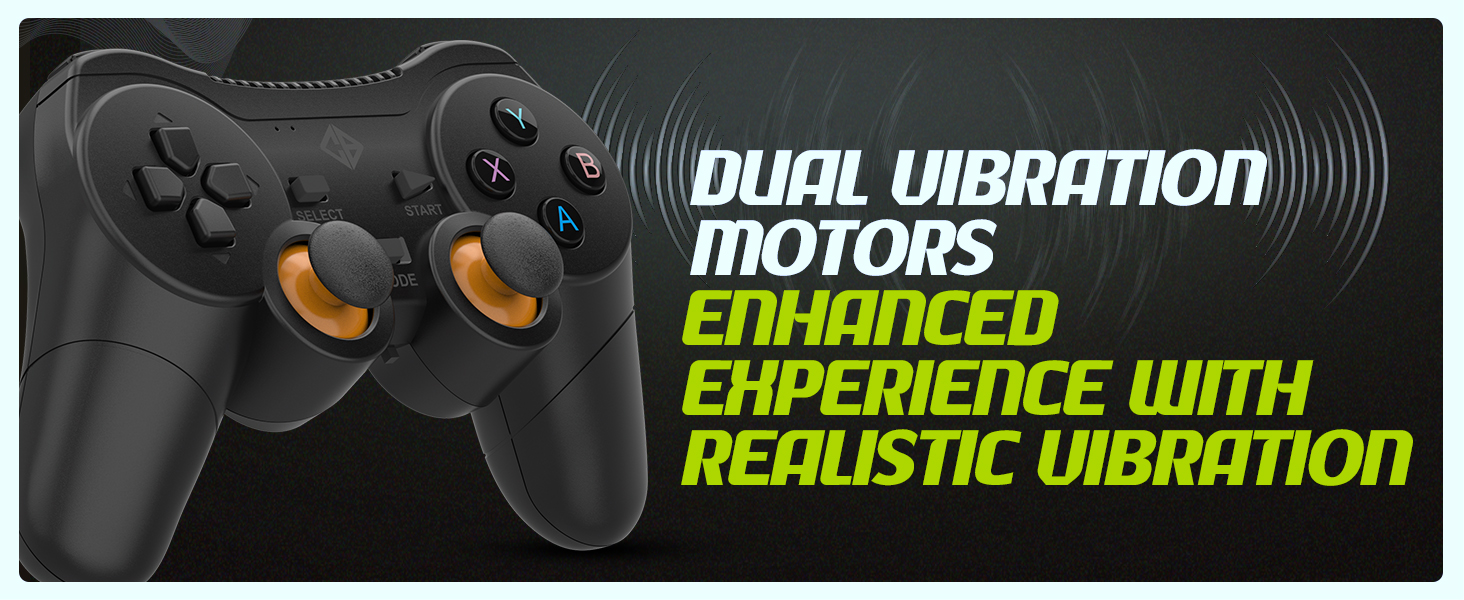
The controller is equipped with dual vibration motors that provide immersive feedback, enhancing your gaming experience by reacting to in-game events such as explosions, crashes, or impacts.
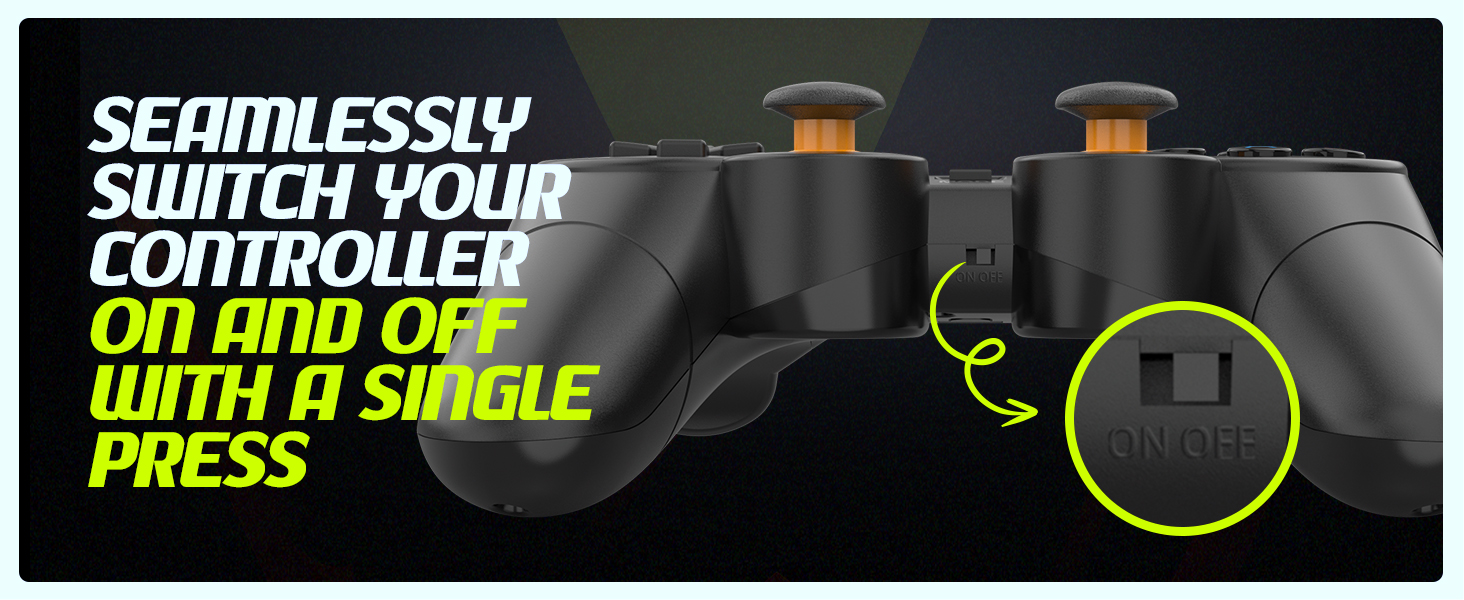
Image: Controller with visual cues indicating the presence and function of dual vibration motors.
X-Input and D-Input Support
The Cosmic Byte Nexus controller supports both X-Input and D-Input modes, ensuring broad compatibility with a wide range of PC games. X-Input is the standard for modern PC games, while D-Input provides compatibility with older titles.
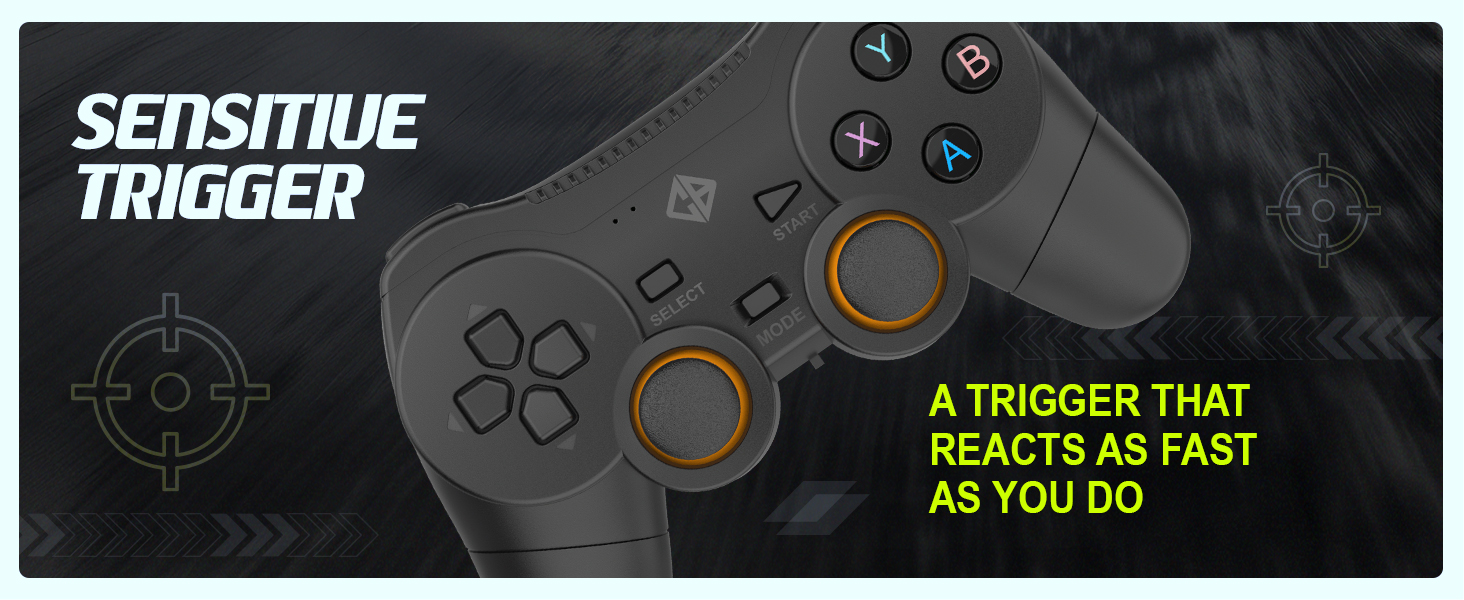
Image: Controller with text indicating support for X-Input and D-Input for seamless compatibility.
Bakım
Pil Değişimi
When the controller's performance degrades or it fails to power on, it is time to replace the AAA batteries. Follow the battery installation steps outlined in the "Setup Guide" section.
Tip: Consider using rechargeable AAA batteries for an eco-friendly and cost-effective solution.
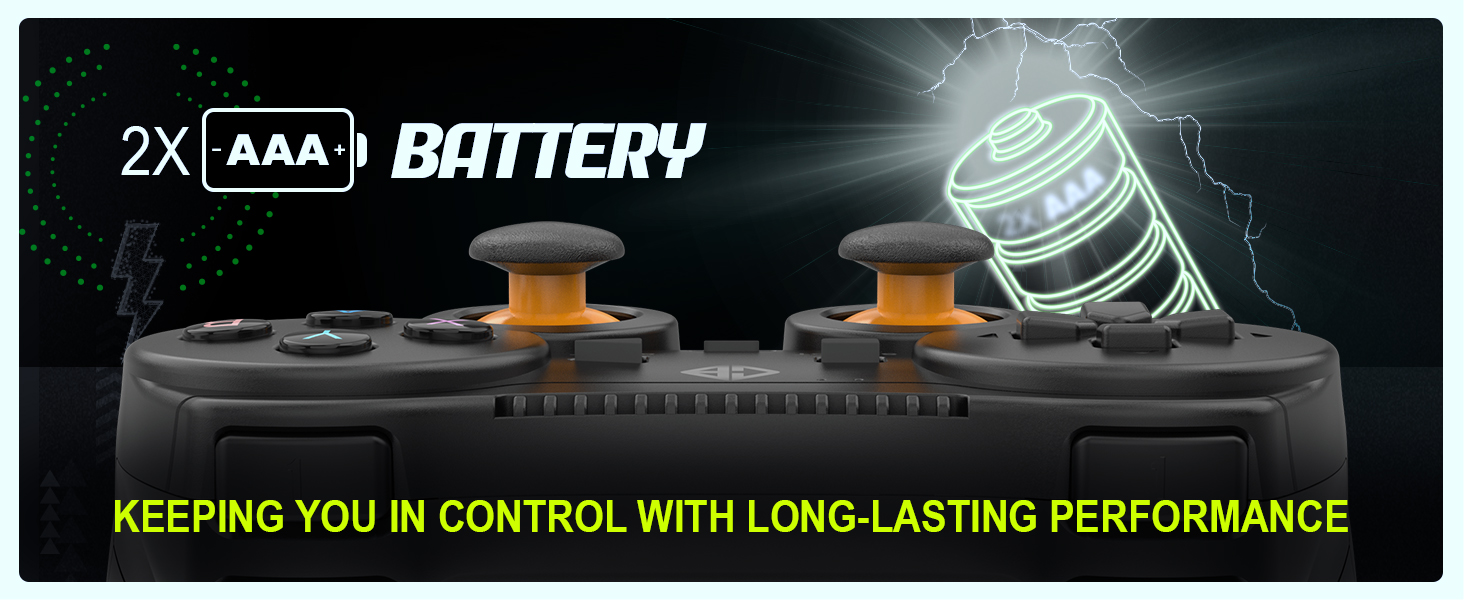
Image: Controller with an illustration of AAA batteries, emphasizing long-lasting performance.
Temizlik
Kumanda ünitesini temizlemek için yumuşak, kuru bir bez kullanın. İnatçı kirler için biraz daha kuru bir bez yeterli olacaktır.amp Bez kullanılabilir, ancak cihazın içine nem girmemesine dikkat edin. Sert kimyasallar veya aşındırıcı temizleyiciler kullanmaktan kaçının.
Sorun giderme
| Sorun | Olası Neden | Çözüm |
|---|
| Kumanda açılmıyor. | Piller bitmiş veya yanlış takılmış. | Replace batteries with fresh AAA batteries, ensuring correct polarity. Check the ON/OFF switch is in the "ON" position. |
| Controller not connecting to PC. | USB receiver not properly inserted or driver issue. | Ensure the USB receiver is fully inserted into a working USB port. Try a different USB port. Restart your PC. |
| Input lag or dropped connection. | Alıcıdan kaynaklanan girişim veya uzaklık. | Reduce distance between controller and receiver. Remove any large metallic objects or other wireless devices that may cause interference. Ensure batteries are not low. |
| Titreşim özelliği çalışmıyor. | Game does not support vibration or feature is disabled. | Check in-game settings to ensure vibration feedback is enabled. Verify the game supports controller vibration. |
| Buttons or analog sticks unresponsive/inaccurate (e.g., "stick drift"). | Aşınma ve yıpranma veya üretim hatası. | Ensure the controller is clean. If issues persist, contact customer support for further assistance. |
Özellikler
| Özellik | Detay |
|---|
| Marka | Kozmik Bayt |
| Model Adı | Bağlantı |
| Bağlantı Teknolojisi | Kablosuz (2.4 GHz) |
| Uyumlu Cihazlar | bilgisayar (Windows) |
| Denetleyici Türü | Oyun kumandası |
| Güç Kaynağı | 2 x AAA Piller (dahil değildir) |
| Ürün Ağırlığı | 100 gr |
| Ürün Boyutları (UxGxY) | 12x8x4 cm |
| Menşei ülke | Çin |
Garanti ve Destek
For warranty information, technical support, or service inquiries, please refer to the contact details provided with your purchase documentation or visit the official Cosmic Byte webSite. Satın alma belgeniz olarak satın alma fişinizi saklayın.
Üretici / İthalatçı: Cosmic Byte, Prakash Warehousing, S. No.163, Hissa No 1-2-3-4-5A-5B/2/1, Phursungi, Pune 412308, Maharashtra, India


