1. Güvenlik Bilgileri
Lütfen bu ürünü kullanmadan önce tüm güvenlik talimatlarını dikkatlice okuyun. Bu kılavuzu ileride başvurmak üzere saklayın.
- Ses sistemini yağmura, neme veya aşırı sıcaklıklara maruz bırakmayın.
- Havalandırma açıklıklarını kapatmayın.
- Yalnızca üretici tarafından belirtilen aparatları/aksesuarları kullanın.
- Unplug the soundbar during lightning storms or when unused for long periods.
- Tüm bakımları yetkili servis personeline yaptırın.
2. Paket İçeriği
Paketin içinde tüm öğelerin mevcut olduğundan emin olun:
- THOMSON B210 Bluetooth Soundbar
- Uzaktan kumanda
- Güç Adaptörü
- Kullanıcı Kılavuzu
- Audio Cables (e.g., Optical, AUX - specific cables may vary)
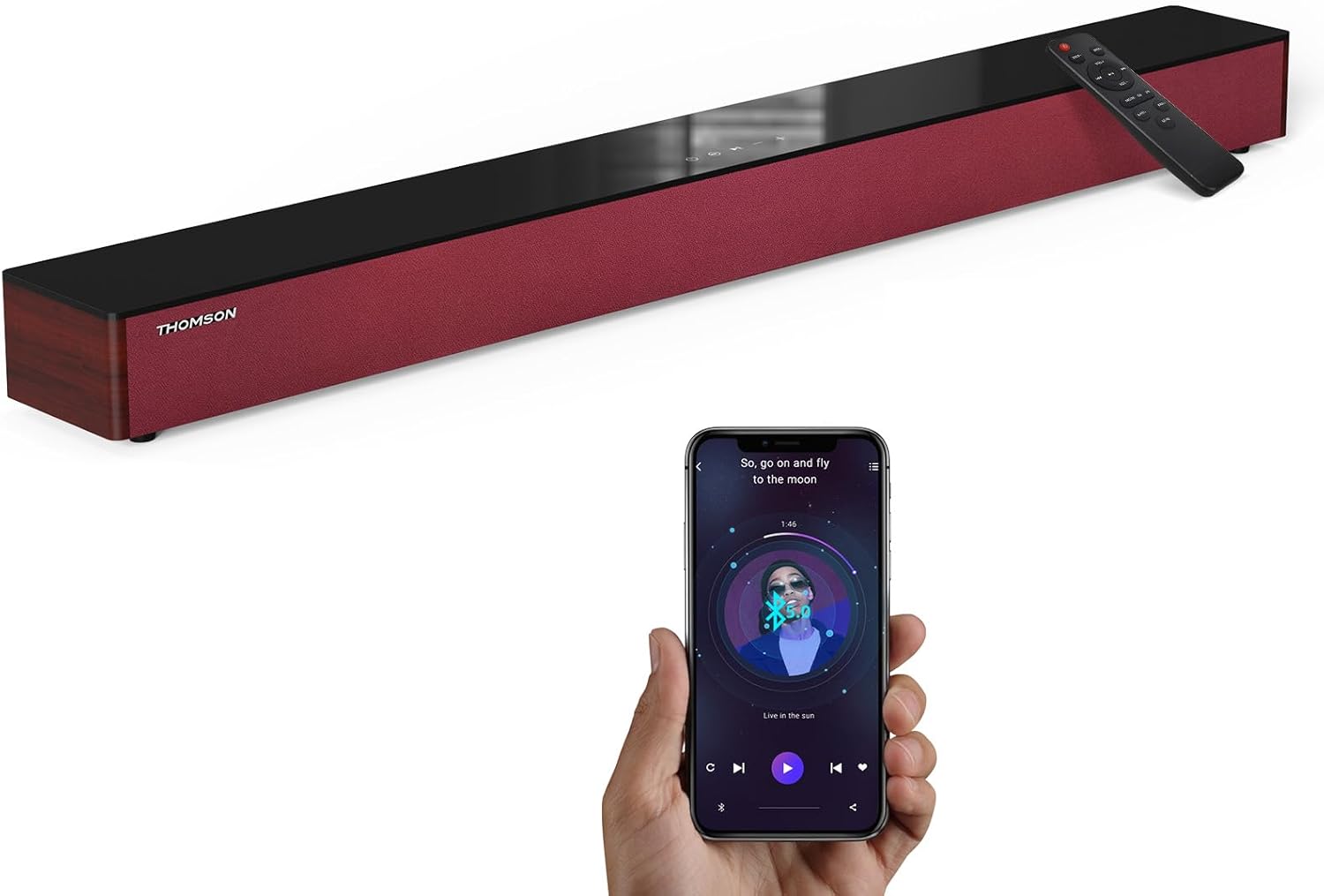
Image: The THOMSON B210 Soundbar, its remote control, and a smartphone demonstrating Bluetooth connectivity.
3. Ürün Bittiview
3.1 Ön ve Üst Panel
The soundbar features intuitive controls on its top panel for easy access.
3.2 Arka Panel Bağlantıları
The rear panel provides various input ports for connecting to different audio sources.

Resim: Ayrıntılı view of the soundbar's rear connection ports, including AUX IN, COAXIAL, OPTICAL, HDMI ARC, USB, and DC IN.
3.3 Uzaktan Kumanda
The included remote control allows for convenient operation of all soundbar functions.

Image: A hand operating the soundbar with its remote control, demonstrating wireless command over the device.
4. Kurulum
4.1 Yerleştirme
Place the soundbar on a stable, flat surface directly in front of your television for optimal sound dispersion. Ensure there is adequate space around the soundbar for ventilation.
4.2 Güç Bağlantısı
- Connect the power adapter to the DC IN port on the rear of the soundbar.
- Güç adaptörünün diğer ucunu duvar prizine takın.
5. Kullanım Talimatları
5.1 Güç Açma/Kapatma
Press the Power button on the soundbar's top panel or the remote control to turn the unit on or off.
5.2 Ses Kontrolü
Use the Volume Up (+) and Volume Down (-) buttons on the soundbar or remote control to adjust the audio level.
5.3 Giriş Seçimi
Press the 'MODE' button on the soundbar or remote control to cycle through available input sources: ARC, Optical, AUX, USB, and Bluetooth.
5.4 Ekolayzır Modları
The soundbar offers three distinct equalizer modes to optimize audio for different content types:
- Müzik Modu: Enhances musical clarity and bass.
- Film Modu: Provides a more immersive cinematic experience.
- Haber Modu: Optimizes dialogue for clear speech.
Press the corresponding EQ button on the remote control to select your desired mode.

Image: Visual representation of the soundbar's optimized audio modes for Music, Movie, and News content.
6. Bağlantılar
The THOMSON B210 Soundbar supports multiple connection types for versatility.

Image: The soundbar demonstrating its compatibility with multiple devices such as projectors, PCs, game consoles, and smartphones.
6.1 HDMI ARC Bağlantısı
For the best audio quality and control, connect your TV to the soundbar using an HDMI cable via the ARC port.
- Connect one end of an HDMI cable to the HDMI ARC port on your TV.
- Connect the other end to the HDMI ARC port on the soundbar.
- Select 'ARC' as the input source on the soundbar.
6.2 Optik Bağlantı
Use an optical cable for a high-quality digital audio connection.
- Connect one end of an optical cable to the Optical OUT port on your TV or audio device.
- Connect the other end to the OPTICAL port on the soundbar.
- Select 'Optical' as the input source on the soundbar.
6.3 AUX Bağlantısı
For analog audio devices, use an AUX cable.
- Connect one end of a 3.5mm audio cable to the headphone jack or AUX OUT port on your device.
- Connect the other end to the AUX IN port on the soundbar.
- Select 'AUX' as the input source on the soundbar.
6.4 USB Bağlantısı
Sesi çal files doğrudan bir USB depolama aygıtından.
- Insert a USB drive into the USB port on the soundbar.
- Select 'USB' as the input source on the soundbar.
- Ses çubuğu, uyumlu sesleri otomatik olarak çalmaya başlayacaktır. files.
6.5 Bluetooth Eşleştirme
Connect your smartphone, tablet, or other Bluetooth-enabled device wirelessly.
- Turn on the soundbar and select 'Bluetooth' mode using the 'MODE' button. The Bluetooth indicator will flash.
- Cihazınızda Bluetooth'u etkinleştirin ve kullanılabilir cihazları arayın.
- Select 'THOMSON B210' from the list.
- Once paired, the Bluetooth indicator will stop flashing and remain solid.

Image: A family enjoying entertainment with the soundbar, illustrating seamless Bluetooth connectivity from a smartphone.
7. Bakım
Ses çubuğunuzun uzun ömürlü ve en iyi performansı göstermesi için aşağıdaki bakım yönergelerini izleyin:
- Temizlik: Ses çubuğunun yüzeyini temizlemek için yumuşak, kuru bir bez kullanın. Sıvı temizleyiciler veya aşındırıcı malzemeler kullanmayın.
- Depolamak: Ses çubuğunu uzun süre saklayacaksanız, fişini prizden çekin ve serin, kuru bir yerde saklayın.
- Havalandırma: Aşırı ısınmayı önlemek için havalandırma açıklıklarının tıkanmadığından emin olun.
8. Sorun Giderme
If you encounter issues with your THOMSON B210 Soundbar, refer to the following common problems and solutions:
| Sorun | Olası Neden | Çözüm |
|---|---|---|
| Güç yok | Güç kablosu bağlı değil; Elektrik prizi aktif değil. | Güç kablosunun güvenli bir şekilde bağlı olduğundan emin olun; farklı bir elektrik prizi deneyin. |
| Ses yok | Incorrect input source; Volume too low; Mute activated; Cable connection issue | Select correct input source; Increase volume; Deactivate mute; Check audio cable connections |
| Bluetooth eşleştirme başarısız oldu | Soundbar not in pairing mode; Device Bluetooth off; Device too far | Ensure soundbar is in Bluetooth mode (flashing indicator); Enable Bluetooth on device; Move device closer to soundbar |
| Uzaktan kumanda çalışmıyor | Piller bitmiş; uzaktan kumanda ile ses çubuğu arasında engel var. | Replace remote control batteries; Remove any obstructions; Ensure remote is pointed at the soundbar's sensor |
9. Özellikler
Detailed technical specifications for the THOMSON B210 Soundbar:
- Modeli: B210
- Marka: THOMSON
- Ürün Ölçüleri: 36.5"D x 4.7"G x 2.9"Y (92.7 cm x 11.8 cm x 7.3 cm)
- Ürün Ağırlığı: 11 pound (yaklaşık 5 kg)
- Hoparlör Maksimum Çıkış Gücü: 50 Watt
- Montaj Tipi: Masa Üstü Montaj
- Bluetooth Sürümü: 5.3
- Sinyal gürültü oranı: 70dB
- Konuşmacılar: 4 Full Range Speakers, 2 Woofers (Advanced Bass Diaphragms)
- Giriş Bağlantıları: ARC (HDMI), Optical, AUX, USB, Bluetooth

Image: Physical dimensions of the soundbar, showing length, width, and height in centimeters, along with a view of the rear ports.

Image: Internal component diagram of the soundbar, detailing its 4 high-performance drivers and 2 advanced bass diaphragms for enhanced audio.
10. Garanti ve Destek
THOMSON products are manufactured to high-quality standards. For warranty information and technical support, please refer to the warranty card included with your product or visit the official THOMSON support webalan.
For further assistance, please contact THOMSON customer service.


