giriiş
Thank you for choosing the Spigen Active Noise Cancelling Headphones SA-HP P10. These headphones are designed to provide an immersive audio experience with advanced noise cancellation, powerful sound, and convenient features for various uses including commuting, gaming, and music listening. Please read this manual carefully to ensure proper use and optimal performance of your new headphones.
Paket İçeriği
Paketin içerisinde tüm ürünlerin mevcut olduğundan emin olun:
- Spigen Active Noise Cancelling Headphones SA-HP P10
- USB-C Şarj Kablosu (50cm)
- AUX Audio Cable (1.2m)
- Taşıma Kesesi
- Kullanım Kılavuzu (bu belge)

Image: The Spigen SA-HP P10 headphones, a 50cm USB-C charging cable, and a 1.2m AUX audio cable, representing the complete package contents.
Ürün Bittiview
Kulaklığın bileşenlerini ve kontrollerini iyice öğrenin.
Kontroller ve Bağlantı Noktaları:
- Güç Düğmesi: Press and hold to power on/off. Short press for play/pause or answer/end calls.
- Ses Düğmeleri (+/-): Short press to adjust volume. Long press to skip tracks.
- ANC/Transparency Mode Switch: Toggle to activate Active Noise Cancellation (ANC) or Transparency Mode.
- USB-C Bağlantı Noktası: Kulaklıkları şarj etmek için.
- 3.5 mm Ses Jakı: For wired connection using the AUX cable.
- Mikrofonlar: Integrated 5-MIC system for clear calls and ANC.
Kurmak
1. Kulaklıkların Şarj Edilmesi:
- Connect the USB-C charging cable to the headphone's USB-C port and a power source.
- LED göstergesi şarj durumunu gösterecektir. Tam şarj yaklaşık 2 saat sürer.
- İlk kullanımdan önce kulaklığın tam şarj olduğundan emin olun.
2. Güç Açma/Kapama:
- Cihazı açmak için, LED göstergesi yanana kadar Güç Düğmesini basılı tutun.
- Cihazı kapatmak için, LED göstergesi sönene kadar Güç Düğmesini basılı tutun.
3. Bluetooth Eşleştirme:
- With the headphones powered off, press and hold the Power Button for 5 seconds until the LED indicator flashes blue and red, indicating pairing mode.
- On your device (smartphone, tablet, computer), enable Bluetooth and search for "Spigen SA-HP P10".
- Bağlamak istediğiniz kulaklığı seçin. Eşleştirme başarılı olduğunda LED göstergesi sabit mavi renkte yanacaktır.
- The headphones support Bluetooth 5.4 for seamless pairing and multi-device connectivity.
4. Spigen Audio App:
- Download the "Spigen Audio" app from your device's app store.
- Connect your headphones to the app for customizable sound profiles, EQ settings, and firmware updates.
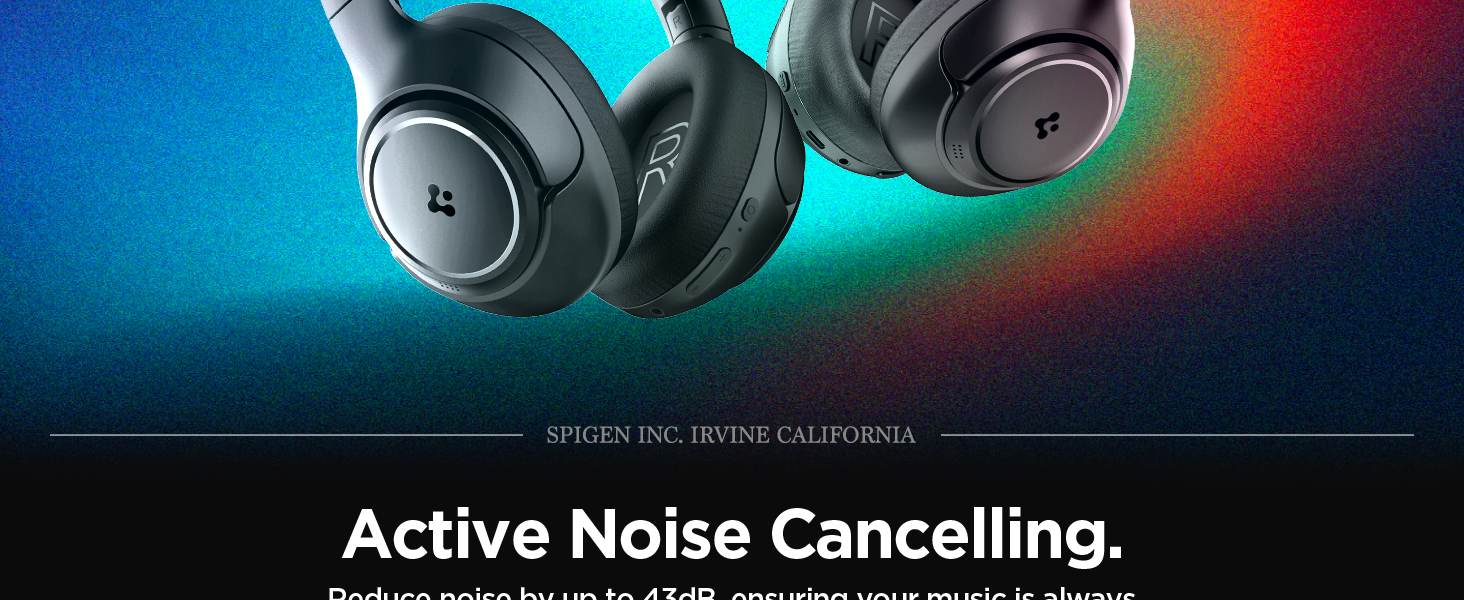
Image: The Spigen Audio App interface, displaying options for sound profiles (Default, Pop, Bass, Rock) and noise control modes (Multi-Mode ANC, Transparency, Normal, Indoor, Commuting, Noisy).
Kullanım Talimatları
1. Active Noise Cancellation (ANC) & Transparency Mode:
- Use the dedicated ANC/Transparency Mode switch on the headphones to toggle between modes.
- ANC Modu: Reduces external noise by up to 43dB, ideal for focused listening.
- Şeffaflık Modu: Ortam seslerinin geçmesine izin vererek çevrenizden haberdar olmanızı sağlar.
- Customize ANC levels and modes (Indoor, Commuting, Noisy) via the Spigen Audio App.
Image: The Spigen SA-HP P10 headphones with visual cues indicating 43dB Active Noise Cancelling, 5-Mode Hybrid Adaptive ANC, Transparency Mode, and Clear Calls with 5 MICs.
2. Oyun Modu:
- Activate Gaming Mode via the Spigen Audio App for crystal-clear, low-latency audio transmission.
- This mode is optimized for an uninterrupted gaming experience.
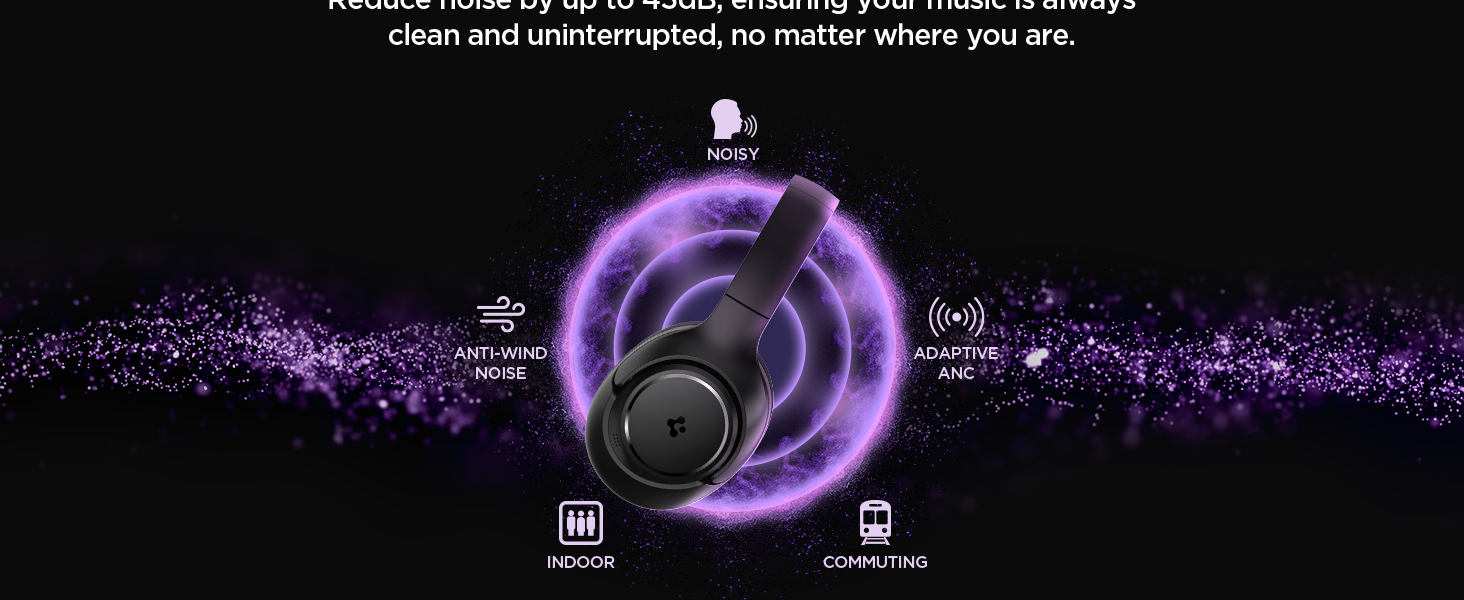
Image: Spigen SA-HP P10 headphones positioned next to a smartphone and a game controller, emphasizing the low-latency feature for an enhanced gaming experience.
3. Çağrı Yapma:
- Çağrıyı Cevapla/Sonlandır: Güç Düğmesine kısa basın.
- Çağrıyı Reddet: Güç Düğmesine uzun basın.
- The 5-MIC system ensures clear voice pickup and ambient noise reduction during calls.
Bakım
Cleaning EarPads:
- The ear pads are detachable for easy cleaning.
- Gently remove the ear pads from the headphones.
- Yumuşak bir bezle temizleyin.amp Bez ve hafif sabun kullanın. Tekrar takmadan önce tamamen kurumasını bekleyin.
- Sert kimyasallar veya aşındırıcı malzemeler kullanmayın.

Image: Hands gently cleaning a detachable earpad of the Spigen SA-HP P10 headphones with a white cloth, demonstrating the ease of maintenance.
Sorun giderme
- Güç Yok: Kulaklığınızın tam şarjlı olduğundan emin olun.
- Eşleştirilemiyor: Make sure headphones are in pairing mode (flashing blue/red LED). Turn off and on your device's Bluetooth.
- Ses Sorunları: Check volume levels on both headphones and your device. Ensure headphones are within Bluetooth range. Try re-pairing.
- ANC Çalışmıyor: Ensure ANC mode is activated via the switch or app.
Özellikler
| Model Adı | SA-HP P10 |
| Bluetooth Sürümü | 5.4 |
| Pil Ömrü | 60 Saate Kadar |
| Aktif Gürültü Önleme | 43 dB'ye kadar |
| Sürücü Boyutu | 40mm Dinamik Sürücüler |
| Mikrofonlar | 5-MIC System |
| Kontrol Yöntemi | App / On-device Buttons |
| Ürün Ağırlığı | 273 Gram (9.6 ons) |
| Ürün Boyutları | 3.22 x 6.31 x 7.75 inç |
Garanti ve Destek
For warranty information or technical support, please visit the official Spigen website or contact Spigen customer service directly. Keep your purchase receipt for warranty claims.


