giriiş
Thank you for choosing the Okin Small Electric Standing Desk. This 36" x 24" height-adjustable desk is designed to enhance your workspace with ergonomic flexibility, allowing you to seamlessly switch between sitting and standing positions. Featuring a robust motor, a one-piece desktop, and optional casters for mobility, this desk is ideal for home offices and compact spaces. Please read this manual thoroughly before assembly and operation to ensure safe and efficient use.

Figure 1: Okin Small Electric Standing Desk (Oak+casters 36 Inch)
Güvenlik Bilgileri
- Kullanmadan önce tüm bileşenlerin güvenli bir şekilde sabitlendiğinden emin olun.
- Do not exceed the maximum weight capacity of 154 lbs (70 kg). While tested to 176 lbs, adhering to the stated capacity ensures optimal performance and longevity.
- Masa yüksekliği ayarı sırasında çocukları ve evcil hayvanları masadan uzak tutun.
- Sıvıları doğrudan kontrol paneli veya motor parçalarının üzerine dökmekten kaçının.
- Temizlik veya herhangi bir bakım yapmadan önce elektrik bağlantısını kesin.
- Yalnızca sağlanan güç adaptörünü ve bileşenlerini kullanın.
Paket İçeriği
Montaja başlamadan önce tüm parçaların eksiksiz olduğundan emin olun. Herhangi bir parça eksik veya hasarlıysa, lütfen müşteri desteğiyle iletişime geçin.
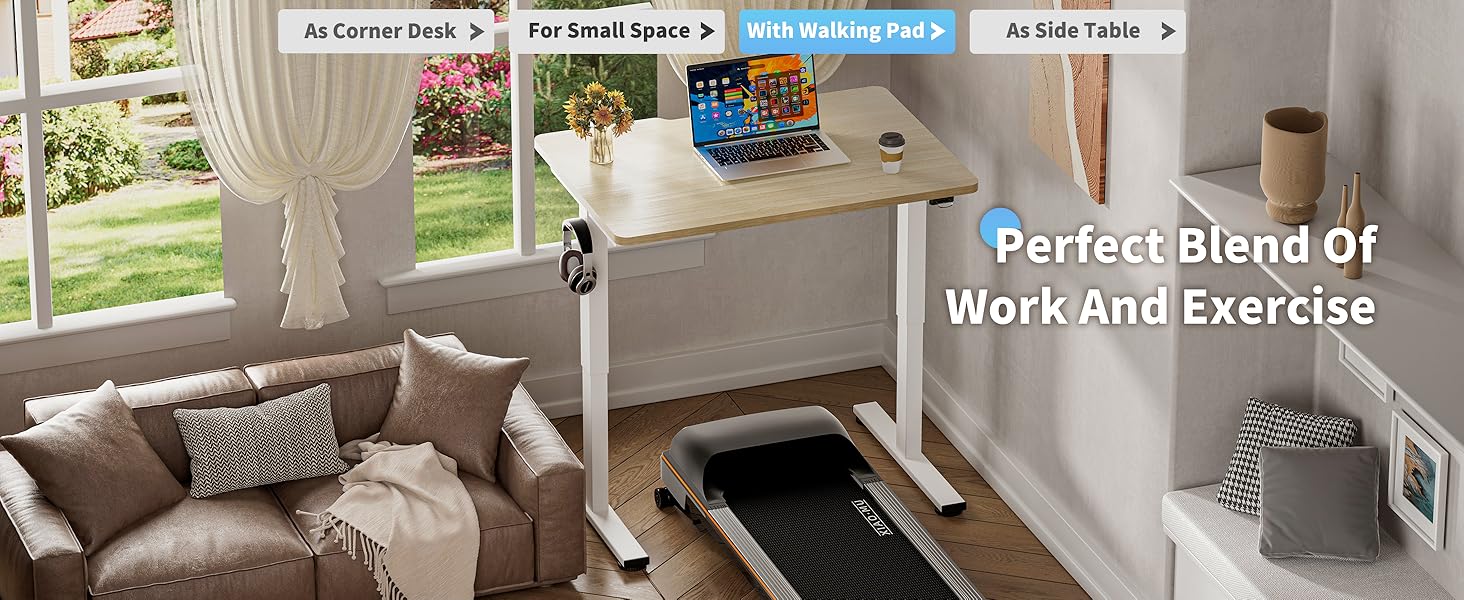
Figure 2: Included Components for Assembly
- Desktop (36" x 24" one-piece, Oak finish)
- Masa Ayakları (2)
- Çapraz çubuk/Çerçeve bileşenleri
- Elektrik Motoru ve Kontrol Kutusu
- Kontrol Paneli
- Güç Adaptörü ve Kablosu
- Ayarlanabilir Ayak Pedleri (4)
- Lockable Casters (4)
- Kulaklık Kancası
- Montaj Donanımı (vidalar, cıvatalar, Allen anahtarı)
- Kullanım Kılavuzu
Montaj Talimatları
Assembly is straightforward with pre-drilled holes and included accessories. It is recommended to have two people for easier assembly due to the weight of some components.
- Bileşenleri Paketinden Çıkarın: Carefully remove all parts from the packaging and lay them out on a clean, soft surface to prevent scratches. Refer to Figure 2 for a visual guide of all components.
- Attach Desk Legs to Crossbar: Secure the desk legs to the central crossbar using the provided screws and tools. Ensure all connections are firm.
- Install Motor and Control Box: Mount the electric motor and control box to the designated areas on the frame, following the pre-drilled holes. Connect the motor cable to the control box.
- Masaüstünü Ekle: Carefully place the desktop upside down on a soft surface. Align the assembled frame with the pre-drilled holes on the underside of the desktop. Secure the desktop to the frame using the appropriate screws.
- Denetim Masası'nı yükleyin: Attach the control panel to the underside of the desktop in a convenient location. Connect its cable to the control box.
- Choose Base Option:
- Ayarlanabilir Ayak Pedleri: Screw the adjustable foot pads into the bottom of the desk legs for stationary use and leveling.

Figure 3: Adjustable Foot Pads
- Lockable Casters: Alternatively, screw the lockable casters into the bottom of the desk legs for mobility. Ensure the casters are locked when the desk is in use to maintain stability.

Figure 4: Lockable Casters
- Ayarlanabilir Ayak Pedleri: Screw the adjustable foot pads into the bottom of the desk legs for stationary use and leveling.
- Kulaklık askısını takın: Attach the headphone hook to the side of the desktop as desired.
- Kablo yönetimi: Utilize the specially designed grooves at the back of the tabletop for easy cable arrangement, keeping your workspace tidy.

Figure 5: Cable Management Features
- Gücü bağlayın: Güç adaptörünü kontrol kutusuna ve ardından duvardaki prize takın.
Kullanım Talimatları
Yükseklik Ayarı
The Okin Electric Standing Desk allows for smooth height adjustment with a single button press. The desk adjusts from 27.56" to 45.28" (or 29.53" to 47.25" with casters) with low noise operation (below 50 dB).
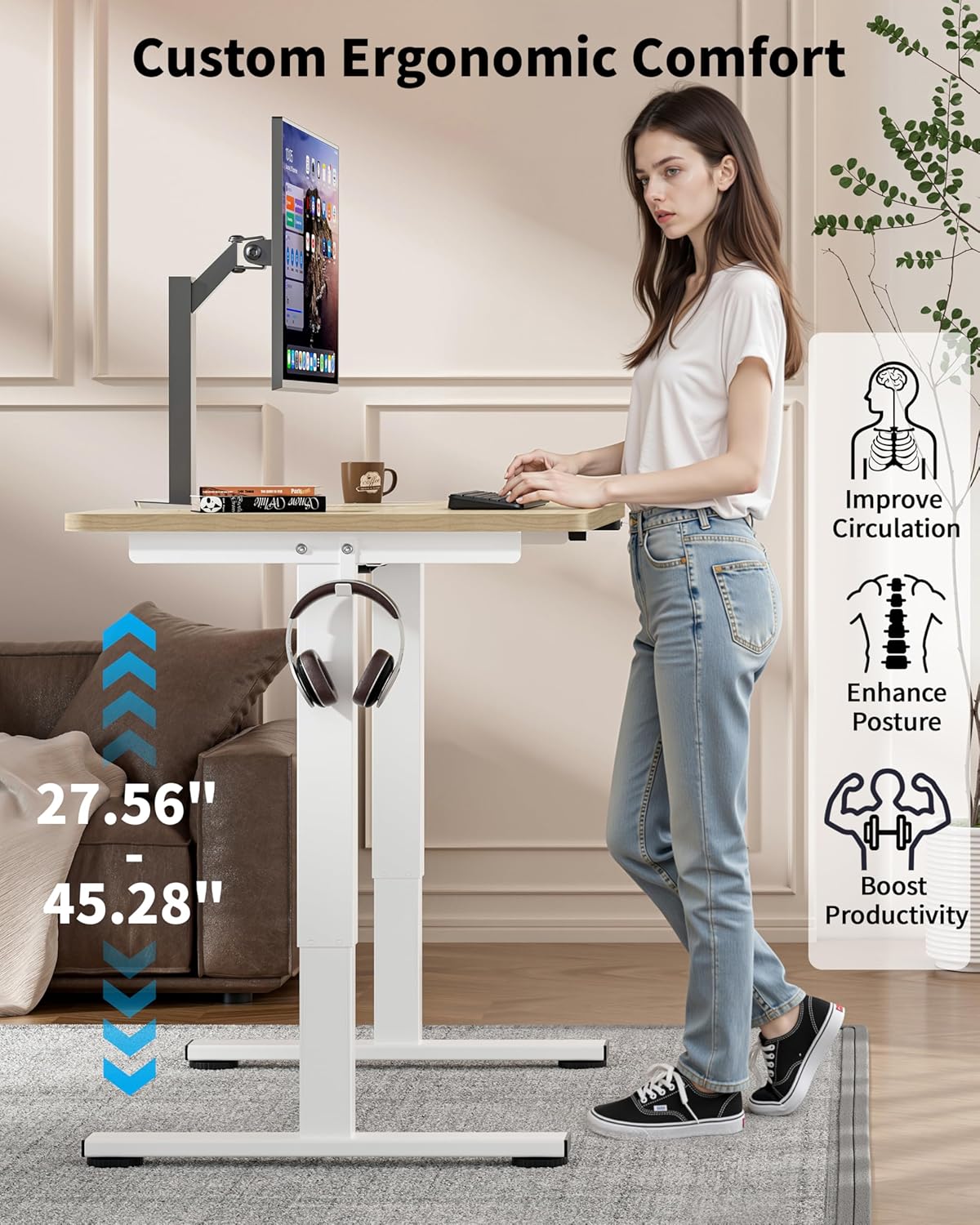
Figure 6: Ergonomic Height Adjustment in Use
- Masayı Kaldır: İstenilen yüksekliğe ulaşılana kadar kontrol panelindeki "Yukarı" düğmesine basılı tutun.
- Alt Masa: İstenilen yüksekliğe ulaşılana kadar kontrol panelindeki "Aşağı" düğmesine basılı tutun.
- Memory Presets (if available): Some models may feature memory buttons (e.g., M1, M2) to save preferred sitting and standing heights. Consult your control panel for specific instructions on setting and recalling these presets.
Tekerlekleri Kullanma
If you have installed the lockable casters, you can easily move the desk. Unlock the casters to roll the desk to a new location. Always lock the casters once the desk is in its desired position to ensure stability during use.

Figure 7: Desk with Casters for Mobility
Bakım
- Temizlik: Wipe the desktop and frame with a dry or slightly damp Kumaşı aşındırmayın. Cilaya zarar verebilecek aşındırıcı temizleyicilerden veya sert kimyasallardan kaçının.
- Kablo yönetimi: Periodically check cables to ensure they are neatly arranged and not pinched or tangled, which could affect desk operation or pose a safety hazard.
- Bağlantı Elemanları: Tüm vida ve cıvataların sıkılığını ara sıra kontrol edin. Gerekirse tekrar sıkın.
Sorun giderme
If you encounter issues with your Okin Electric Standing Desk, refer to the following common problems and solutions:
| Sorun | Olası Neden | Çözüm |
|---|---|---|
| Masa hareket etmiyor. | Güç kablosu bağlantısı kesildi, güç çıkışıtage, motor sorunu. | Check if the power cable is securely plugged into the desk and the wall outlet. Verify the wall outlet has power. If the issue persists, contact customer support. |
| Masa düzensiz bir şekilde hareket ediyor veya alışılmadık sesler çıkarıyor. | Gevşek bağlantı elemanları, tıkanıklık, dengesiz ağırlık dağılımı. | Check and tighten all assembly screws. Ensure there are no obstructions under or around the desk. Distribute weight evenly on the desktop. |
| Error Code E-3 displayed on control panel. | Motor overload or sensor issue. | Unplug the desk from the power outlet for 10-15 minutes, then plug it back in. Reduce the load on the desk. If the error persists, contact customer support. |
| Desk reaches maximum/minimum height but doesn't respond. | Kalibrasyon gerekli. | Refer to your control panel's specific instructions for recalibration. Typically, this involves holding the "Down" button until the desk reaches its lowest point and then holding it again for a few seconds until a reset is indicated. |
Özellikler

Şekil 8: Masa Ölçüleri
| Özellik | Detay |
|---|---|
| Model Numarası | OKSM6545W3624OO-CA |
| Masaüstü Boyutları | 36" (Width) x 24" (Depth) |
| Height Adjustment Range (without casters) | 27.56" ila 45.28" |
| Height Adjustment Range (with casters) | 29.53" to 47.25" (approximate, based on 1.97" wheel diameter) |
| Maksimum Ağırlık Kapasitesi | 154 lbs (70 kg) |
| Motor Gürültü Seviyesi | < 50 dB |
| Masaüstü Malzemesi | Wood (Oak finish) |
| Taban Malzemesi | Alaşımlı Çelik |
| Özel Özellikler | Adjustable Height, Electric, Ergonomic, Wheels (optional), Headphone Hook, Cable Management Grooves |
| Güç Girişi | 100V-240V |
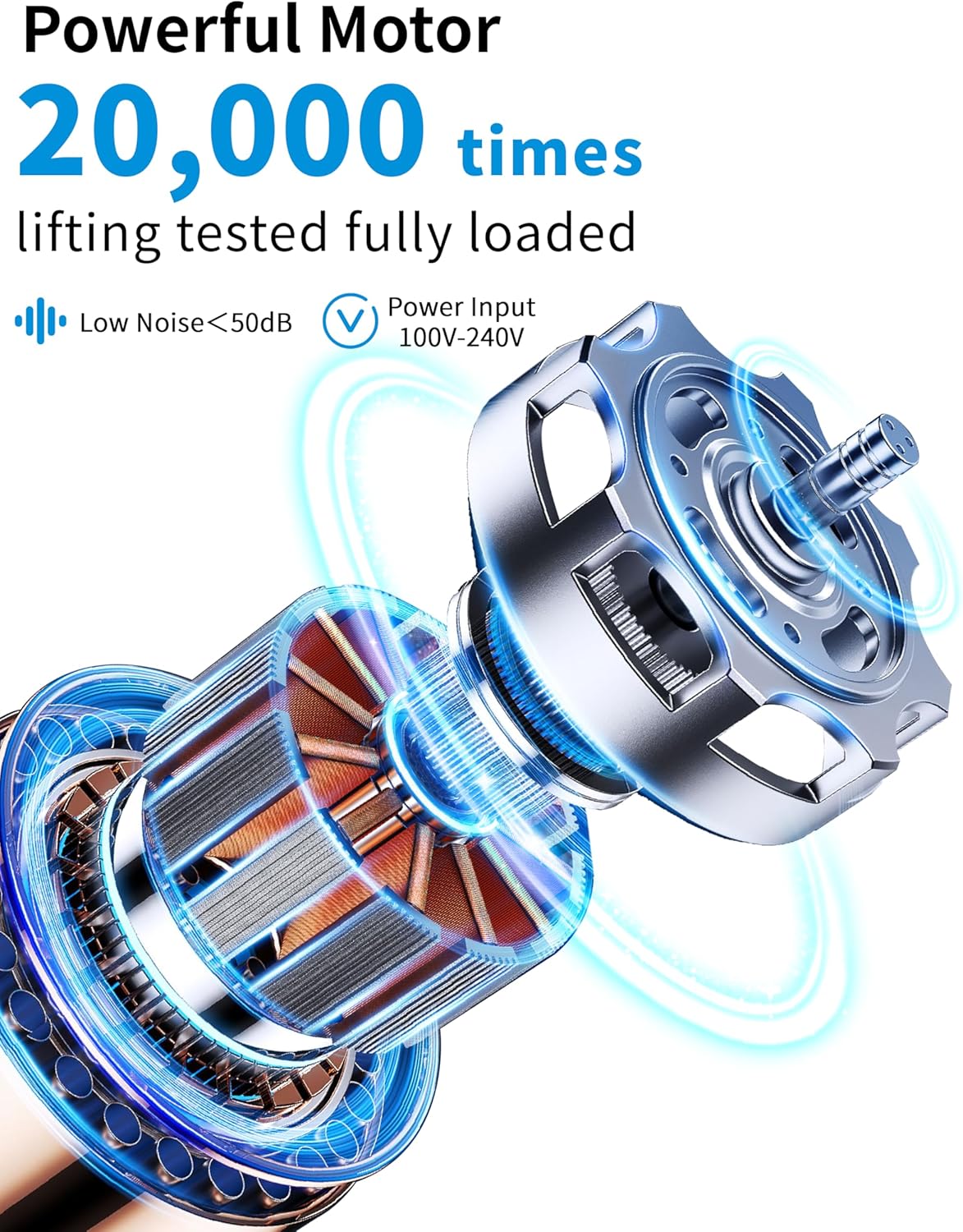
Şekil 9: Güçlü ve Sessiz Motor
Garanti ve Destek
The Okin Small Electric Standing Desk comes with a Limited Warranty. For specific warranty terms and conditions, please refer to the warranty card included in your package or visit the official Okin webalan.
For technical support, troubleshooting assistance, or to inquire about replacement parts, please contact Okin customer service:
- Webalan: Okin Official Store on Amazon
- E-posta: support@okin.com (Örnamp(Gerçek e-posta adresi belirtilmemiş)
- Telefon: 1-800-XXX-XXXX (Örnek)amp(Telefon numarası verilmemiştir)
Please have your model number (OKSM6545W3624OO-CA) and purchase date ready when contacting support.


