1. Giriş
Thank you for choosing the ZEBRONICS EnergiPod 10R1 Power Bank. This device is designed to provide portable power for your electronic devices. Please read this manual carefully before use to ensure proper operation and to maximize the lifespan of your power bank.
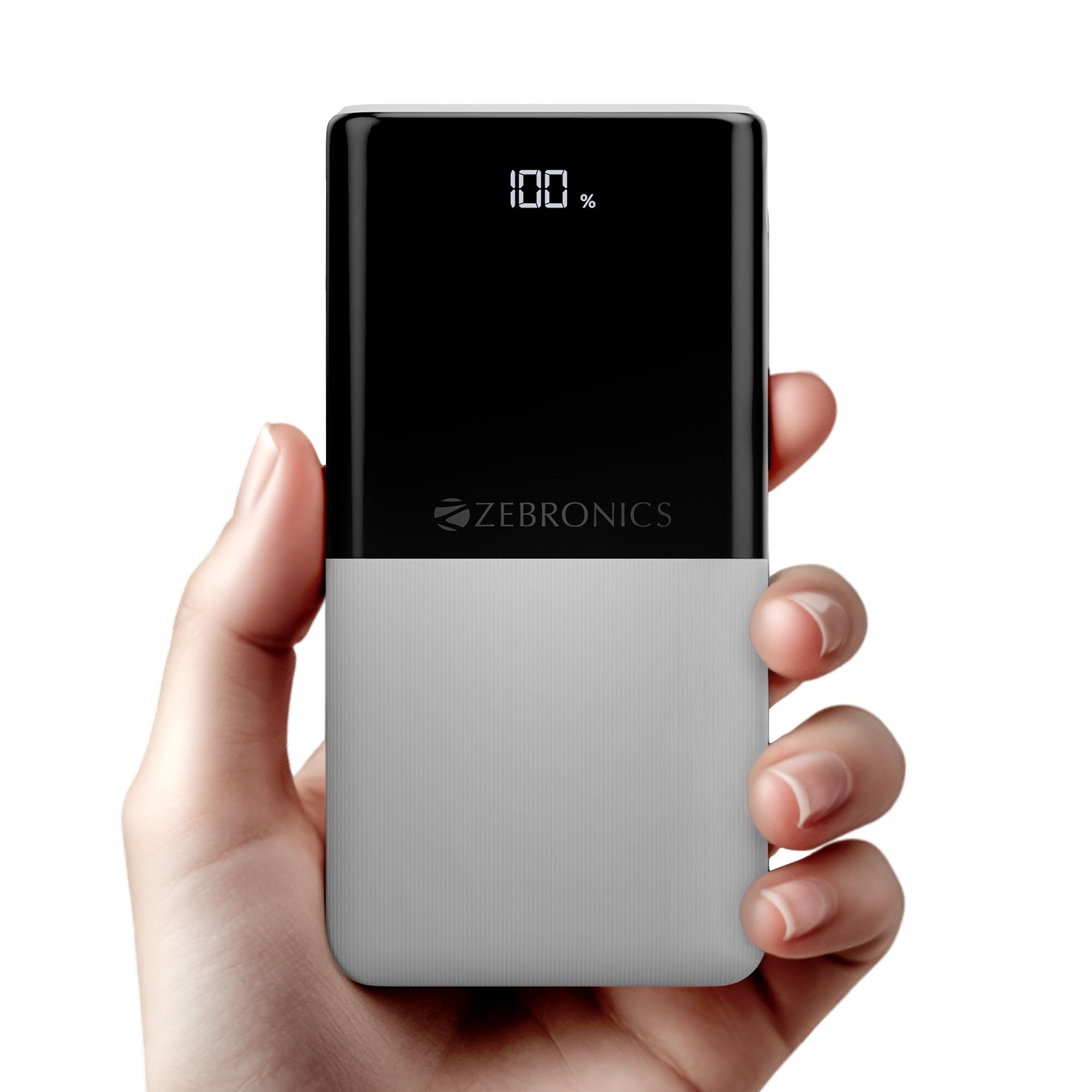
Image: The ZEBRONICS EnergiPod 10R1 Power Bank in white, highlighting its compact and modern design.
Kutuda Neler Var:
- EnergiPod 10R1 Power Bank - 1 unit
- Charging Cable - 1 unit
- QR Code Guide - 1 unit
2. Güvenlik Bilgileri
To prevent damage to the power bank or injury to yourself and others, please observe the following safety precautions:
- Powerbank'i aşırı sıcaklıklara (45°C'nin üzerinde veya 0°C'nin altında) maruz bırakmayın.
- Cihazınızı düşürmekten, parçalamaktan veya kendiniz onarmaya çalışmaktan kaçının.
- Power bank'i sudan, nemden ve yanıcı maddelerden uzak tutun.
- Sadece sertifikalı şarj kabloları ve adaptörleri kullanın.
- Hasar görmüş veya şişmişse power bank'i kullanmayın.
- Çocukların erişemeyeceği yerde saklayınız.
3. Ürün Özellikleri
-
10000mAh Kapasite: Sağlar ample power for multiple charges of smartphones and other devices.

Image: The power bank showing its 10000mAh capacity and 22.5W fast charging output.
- 22.5W Super Fast Charging (PD 3.0 PPS): Uyumlu cihazlar için hızlı şarjı destekler.
-
Dual Type-C & USB Port: Equipped with multiple output options for versatile charging.

Resim: Ayrıntılı view of the power bank's ports, including Type-C PD 3.0 (Input/Output), USB Output, and Type-C Input.
-
LED Yüzdesitage Gösterge: Digital display shows the remaining battery percentage ve şarj durumu.

Image: The power bank's LED display showing 100% charge, along with its physical dimensions.
-
Güvenlik Koruması: Built-in safeguards against overcharge, overload, and short-circuit.

Image: The power bank depicted with a protective shield, illustrating its short circuit, overcharge, and overload protection features.
- Metal Outlook: Sleek and compact design with a patterned finish for enhanced grip.
4. Kurulum
Power Bank'in İlk Şarjı:
- Connect the provided USB Type-C charging cable to the Type-C1 input port on the power bank.
- Connect the other end of the cable to a compatible USB wall adapter (not included) or a computer's USB port.
- LED ekran şarj yüzdesini gösterecektirtage. Allow the power bank to charge until it reaches 100% for optimal initial use.
Power bank'in ilk kullanımdan önce tamamen şarj edilmesi önerilir.
5. Kullanım Talimatları
Harici Cihazların Şarj Edilmesi:
- Connect your device's charging cable to one of the power bank's output ports (Type-C1 or USB-A).
- Kablonun diğer ucunu akıllı telefonunuza, tabletinize veya uyumlu diğer cihaza bağlayın.
- Power bank, cihazınızı otomatik olarak şarj etmeye başlayacaktır. LED ekran, power bank'in kalan şarj seviyesini gösterecektir.
- Disconnect your device once it is fully charged or when you wish to stop charging.
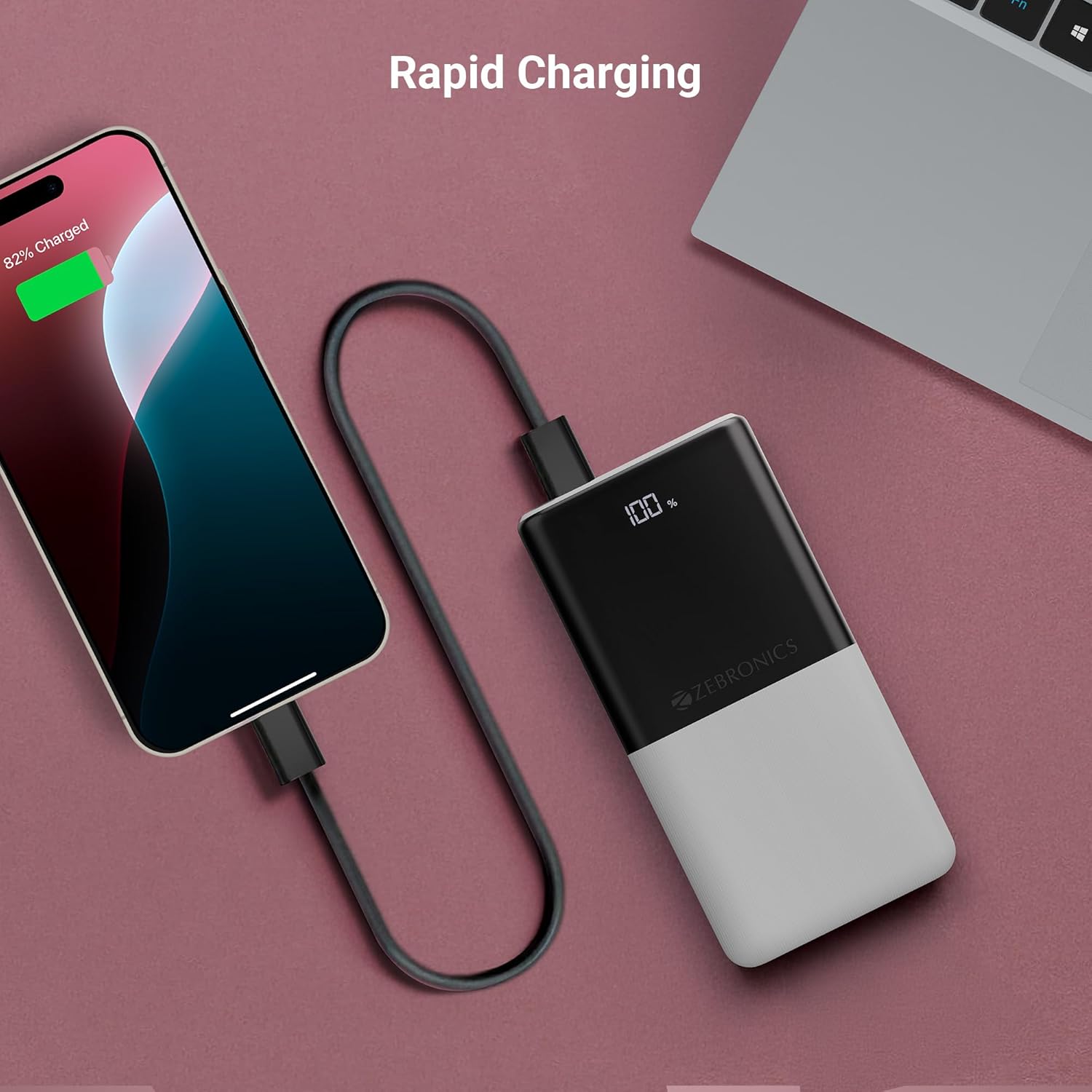
Image: The power bank actively charging a smartphone, demonstrating its rapid charging capability.
Güç Bankasını Şarj Etme:
Refer to the "Initial Charging of the Power Bank" section (Section 4) for instructions on how to recharge your power bank.
6. Bakım
- Temizlik: Power bank'in yüzeyini temizlemek için yumuşak, kuru bir bez kullanın. Sıvı temizleyiciler veya aşındırıcı malzemeler kullanmayın.
- Depolamak: Powerbank cihazınızı serin, kuru ve doğrudan güneş ışığından ve aşırı sıcaklıklardan uzak bir yerde saklayın.
- Pil Bakım: For optimal battery health, fully charge and discharge the power bank at least once every three months if not in regular use.
7. Sorun Giderme
Yaygın Sorunlar ve Çözümleri:
-
Power Bank Şarj Olmuyor:
- Şarj kablosunun hem powerbank'a hem de güç kaynağına güvenli bir şekilde bağlandığından emin olun.
- Farklı bir şarj kablosu veya duvar adaptörü deneyin.
- Güç kaynağının aktif olduğunu doğrulayın.
-
Cihaz Power Bank'ten Şarj Olmuyor:
- Check if the power bank has sufficient charge (refer to the LED display).
- Ensure your device's charging cable is properly connected to both the power bank and your device.
- Farklı bir şarj kablosu veya power bank üzerindeki farklı bir çıkış portunu deneyin.
- Cihazınızın powerbank'ın çıkış özellikleriyle uyumlu olduğunu onaylayın.

Image: The power bank demonstrating its compatibility by charging both a tablet and a smartphone simultaneously.
-
LED Display Not Working or Inconsistent:
- Powerbank'in yeterli şarja sahip olduğundan emin olun.
- Şarj işleminden sonra sorun devam ederse, müşteri desteğiyle iletişime geçin.
8. Özellikler
| Marka | ZEBRONİK |
| Model Adı | EnergiPod 10R1 |
| Ürün Model Numarası | ZEB-PB 12 |
| Pil Kapasitesi | 10000 mAh |
| Çıkış Gücü | 22.5W (Maksimum) |
| Type-C1 Port Output | DC 5V/3A, 9V/2.22A, 12V/1.67A, 3.3~11V/2A (PPS) |
| USB-A Çıkışı | DC 5V/3A, 9V/2A, 12V/1.85A |
| Type-C1 Input Port | DC 5V/3A, 9V/2A, 12V/1.5A |
| Type-C2 Input Port | DC 5V/2.4A |
| Bağlayıcı Türü | USB Tip C |
| Önerilen Kullanımlar | Phone, Tablet |
| Ürün Ağırlığı | 230 gr |
| Paket Boyutları | 16.8x9.9x2.4 cm |
| Menşei ülke | Hindistan |
9. Garanti ve Destek
Garanti Bilgileri:
The ZEBRONICS EnergiPod 10R1 Power Bank comes with a standard manufacturer's warranty. Please refer to the QR Code Guide included in the box or visit the official ZEBRONICS webAyrıntılı garanti şartları ve koşulları için siteyi ziyaret edin.
Müşteri Desteği:
If you encounter any issues or have questions regarding your power bank, please contact ZEBRONICS customer support. Contact details can typically be found on the official ZEBRONICS webSitede veya ürün ambalajında.
Çevrimiçi destek için şu adresi ziyaret edebilirsiniz: ZEBRONICS Mağazası Amazon'da.


