giriiş
Thank you for choosing the ZEBRONICS EnergiPod 10MR1 Power Bank. This device is designed to provide portable and efficient charging for your electronic devices. With its 10000mAh capacity, 22.5W super fast charging, and multiple output ports, it ensures your devices stay powered on the go. This manual provides essential information on how to set up, operate, maintain, and troubleshoot your power bank.

Image: The ZEBRONICS EnergiPod 10MR1 Power Bank, a sleek black device, is shown held comfortably in a hand, highlighting its compact and portable design.
Kutuda Neler Var?
Upon unboxing your ZEBRONICS EnergiPod 10MR1 Power Bank, please ensure all the following items are present:
- Power bank - 1 unit
- Charging Cable - 1 unit
- QR Code Guide - 1 unit
Ürün Bittiview ve Özellikler
The ZEBRONICS EnergiPod 10MR1 is engineered with several key features to enhance your charging experience:
Yüksek Kapasiteli Pil
Featuring a 10000mAh battery capacity, it ensures efficient charging for your devices, providing ampUzun süreli kullanım için güç.
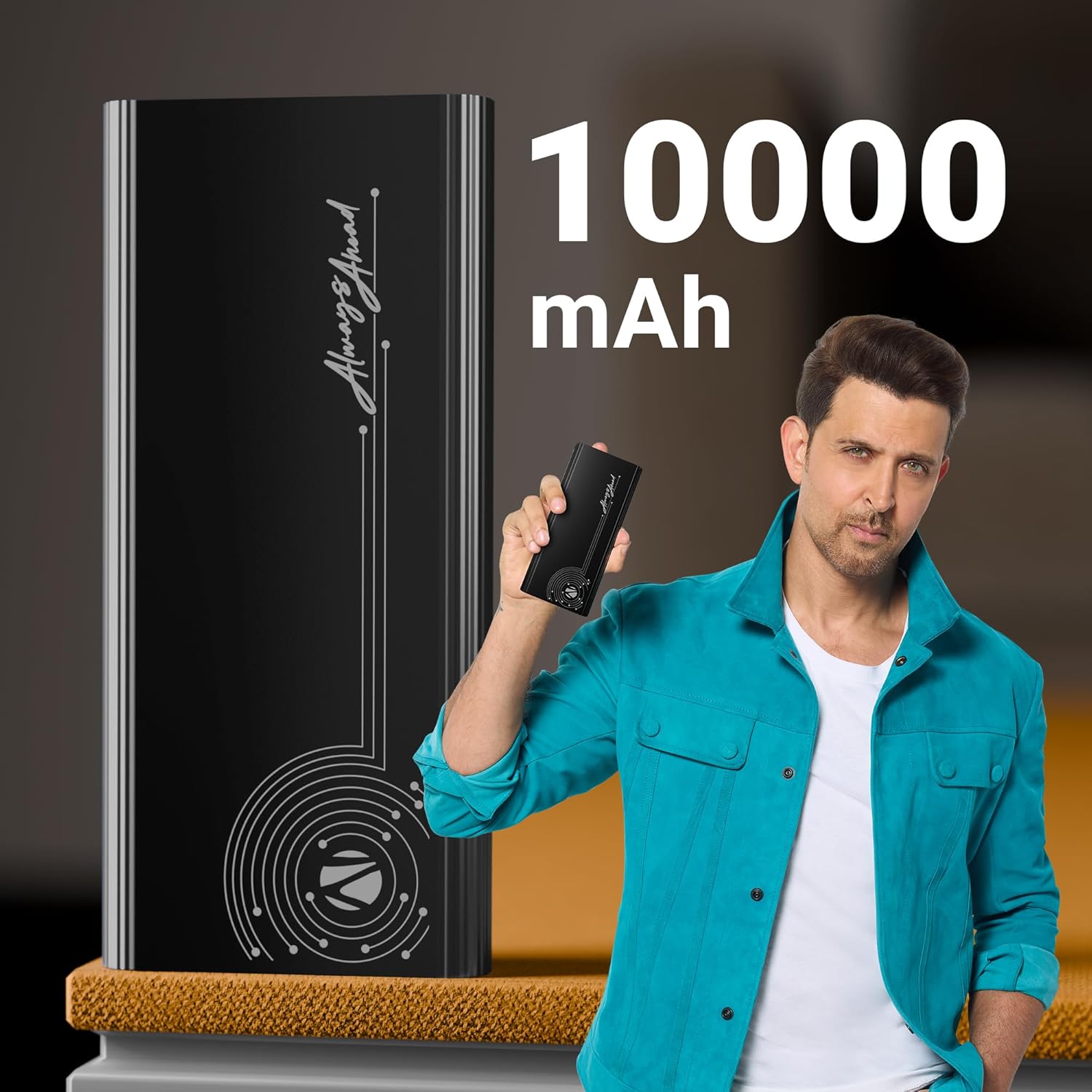
Image: The power bank is displayed alongside text indicating its 10000 mAh capacity, emphasizing its substantial power reserve.
Super Fast Charging Output
Efficiently charges a range of compatible smartphones and tablets with a maximum output of 22.5W. The PD3.0 Type-C output ensures rapid charging for supported devices.
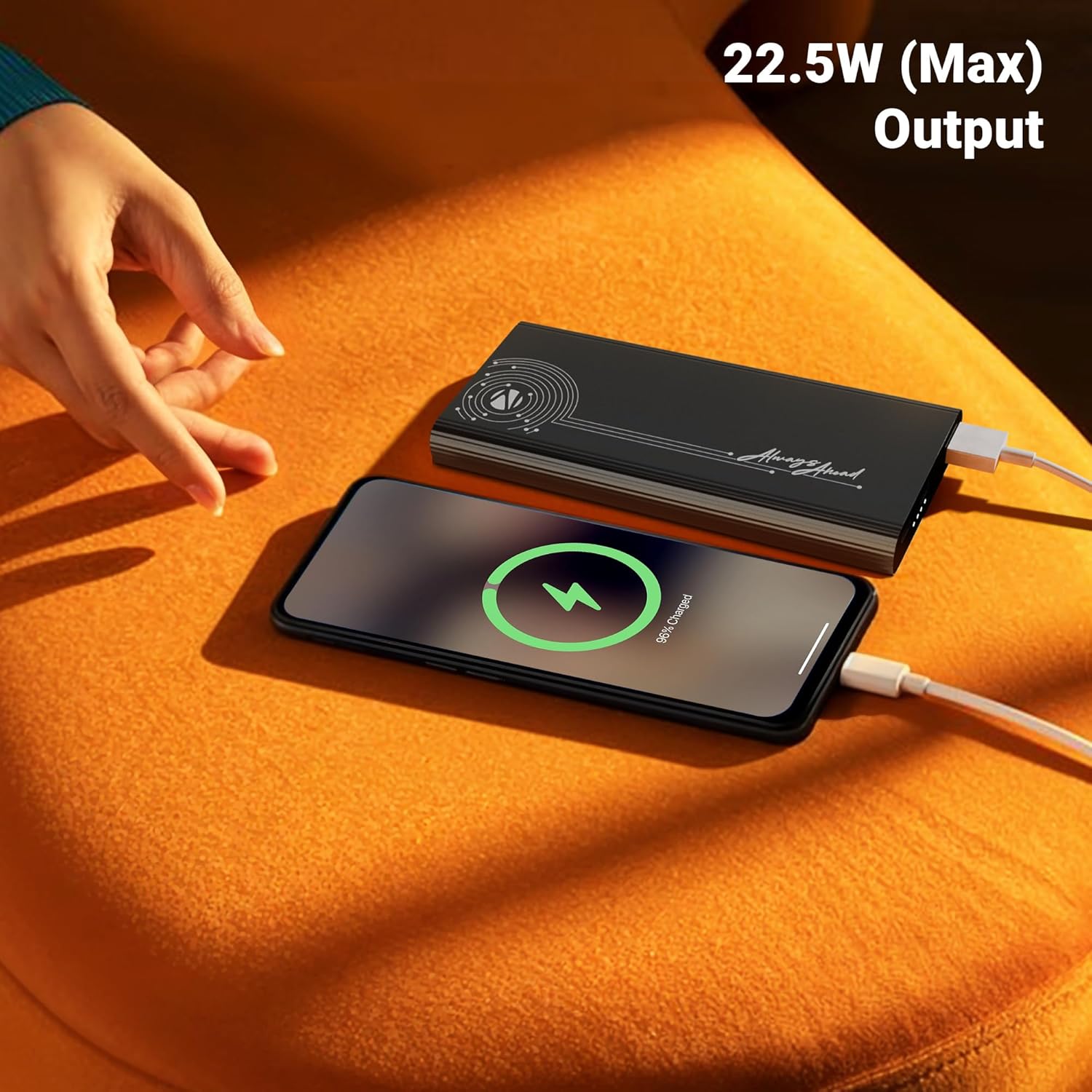
Image: A smartphone is shown connected to the power bank, displaying a charging icon, with text highlighting the 22.5W maximum output for fast charging.
Çoklu Çıkış Portları
Distinguished by its DC 5V/3A, 9V/2.22A, 12V/1.67A, 5~11V/2A PPS Type-C2 Output, PD 3.0 (with PPS) Type-C Output, and USB-A port output (DC 5V/3A, 9V/2A, 12V/1.85A), it facilitates the charging of multiple devices simultaneously.

Image: The power bank is shown connected to both a smartphone and a tablet, demonstrating its capability to charge multiple devices using its Type-C output ports.
Giriş Bağlantısı
The power bank comes with DC 5V/3A, 9V/2A, 12V/1.5A Input via Type-C1 / C2 input ports for convenient recharging.
Güvenlik Koruma
Incorporates overcharge, overload, and short-circuit protection to ensure a safe charging process for both the power bank and your connected devices.
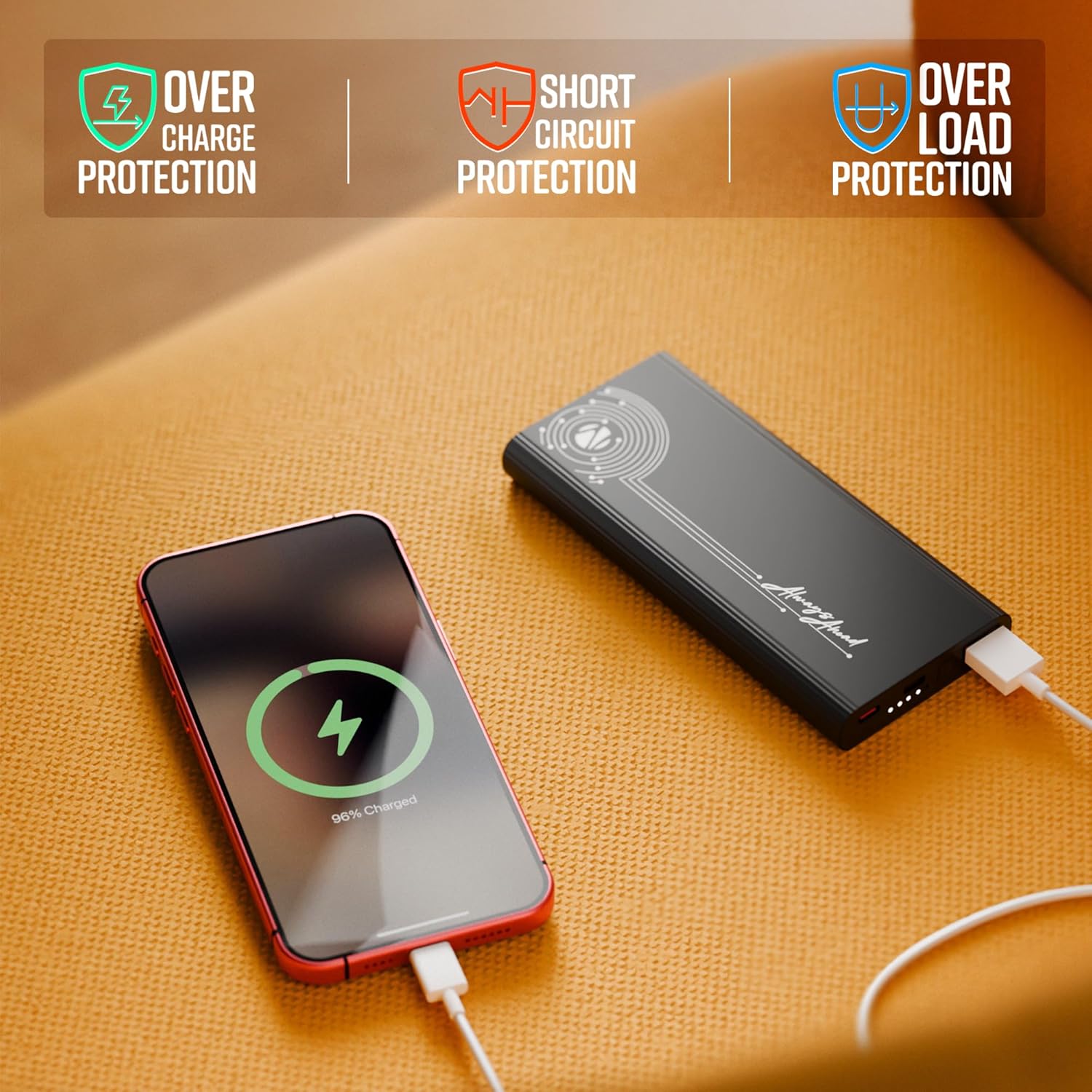
Image: The power bank is shown with visual indicators for its built-in safety features: overcharge protection, short circuit protection, and overload protection.
LED Göstergesi
A clear LED indicator shows information on the remaining battery percentage, allowing you to monitor the power bank's charge level easily.
Üstün Tasarım
Carry this compact and stylish metal-outlook power bank effortlessly. It features a premium finish outlook with patterned edges for a better grip.

Image: A collage of close-up shots highlighting the power bank's design elements: patterned edges for grip, durable metal body, sleek profile, LED battery indicators, and its rapid charging capability.
Kurmak
Power Bank'ı Şarj Etme
- Connect the provided charging cable to one of the Type-C input ports (Type-C1 or Type-C2) on the power bank.
- Connect the other end of the charging cable to a compatible USB wall adapter (not included) or a computer's USB port. For optimal charging speed, use a fast-charging adapter.
- The LED indicator lights will illuminate to show the charging progress. When all indicators are solid, the power bank is fully charged.
Note: It is recommended to fully charge the power bank before its first use to ensure optimal performance.
Kullanım Talimatları
Cihazlarınızı Şarj Etme
- Identify the appropriate charging cable for your device (USB-A to your device, or Type-C to your device).
- Connect one end of your device's charging cable to the corresponding output port on the power bank (USB Out, Type C Out).
- Kablonun diğer ucunu cihazınıza bağlayın.
- Power bank, cihazınızı otomatik olarak şarj etmeye başlayacaktır. LED göstergeler, power bank'in kalan pil seviyesini gösterecektir.

Resim: Ayrıntılı view of the power bank's ports, including USB Out, Power Button, Type C In, and Type C In/Out, illustrating the various connectivity options.
Pil Seviyesini Kontrol Etme
Güç düğmesine bir kez bastığınızda LED göstergeler etkinleşir ve power bank'in mevcut pil seviyesini gösterir.
Bakım
- Temizlik: Power bank'in yüzeyini temizlemek için yumuşak, kuru bir bez kullanın. Sert kimyasallar veya aşındırıcı malzemeler kullanmaktan kaçının.
- Depolamak: Powerbank'i serin, kuru ve doğrudan güneş ışığından, aşırı sıcaklıklardan ve nemden uzak bir yerde saklayın.
- Pil Bakım: Pil ömrünü uzatmak için, taşınabilir şarj cihazını sık sık tamamen boşaltmaktan kaçının. Pil seviyesi düşük olduğunda şarj edin.
- İşleme: Powerbank'i düşürmeyin, sökmeyin veya kendiniz tamir etmeye çalışmayın. Bu, garantiyi geçersiz kılabilir ve hasara neden olabilir.
Sorun giderme
| Sorun | Olası Neden | Çözüm |
|---|---|---|
| Güç bankası şarj olmuyor |
|
|
| Cihaz güç bankasından şarj olmuyor |
|
|
| Yavaş şarj oluyor |
|
|
Bu çözümleri denedikten sonra sorun devam ederse lütfen müşteri desteğiyle iletişime geçin.
Özellikler
| Model Numarası | Zeb-PB 13 |
| Pil Kapasitesi | 10000 mAh |
| Maksimum Çıkış Gücü | 22.5W |
| Input (Type-C1 / C2) | DC 5V/3A, 9V/2A, 12V/1.5A |
| Output (Type-C2) | DC 5V/3A, 9V/2.22A, 12V/1.67A, 5~11V/2A PPS |
| Çıkış (USB-A) | DC 5V/3A, 9V/2A, 12V/1.85A |
| Bağlayıcı Türü | 1 x USB A, 2 x USB Type C |
| Renk | Siyah |
| Ürün Ağırlığı | 628 gr |
| Menşei ülke | Hindistan |
Garanti ve Destek
This product is covered by a standard manufacturer's warranty. For specific warranty terms and conditions, please refer to the QR Code Guide included in the box or visit the official ZEBRONICS webalan.
For technical support, troubleshooting assistance, or any inquiries regarding your ZEBRONICS EnergiPod 10MR1 Power Bank, please contact ZEBRONICS customer service. Contact details can typically be found on the manufacturer's website veya ürün ambalajı.
Ek destek ve SSS'lere de buradan ulaşabilirsiniz. ZEBRONICS Mağazası Amazon'da.


