giriiş
This manual provides essential information for setting up, operating, maintaining, and troubleshooting your Samsung 27" S3 (S30GD) IPS LED FHD 100Hz Monitor. Please read these instructions carefully before using your monitor to ensure proper functionality and safety.
Kurmak
1. Ambalajın Açılması ve Montajı
Tüm parçaları ambalajından dikkatlice çıkarın. Montaja başlamadan önce tüm parçaların eksiksiz olduğundan emin olun.
- Monitor Panel: Ana ekran ünitesi.
- Stand Neck: Connects the base to the monitor panel.
- Ayaklık: Provides stability for the monitor.
- Güç kablosu: For connecting the monitor to an electrical outlet.
- HDMI kablosu: For digital video and audio connection.
- D-sub (VGA) Cable: For analog video connection.
Standı monte etmek için:
- Attach the stand neck to the stand base. Secure it firmly.
- Align the assembled stand with the mounting slot on the back of the monitor panel. Push until it clicks into place.

Şekil 1: Arka view of the monitor showing the stand attachment area.
2. Bağlantı Kabloları
Kabloları bağlamadan önce hem monitörün hem de bilgisayarınızın kapalı olduğundan emin olun.
- Güç Bağlantısı: Connect the power cable to the monitor's power input port (labeled '1' in Figure 2) and then to a wall outlet.
- Video Bağlantısı:
- HDMI: Connect one end of the HDMI cable to the HDMI IN port on the monitor (labeled '2' in Figure 2) and the other end to the HDMI output port on your computer.
- D-sub (VGA): Connect one end of the D-sub cable to the PC IN port on the monitor (labeled '3' in Figure 2) and the other end to the VGA output port on your computer.

Figure 2: Monitor rear ports. 1: Power, 2: HDMI IN, 3: PC IN (D-sub).

Şekil 3: Yakın çekim view of the HDMI and D-Sub input ports.
3. İlk Açılış
Gerekli tüm kabloları bağladıktan sonra bilgisayarınızı açın, ardından monitör üzerindeki güç düğmesine basın. Monitör giriş sinyalini otomatik olarak algılamalıdır.
Kullanım Talimatları
1. Basic Controls and On-Screen Display (OSD)
The monitor features intuitive controls, typically located on the rear or bottom right side, to navigate the On-Screen Display (OSD) menu. Use these buttons to adjust various settings.
2. Ekran Ayarlarını Ayarlama
Ekran üstü ekran (OSD) menüsüne erişerek özelleştirme yapabilirsiniz. viewDeneyim:
- Parlaklık/Kontrast: Adjust these settings to suit your lighting conditions and personal preference.
- Çözünürlük: For optimal clarity, set your computer's display resolution to the monitor's native resolution of 1920 x 1080.
- Yenileme Hızı: This monitor supports up to 100Hz refresh rate. Ensure your computer's display settings are configured to utilize this for smoother motion.
- Giriş kaynağı: Manually select between HDMI and D-sub inputs if the monitor does not auto-detect.
3. Özel Özellikler
Your Samsung monitor includes features designed to enhance your viewing comfort and experience:
- Göz Koruyucu Modu: Reduces blue light emissions to minimize eye strain during prolonged use. This mode can be toggled On or Off via the OSD menu.

Figure 4: Visual comparison of Eye Saver Mode Off (showing screen flickering) and On (showing reduced flickering).
- Oyun Modu: Optimizes display settings for gaming by enhancing dark areas and improving response time. Activate this mode for a more immersive gaming experience.

Figure 5: Visual comparison of Game Mode Off and On, demonstrating improved visibility in game scenes.
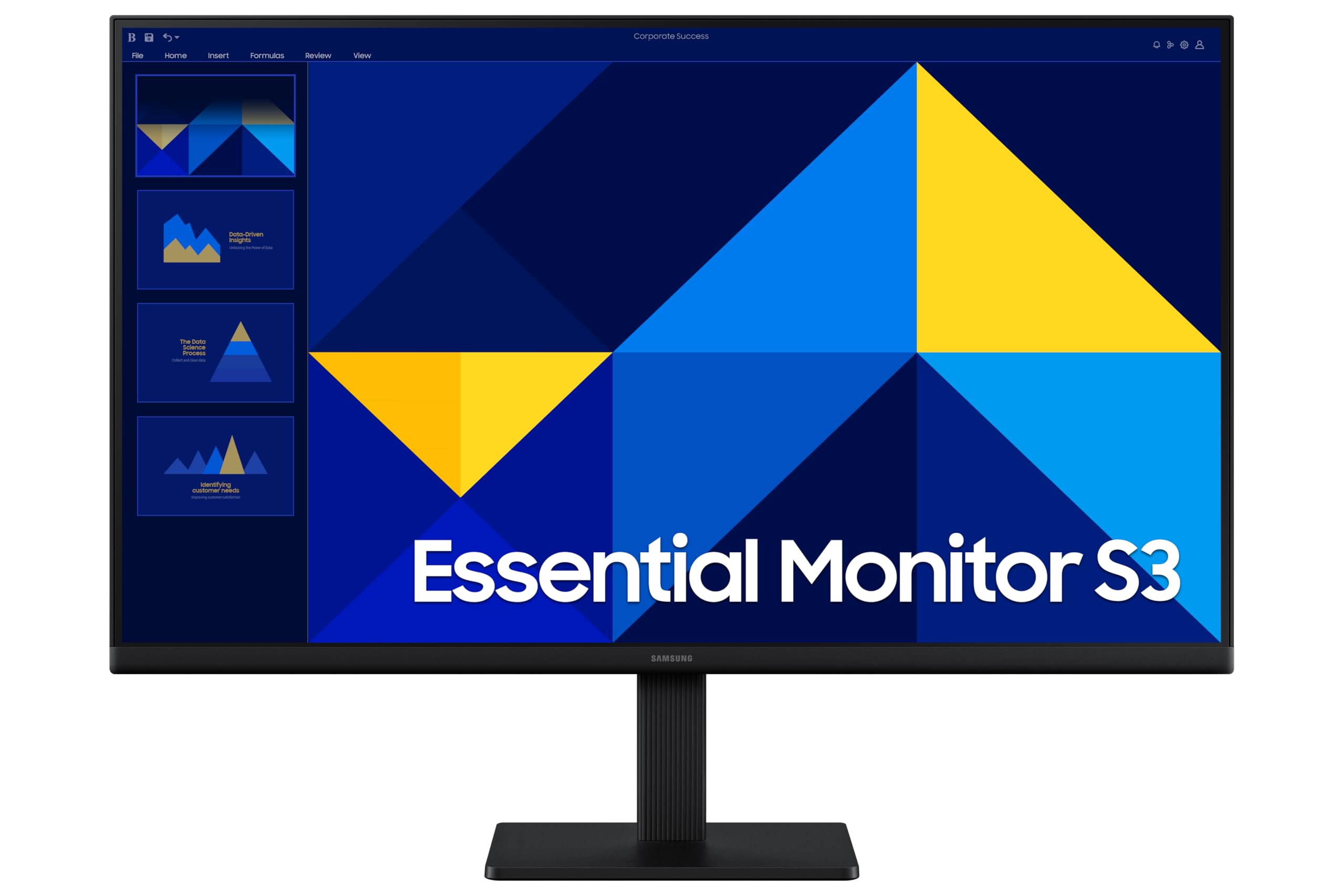
Şekil 6: Ön view of the Samsung 27-inch monitor in operation.
Bakım
1. Monitörün Temizlenmesi
To maintain the monitor's appearance and performance, follow these cleaning guidelines:
- Temizlemeden önce monitörü daima kapatın ve fişini çekin.
- Yumuşak, tiftiksiz bir bez kullanın ve hafifçe kurulayın.ampSu veya özel bir ekran temizleyici ile temizleyin.
- Temizleme solüsyonlarını doğrudan ekrana veya c'ye püskürtmeyin.asing.
- Avoid using abrasive cleaners, alcohol, benzene, or thinners, as these can damage the surface.
2. Güvenlik Önlemleri
- Monitördeki havalandırma açıklıklarını kapatmayın.
- Monitörü doğrudan güneş ışığından, ısı kaynaklarından ve aşırı nemden uzak tutun.
- Güç kablosunun üzerine ağır nesneler koymaktan kaçının.
- Monitörden duman çıkarsa, olağandışı kokular ya da garip sesler geliyorsa, derhal fişini çekin ve müşteri desteğiyle iletişime geçin.
Sorun giderme
Monitörünüzde sorunlarla karşılaşırsanız, aşağıdaki yaygın sorunlara ve çözümlere bakın:
| Sorun | Olası Çözüm |
|---|---|
| Güç yok | Güç kablosunun hem monitöre hem de çalışan bir elektrik prizine güvenli bir şekilde bağlı olduğundan emin olun. Güç gösterge ışığının yanıp yanmadığını kontrol edin. |
| No signal / "Check Cable" message | Verify that the video cable (HDMI or D-sub) is correctly connected to both the monitor and the computer. Ensure the correct input source is selected in the OSD menu. Restart your computer. |
| Görüntü bozuk veya bulanık. | Set the computer's display resolution to the monitor's native resolution (1920 x 1080). Adjust the refresh rate to 100Hz. Check the video cable for damage. |
| Ekran titriyor | Enable Eye Saver Mode in the OSD menu. Ensure the video cable is securely connected. Update your graphics card drivers. |
| Renkler yanlış görünüyor | Adjust color settings (color temperature, gamma) in the OSD menu. Reset display settings to factory defaults. |
Özellikler
Key technical specifications for the Samsung 27" S3 (S30GD) IPS LED FHD 100Hz Monitor (LS27D300GANXZA):
- Model Numarası: LS27D300GANXZA
- Ekran Boyutu: 27 inç
- Panel Tipi: IPS LED
- Çözünürlük: 1920 x 1080 (FHD 1080p)
- Yenileme Hızı: 100Hz
- En Boy Oranı: 16:9
- Ekran Yüzeyi: Mat
- Bağlantı: 1x HDMI, 1x D-sub (VGA)
- Ürün Boyutları (G x Y x D): 24.12 x 14.21 x 1.43 inç (ayaklık hariç)
- Ürün Ağırlığı: 6.39 pound (ayaklık olmadan)
- Üretici: SAMSUNG

Figure 7: The monitor features a Super Slim Design.
Garanti Bilgileri
Your Samsung monitor is covered by a limited warranty. For detailed information regarding warranty terms, conditions, and registration, please refer to the warranty card included with your product or visit the official Samsung webalan.
Önemli: Garanti talepleriniz için satın alma belgenizi (fiş) saklayın.
Müşteri Desteği
If you require further assistance or encounter issues not covered in this manual, please contact Samsung Customer Support. You can find contact details, FAQs, and additional resources on the official Samsung support webalan:
When contacting support, please have your monitor's model number (LS27D300GANXZA) and serial number ready.


