1. Giriş
The NEDIS SmartLife Outdoor Pan-Tilt Spotlight Camera (WIFICO22CWT) is designed to enhance your home security with advanced features and seamless integration. This manual provides essential information for the proper installation, operation, and maintenance of your camera.
Key features include a 3MP (1296p) sensor for clear images, remote pan and tilt control, automatic tracking, color and infrared night vision, two-way audio, motion and sound detection with instant notifications, and an IP65 weatherproof rating for outdoor reliability.
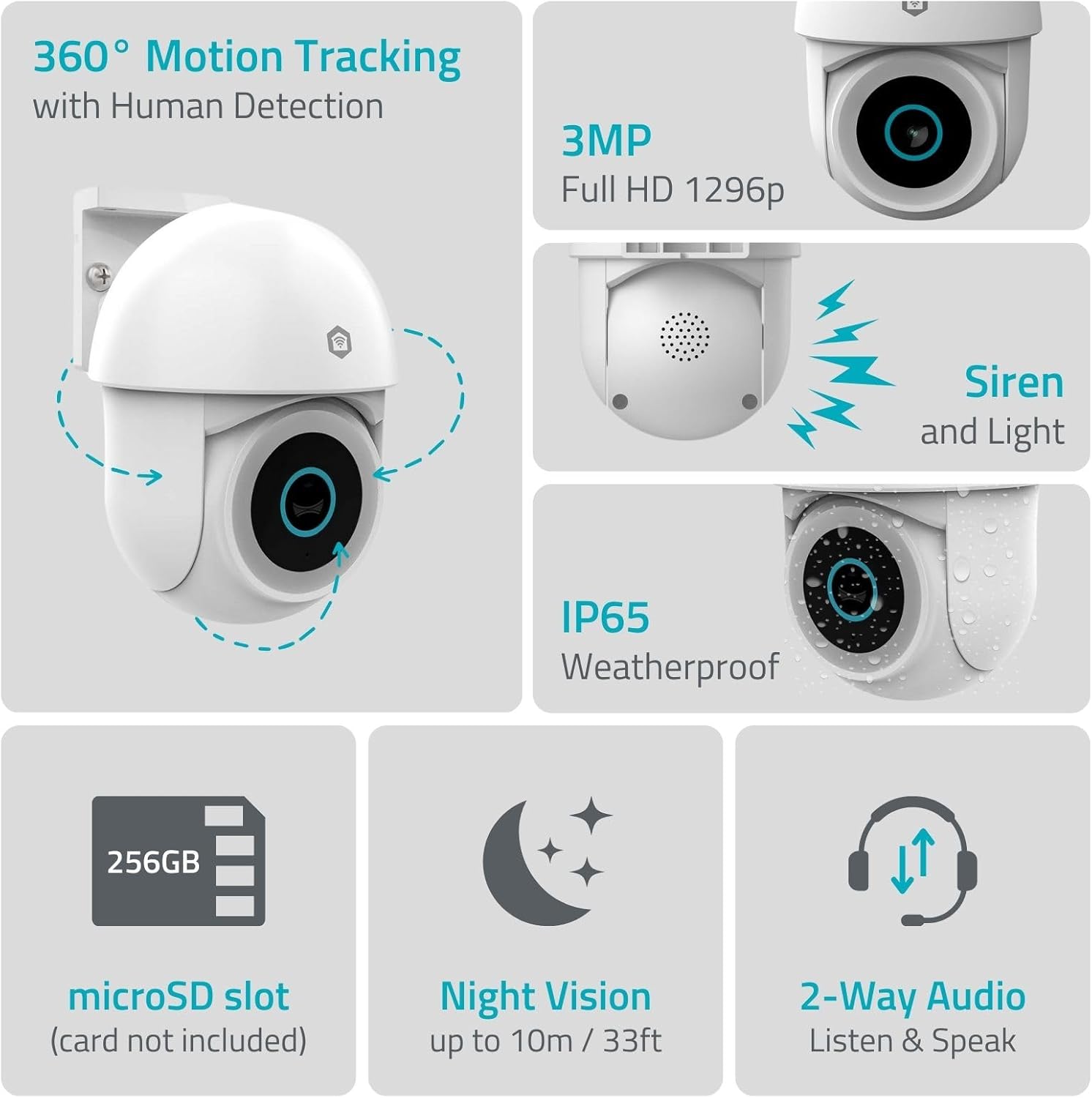
Resim 1.1: Üzeriview of NEDIS SmartLife Outdoor Camera features, including 360-degree motion tracking, 3MP resolution, siren and light, IP65 weatherproofing, microSD slot, night vision, and two-way audio.
2. Paket İçeriği
Lütfen paketi aşağıdaki öğeler açısından kontrol edin:
- NEDIS SmartLife Outdoor Pan-Tilt Spotlight Camera (WIFICO22CWT)
- Güç Adaptörü (5V DC)
- Montaj Braketi ve Vidaları
- Hızlı Başlangıç Kılavuzu (bu kılavuz)
3. Kurulum
3.1. Uygulama Kurulumu
- İndir Nedis Akıllı Yaşam App Store (iOS) veya Google Play Store (Android) uygulamasını indirin.
- Yeni bir hesap için kaydolun veya zaten bir hesabınız varsa giriş yapın.
3.2. Cihazı Açma ve İlk Bağlantı
- Kamerayı güç adaptörüne bağlayın ve elektrik prizine takın.
- Wait for the camera's indicator light to flash, indicating it is ready for pairing.
- Open the Nedis SmartLife app, tap '+' to add a new device, and follow the on-screen instructions to connect the camera to your 2.4 GHz Wi-Fi network.
3.3. MicroSD Kart Takılması (İsteğe Bağlı)
For local storage of recordings, install a microSD card (up to 256GB, not included).
- Locate the microSD card slot on the camera (refer to the camera diagram in the quick start guide).
- microSD kartı yerine oturana kadar dikkatlice yuvasına yerleştirin.
- Format the microSD card via the camera settings in the Nedis SmartLife app.
3.4. Kameranın Montajı
The camera comes with a wall/ceiling mount. Choose a suitable location with a clear view and within Wi-Fi range.

Image 3.1: Camera dimensions for mounting reference.
- Montaj braketini şablon olarak kullanarak delme yerlerini işaretleyin.
- Gerekirse delikler açın ve dübel takın.
- Secure the mounting bracket to the wall or ceiling with screws.
- Attach the camera to the mounting bracket and adjust its initial angle.
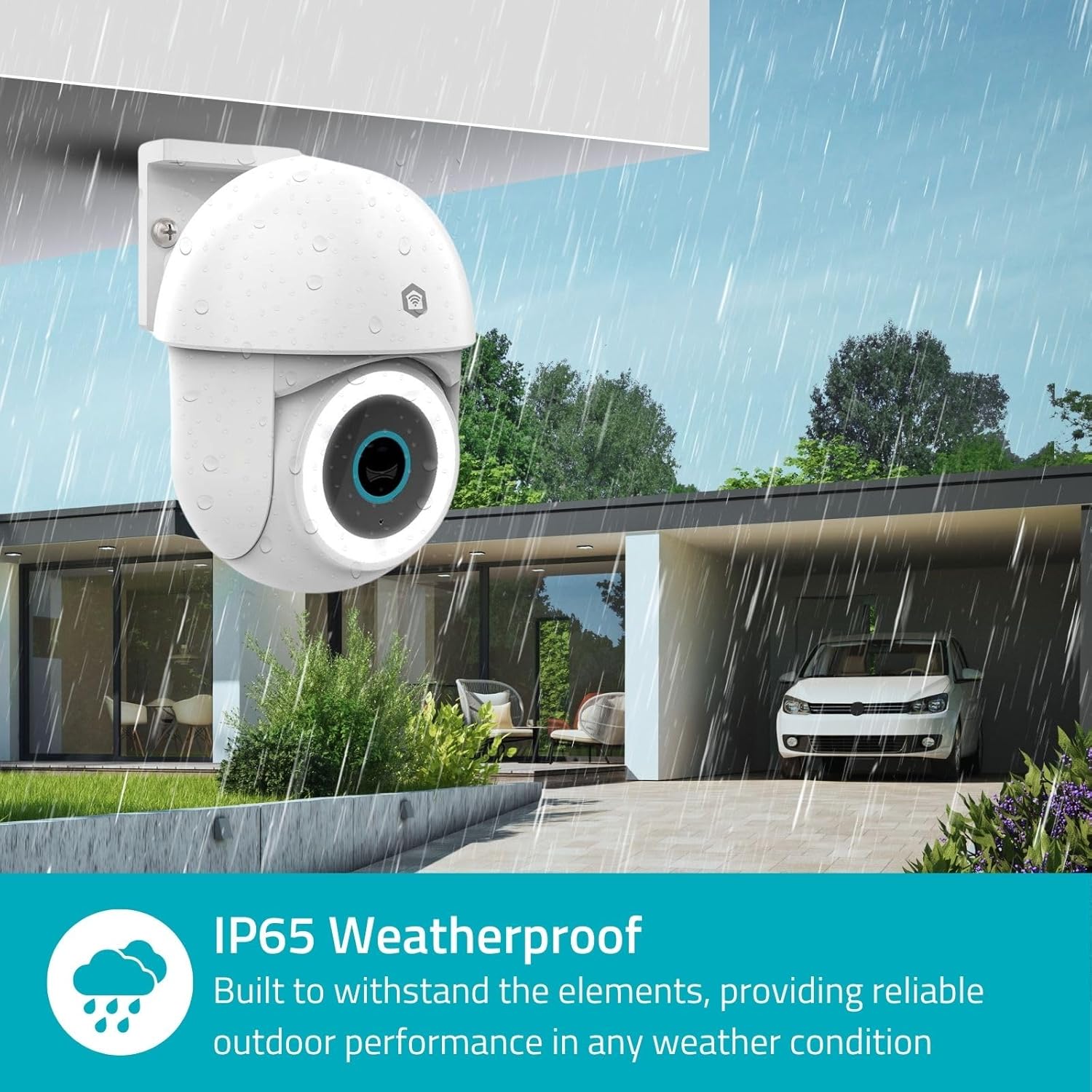
Image 3.2: The IP65 weatherproof design ensures reliable outdoor performance in various weather conditions.
4. Kullanım Talimatları
4.1. Canlı View ve Pan/Tilt Kontrolü
Access the live feed from your camera through the Nedis SmartLife app. Use the on-screen controls to remotely pan (horizontal) and tilt (vertical) the camera to monitor a wide area.
4.2. Hareket Algılama ve Takip
The camera features advanced motion detection, including human detection, to minimize false alarms. You can customize detection zones within the app.
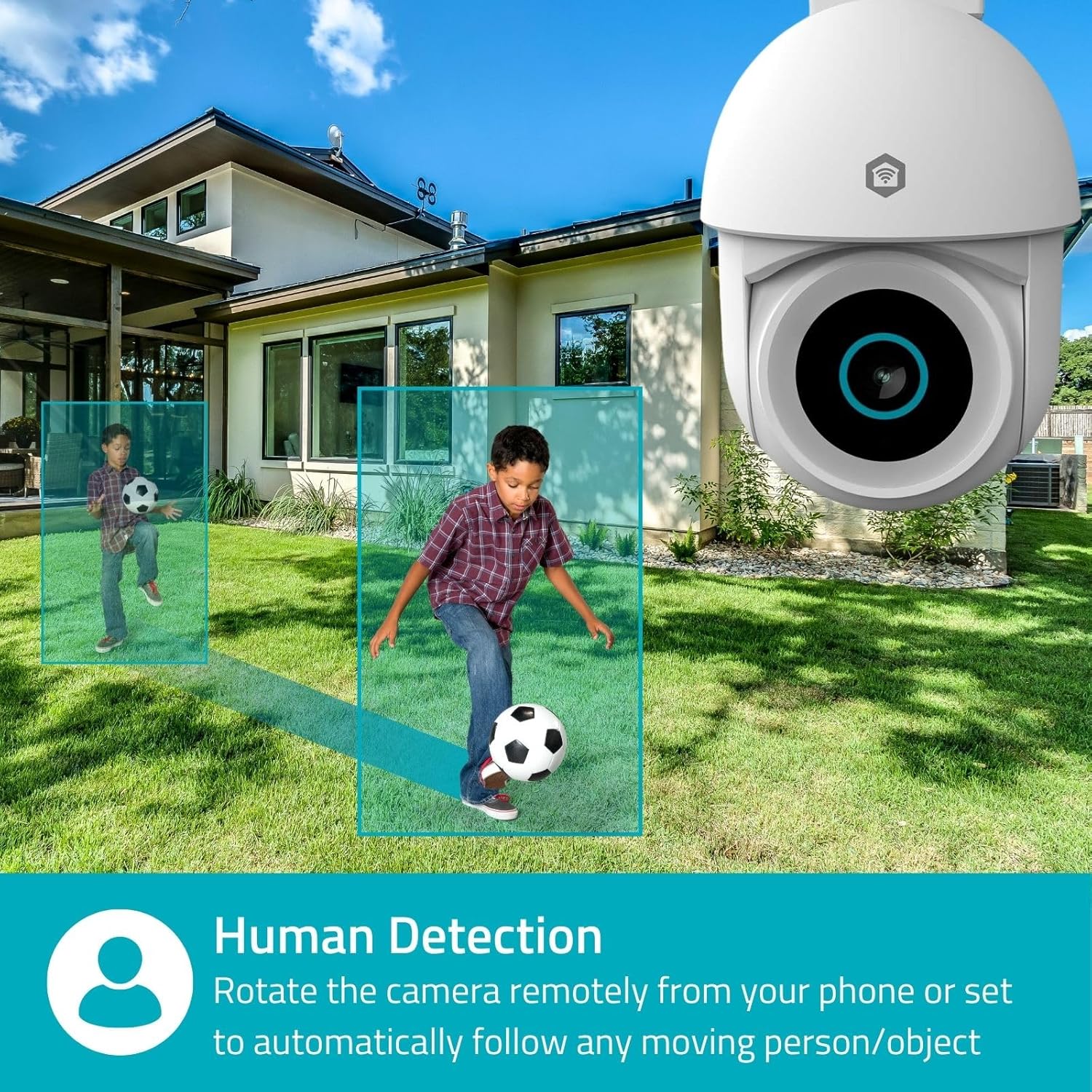
Image 4.1: Human Detection allows the camera to automatically follow moving persons or objects.
Olanak vermek Otomatik İzleme in the app settings to have the camera automatically follow detected movement.
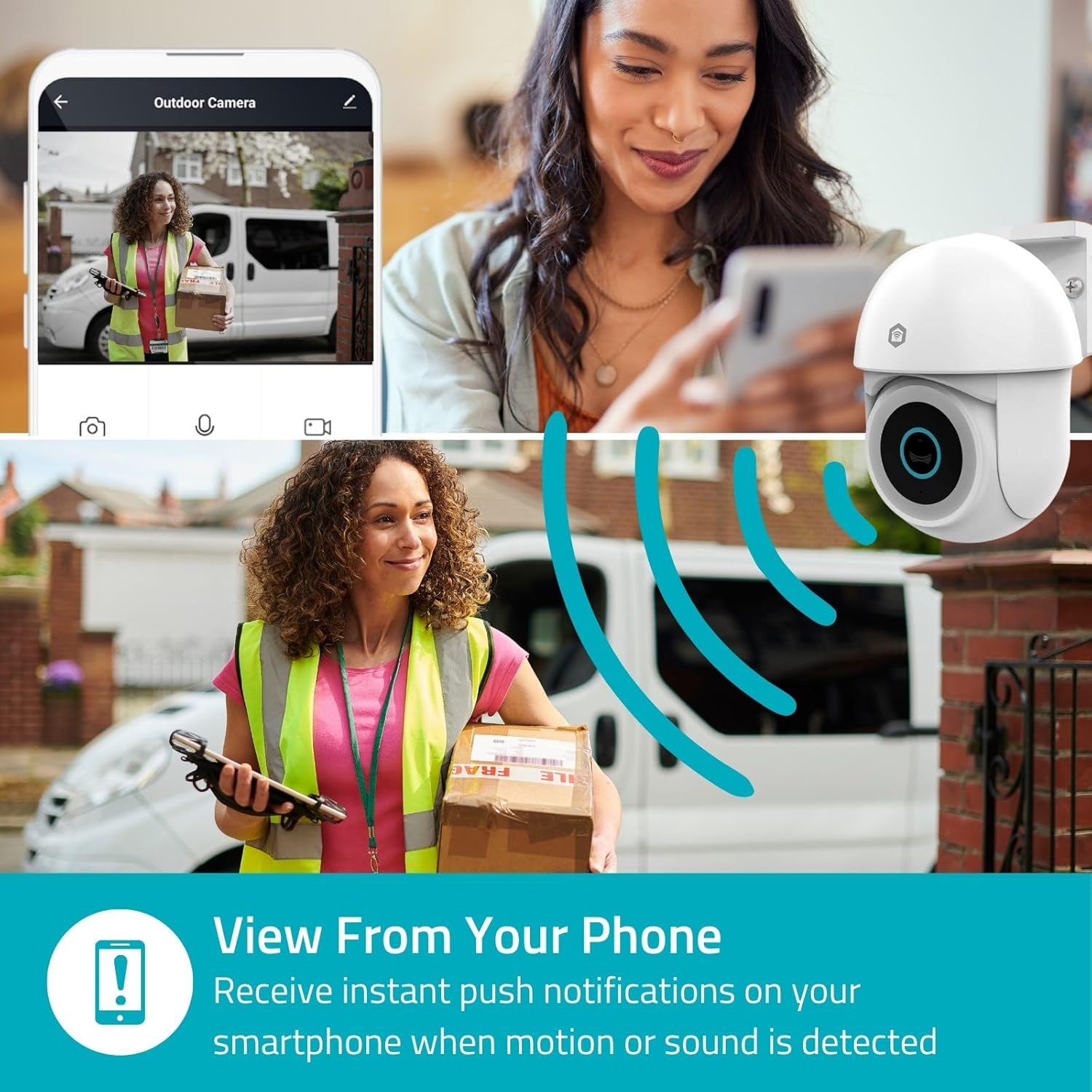
Image 4.2: Receive instant push notifications on your smartphone when motion or sound is detected.
4.3. Çift Yönlü Ses
Utilize the built-in microphone and speaker for two-way communication. You can listen to the environment and speak through the camera via the app.
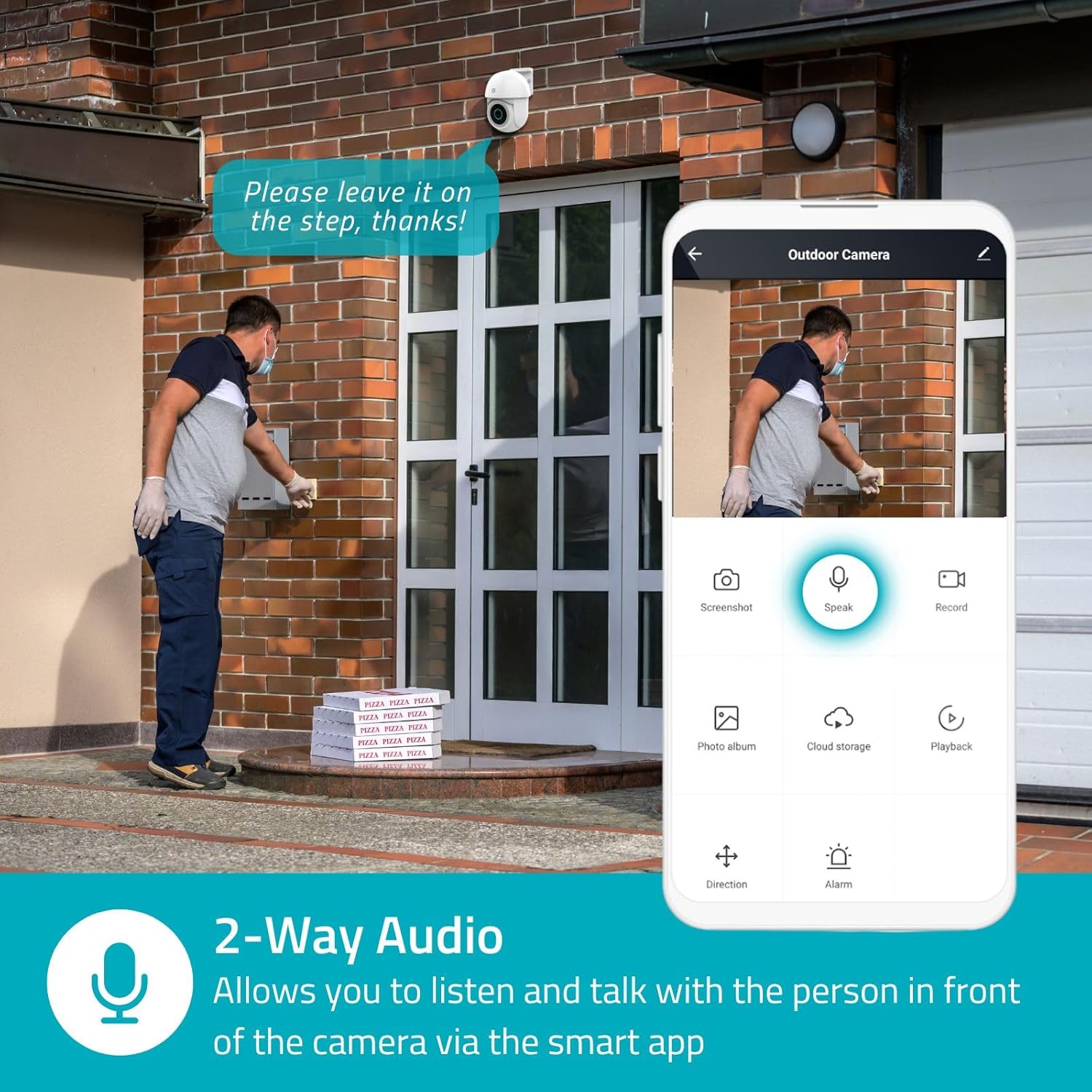
Image 4.3: Two-Way Audio allows you to listen and talk with individuals in front of the camera.
4.4. Gece Görüşü
The camera supports two night vision modes:
- Renkli Gece Görüşü: Achieved using dimmable white LEDs, providing full-color images in low light.
- Kızılötesi Gece Görüşü: Standard black and white night vision using infrared LEDs, effective up to 10 meters (33 feet).

Image 4.4: Comparison of Day Mode and Night Mode, illustrating the camera's 3MP resolution and 10m night vision capability.
4.5. Spotlight and Siren
When motion is detected, you can configure the camera to activate its white LEDs (spotlight) and/or a siren. This can deter intruders or provide illumination.

Image 4.5: The camera's light and siren can be activated upon motion detection to deter unwanted visitors.
4.6. Kayıt ve Oynatma
Recordings can be stored on a microSD card (up to 256GB) or via optional cloud storage. Access and playback recorded footage through the Nedis SmartLife app.
4.7. Gizlilik Modu
Activate Privacy Mode in the app to temporarily disable recording and live view when you are home, ensuring your privacy.
4.8. Akıllı Ev Entegrasyonu
The camera is compatible with Google Home and Amazon Alexa, allowing for voice control and integration into your smart home ecosystem.
5. Bakım
- Temizlik: Fotoğraf makinesinin objektifini ve gövdesini yumuşak bir bezle nazikçe silin.amp bez. Sert kimyasallar veya aşındırıcı temizleyiciler kullanmayın.
- Donanım Yazılımı Güncellemeleri: Regularly check the Nedis SmartLife app for available firmware updates to ensure optimal performance and security.
- Güç Kaynağı: Güç adaptörünün ve kablosunun hasarsız olduğundan emin olun.
6. Sorun Giderme
6.1. Kamera Wi-Fi'ye Bağlanmıyor
- Wi-Fi ağınızın 2.4 GHz olduğundan emin olun. Kamera 5 GHz Wi-Fi'yi desteklemiyor.
- Wi-Fi şifresinin doğru girildiğinden emin olun.
- Kurulum sırasında kamerayı Wi-Fi yönlendiricinize daha yakın bir yere yerleştirin.
- Yönlendiricinizi ve kameranızı yeniden başlatın.
6.2. Düşük Video Kalitesi
- Wi-Fi sinyal gücünüzü kontrol edin. Zayıf sinyal video kalitesini etkileyebilir.
- Kamera lensinin temiz ve herhangi bir engel içermediğinden emin olun.
- Adjust the video resolution settings in the app if your network bandwidth is limited.
6.3. Motion Detection Not Working
- Uygulama ayarlarında hareket algılama özelliğinin etkinleştirildiğinden emin olun.
- Check the sensitivity settings and detection zones.
- Kameranın görüşünü engelleyen herhangi bir fiziksel engel olmadığından emin olun. view.
6.4. No Audio or Two-Way Audio Issues
- Uygulamadaki mikrofon ve hoparlör ses seviyesi ayarlarını kontrol edin.
- Ensure your smartphone's microphone is not muted when speaking through the app.
- Verify network connectivity for real-time audio transmission.
7. Özellikler
| Özellik | Şartname |
|---|---|
| Model Numarası | WIFICO22CWT |
| Çözünürlük | 3 MP (1296p) |
| Bağlantı | Wi-Fi (2.4 GHz) |
| Pan/Tilt Fonksiyonu | Evet |
| Hava koşullarına dayanıklılık | IP65 |
| Gece Görüşü | Color (white LEDs) & IR (up to 10m) |
| Çift Yönlü Ses | Evet |
| Depolama Seçenekleri | MicroSD (up to 256GB, not included), Cloud Storage (optional) |
| Güç Girişi | 5V doğru akım |
| Boyutlar (U x G x Y) | 10x8.3x11 cm |
| Ağırlık | 292 gram |
| Özel Özellikler | Human Detection, Auto-Tracking, Spotlight, Siren, Privacy Mode, Onvif support |
| Uyumluluk | Google Home, Amazon Alexa |
8. Garanti ve Destek
This product comes with a standard manufacturer's warranty. For detailed warranty information, please refer to the warranty card included in your package or visit the official NEDIS webalan.
For technical support, troubleshooting assistance, or further inquiries, please contact NEDIS customer service through their official website veya ürün ambalajında yer alan iletişim bilgileri.
Çevrimiçi Kaynaklar:
- Ziyaret edin NEDIS webalan for product updates and support.
- Check the Nedis SmartLife app for FAQs and in-app support options.


