giriiş
This manual provides detailed instructions for the assembly, operation, maintenance, and troubleshooting of your FLEXISPOT One-Piece Electric Standing Desk. Please read this manual thoroughly before use to ensure proper function and safety.

Image: The FLEXISPOT One-Piece Electric Standing Desk, featuring a maple top and white frame, with a monitor, keyboard, mouse, and headphones. This desk offers a seamless and sturdy workspace.
Kurulum ve Montaj
Your FLEXISPOT standing desk is shipped in two separate packages, which may arrive at different times. Ensure all components are present before beginning assembly.
Paket İçeriği
- One-piece desktop (Maple Top, 40x24 inches)
- Electric lifting frame (White Frame)
- Control panel and motor
- Assembly hardware and tools (some assembly may require an electric drill, not included)
- Kullanım kılavuzu
Montaj Talimatları
- Tüm parçaları ambalajından çıkarın ve ayrı montaj kılavuzunda verilen parça listesiyle karşılaştırarak doğrulayın.
- Attach the lifting columns to the desktop, ensuring proper alignment.
- Install the foot supports to the lifting columns.
- Connect the control panel and motor cables according to the wiring diagram.
- Secure all connections and ensure the desk is stable.

Image: Desktop dimensions indicating a width of 40 inches, a depth of 24 inches, and a thickness of 1 inch. This illustrates the compact and sturdy design of the one-piece desktop.

Resim: Ayrıntılı view of the dual-stage legs, highlighting their robust construction and the mechanism for continuous height adjustment from 28.1 to 45.7 inches.
Kullanım Talimatları
Yükseklik Ayarı
The desk features an electric height control system, allowing for effortless adjustment. The height can be adjusted from a minimum of 28.1 inches to a maximum of 45.7 inches.
- Kullanın Up Ve Aşağı Kontrol panelindeki düğmeler sayesinde masayı istediğiniz yüksekliğe manuel olarak ayarlayabilirsiniz.
- The motor operates quietly, under 50 dB, ensuring a peaceful work environment.

Image: Visual representation of the desk's height adjustment capabilities, demonstrating its range from a minimum of 28.1 inches to a maximum of 45.7 inches, suitable for various user heights and preferences.

Image: A close-up of the desk surface with a graphic illustrating minimal noise during operation, emphasizing the smooth and quiet movement of the electric motor.
Bellek Ön Ayarları
The control panel includes 4 memory height presets, allowing you to save and quickly recall your preferred sitting and standing positions.
- Yukarı/Aşağı tuşlarını kullanarak masayı istediğiniz yüksekliğe ayarlayın.
- Basın 'M' button (or similar memory set button, if applicable) followed by the desired preset number (1, 2, 3, or 4) to save the current height.
- Kaydedilmiş bir yüksekliği geri çağırmak için, ilgili ön ayar numarası düğmesine basmanız yeterlidir.

Resim: Ayrıntılı view of the smart control panel, illustrating the LED display, the Up and Down adjustment buttons, and the four programmable memory preset buttons for quick height recall.
Ek Özellikler
- Seamless One-Piece Desktop: The 1-inch thick desktop provides a smooth, gap-free, and stable surface.
- Kulaklık Kancası: The desk includes a convenient headphone hook for organized storage.

Image: The desk showcasing its whole-piece desktop with smoothly rounded edges, emphasizing the seamless and durable surface design.
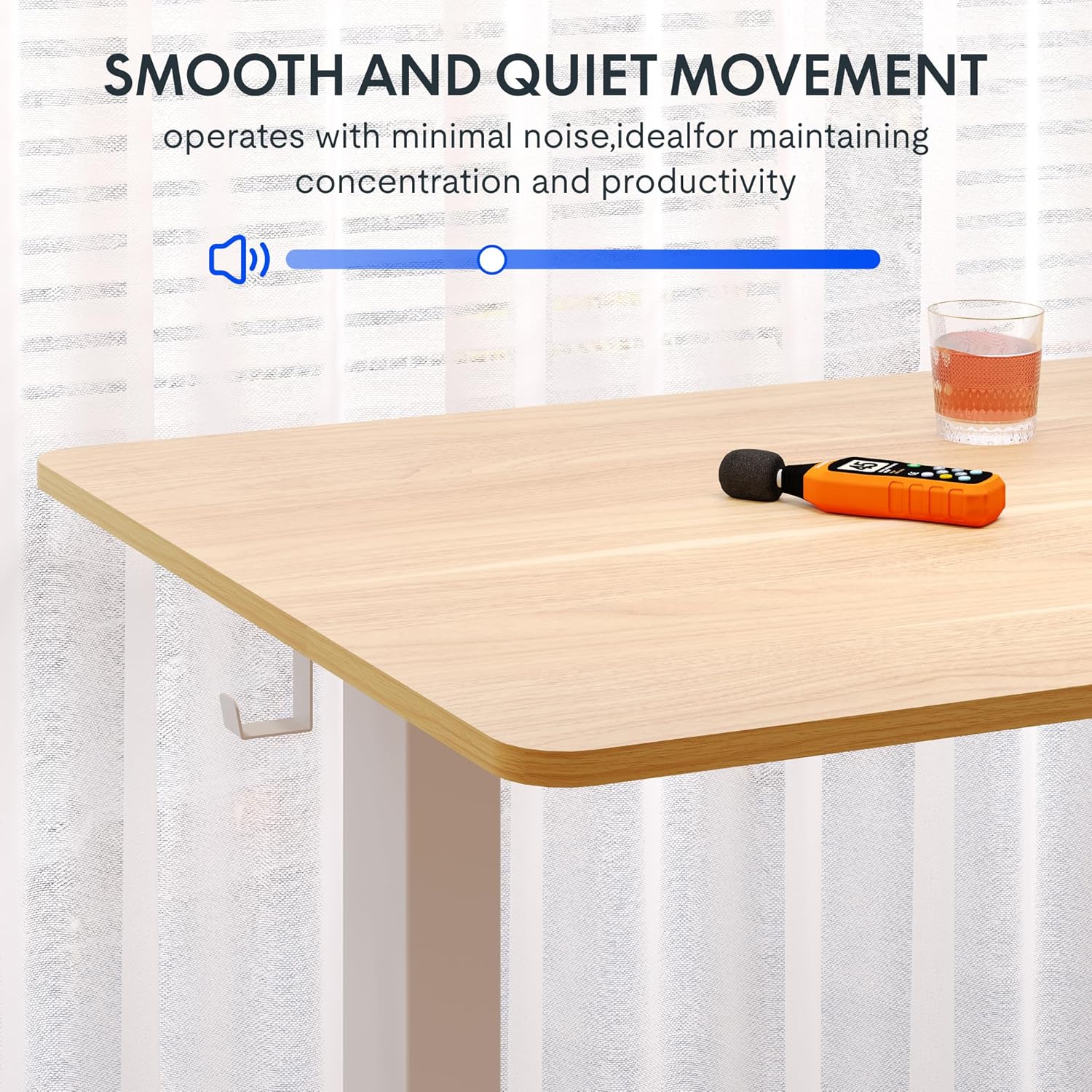
Image: A close-up of the two integrated desk hooks, designed for convenient storage of items such as headphones or bags, keeping your workspace tidy.
Bakım ve Özen
Genel Bakım
- Masaüstü yüzeyini yumuşak bir bezle temizleyin.amp Bez. Aşındırıcı temizleyicilerden veya sert kimyasallardan kaçının.
- Tüm vidaları ve bağlantıları düzenli olarak kontrol ederek sıkı olduklarından emin olun.
- Keep the desk away from direct heat sources and excessive moisture.
Güvenlik Önlemleri
- Do not exceed the maximum weight recommendation of 132 pounds on the desktop. The frame is built to hold up to 176 lbs, but the desktop's recommended limit is 132 lbs.
- Be cautious when adjusting the desk height to prevent injury or pinching. Ensure no objects are obstructing the desk's movement.
- Ensure the desk is placed on a level surface and is stable before use.
- Çocukların yetişkin gözetimi olmadan masayı kullanmasına izin vermeyin.
Sorun giderme
If you encounter any issues with your FLEXISPOT standing desk, please refer to the following common troubleshooting tips. For more complex problems, contact customer support.
| Sorun | Olası Neden | Çözüm |
|---|---|---|
| Masa hareket etmiyor veya kontrollere yanıt vermiyor. | Power cable disconnected; motor overload; control panel error. | Check power connection. Unplug and replug the desk. Reduce weight on the desk. Perform a reset (refer to specific reset instructions in the full manual, if available). |
| Masa düzensiz bir şekilde hareket ediyor veya alışılmadık sesler çıkarıyor. | Loose connections; uneven weight distribution; obstruction. | Ensure all assembly screws are tight. Redistribute weight evenly on the desktop. Check for any obstructions under or around the desk. |
| Hafıza ön ayarları çalışmıyor. | Incorrect saving procedure; temporary control panel glitch. | Re-save the memory presets following the operating instructions. Power cycle the desk. |
Ürün Özellikleri
- Marka: ESNEKLİK
- Modeli: Maple Top + White Frame, 40x24 Inches
- Ürün Boyutları (D x G x Y): 24"D x 40"G x 28"Y (minimum yükseklik)
- Yükseklik Ayar Aralığı: 28.1" ila 45.7"
- Masaüstü Malzemesi: Engineered Wood (Maple finish)
- Masaüstü Kalınlığı: 1 Inch (One-Piece)
- Çerçeve Malzemesi: Alloy Steel (White finish)
- Maksimum Ağırlık Kapasitesi: 132 Pounds (Desktop), 176 Pounds (Frame)
- Gürültü Seviyesi: 50 dB'nin altında
- Özel Özellikler: 4 Memory Height Presets, Headphone Hook, Seamless One-Piece Desktop
- Montaj Gerekli: Evet
- UPC: 840460428897
Garanti ve Destek
Garanti Bilgileri
FLEXISPOT provides the following warranty for your electric standing desk:
- Frame, Motor, and Mechanical Parts: 5 yıl sınırlı garanti.
- Elektronik parçalar: 2 yıl sınırlı garanti.
Please retain your proof of purchase for warranty claims. The warranty covers defects in materials and workmanship under normal use.
Müşteri Desteği
For technical assistance, warranty claims, or any questions regarding your FLEXISPOT product, please visit the official FLEXISPOT store or contact their customer service directly.
Official FLEXISPOT Store: FLEXISPOT Mağazası Amazon'da


