giriiş
Thank you for choosing the SENECESLI Motorcycle Helmet Camera. This manual provides essential information for the proper setup, operation, and maintenance of your device. Please read it thoroughly before use to ensure optimal performance and longevity.
Paket İçeriği
Aşağıda listelenen tüm öğelerin paketinizde bulunduğunu doğrulayın:
- 1 x Camera Recorder
- 1 x Şarj Kablosu
- 1 x Braket
- 1 x Çıkartma
- 1 x Kullanım Kılavuzu (bu belge)

Image: The package contents include the camera, a charging cable, a mounting bracket, and an adhesive sticker.
Kurmak
1. İlk Şarj
Before first use, fully charge the camera. Connect the provided charging cable to the camera's USB port and a compatible USB power source (e.g., computer, wall adapter). The charging indicator light will show the charging status.

Image: A hand opening the protective cover for the USB charging port and memory card slot.
2. Hafıza Kartı Kurulumu
The camera supports up to a 128GB memory card (not included). Insert the memory card into the designated slot with the contacts facing the correct direction. Ensure it clicks into place. A high-speed Class 10 or U3 microSD card is recommended for optimal recording performance.
3. Kameranın Montajı
The camera is designed for helmet mounting. Attach the provided bracket to your helmet using the adhesive sticker. Ensure the surface is clean and dry before applying the sticker for a secure fit. Once the bracket is secured, attach the camera to the bracket.

Image: The camera mounted on a motorcycle helmet, demonstrating its intended use.

Resim: Ayrıntılı view of the camera connected to its mounting bracket, ready for installation.
Kullanım Talimatları
1. Güç Açma/Kapatma
- Güç Açık: Gösterge ışığı yanana kadar güç düğmesini yaklaşık 3 saniye basılı tutun.
- Kapat: Gösterge ışığı sönene kadar güç düğmesini yaklaşık 3 saniye basılı tutun.
2. Video Kaydı
Once powered on, the camera typically begins recording automatically. The indicator light will flash to confirm recording is in progress. To stop recording, briefly press the power button. Press it again to resume recording.

Image: The front of the camera showing the lens and control buttons, indicating its readiness for recording.
3. Döngü Kaydı
The camera features loop recording, which means it will continuously record. When the memory card is full, the oldest files will be overwritten by new recordings. This ensures you always have the most recent footage mevcuttur.
4. Bilgisayara Bağlanma
To transfer recorded videos, connect the camera to your computer using the provided USB cable. The camera will appear as a removable disk. You can then access and copy your video files.
Video: A demonstration of the camera's components and basic handling, including how to assemble the mount and handle the device.
Bakım
1. Temizlik
Kamera gövdesini yumuşak bir bezle silin.amp cloth. For the lens, use a specialized lens cleaning cloth and solution to avoid scratches. Do not use harsh chemicals or abrasive materials.
2. Pil Bakımı
To prolong battery life, avoid exposing the camera to extreme temperatures. If storing for an extended period, charge the battery to about 50% before storage and recharge every few months.
3. Suya Dayanıklılık
The camera features IP67 water resistance, meaning it is protected against dust and can withstand immersion in water up to 1 meter for 30 minutes. Ensure all ports are securely closed before exposure to water.
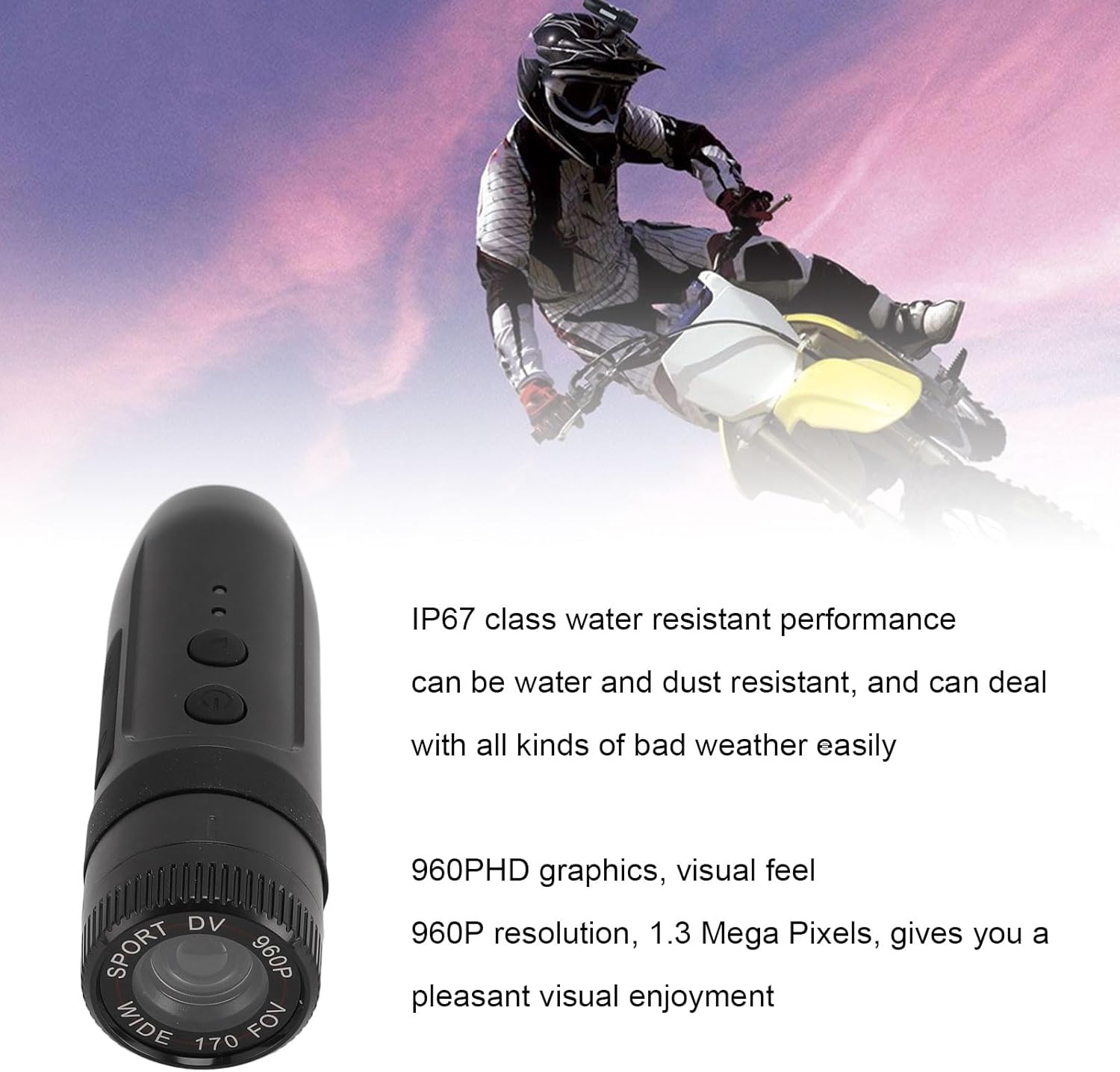
Image: The camera with text indicating its IP67 water resistance and 960P HD video capabilities.
Sorun giderme
| Sorun | Olası Çözüm |
|---|---|
| Kamera açılmıyor. | Pilinizin tamamen dolu olduğundan emin olun. Bir güç kaynağına bağlayın ve tekrar deneyin. |
| Kamera kayıt yapmıyor. | Hafıza kartının takılı ve doğru şekilde biçimlendirilmiş olup olmadığını kontrol edin. Kartın dolu olmadığından emin olun. |
| Kötü video kalitesi. | Clean the camera lens. Ensure sufficient lighting. Check if the camera is set to the correct resolution. |
| Bilgisayar kamerayı tanımıyor. | Farklı bir USB bağlantı noktası veya kablo deneyin. Bağlantı kurulduğunda kameranın açık olduğundan emin olun. |
Özellikler
| Özellik | Detay |
|---|---|
| Mercek Açısı | 170 derece |
| Video Pixels | 1280x960 (960P) |
| Video Format | AVİ |
| Görüntü Çözünürlüğü | 1280x960 |
| Resim Biçimi | JPG |
| Dahili Pil | 450mAh |
| Hafıza Kartı Desteği | 128 GB'a kadar (dahil değildir) |
| Suya Dayanıklılık | IP67 |
| İşletim Sistemi Uyumluluğu | Windows 2000, Vista, Windows 7, OS X 10.3.6 and above |
| Ürün Ağırlığı | 4.7 ons |
| Boyutlar | 4.33 x 3.15 x 2.76 inç (Paket) |
| Model Numarası | SENECESLItfm78nrbso |
Garanti ve Destek
For warranty information or technical support, please refer to the contact details provided with your purchase or visit the official SENECESLI webSite. Satın alma belgenizi garanti talepleriniz için saklayın.