1. Giriş
The Xigmatek Aqua V AIR is a high-performance mid-tower PC case designed for gaming enthusiasts. It features a spacious interior, optimized airflow, and tempered glass panels on the front and side to showcase your components. Equipped with seven 120mm ARGB fans, it supports graphics cards up to 410mm in length and is compatible with motherboards featuring hidden connectors for a clean build.
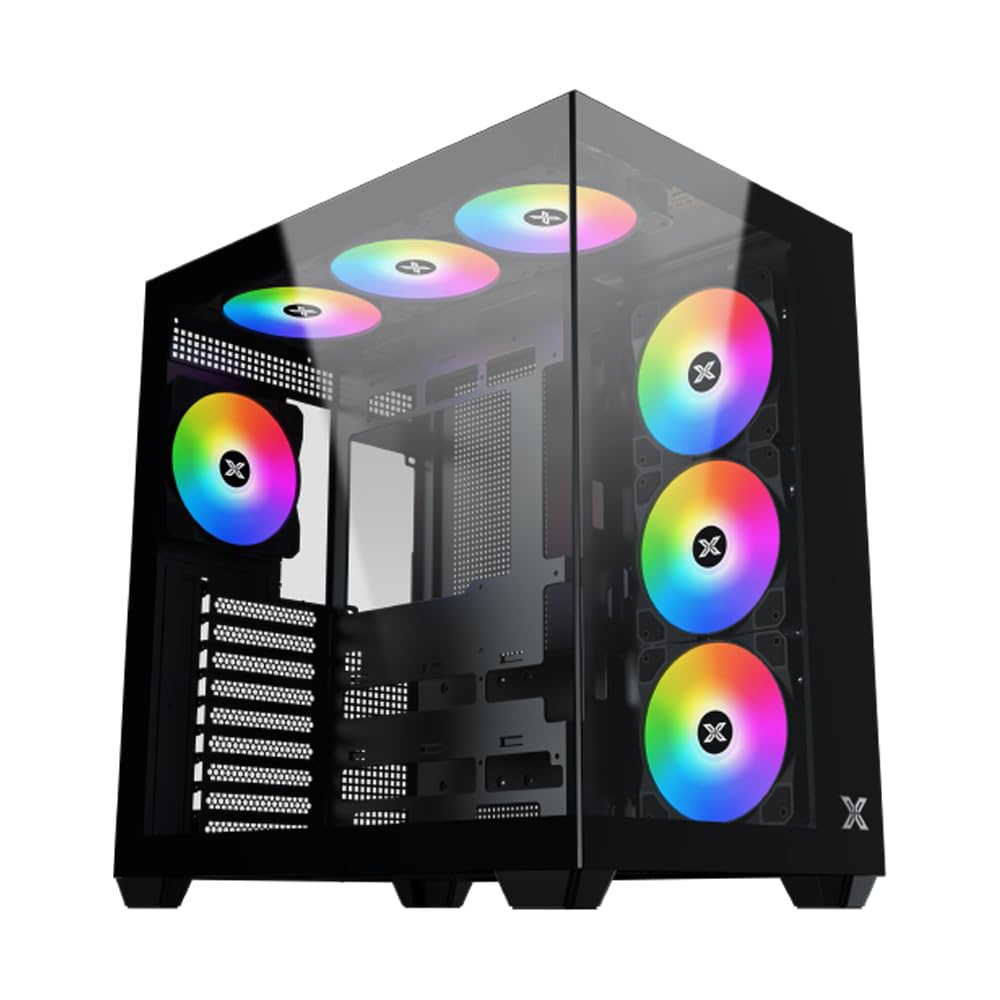
Şekil 1: Genel view of the Xigmatek Aqua V AIR PC Case.
2. Temel Özellikler
- Malzeme: Constructed from high-quality steel for durability and reliability.
- Boyutlar: 427 x 285 x 455 mm (L x W x H), offering a spacious interior.
- Soğutma Sistemi: Supports up to three 120mm or two 140mm fans for optimal cooling performance.
- Radyatör Desteği: Compatible with 240/280/360mm radiators on the top, bottom, and rear for versatile cooling options.
- G/Ç Paneli: Features 2x USB 3.0 ports, 1x USB-C port, and HD audio for convenient connectivity.
- Anakart Uyumluluğu: Supports ATX, Micro ATX, and Mini ITX motherboards, including those with hidden connectors.
- GPU Uzunluğu: 410 mm uzunluğa kadar olan ekran kartlarını destekler.
- Depolama Desteği: Sağlar ample space for multiple storage drives.
3. Özellikler
| Özellik | Detay |
|---|---|
| Marka | Xigmatek |
| Model Numarası | EN45820 |
| Seri | Aqua V AIR BLACK |
| Renk | Siyah |
| Boyutlar (U x G x Y) | 42.7x28.5x45.5 cm |
| Ürün Ağırlığı | 8.8 Kilogram |
| Malzeme | Alaşımlı Çelik, Temperli Cam |
| Anakart Uyumluluğu | ATX, Mikro ATX, Mini ITX |
| Dava Türü | Orta Kule |
| Önerilen Kullanımlar | Gaming, High-Performance Computing |
| USB 3.0 Bağlantı Noktaları | 2 |
| USB-C Bağlantı Noktaları | 1 |
| Soğutma Yöntemi | Water (Liquid Cooling Support) |
| Fan Boyutu | 120 Millimeters (Pre-installed ARGB fans) |
| Güç Kaynağı Montaj Tipi | Alt Montaj |
4. Kurulum ve Kurulum
This section provides general guidance for installing components into your Xigmatek Aqua V AIR PC case. Always refer to the specific manuals for your motherboard, power supply, and other components for detailed instructions.
4.1 Davanın Hazırlanması
- Bilgisayar kasasını açın ve tüm ambalaj malzemelerini çıkarın.
- Carefully remove the tempered glass side panel(s) and front panel (if applicable) to access the interior. Store them safely to prevent damage.
- Identify the accessory box, which typically contains screws, cable ties, and other small parts.
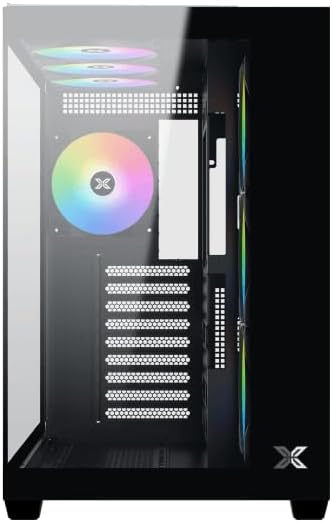
Şekil 2: İç mekan view yan panel çıkarılmış halde.
4.2 Anakart Kurulumu
- Install the I/O shield (if not pre-installed on your motherboard) into the rear opening of the case.
- Align your ATX, Micro ATX, or Mini ITX motherboard with the standoffs inside the case. Ensure all standoffs match the screw holes on your motherboard.
- Secure the motherboard with the appropriate screws provided in the accessory kit.

Figure 3: Motherboard tray and cable management area.
4.3 Güç Kaynağı Ünitesi (PSU) Kurulumu
- Kasanın arka alt kısmında bulunan güç kaynağı montaj alanını bulun.
- Slide your PSU into position, ensuring the fan faces downwards (if the case has a bottom vent) or upwards.
- PSU'yu kasanın arkasından vidalarla sabitleyin.
4.4 Depolama Sürücüsü Kurulumu
The case supports various storage configurations. Refer to the case diagram for specific drive bay locations.
- Install 2.5" SSDs or 3.5" HDDs into the designated drive bays or mounting brackets.
- Sürücüleri vidalarla sabitleyin.
4.5 Grafik Kartı (GPU) Kurulumu
- Kasanın arkasından gerekli PCIe yuvası kapaklarını çıkarın.
- Ekran kartınızı anakart üzerindeki uygun PCIe yuvasına takın.
- Ekran kartını vidalarla sabitleyin.
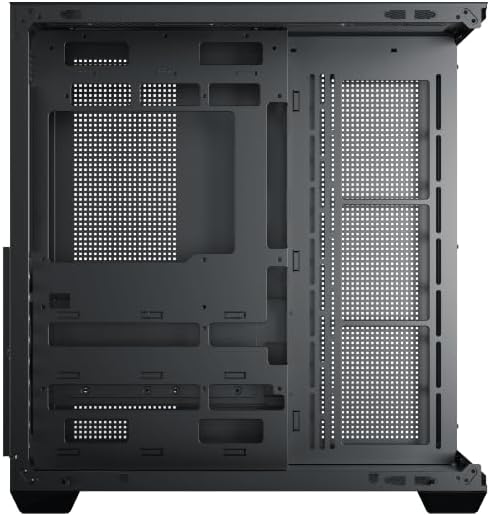
Figure 4: Components installed inside the case.
4.6 Kablo Yönetimi
Utilize the cable routing cutouts and tie-down points behind the motherboard tray to manage cables for improved airflow and aesthetics.
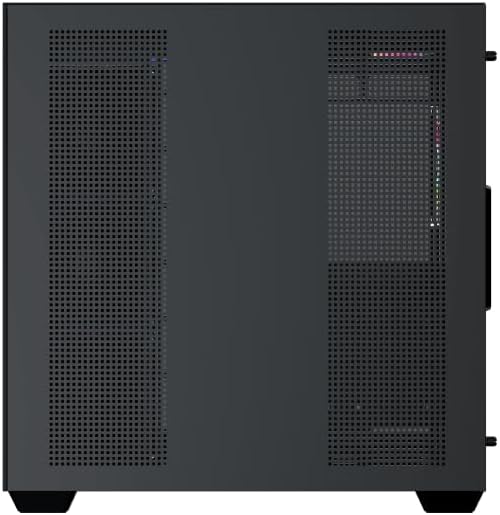
Figure 5: Top panel and I/O ports.
5. Kullanım Talimatları
5.1 Açma
Once all components are securely installed and connected, close the side panels. Connect your power cable to the PSU and press the power button on the case's front I/O panel.
5.2 ARGB Fan Kontrolü
The Xigmatek Aqua V AIR comes with pre-installed ARGB fans. These fans can typically be controlled via:
- Anakart Yazılımı: If your motherboard supports ARGB synchronization, connect the fan's ARGB cables to the motherboard's 3-pin 5V ARGB header and use the motherboard's software (e.g., ASUS Aura Sync, MSI Mystic Light, Gigabyte RGB Fusion) to customize lighting effects.
- Entegre Kontrol Cihazı: If your case includes a built-in ARGB controller, use the dedicated button on the I/O panel to cycle through various lighting modes and colors.
6. Bakım
Düzenli bakım, PC bileşenlerinizin optimum performans ve uzun ömürlü olmasını sağlamaya yardımcı olur.
6.1 Toz Filtresi Temizliği
The Xigmatek Aqua V AIR case is equipped with dust filters to prevent dust buildup. Locate and gently remove the dust filters (typically on the top, front, and bottom). Clean them with compressed air or by rinsing with water. Ensure they are completely dry before reattaching.
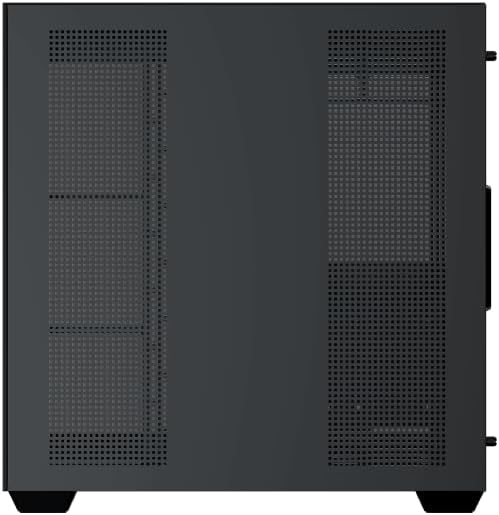
Figure 6: Bottom dust filter.
6.2 Genel Temizlik
Use a soft, dry cloth to wipe down the exterior of the case. For tempered glass panels, use a glass cleaner and a microfiber cloth to avoid streaks. Avoid using abrasive cleaners or solvents.
7. Sorun Giderme
Sorunlarla karşılaşırsanız, aşağıdaki genel sorun giderme adımlarını göz önünde bulundurun:
- Güç Yok:
- Ensure the PSU is switched on and properly connected to the wall outlet and motherboard.
- Check all power connections to components (motherboard, CPU, GPU, drives).
- Ön panel güç anahtarı kablosunun anakarta doğru şekilde bağlı olduğundan emin olun.
- Fanlar dönmüyor / RGB ışıkları çalışmıyor:
- Check if fan power cables are securely connected to the motherboard or fan controller.
- Ensure ARGB cables are connected to the correct 3-pin 5V ARGB header (not 4-pin 12V RGB).
- If using a controller, ensure it has power and is functioning correctly.
- Aşırı Isınma:
- Ensure all fans are spinning and oriented correctly for optimal airflow (intake/exhaust).
- Toz filtrelerini ve iç bileşenleri temizleyin.
- CPU soğutucusunun ve GPU soğutucusunun düzgün bir şekilde yerleştirildiğinden ve çalıştığından emin olun.
8. Garanti ve Destek
The Xigmatek Aqua V AIR PC Case comes with a 2 yıllık üretici garantisi. For technical support, warranty claims, or further assistance, please contact Xigmatek customer service or visit their official webalan.
Lütfen garanti amaçlı satın alma belgenizi saklayın.


