1. Giriş
Thank you for choosing the CrossBeats Blaze B50 Bluetooth Soundbar. This manual provides essential information for setting up, operating, and maintaining your device. The Blaze B50 is a 50W soundbar designed to enhance your audio experience with immersive sound, dynamic RGB lighting, and versatile connectivity options.
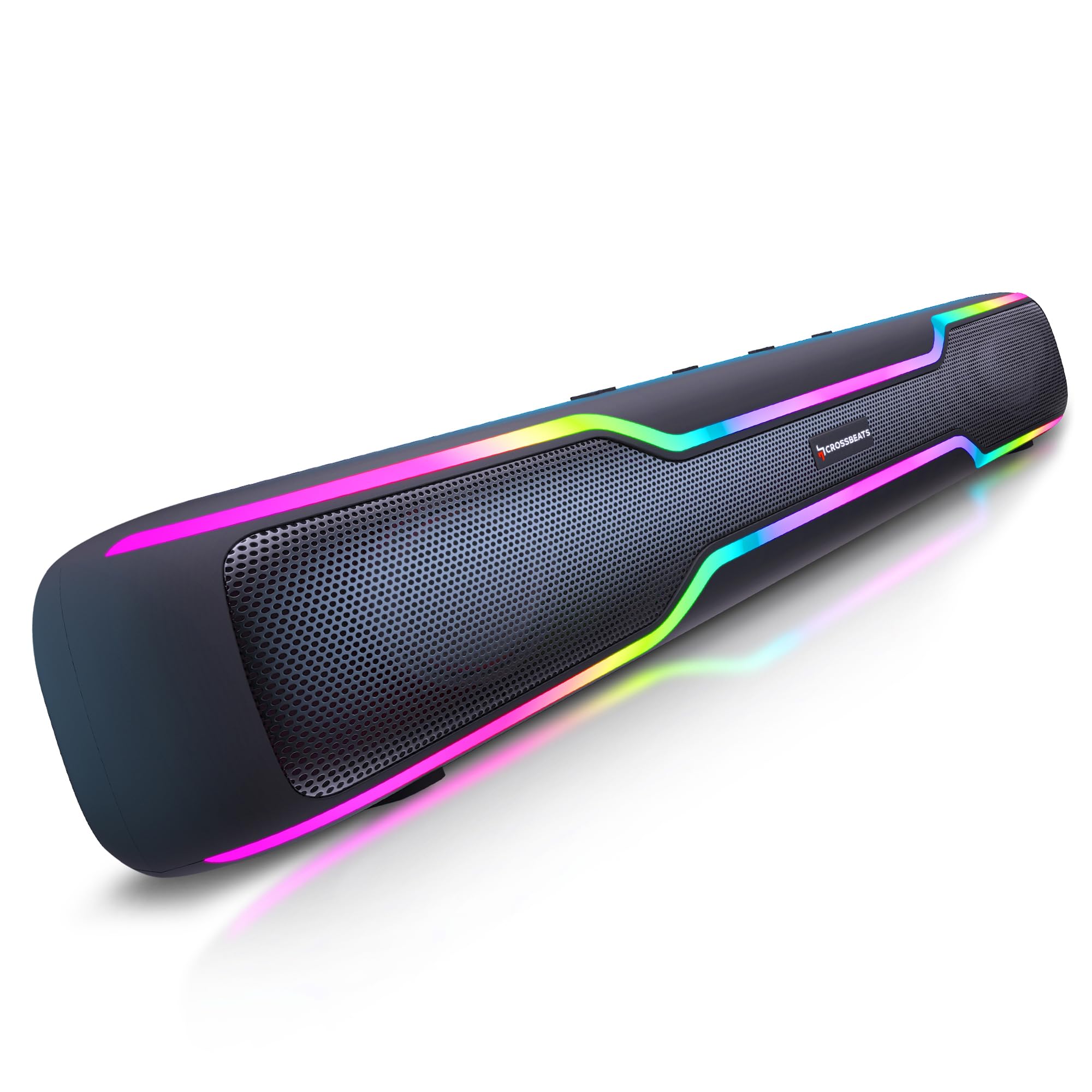
Figure 1: CrossBeats Blaze B50 Soundbar
2. Kutuda Neler Var?
Kutuyu açtığınızda lütfen aşağıdaki tüm öğelerin mevcut olduğundan emin olun:
- Blaze Ses Çubuğu
- Kullanım Kılavuzu Kartı
- Aux Kablosu
- Şarj kablosu
- Garanti Kartı

Figure 2: Unboxed CrossBeats Blaze B50 Soundbar with included accessories.
3. Kurulum ve İlk Kullanım
- Charging the Soundbar: Before first use, fully charge the soundbar using the provided charging cable and a compatible 10W charger. A full charge takes approximately 2 hours.
- Güç Açma/Kapatma: Press and hold the power button located on the soundbar's control panel to turn the device on or off.
- Atama: The soundbar features rubber feet at the bottom for stable placement on any flat surface.
4. Kullanım Talimatları
The soundbar features intuitive controls on its top panel:

Figure 3: Top control buttons for mode, volume, and playback.
- Mod Düğmesi (M): Press to cycle through available input modes (Bluetooth, AUX, USB, SD Card, FM Radio).
- Sesi Aç (+): Press and hold to increase volume. Single press to skip to the next track.
- Sesi kıs (-): Press and hold to decrease volume. Single press to go to the previous track.
- Play/Pause (►): Sesi çalmak veya duraklatmak için basın.
Not: The soundbar's volume control is separate from your connected device's volume. For optimal control, set the soundbar to maximum volume and adjust the output from your source device.
5. Bağlantı Seçenekleri
The Blaze B50 offers multiple ways to connect your audio sources:

Figure 4: Multi-port connectivity on the soundbar.
- Bluetooth: The soundbar features Bluetooth 5.4 for stable wireless connections. Turn on the soundbar, select Bluetooth mode, and pair with your device.
- AUX Girişi: Connect devices using the provided 3.5mm AUX cable. Select AUX mode on the soundbar.
- USB Bağlantı Noktası: Ses içeren bir USB sürücüsü takın files. Select USB mode.
- SD Kart Yuvası: Insert a TF/SD card with audio files. Select SD Card mode.
- FM Radyo: Switch to FM mode. For improved signal reception, connect the charging cable or AUX cable to the USB port; it acts as an antenna.
6. Ses Performansı
Experience powerful and clear audio with the Blaze B50:
- 50W Çıkış Gücü: Delivers robust sound suitable for various entertainment needs.
- Dual 52mm Drivers: Equipped with two 52mm drivers for clear and dynamic sound reproduction.
- Dual Bass Radiators: Features rear dual bass radiators for enhanced low-frequency response and punchy bass.

Şekil 5: Dahili view showing the 52mm drivers.
7. Pil ve Şarj
The Blaze B50 is designed for extended use:
- Pil Kapasitesi: Integrated 4000 mAh Lithium-Ion battery.
- Oyun zamanı: Provides up to 10 hours of music playback at 50% volume with RGB lights on.
- Şarj Süresi: Approximately 2 hours with a 10W charger.

Figure 6: Soundbar illustrating long playtime.
8. TWS Pairing Mode
For a true stereo experience, you can pair two Blaze B50 soundbars:
- Ensure both soundbars are powered on and in Bluetooth mode.
- On one soundbar (this will be the primary unit), press and hold the Play/Pause button until you hear a pairing tone.
- The two soundbars will automatically connect to each other.
- Once paired, connect your device to the primary soundbar via Bluetooth. Audio will now play in stereo across both units.

Figure 7: Two soundbars connected in TWS mode.
9. RGB Aydınlatma
The Blaze B50 features dynamic RGB lighting to complement your audio experience:
- The soundbar offers 5 distinct RGB lighting effects.
- Use the dedicated LED light control button (if available, otherwise refer to mode button for cycling effects) to change or turn off the lighting.

Şekil 8: Ses çubuğu gösterimiasinRGB aydınlatması.
10. Dahili Mikrofon
The soundbar includes a built-in microphone, allowing you to take calls directly through the device when connected via Bluetooth to your smartphone.
11. Bakım
CrossBeats Blaze B50 Soundbar'ınızın uzun ömürlü ve optimum performans göstermesi için lütfen aşağıdaki bakım yönergelerini izleyin:
- Temizlik: Use a soft, dry cloth to clean the exterior of the soundbar. Avoid using abrasive cleaners, solvents, or harsh chemicals.
- Depolamak: Ses çubuğunu serin, kuru ve doğrudan güneş ışığından ve aşırı sıcaklıklardan uzak bir yerde saklayın.
- Koruma: The soundbar features a scratch-resistant coating. However, avoid sharp objects or excessive force that could damage the surface.

Figure 9: Soundbar highlighting its scratch-resistant coating.
12. Sorun Giderme
Ses çubuğunuzla ilgili sorunlarla karşılaşırsanız, aşağıdaki yaygın çözümlere bakın:
- Güç Yok: Ensure the soundbar is fully charged. Connect it to a power source using the charging cable.
- Ses Yok: Check the volume levels on both the soundbar and your connected device. Ensure the correct input mode is selected. Verify that cables are securely connected for wired inputs.
- Bluetooth Eşleştirme Sorunları: Make sure the soundbar is in Bluetooth pairing mode. Turn off Bluetooth on other nearby devices to avoid interference. Try unpairing and re-pairing the device.
- Zayıf FM Alımı: Connect the charging cable or AUX cable to the USB port to act as an external antenna for better signal.
- Bozuk Ses: Reduce the volume on both the soundbar and your device. Ensure the audio source is of good quality.
13. Özellikler
| Özellik | Şartname |
|---|---|
| Model Adı | yangın B50 |
| Hoparlör Tipi | Ses çubuğu |
| Hoparlörlerin Nominal Çıkış Gücü | 50 Watt |
| Bağlantı Teknolojisi | Bluetooth 5.4 |
| Pil Kapasitesi | 4000 mAh Lityum İyon |
| Pilin Ortalama Ömrü | 2 Yıl |
| Şarj Süresi | 2 Saat |
| Oyun zamanı | Up to 10 hours (at 50% volume with lights on) |
| Kablosuz İletişim Menzili | 15 metre / 32 fit |
| Ses Sürücüsü Türü | Dynamic Driver (Dual 52mm) |
| Özel Özellikler | Bass Boost, Built-in Microphone, Display, Multi Room Audio, USB Port, RGB Lighting |
| Uyumlu Cihazlar | Android, Windows, iOS |
| Ürün Boyutları | 5.5D x 20.1G x 6.5Y Santimetre |
| Ürün Ağırlığı | 700 Gram |
| Malzeme | ABS + PC |
| Su Direnç Seviyesi | Su geçirmez |
14. Garanti ve Destek
CrossBeats Blaze B50 Soundbar, aşağıdaki özelliklerle birlikte gelir: 1 Yıl Marka Garantisi. For warranty claims, technical support, or any product-related inquiries, please refer to the contact information provided on your Warranty Card or visit the official CrossBeats webalan.
15. Ürün Bittiview Video
Konuyla ilgili kapsamlı bilgi için bu videoyu izleyin.view of the CrossBeats Blaze B50 Soundbar, including its features, design, and performance highlights.
Video 1: Detaylı incelemeview and features of the CrossBeats Blaze B50 Soundbar.


