TOMLOV P30 Digital Microscope
Kullanıcı Kılavuzu
giriiş
Satın aldığınız için teşekkür ederizasing the TOMLOV P30 Portable Digital Microscope. This device is designed to provide an engaging and educational experience for exploring the microscopic world, suitable for both children and hobbyists. With its 1-100X standard and 500-1000X high magnification, 16MP camera, and 1080P video capabilities, the P30 allows for detailed observation and capture of discoveries. This manual provides essential information for the proper setup, operation, and maintenance of your microscope.
Güvenlik Bilgileri
- Cihazı kendiniz sökmeyin veya tamir etmeye çalışmayın. Yetkili servis personeline başvurun.
- Elektrik çarpmasını veya hasarı önlemek için cihazı sudan ve diğer sıvılardan uzak tutun.
- Cihazı aşırı sıcaklıklara, doğrudan güneş ışığına veya yüksek neme maruz bırakmaktan kaçının.
- Use only the specified charging cable and power adapter to prevent damage to the battery or device.
- Clean the lens and screen with a soft, lint-free cloth. Avoid using abrasive cleaners or solvents.
- Bu ürün küçük parçalar içermektedir ve yetişkin gözetimi olmadan 3 yaşın altındaki çocuklar için uygun değildir.
Paket İçeriği
Lütfen kutuyu açtığınızda paket içeriğini kontrol ederek tüm öğelerin mevcut olduğundan emin olun:
- TOMLOV P30 Digital Microscope
- USB Şarj Kablosu
- 16 GB Micro SD Kart (önceden yüklenmiş veya ayrı olarak dahil)
- Kordon
- Kullanıcı Kılavuzu

Image: The TOMLOV P30 Digital Microscope with its included accessories, such as the charging cable and lanyard.
Ürün Bittiview
Familiarize yourself with the main components of your TOMLOV P30 microscope:
- 2 inç LCD Ekran: Canlı görüntüler view, captured images, and videos.
- Güç Düğmesi: Cihazı açar/kapatır.
- Mod Düğmesi: Fotoğraf, video ve oynatma modları arasında geçiş yapar.
- Zoom/Navigation Buttons: Adjust magnification and navigate menus.
- Capture/OK Button: Fotoğraf çeker, video kaydını başlatır/durdurur, seçimleri onaylar.
- Odak Tekerleği: Adjusts the focus for clear images.
- LED Aydınlatma: Provides light for observation.
- Mikro SD Kart Yuvası: Yakalanan medyanın saklanması için.
- USB-C Bağlantı Noktası: Şarj ve veri aktarımı için.

Resim: Ayrıntılı view of the TOMLOV P30 microscope, highlighting its 2-inch LCD screen and control buttons.
Kurmak
- Pilin Şarj Edilmesi:
Before first use, fully charge the microscope. Connect the USB charging cable to the microscope's USB-C port and the other end to a USB power adapter (not included) or a computer's USB port. The charging indicator will show the charging status. A full charge provides up to 3 hours of use.

Image: The TOMLOV P30 microscope offers up to 3 hours of battery life, ideal for outdoor exploration.
- Micro SD Kartın Takılması:
The microscope comes with a 16GB Micro SD card. Locate the Micro SD card slot on the side of the device. Gently insert the card with the gold contacts facing down until it clicks into place. To remove, push the card in again until it springs out.
- Açma:
Press and hold the Power button for a few seconds until the screen illuminates. The microscope will boot up and display the live view.
- Büyütme ve Odaklama Ayarlaması:
Place the object you wish to observe directly under the microscope's lens. Rotate the focus wheel to bring the image into sharp focus on the screen. The TOMLOV P30 offers two magnification levels: 1-100X for standard observation and 500-1000X for high magnification, suitable for detailed slides.
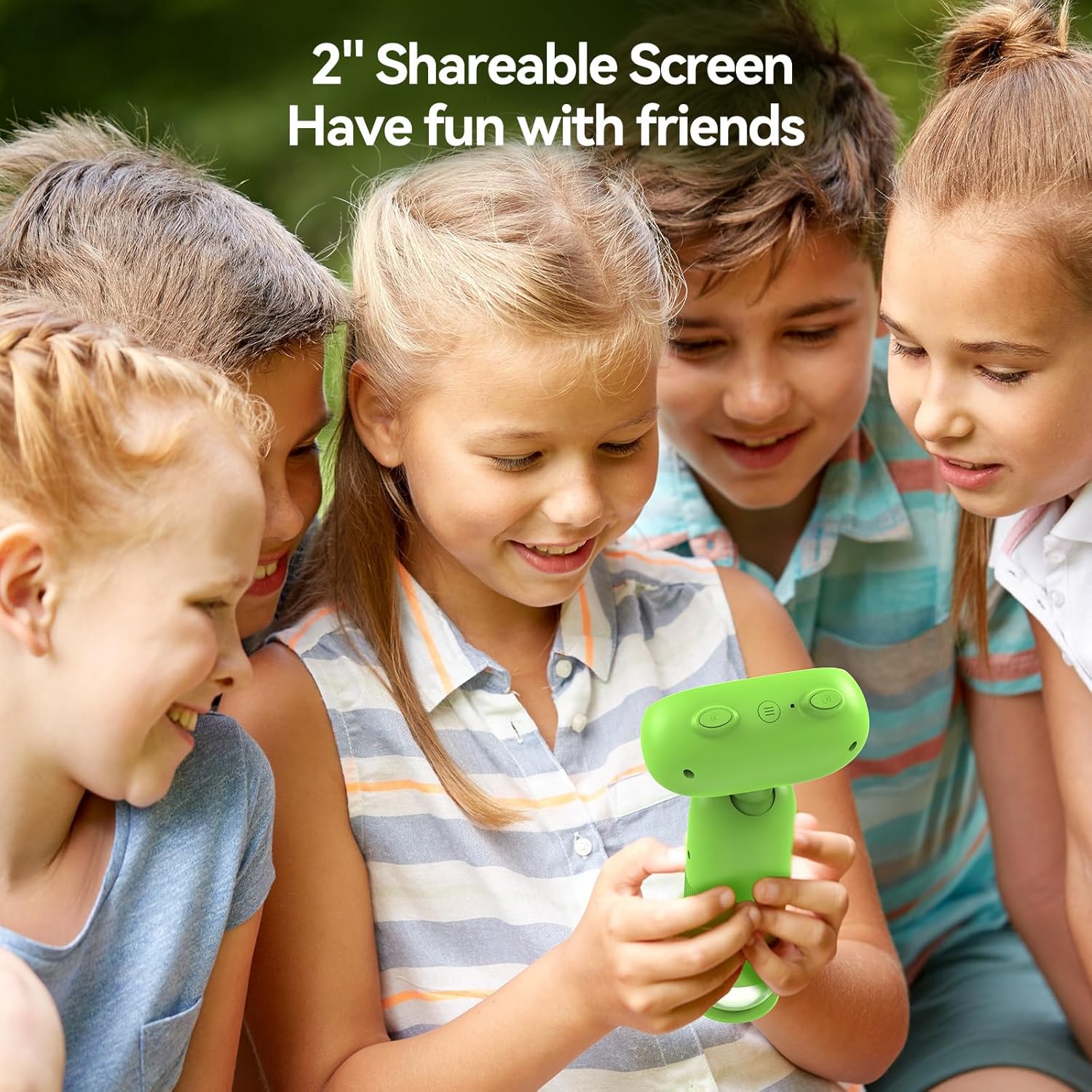
Image: The TOMLOV P30 microscope can unlock tiny details at 1000X magnification, as shown with a magnified bee on its screen.
Kullanım Talimatları
- Anahtarlama Modları:
Press the Mode button to cycle between Photo Mode, Video Mode, and Playback Mode. The current mode icon will be displayed on the screen.
- Fotoğraf çekmek:
In Photo Mode, frame your subject on the screen. Press the Capture/OK button once to take a photo. The image will be saved to the Micro SD card.
- Videoları Kaydetme:
In Video Mode, press the Capture/OK button once to start recording. Press it again to stop recording. Videos are saved in 1080P resolution to the Micro SD card.

Image: The TOMLOV P30 allows users to capture 1080P videos and 16MP photos, and revisit their discoveries through playback.
- Oynatma Modu:
In Playback Mode, use the navigation buttons to browse through your captured photos and videos. Press the Capture/OK button to view Seçilen bir öğeyi oynatın veya bir video oynatın.
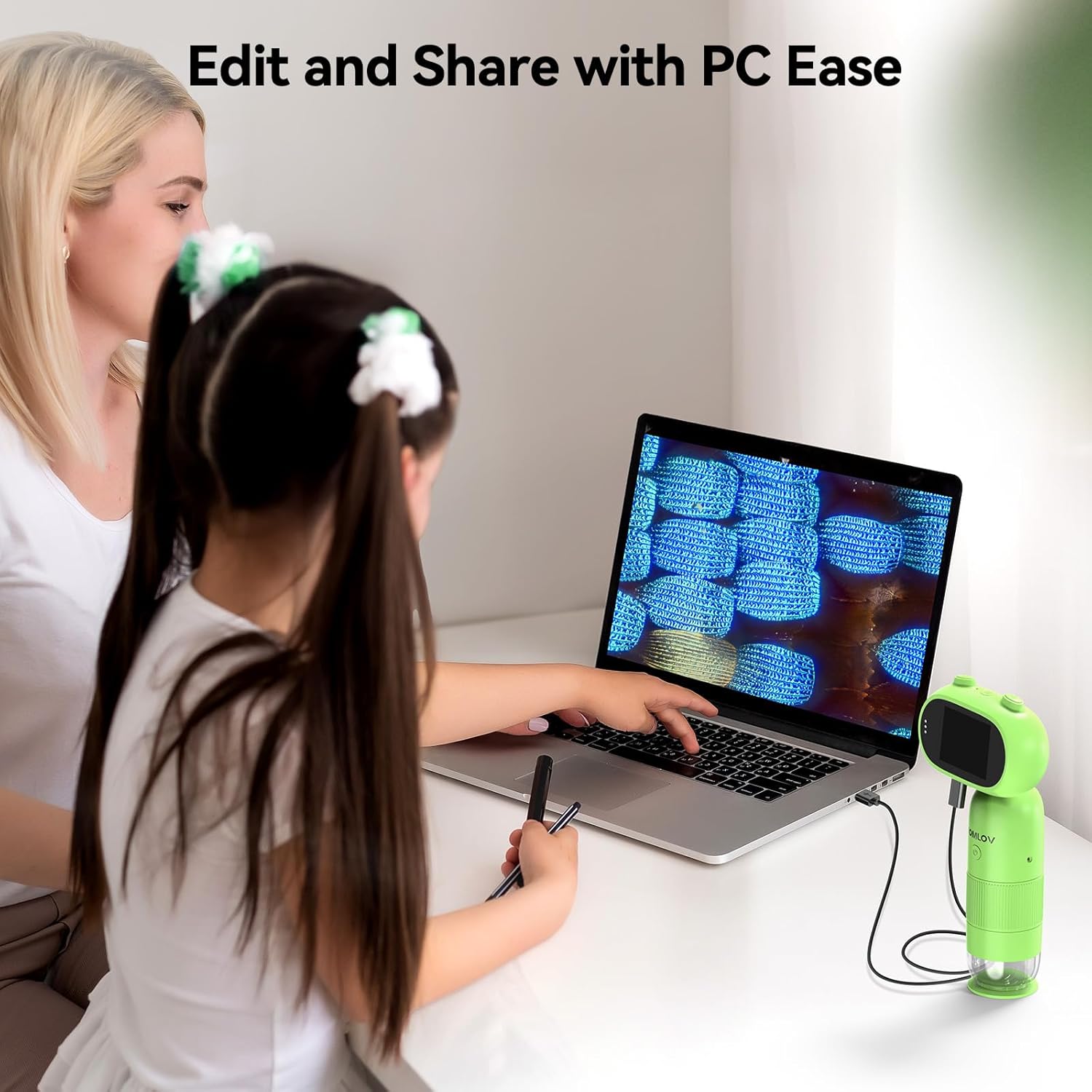
Image: The 2-inch shareable screen of the TOMLOV P30 makes it easy for children to view and share discoveries with friends.
- Bilgisayara Bağlanma:
Aktarmak için files, connect the microscope to your computer using the USB cable. The microscope will appear as a removable disk drive. You can then copy photos and videos to your computer for editing and sharing.

Image: The TOMLOV P30 microscope can be connected to a PC for easy editing and sharing of captured media.
- Dijital Yakınlaştırma:
The microscope features 4X digital zoom. While in live view, use the designated zoom buttons to digitally magnify the image on the screen. Note that digital zoom may reduce image quality compared to optical magnification.
Bakım
- Lens ve Ekranın Temizlenmesi: Use a soft, dry, lint-free cloth to gently wipe the lens and screen. For stubborn smudges, a slightly dampened cloth with water can be used, followed by a dry cloth. Do not use alcohol or chemical cleaners.
- Depolamak: When not in use, store the microscope in a cool, dry place, away from direct sunlight and dust. Use the included lanyard for secure carrying.
- Pil Bakım: Pil ömrünü uzatmak için pili sık sık tamamen boşaltmaktan kaçının. Uzun süre saklayacaksanız, pili birkaç ayda bir yaklaşık %50'ye kadar şarj edin.
Sorun giderme
| Sorun | Olası Neden | Çözüm |
|---|---|---|
| Microscope does not turn on. | Pil zayıf veya bitmiş. | Charge the microscope fully using the USB cable. |
| Görüntü bulanık. | Focus is not adjusted correctly; object is too far/close. | Rotate the focus wheel until the image is clear. Ensure the object is within the working distance. |
| Fotoğraflar/videolar kaydedilemiyor. | Micro SD card is full, not inserted correctly, or corrupted. | Check if the SD card is inserted correctly. Delete unnecessary files or format the card (this will erase all data). Replace the card if corrupted. |
| Ekran boş veya donmuş. | Sistem hatası. | Press and hold the Power button for 10 seconds to force a shutdown, then restart the device. |
Özellikler
| Özellik | Detay |
|---|---|
| Örnek | P30 |
| Büyütme | 1-100X (Standard), 500-1000X (High) |
| Kamera Çözünürlüğü | 16 Megapiksel |
| Video Çözünürlüğü | 1080P |
| Ekran Görüntüsü | 2 inç LCD |
| Dijital Zoom | 4X |
| Depolamak | Micro SD Card (up to 16GB included) |
| Pil Kapasitesi | 800mAh (Şarj Edilebilir) |
| Pil Ömrü | 3 saate kadar |
| Işık kaynağı | NEDEN OLMUŞ |
| Malzeme | Plastik |
| Ağırlık | Yaklaşık. 6 oz |
Garanti ve Destek
The TOMLOV P30 Digital Microscope comes with a standard manufacturer's warranty. Please refer to the warranty card included in your package for specific terms and conditions. For technical support, troubleshooting assistance, or warranty claims, please contact TOMLOV customer service through their official website or the contact information provided with your purchase. Ensure you have your product model number (P30) and purchase details ready when contacting support.
For more information and updates, visit the official TOMLOV store: TOMLOV Store on Amazon


