1. Giriş
This manual provides detailed instructions for setting up, operating, and maintaining your THOMSON 40-inch FHD Fire TV. Please read this manual thoroughly before using the television to ensure proper functionality and safety. Keep this manual for future reference.
2. Güvenlik Bilgileri
Yangın, elektrik çarpması ve yaralanma riskini azaltmak için bu ürünü kullanırken her zaman temel güvenlik önlemlerine uyun.
- TV'yi yağmura veya neme maruz bırakmayın.
- Havalandırma açıklıklarını kapatmayın.
- Elektrik fişinin doğru şekilde topraklanmasını sağlayın.
- Yıldırımlı havalarda veya uzun süre kullanılmayacaksa televizyonun fişini çekin.
- Tüm bakımları yetkili servis personeline yaptırın.
3. Paket İçeriği
Paketinizde tüm öğelerin bulunduğunu doğrulayın:
- THOMSON 40-inch FHD Fire TV
- Uzaktan Kumanda (pilli)
- Güç Kablosu
- TV Sehpası (2 adet)
- TV Sehpası Vidaları
- Kullanım Kılavuzu (bu belge)

Image: The product box illustrating the TV, remote control, and various features like Fire TV, Alexa, and Dolby Audio.
4. Ürün Bittiview
Familiarize yourself with the components and connections of your THOMSON Fire TV.
4.1 Ön View

Image: The front of the TV, showcasing its slim bezel and the Fire TV smart interface with popular streaming applications.
4.2 Taraf View ve Boyutlar
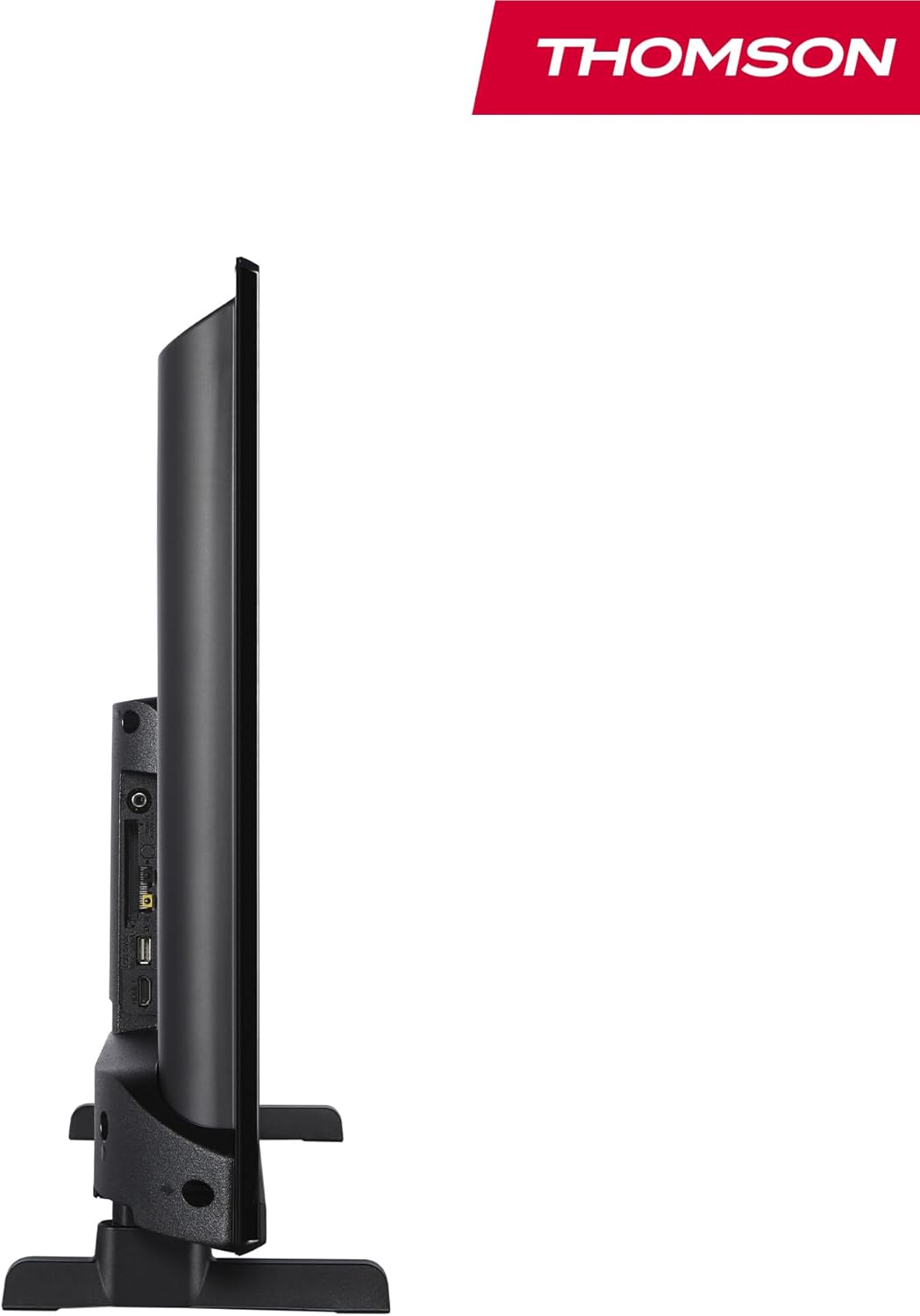
Resim: Bir taraf view of the television, demonstrating its thin profile.

Image: A diagram illustrating the physical dimensions of the TV, including width, height, and depth with the stand.
4.3 Arka View ve Limanlar
The rear panel of your TV features various input and output ports for connecting external devices.

Resim: Ayrıntılı view of the TV's rear panel, highlighting all connectivity ports such as HDMI, USB, Audio Out, CI+, and antenna inputs.
- Ses çıkışı: Harici ses sistemlerini bağlamak için.
- CI+: Koşullu erişim modülleri için Ortak Arayüz Plus yuvası.
- Kulaklıklar: Özel dinleme için 3.5 mm jak girişi.
- AV GİRİŞİ: Kompozit video ve stereo sese sahip eski cihazları bağlamak için.
- USB 2.0: USB sürücülerden medya oynatmak için.
- HDMI 1.4 (x2): High-Definition Multimedia Interface for connecting Blu-ray players, game consoles, etc.
- Anten: For connecting a terrestrial antenna (DVB-T2).
- Uydu: For connecting a satellite dish (DVB-S2).
- LAN: Kablolu ağ bağlantısı için Ethernet portu.
5. Kurulum
5.1 TV Sehpasının Takılması
- Ekran hasarını önlemek için televizyonu dikkatlice, yüzü aşağıya gelecek şekilde yumuşak ve düz bir yüzeye yerleştirin.
- Stand parçalarını televizyonun alt kısmındaki ilgili yuvalara hizalayın.
- Verilen vidaları kullanarak standları sabitleyin.
5.2 İlk Açılış ve Ağ Bağlantısı
- Televizyonun güç kablosunu duvardaki prize bağlayın.
- Televizyonu açmak için üzerindeki veya uzaktan kumandadaki güç düğmesine basın.
- Dil seçimi ve ağ bağlantısı (Wi-Fi veya Ethernet) dahil olmak üzere ilk kurulum için ekrandaki talimatları izleyin.
- Log in with your Amazon account to activate Fire TV features.
5.3 Tuner Setup (Triple-Tuner)
Your TV is equipped with a triple-tuner for DVB-C (cable), DVB-S2 (satellite), and DVB-T2 (terrestrial) reception.

Image: The DVB-T2/C/S2 tuner inputs, allowing connection to various broadcast sources.
- Connect your antenna or satellite cable to the appropriate input on the TV.
- Navigate to the TV settings and select 'Channel Scan' or 'Tuner Setup'.
- Choose your broadcast type (Antenna, Cable, or Satellite) and follow the prompts to scan for available channels.
6. Kullanım Talimatları
6.1 Fire TV Arayüzü
The Fire TV interface provides easy access to your favorite streaming services, apps, and live TV.
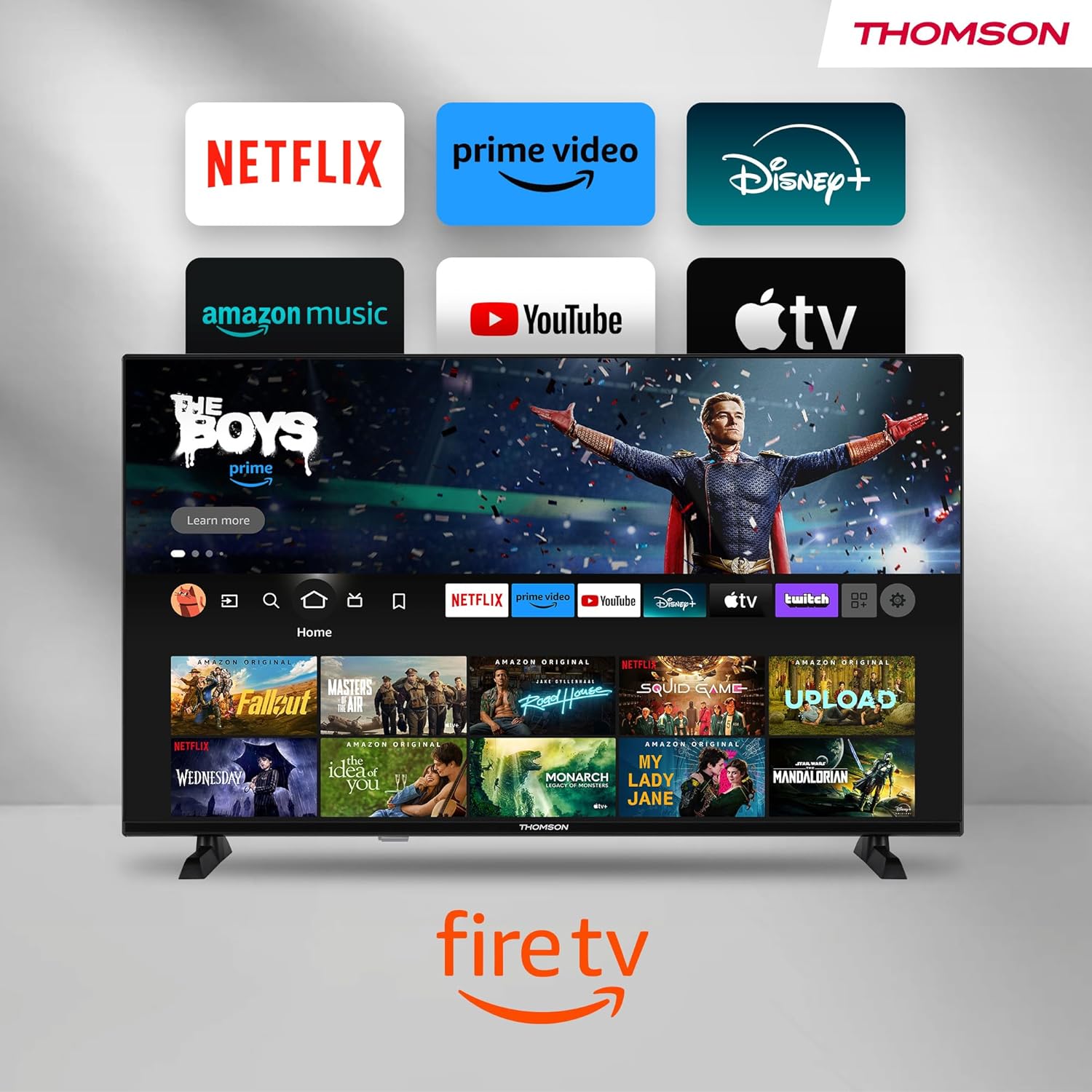
Image: The Fire TV home screen, showing a selection of popular streaming apps and content recommendations.
Navigate using the remote control's directional pad. The home screen provides personalized recommendations and quick access to your installed applications.
6.2 Alexa Ses Kontrolü
Use the integrated Alexa voice control for hands-free operation.
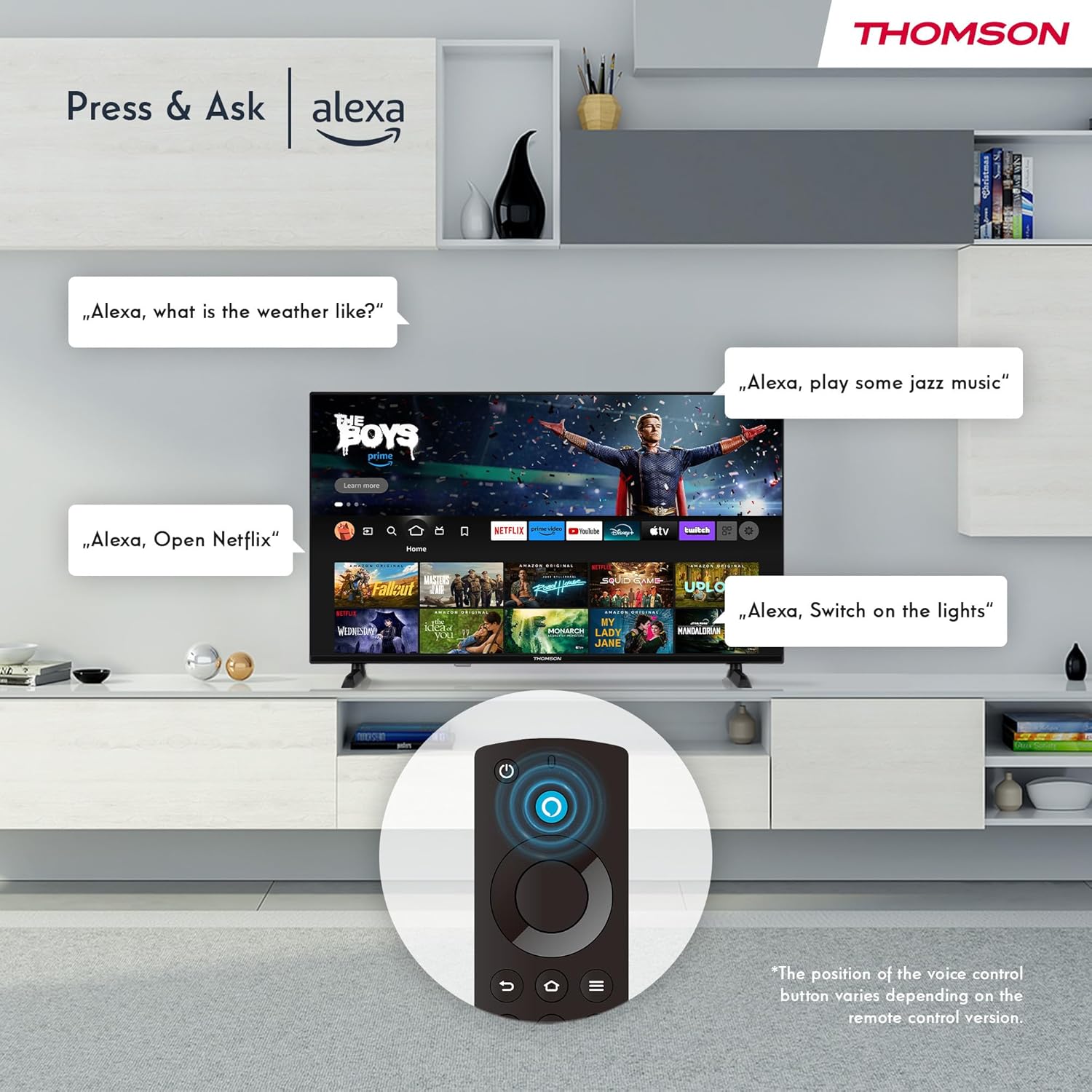
Image: Demonstrating Alexa voice commands for controlling the TV, searching content, and managing smart home devices.
Press the Alexa button on your remote and speak your command. You can ask Alexa to:
- Arama Filmler veya televizyon dizileri.
- Uygulamaları başlatın.
- Control playback (pause, play, skip).
- Hava durumunu veya haberleri kontrol edin.
- Uyumlu akıllı ev cihazlarını kontrol edin.
6.3 Akıllı Ev Entegrasyonu
Manage your connected smart home devices directly from your TV's integrated dashboard.

Image: The Smart Home dashboard, providing a centralized control panel for various smart devices in your home.
Access the Smart Home dashboard to monitor and control devices such as cameras, lights, and plugs.
6.4 AirPlay İşlevselliği
Stream content directly from your Apple devices (iPhone, iPad, Mac) to your THOMSON Fire TV using AirPlay.

Image: A demonstration of Apple AirPlay, showing content being mirrored from an iOS device to the television screen.
Ensure both your Apple device and the TV are connected to the same Wi-Fi network. Select the AirPlay icon on your Apple device and choose your THOMSON TV from the list of available devices.
6.5 Creating User Profiles
Birden fazla kullanıcı pro'su oluşturunfiles for personalized content recommendations and settings.

Image: The user profile selection screen on Fire TV, allowing different users to have their own personalized viewDeneyim.
From the Fire TV home screen, navigate to the profile selection to add or switch profiles. Her profesyonelfile can have its own watch history and app preferences.
6.6 HDR10 ve Dolby Ses
Experience enhanced picture quality with HDR10 and immersive sound with Dolby Audio.

Image: A visual comparison demonstrating the improved contrast and color vibrancy offered by HDR10 technology.

Image: A graphic illustrating the immersive sound experience provided by Dolby Audio.
HDR10 provides a wider range of colors and contrasts, while Dolby Audio delivers rich, clear, and powerful sound.
6.7 Uzaktan Kumanda
The ergonomic Bluetooth remote control provides easy navigation and direct access to key features.
- Alexa Düğmesi: Sesli komutları etkinleştirmek için basılı tutun.
- Navigasyon Pedi: For moving through menus and selecting items.
- Netflix/Prime Video Düğmeleri: Bu yayın hizmetlerine doğrudan erişim.
- Amazon Silk Button: Doğrudan erişim web tarayıcı.
7. Bakım
Televizyonunuzun uzun ömürlü ve optimum performans göstermesini sağlamak için aşağıdaki bakım yönergelerini izleyin:
- Ekranın Temizlenmesi: Ekranı yumuşak, tüy bırakmayan bir bezle nazikçe silin. İnatçı lekeler için, doğrudan ekrana değil, beze uygulanan, TV'ler için özel olarak tasarlanmış bir ekran temizleyici kullanın.
- Kabinin Temizlenmesi: Televizyon sehpasını silmek için yumuşak, kuru bir bez kullanın. Aşındırıcı temizleyiciler veya çözücüler kullanmayın.
- Havalandırma: Televizyonunuzun arkasındaki havalandırma deliklerinin aşırı ısınmayı önlemek için kapatılmadığından emin olun.
- Güç Kablosu: Güç kablosunu düzenli olarak hasar açısından kontrol edin. Hasarlıysa, hemen değiştirin.
8. Sorun Giderme
Televizyonunuzda sorunlarla karşılaşırsanız, aşağıdaki yaygın sorunlara ve çözümlere bakın:
| Sorun | Olası Neden / Çözüm |
|---|---|
| Güç yok | Check if the power cord is securely plugged into the TV and the wall outlet. Ensure the outlet is active. |
| Görüntü yok, ancak ses mevcut | Check input source. Ensure external devices are properly connected and powered on. |
| Ses yok ama görüntü var | Check volume level. Ensure Mute is not activated. Check audio cables for external devices. |
| Uzaktan kumanda çalışmıyor | Check batteries. Ensure there are no obstructions between the remote and the TV. Re-pair the Bluetooth remote if necessary. |
| Wi-Fi'ye bağlanılamıyor | Ensure Wi-Fi is enabled on the TV. Check Wi-Fi password. Restart your router. Move TV closer to router. |
| Uygulamalar yavaş veya donuyor | Restart the TV. Clear app cache or data in settings. Ensure sufficient internet speed. |
Sorun devam ederse lütfen müşteri desteğiyle iletişime geçin.
9. Özellikler
| Özellik | Detay |
|---|---|
| Model Numarası | 40FF2S34 |
| Ekran Boyutu | 40.0 inç (100 cm) |
| Ekran Teknolojisi | NEDEN OLMUŞ |
| Çözünürlük | 1080p (Tam HD) |
| Yenileme Hızı | 60 Hz |
| En Boy Oranı | 16:9 |
| Bağlantı | Wi-Fi, Bluetooth 5.0, 2x HDMI 1.4, USB 2.0, AV IN, Audio Out, CI+, LAN |
| Ayarlayıcılar | DVB-C, DVB-S2, DVB-T2 |
| Özel Özellikler | Fire TV, Alexa Voice Control, AirPlay, HDR10, Dolby Audio, Smart Home Dashboard, User Profiles |
| Boyutlar (standlı) | 90.2 x 55.4 x 17.5 cm (G x Y x D) |
| Ağırlık | 9 kilo |
| Enerji Verimliliği Derecelendirmesi | E |
| Dahil Bileşenler | Uzaktan kumanda |
| Desteklenen Diller | Spanish, French, English, Italian, Germanic languages |
10. Garanti ve Destek
Your THOMSON Fire TV comes with a manufacturer's warranty. Please refer to the warranty card included in your package for specific terms and conditions.
For technical support, troubleshooting assistance, or warranty claims, please visit the official THOMSON support website or contact their customer service line. Keep your purchase receipt and model number (40FF2S34) handy when contacting support.
Çevrimiçi destek: www.thomsonconsumer.com/support


