giriiş
This manual provides comprehensive instructions for the safe and efficient operation of your PeakDo Wireless HDMI Transmitter and Receiver. This device is designed to provide a convenient, cable-free solution for transmitting high-definition video and audio signals, supporting resolutions up to 4K@30Hz with minimal latency. It is ideal for various applications including gaming, video streaming, presentations, and use with AR glasses.
Ürün Bittiview
The PeakDo Wireless HDMI system consists of two main components: a Transmitter (TX) and a Receiver (RX).

Image: The PeakDo Wireless HDMI Transmitter (smaller, stick-like) and Receiver (larger, rectangular) units.
Bileşenler ve Bağlantı Noktaları
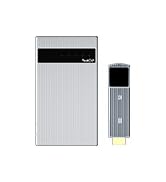
Image: Detailed diagram showing the ports and indicators on both the Transmitter (TX) and Receiver (RX) units.
- Verici (TX):
- Standard HDMI Port: Connects to source devices (e.g., PS5/4, Xbox, Switch, PC, Laptop, Camera).
- USB-C Charging Port: For power supply.
- Function Indicator: Displays device status.
- Reset Button: For device reset or pairing.
- Antenna Position: Optimal area for signal transmission.
- Alıcı (RX):
- Standard HDMI Port: Connects to display devices (e.g., Monitor, TV, Projector).
- USB-C Port: For power supply and data transfer (USB-C 3.1).
- USB-C Charging Port: For charging the internal battery and powering connected devices.
- On/Off Switch: Powers the receiver on or off.
- Güç Göstergesi: Güç durumunu gösterir.
- Function Indicator: Displays device status.
- Reset Button: For device reset or pairing.
- Antenna Position: Optimal area for signal reception.
Kutuda Neler Var?

Image: An illustration showing the PeakDo Wireless HDMI Receiver (RX), Transmitter (TX), USB-A to USB-C cable, USB-C to USB-C PD cable, and an HDMI extension cable.
- 1 x PeakDo Wireless HDMI Receiver (RX)
- 1 x PeakDo Wireless HDMI Transmitter (TX)
- 1 x USB-A - USB-C Kablosu
- 1 x USB-C to USB-C PD Cable
- 1 x HDMI Uzatma Kablosu
- 1 x Kullanım Kılavuzu (bu belge)
Kurulum Kılavuzu
Follow these steps to set up your PeakDo Wireless HDMI system.

Image: A step-by-step diagram illustrating the connection process for the transmitter and receiver units.
- Vericiyi (TX) Kurun:
- Plug the Transmitter into the HDMI port of your source device (e.g., PC, laptop, Switch, PS4, PS5, Xbox, camera).
- Power the Transmitter with an external power supply (at least 5V/2A) using the provided USB-C cable.
- Alıcıyı (RX) Takın:
- Long press the switch button on the Receiver for 3-5 seconds to turn it on. The indicator light will turn red.
- Connect the Receiver to your monitor, TV, or projector via the HDMI to HDMI cable.
- Alternatively, connect the Receiver to AR glasses or portable monitors via the USB-C to USB-C cable.
- Bağlantıyı Bekleyin:
- The Transmitter and Receiver are pre-paired at the factory. They will automatically pair within 10 seconds after being connected and powered on.
- Ensure the TX and RX antennas face each other for the strongest signal. There must be no obstruction between TX and RX.
- A blue indicator light on the Receiver indicates pairing is in progress.
- A green indicator light on the Receiver means the connection is established.
Uyumluluk
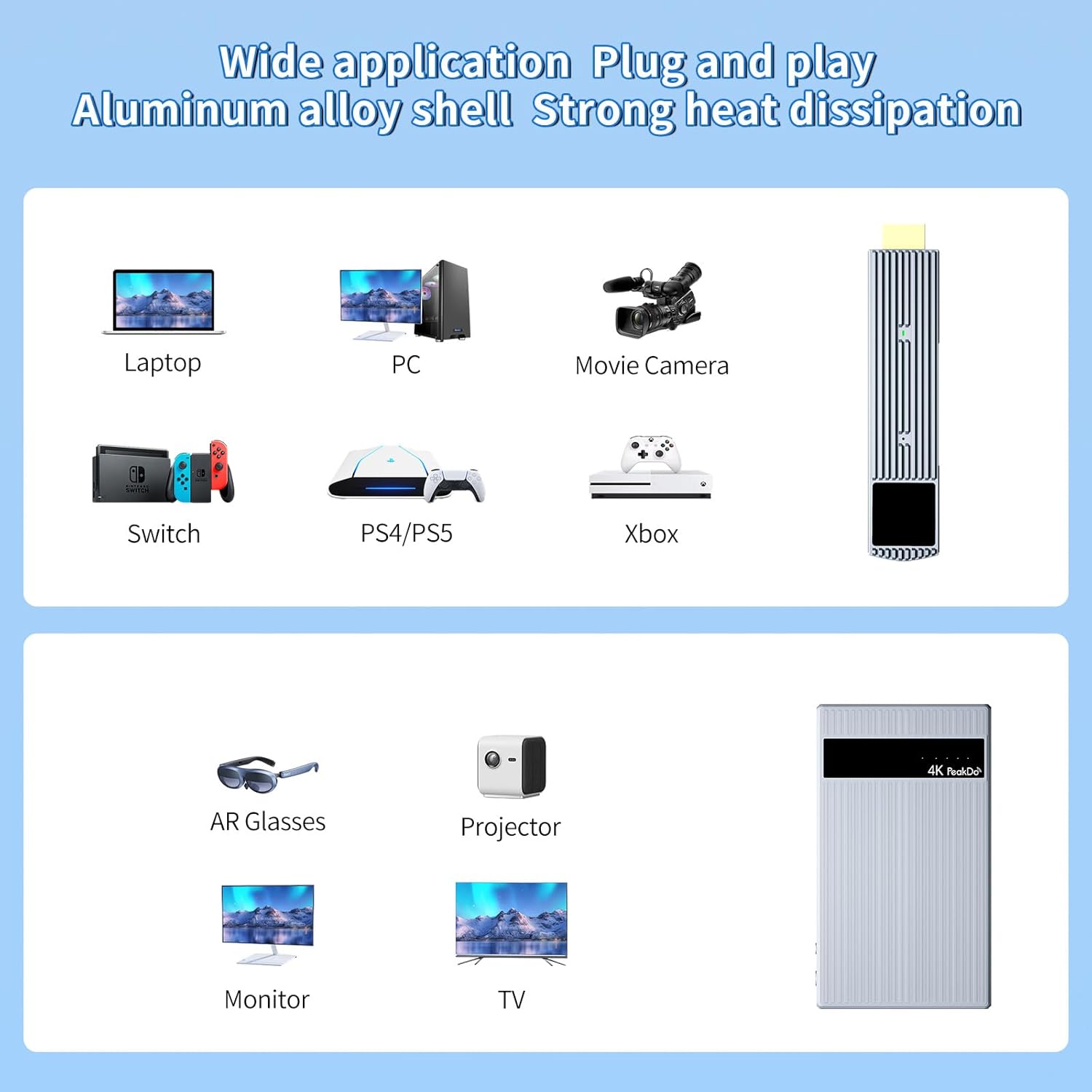
Image: A visual representation of compatible input devices (laptops, PCs, cameras, Switch, PS4/PS5, Xbox) and output devices (AR glasses, projectors, monitors, TVs).
The PeakDo Wireless HDMI system offers broad compatibility:
- Verici (TX) Uyumlu Cihazlar: PS5/4, Xbox, Switch, PC, Laptop, Camera, and any other device with an HDMI output.
- Receiver (RX) Compatible Devices: Monitors, TVs, Projectors (via HDMI), XREAL Air (formerly Nreal Air), Rokid Max/Air, RayNeo, VITURE One AR glasses, and portable monitors (via USB-C 3.1).
Not: When connecting the transmitter to a PC, ensure you plug the USB-C cable directly into the PC, not a USB hub, for optimal performance.
Kullanım Talimatları
Once connected, the PeakDo Wireless HDMI system operates automatically. Here are some usage scenarios and important notes:
Genel Operasyon
- Tak ve oyna: The system is designed for plug-and-play operation, requiring no Wi-Fi connection or software installation.
- Mirror and Extend Modes: Supports both mirror and extend display modes, allowing for flexible use with your connected devices.
- Otomatik Eşleştirme: TX and RX units automatically pair upon power-up if they are within range and unobstructed.
Using with AR Glasses and Portable Monitors
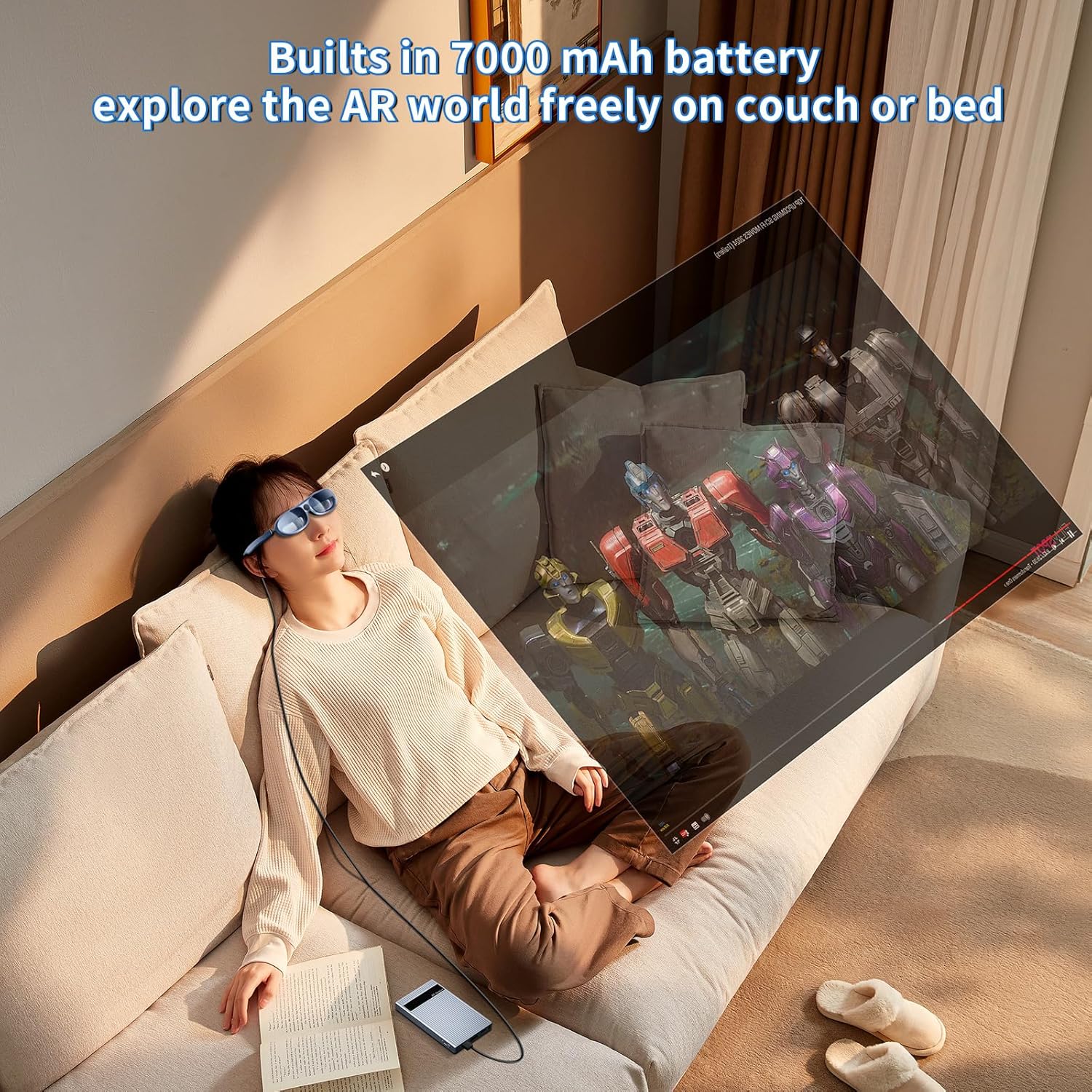
Image: A person wearing AR glasses and connected to the PeakDo Receiver, relaxing on a couch and viewing content wirelessly.

Image: A man comfortably seated in a chair, wearing AR glasses connected to the PeakDo Receiver, enjoying content wirelessly.
- The Receiver has a built-in 7000 mAh battery, capable of powering AR glasses and portable monitors under 10W for 3-5 hours.
- For portable monitors requiring over 10W, an external power supply is necessary.
Gaming and Large Screen Viewinmek
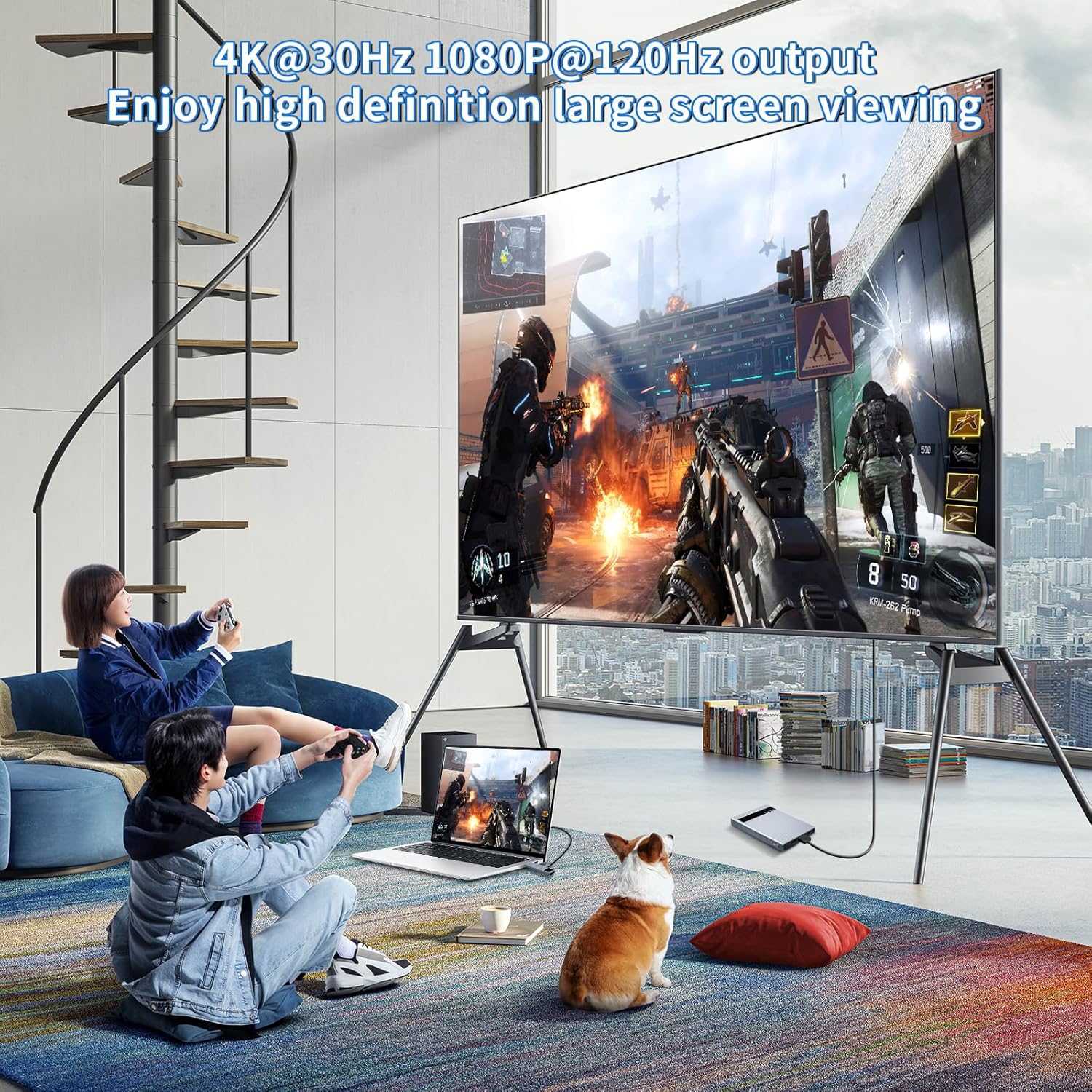
Image: Two individuals playing video games on a large television screen, with the PeakDo Wireless HDMI system connected to a laptop, demonstrating wireless display for gaming.
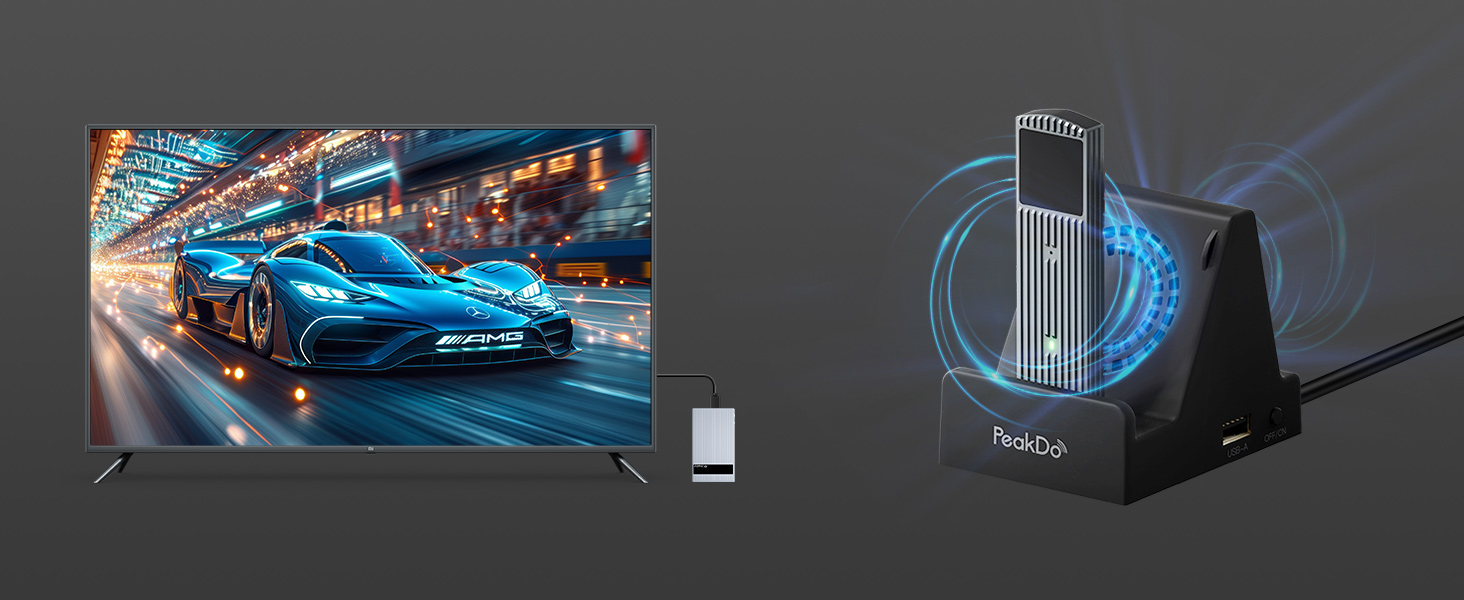
Image: A man playing a video game on a large television, with the PeakDo Wireless HDMI system connected to a gaming console, illustrating a wireless gaming setup.
- The 60GHz millimeter wave technology ensures ultra-low latency (<2.5ms), making it suitable for fast-paced gaming and live sports.
- Supports 4K@30Hz, 1080P@60Hz, and 1080P@120Hz output. Note: Only supports 1080P@60Hz when connected to PS4 or PS5.
transmisyon Menzili

Image: An illustration demonstrating the maximum transmission range of up to 100 feet within a single room without physical barriers between the transmitter and receiver.
- The wireless HDMI extender kit supports up to 100ft wireless transmission range.
- Önemli Not: The signal cannot pass through walls or significant obstructions. For optimal performance, ensure a clear line of sight between the Transmitter and Receiver in the same room.
Bakım
Proper maintenance ensures the longevity and optimal performance of your PeakDo Wireless HDMI system.
- Temizlik: Use a soft, dry cloth to clean the surfaces of the Transmitter and Receiver. Avoid using liquid cleaners or aerosols.
- Isı Dağılımı: Both units are made of durable aluminum alloy for efficient heat dissipation. It is normal for the product surface to become warm during operation.
- Soğutma: If you are concerned about the operating temperature during extended use, consider using a cooling dock (sold separately) for effective cooling.
- Depolamak: When not in use for extended periods, press the switch button on the Receiver for 3-5 seconds to turn off the power. Store the devices in a cool, dry place away from direct sunlight and extreme temperatures.
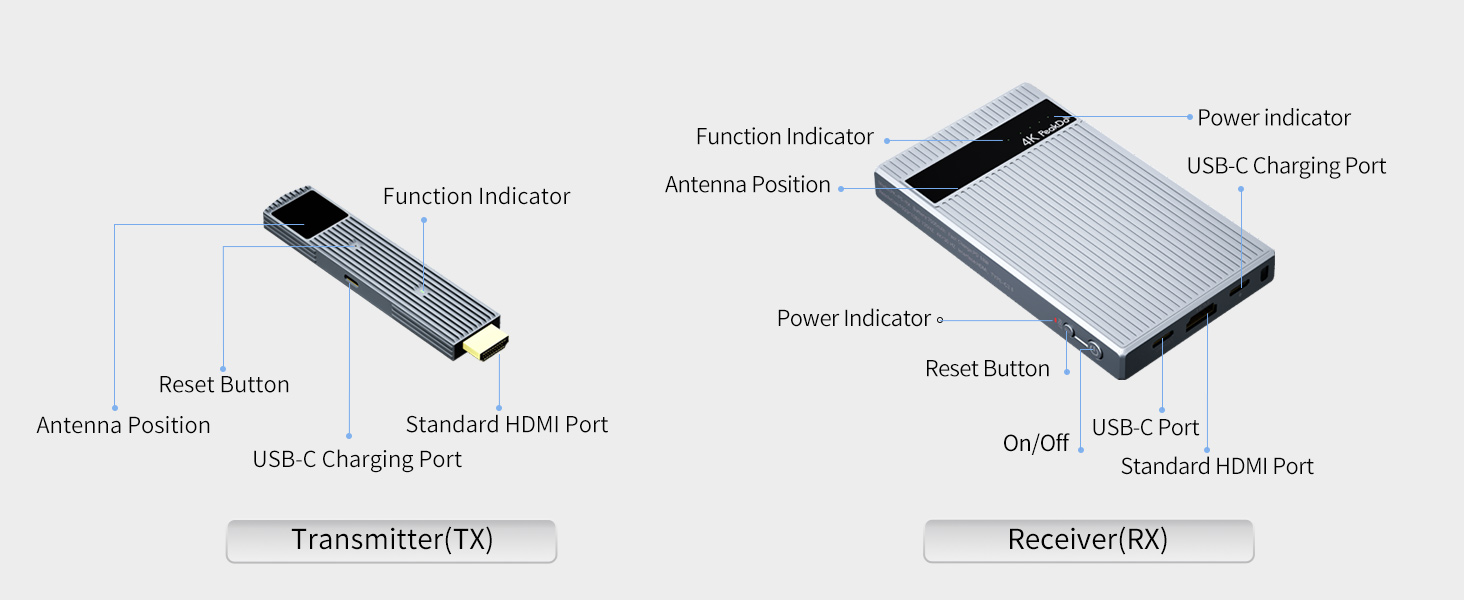
Image: The PeakDo Wireless HDMI Receiver connected to a display, alongside an optional cooling dock designed to enhance heat dissipation.
Sorun giderme
If you encounter issues with your PeakDo Wireless HDMI system, refer to the following common problems and solutions:
| Sorun | Olası Neden | Çözüm |
|---|---|---|
| No signal/No display |
|
|
| Intermittent signal/Flickering display |
|
|
| Receiver battery drains quickly |
|
|
| Product surface is hot |
|
|
Özellikler
| Özellik | Detay |
|---|---|
| Model Numarası | PK-P5-RX/TX |
| Marka | Doruk |
| Bağlantı Teknolojisi | Wireless (60GHz Millimeter Wave) |
| Desteklenen Çözünürlükler | 4K@30Hz, 1080P@60Hz, 1080P@120Hz (Note: PS4/PS5 supports 1080P@60Hz only) |
| Gecikme | Zero Latency (<2.5ms) |
| transmisyon Menzili | Up to 100ft (in one room without obstacles) |
| Alıcı Pil Kapasitesi | 7000 mAh (3-5 hours usage for devices under 10W) |
| Transmitter Power Requirement | At least 5V/2A via USB-C |
| Kabuk Malzemesi | Alüminyum Alaşımı |
| Ürün Boyutları | 5.2 x 3 x 0.7 inç |
| Ürün Ağırlığı | 1.3 pound |
| Ses Çıkışı Modu | Stereo, Surround (5.1) |
| Video Kodlama | H.264, H.265/HEVC, VP9, AV1, MPEG-4 |
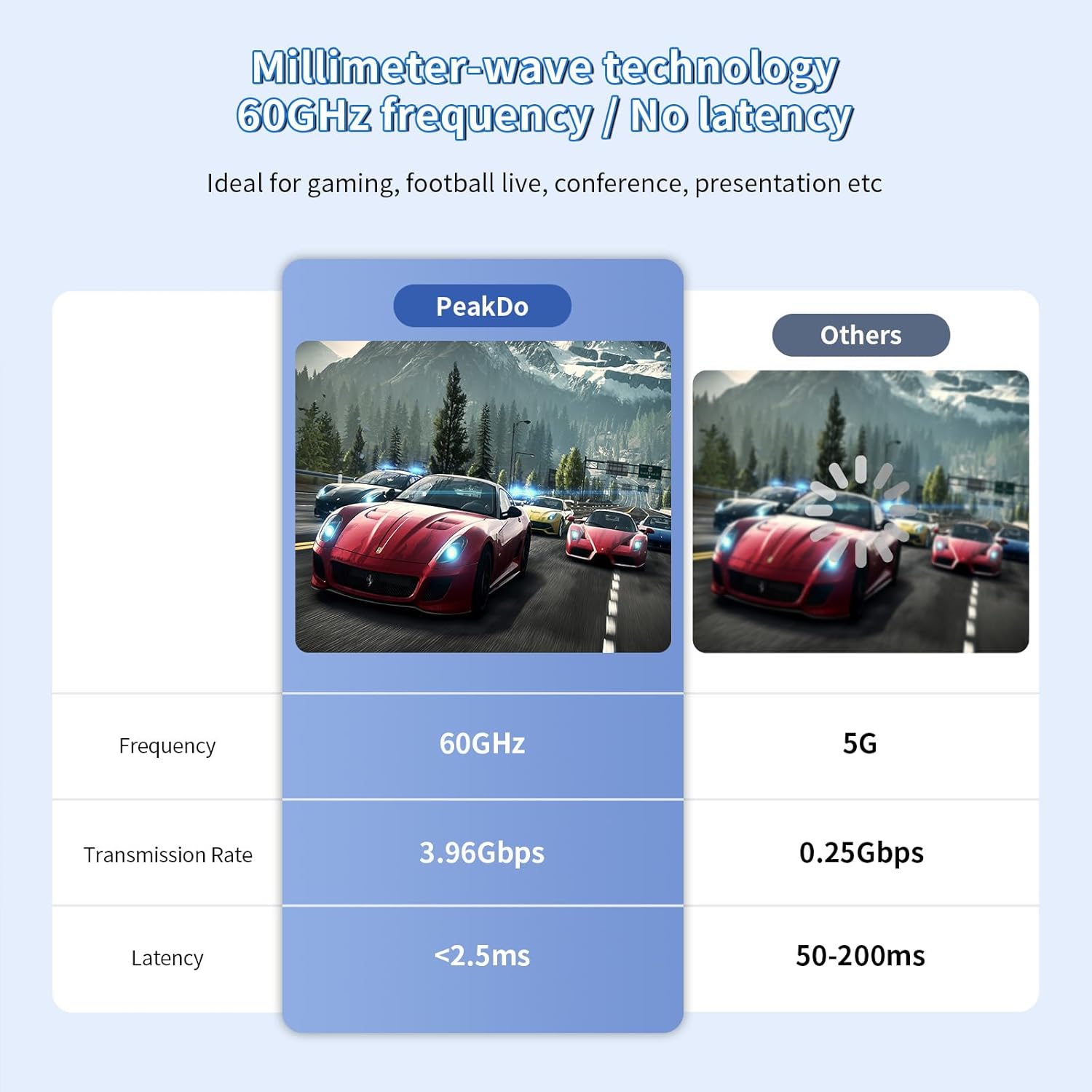
Image: A comparison chart highlighting PeakDo's 60GHz frequency, 3.96Gbps transmission rate, and <2.5ms latency against other technologies.
Garanti ve Destek
Garanti bilgileri ve teknik destek için lütfen aşağıdakilere bakın:
- Garanti: Specific warranty details are typically provided with your purchase documentation. Please retain your proof of purchase for warranty claims.
- Müşteri Desteği: For technical assistance, troubleshooting beyond this manual, or warranty inquiries, please contact PeakDo customer support through their official webÜrünü satın aldığınız site veya perakendeci.
- Çevrimiçi Kaynaklar: Visit the official PeakDo store on Amazon for additional product information and updates: PeakDo Amazon Store.


