1. Giriş
The EZAIoT EZ-TP3W WiFi Thermostat Plug is an intelligent temperature control device designed for precise climate management in various environments. It supports both heating and cooling applications, offering versatile control options through a dedicated mobile application, voice commands, or direct device interaction. This manual provides comprehensive instructions for the safe and efficient use of your EZ-TP3W thermostat plug.

Figure 1: EZAIoT EZ-TP3W Thermostat Plug with its mobile application interface and included temperature sensor.
2. Güvenlik Bilgileri
Please read all safety instructions carefully before using the EZAIoT EZ-TP3W WiFi Thermostat Plug. Failure to follow these instructions may result in electric shock, fire, or other hazards.
- Gücü Kesin: Always disconnect the device from the power supply before performing any maintenance, cleaning, or repair.
- Nemden Kaçının: Do not expose the device to moisture or use it in wet environments. This includes direct water contact or high humidity.
- Hasarı Kontrol Edin: Do not use the device if it is damaged, shows signs of electrical problems, or if the power cord or plug is frayed.
- Profesyonel Onarım: All repairs must be performed by qualified service personnel. Do not attempt to disassemble or repair the device yourself.
- Uygun Cilttage: Cihazın belirtilen hacim dahilinde bir güç kaynağına bağlı olduğundan emin olun.tage range (AC 100-240V; 50-60 Hz).
- Maksimum Yük: Do not exceed the maximum load capacity of 16A / 3680W to prevent overheating and potential fire hazards.
- Çocuk Güvenliği: Keep the device out of reach of children. Utilize the child lock function available through the app for added safety.
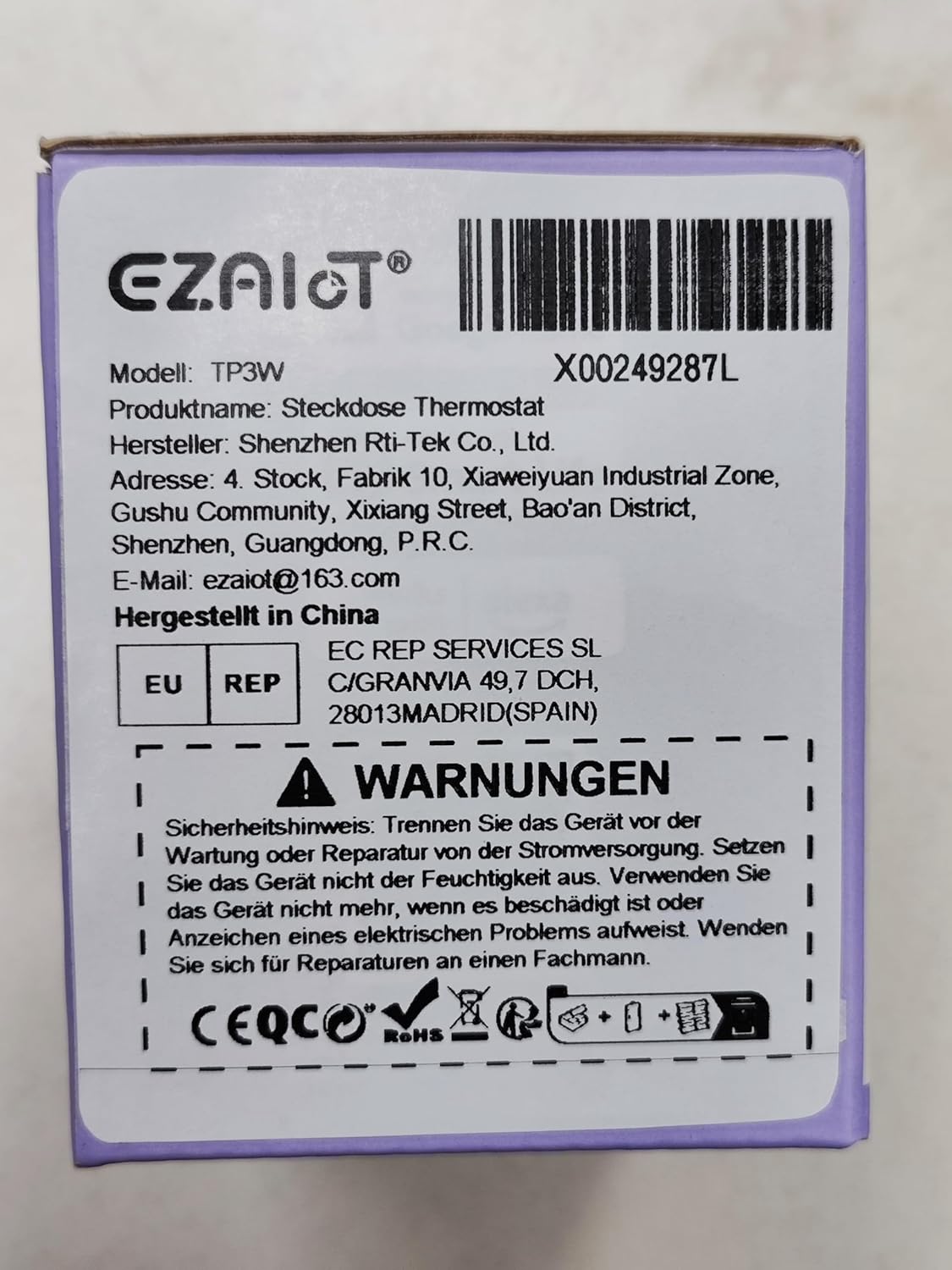
Figure 2: Product packaging displaying important safety warnings and manufacturer information.
3. Ürün Bittiview
3.1 Paket İçeriği
Paketin tüm bileşenlerinin mevcut olduğunu doğrulayın:
- 1 x EZAIoT EZ-TP3W Thermostat Plug
- 1 x 3-meter Temperature Sensor (waterproof)
- 1 x 5-cm Temperature Sensor (waterproof)
3.2 Temel Özellikler
- Tak ve Çalıştır Tasarımı: Karmaşık kablolama gerektirmeyen kolay kurulum.
- Çok Yönlü Çalışma Modları: Supports heating, cooling, weekly scheduling, cycle timer, and countdown timer.
- Geniş Sıcaklık Aralığı: Measures from -9.5°C to 99.5°C (device display) and -30°C to 110°C (app display).
- Waterproof Sensors: Includes 3m and 5cm sensors for diverse applications.
- Akıllı Kontrol: Remote control via TUYA Smart Life app, voice control with smart speakers (Google Assistant, Amazon Alexa).
- Manuel kontrol: Interactive buttons on the device for offline operation.
- Güvenlik Fonksiyonları: Child lock, temperature alarm, sensor error alarm, and anti-freeze function.
- Sağlam Yapı: Made from flame-retardant PC material.

Şekil 3: Üzeriview of EZAIoT EZ-TP3W features, highlighting precision and safety.
3.3 Ürün Özellikleri
| Şartname | Değer |
|---|---|
| Model Adı | EZ-TP3W |
| Bağlayıcı Türü | DİN VDE 0620-1 |
| Maksimum Yük | 16A |
| Maksimum Güç | 3680 B |
| Güç Kaynağı | AC 100-240V; 50-60Hz |
| Device Display Temp. Range | -9.5 °C ila 99.5 °C |
| App Display Temp. Range | -30 °C ila 110 °C |
| Ürün Boyutları | 7.8 x 5.4 x 7.65 cm; 190 g |
| Denetleyici Türü | iOS (and Android via Smart Life app) |
| Özel Özellikler | Audible Alert, Fan Control, Temperature Indicator, Removable Interface, Programmable |

Figure 4: The EZAIoT EZ-TP3W featuring its LED display and key functionalities.
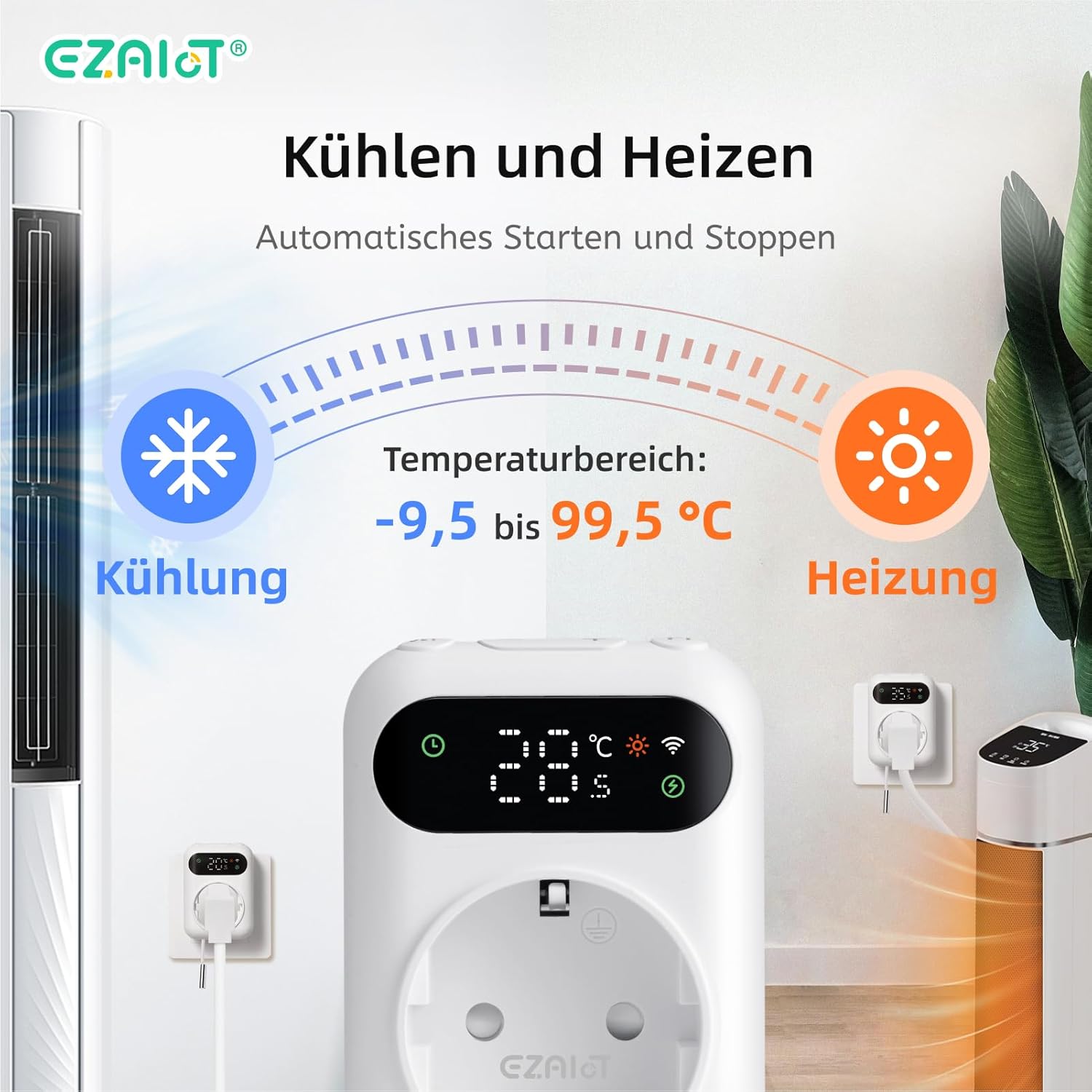
Figure 5: Visual representation of the heating and cooling capabilities of the thermostat plug, showing its operational temperature range.
4. Kurulum
The EZAIoT EZ-TP3W is designed for easy plug-and-play installation.
4.1 Fiziksel Kurulum
- Sensörü Bağlayın: Insert one of the provided temperature sensors into the designated port on the bottom of the thermostat plug.
- Pozisyon Sensörü: Place the sensor in the area where you wish to monitor and control the temperature. Ensure it is not directly exposed to heat sources or drafts that could skew readings.
- Tak-Çalıştır Aygıtı: Plug the EZAIoT EZ-TP3W thermostat into a standard electrical outlet.
- Cihazı Bağlayın: Plug your heating or cooling appliance (e.g., heater, fan, incubator) into the socket on the front of the thermostat plug.
Figure 6: The thermostat plug, highlighting its plug-and-play design and the QR code for accessing the online manual.
For detailed setup instructions and app pairing, scan the QR code above or visit the official online manual: EZAIoT EZ-TP3W Online Manual
Şekil 7: Ayrıntılı view of the thermostat plug, showing its dimensions and the interchangeable temperature sensors.
4.2 App Pairing (TUYA Smart Life)
- İndir uygulaması: Download the "TUYA Smart Life" app from your smartphone's app store (iOS or Android).
- Kayıt Ol/Giriş Yap: Uygulamayı açın ve yeni bir hesap kaydedin veya mevcut hesabınızla giriş yapın.
- Cihaz Ekle: Yeni bir cihaz eklemek için uygulamanın sağ üst köşesindeki "+" simgesine dokunun.
- Cihaz Türünü Seçin: Choose "Electrical" -> "Socket (Wi-Fi)" or search for "Thermostat Plug".
- Wi-Fi Ayrıntılarını Girin: Follow the on-screen instructions to connect the device to your 2.4GHz Wi-Fi network. Ensure your phone is connected to the same Wi-Fi network.
- Eşleştirmeyi Onayla: The device's Wi-Fi indicator will flash during pairing and become solid once connected.
5. Kullanım Talimatları
5.1 Çalışma Modları
The EZ-TP3W offers several operating modes to suit various temperature control needs:
- Isıtma Modu: Maintains a minimum temperature by activating the connected appliance when the temperature drops below the set point.
- Soğutma Modu: Maintains a maximum temperature by activating the connected appliance when the temperature rises above the set point.
- Haftalık Program: Allows you to program different temperature settings for specific times and days of the week.
- Döngü Zamanlayıcısı: Configures the device to turn on and off in repeating cycles.
- Geri sayım saati: Sets a specific duration for the device to operate before turning off.
5.2 App Control (TUYA Smart Life)
The TUYA Smart Life app provides comprehensive control and monitoring capabilities:
- Uzaktan İzleme: View current temperature, set temperature, and device status from anywhere.
- Mod Seçimi: Easily switch between heating, cooling, and other programmed modes.
- Program Yönetimi: Create, edit, and activate weekly schedules and timers.
- Sıcaklık Alarmları: Set high and low-temperature alerts to receive notifications on your smartphone.
- Çocuk Kilidi: Activate the child lock function to prevent accidental changes to settings on the device.
- Ses Kontrolü: Integrate with smart speakers like Google Assistant or Amazon Alexa for hands-free control.
- Example: "OK Google, set the EZ-TP3W to auto."
- Example: "Alexa, what's the temperature of EZ-TP3?"

Figure 8: Demonstrates remote control via the app and voice commands, alongside local manual control.
5.3 Manuel Kontrol
The device features interactive buttons for direct control, even without an internet connection:
- Güç Düğmesi: Cihazı açar veya kapatır.
- Mod Düğmesi: Mevcut çalışma modları arasında geçiş yapar.
- Yukarı/Aşağı Düğmeleri: Adjusts temperature set points or timer values.
- Confirmation Button: Seçimleri onaylar veya ayarlar menüsüne girer.
6. Uygulamalar
The EZAIoT EZ-TP3W is suitable for a wide range of temperature control applications:
- Home Heating/Cooling: Optimize room temperature.
- Seralar: Maintain ideal growing conditions for plants.
- Akvaryumlar: Regulate water temperature for aquatic life.
- Reptile Enclosures: Ensure stable temperatures for reptiles.
- Kuluçka makineleri: Precise temperature control for hatching eggs.
- Home Brewing/Fermentation: Maintain specific temperatures for brewing processes.
- Şarap Mahzenleri: Control temperature for optimal wine storage.
- Other Appliances: Can be used with attic fans, evaporative coolers, window air conditioners, etc.
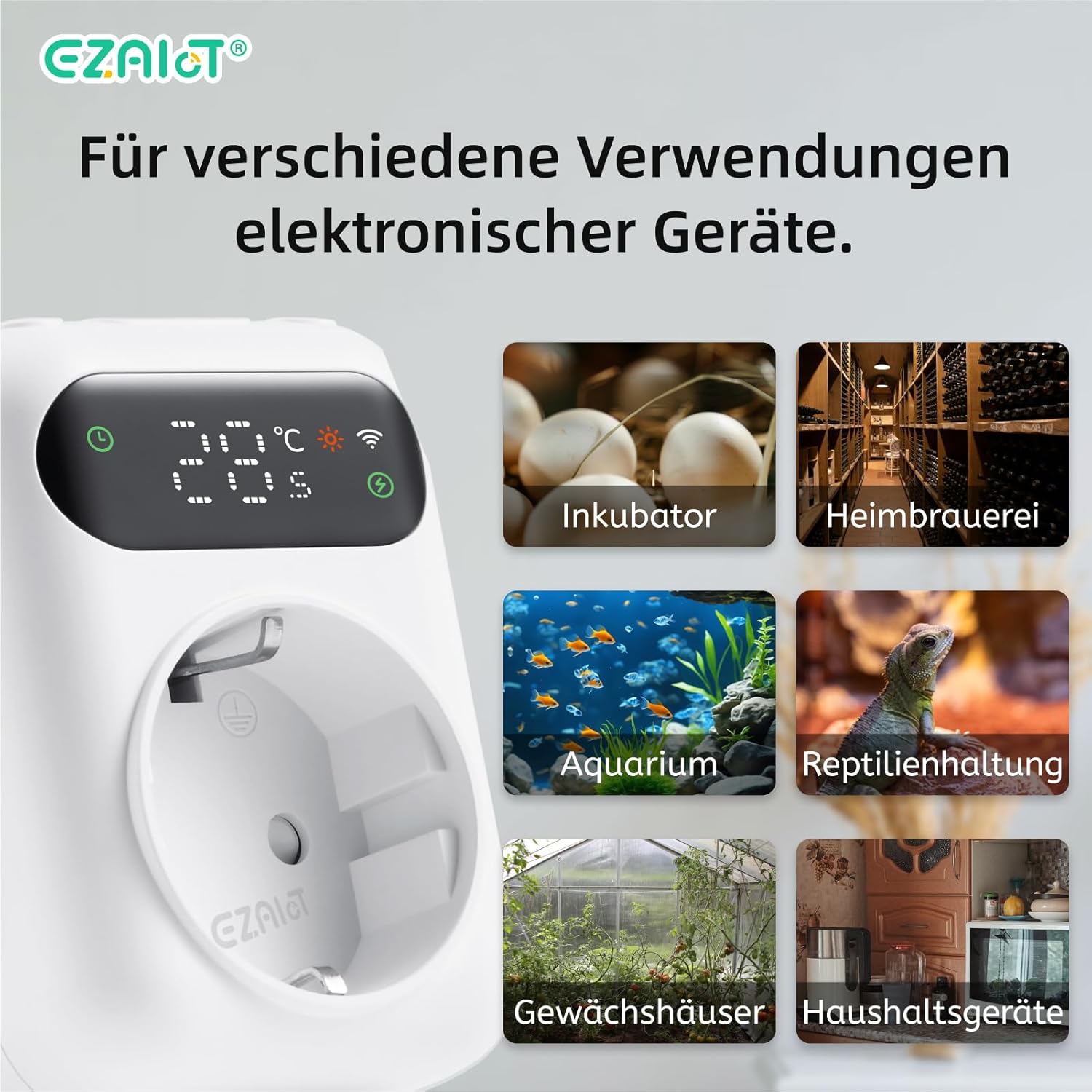
Şekil 9: Ör.amples of diverse applications for the EZAIoT EZ-TP3W thermostat plug.
7. Bakım
Regular maintenance ensures optimal performance and longevity of your device.
- Temizlik: Disconnect the device from power before cleaning. Wipe the exterior with a soft, dry cloth. Do not use abrasive cleaners or solvents.
- Sensör Bakımı: Ensure the temperature sensors are clean and free from debris. Avoid bending or damaging the sensor cables.
- Donanım Yazılımı Güncellemeleri: Periodically check the TUYA Smart Life app for any available firmware updates for the device to ensure you have the latest features and bug fixes.
8. Sorun Giderme
If you encounter issues with your EZAIoT EZ-TP3W, refer to the following common problems and solutions:
| Sorun | Olası Neden | Çözüm |
|---|---|---|
| Cihaz açılmıyor. | No power from outlet; device damaged. | Check the power outlet with another appliance. Ensure the device is not damaged. |
| Wi-Fi'ye bağlanılamıyor. | Incorrect Wi-Fi password; 5GHz network; device too far from router. | Ensure correct 2.4GHz Wi-Fi password. Move device closer to router. Reset device and try pairing again. |
| Sıcaklık ölçümü yanlış. | Sensor improperly placed; sensor damaged; sensor error alarm. | Reposition the sensor away from direct heat/cold sources. Check sensor connection. Replace sensor if damaged. |
| Cihaz açılıp kapanmıyor. | Incorrect mode/settings; appliance not working; exceeding max load. | Verify operating mode and set points in the app. Test the appliance directly. Ensure total load is below 3680W. |
| Cihazın ekranı kapalı. | Display timeout setting. | The display may turn off after a set period (e.g., 120 seconds) to save power. This setting can usually be adjusted in the app, though a permanent "always on" option might not be available. |
9. Garanti ve Destek
EZAIoT products are designed for reliability and performance. For warranty information, please refer to the documentation provided with your purchase or contact your retailer.
For technical support or inquiries, you may contact the manufacturer directly:
- Üretici: Shenzhen Rti-Tek Co., Ltd.
- E-posta: ezaiot@163.com
- Online Manual & Support: https://manual.rti-tek.org/en/TP3
Please have your model number (EZ-TP3W) and purchase details ready when contacting support.


