1. Giriş
Thank you for choosing the SENECESLI Projector Model SENECESLIwqfr48o2dx. This portable movie projector is designed to deliver a high-clear visual experience with 8K decoding support, dual-band WiFi, Bluetooth 5.0, and AI voice control, all powered by Android 9.0 OS. This manual provides essential information for setting up, operating, and maintaining your projector to ensure optimal performance.
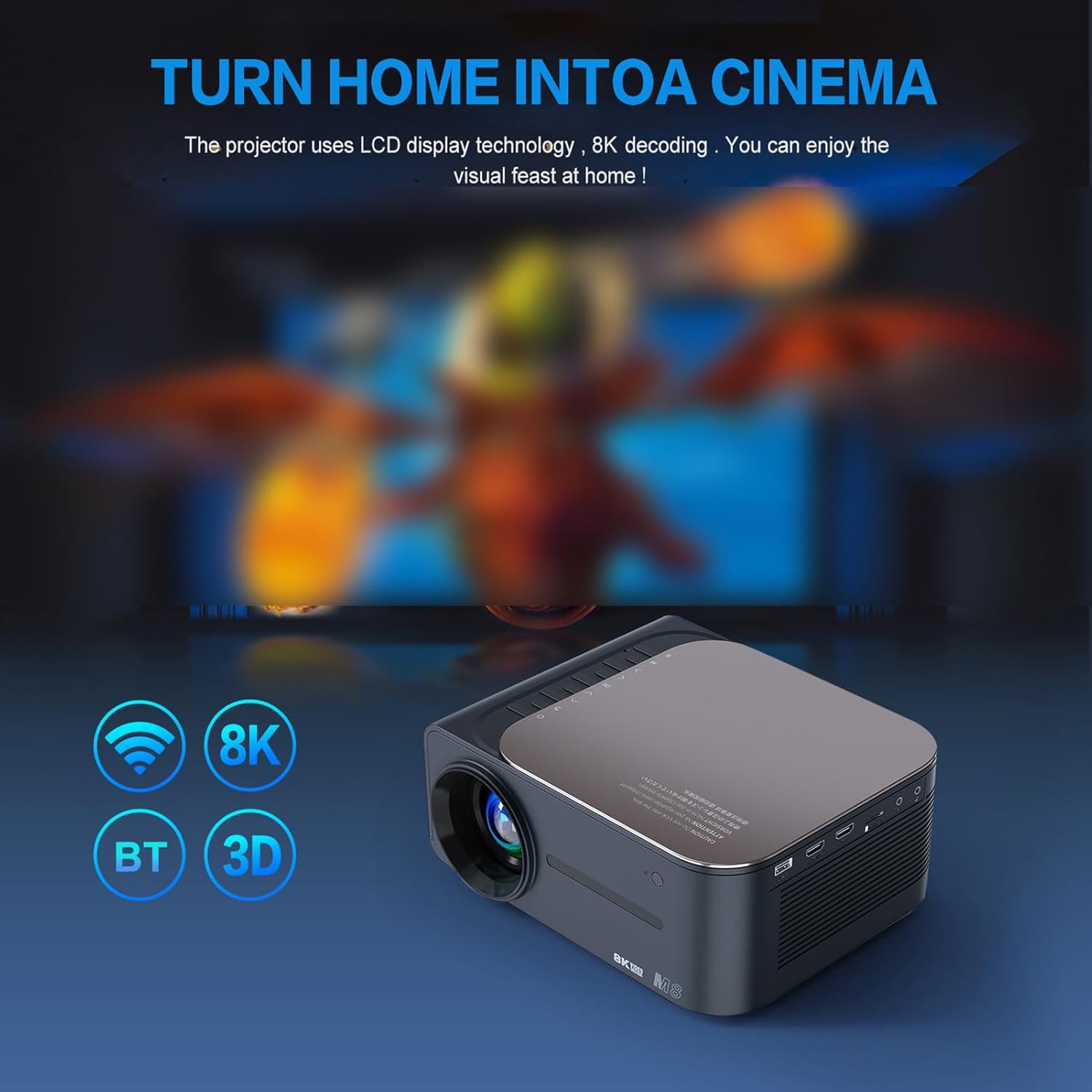
Image 1.1: Visual comparison highlighting the clarity of 8K resolution.
2. Güvenlik Bilgileri
Projeksiyon cihazını kullanmadan önce lütfen tüm güvenlik talimatlarını dikkatlice okuyun. Bu kılavuzu ileride başvurmak üzere saklayın.
- Güç Kaynağı: Use only the provided power cord and adapter. Ensure the voltage yerel elektrik kaynağınıza uygundur.
- Havalandırma: Havalandırma açıklıklarını kapatmayın. Aşırı ısınmayı önlemek için projektörün etrafında yeterli hava akışı sağlayacak boşluk bırakın.
- Atama: Projeksiyon cihazını sabit ve düz bir yüzeye yerleştirin. Doğrudan güneş ışığına, ısı kaynaklarının yakınına veya yüksek nemli ya da tozlu ortamlara koymaktan kaçının.
- Temizlik: Temizlemeden önce elektriği kesin. Yumuşak, kuru bir bez kullanın. Sıvı veya aerosol temizleyiciler kullanmayın.
- Su ve Nem: Projeksiyon cihazını yağmura, neme maruz bırakmayın veya suya batırmayın.
- Servis: Bu ürüne kendiniz servis vermeye çalışmayın. Tüm servis işlemleri için kalifiye servis personeline başvurun.
- Göz Güvenliği: Projektör lensine doğrudan bakmayın.amp Parlak ışık gözlere zarar verebileceğinden, ışık açık bırakılmalıdır.
3. Paket İçeriği
Paketin içinde tüm öğelerin mevcut olduğundan emin olun:
- 1x SENECESLI Projector
- 1 adet HD Kablo
- 1x Power Cord (US Plug)
- 1x Bluetooth Remote Control
- 1x Kullanım Kılavuzu (bu belge)
4. Ürün Bittiview
Familiarize yourself with the main components of your SENECESLI Projector and its remote control.
4.1 Projector Unit

Resim 4.1: Ön view of the SENECESLI Projector.
The projector features a compact design with a prominent lens at the front, ventilation grilles on the sides, and various input/output ports on the rear (e.g., HDMI, USB, power input).
4.2 Uzaktan Kumanda
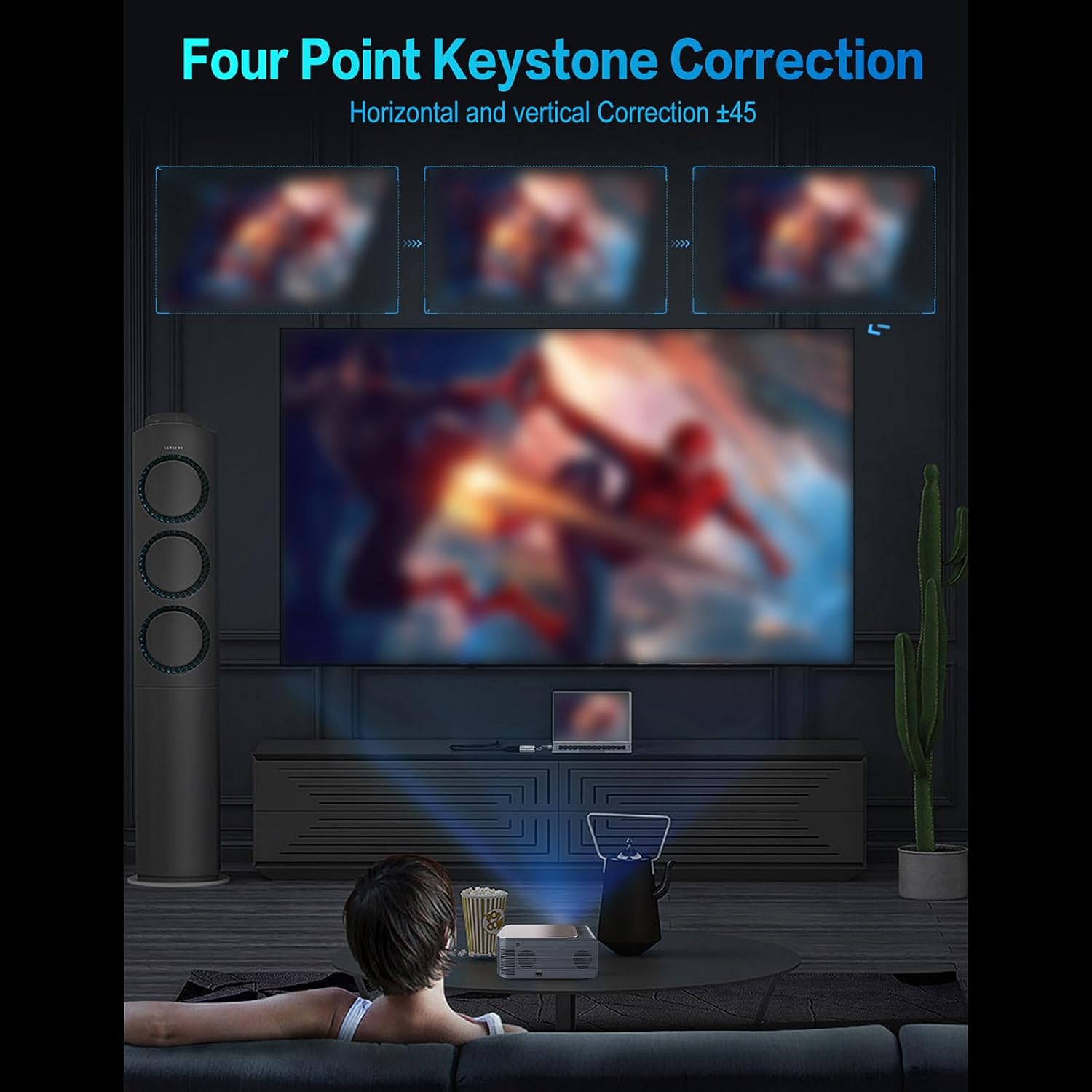
Image 4.2: SENECESLI Projector Remote Control.
The remote control allows for easy navigation and control of the projector's functions. Key buttons include:
- Güç Düğmesi: Projektörü açar veya kapatır.
- Navigation Pad (OK button in center): Menüde gezinme ve seçim için.
- Geri Düğmesi: Önceki ekrana döner.
- Ana menü tuşu: Ana ekrana döner.
- Sesi Aç/Kapat: Ses seviyesini ayarlar.
- Sessiz tuşu: Sesi kapatır veya açar.
- Ayarlar Düğmesi: Projeksiyon cihazı ayarlarını kontrol eder.
- AI Voice Control Button: Sesli komutları etkinleştirir.
- Kaynak/Giriş Düğmesi: Giriş kaynaklarını seçer.
5. Kurulum
5.1 İlk Yerleştirme
Place the projector on a stable surface at the desired distance from your projection screen or wall. Ensure there are no obstructions in the projection path.
5.2 Güç Bağlantısı
- Güç kablosunu projektörün güç giriş portuna bağlayın.
- Güç kablosunun diğer ucunu uygun bir elektrik prizine takın.
- Projektörü açmak için projektör üzerindeki veya uzaktan kumandadaki güç düğmesine basın.
5.3 Odak ve Trapez Düzeltme
After powering on, adjust the focus ring on the projector lens until the image is clear. If the image appears trapezoidal, use the keystone correction feature to adjust it to a rectangular shape.

Image 5.1: Four-Point Keystone Correction for image alignment.
The projector supports four-point keystone correction, allowing for precise horizontal and vertical adjustments up to ±45 degrees. Access this setting via the projector's menu.
5.4 Uzaktan Kumanda Pilinin Takılması
Open the battery compartment on the back of the remote control and insert two AAA batteries (not included), ensuring correct polarity. Close the compartment.
Video 5.1: A short demonstration of the projector in operation, displaying an image on a screen.
6. Kullanım Talimatları
This section details how to use the various features of your projector.
6.1 Android 9.0 İşletim Sisteminde Gezinme
The projector runs on Android 9.0, providing access to a user-friendly interface and the Google Play Store for applications.

Image 6.1: Android 9.0 Operating System Interface.
Use the remote control's navigation pad to browse menus and select applications. The Home button will always return you to the main Android interface.
6.2 WiFi'ye bağlanma
The projector supports 2.4G and 5G dual-band WiFi for stable and fast internet connectivity.
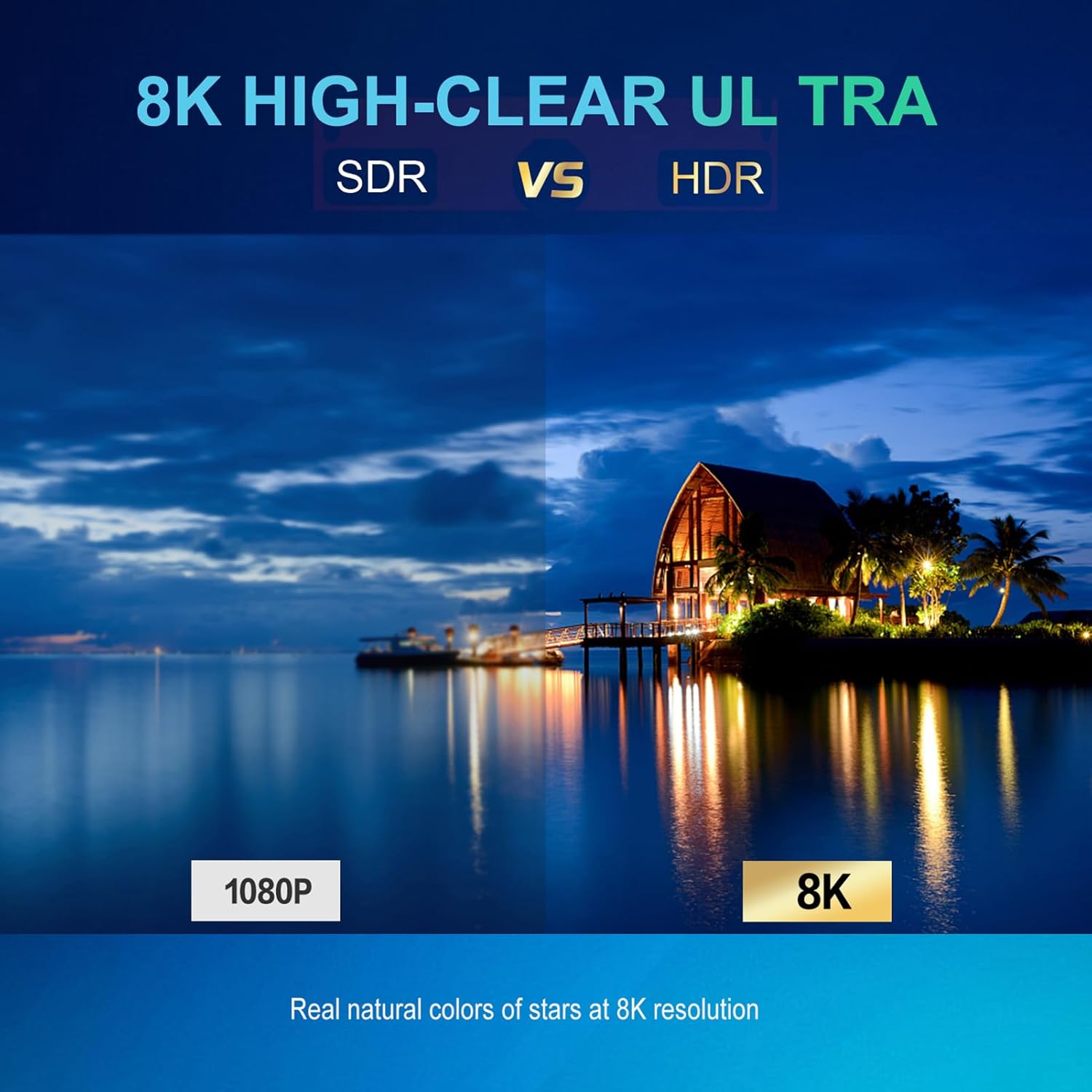
Image 6.2: Dual-band 2.4G+5G WiFi connectivity.
- Git Ayarlar > Ağ ve İnternet.
- Aç Wifi.
- Listeden istediğiniz ağı seçin ve istendiğinde şifreyi girin.
6.3 Bluetooth Bağlantısı
The projector features built-in Bluetooth 5.0 for connecting external audio devices like speakers or headphones.

Image 6.3: Bluetooth 5.0 connectivity with external audio devices.
- Git Ayarlar > Bağlı Cihazlar > Yeni cihazı eşleştir.
- Bluetooth cihazınızın eşleştirme modunda olduğundan emin olun.
- Bağlanmak istediğiniz cihazı listeden seçin.
6.4 Ekran Yansıtma
After connecting to WiFi, you can mirror content from your smartphone or computer to the projector. The specific steps may vary depending on your device (e.g., Miracast for Android, AirPlay for iOS).
6.5 Yapay Zeka Ses Kontrolü
Utilize the AI voice control feature for hands-free operation. Press the dedicated voice control button on your remote and speak your commands clearly.
7. Bakım
Doğru bakım, projektörünüzün uzun ömürlü olmasını ve en iyi performansı göstermesini sağlar.
- Lens Temizliği: Use a soft, lint-free cloth specifically designed for optical lenses to gently wipe the projector lens. Do not use abrasive materials or harsh chemicals.
- Havalandırma Portları: Regularly check and clean the ventilation ports to prevent dust buildup, which can lead to overheating. Use a soft brush or compressed air.
- Depolamak: Projeksiyon cihazını uzun süre kullanılmadığı zamanlarda, tozdan ve aşırı sıcaklıklardan koruyarak serin ve kuru bir yerde saklayın.
8. Sorun Giderme
Projeksiyon cihazınızla ilgili sorunlarla karşılaşırsanız, aşağıdaki yaygın sorunlar ve çözümlerine göz atın:
| Sorun | Olası Neden | Çözüm |
|---|---|---|
| Güç Yok | Güç kablosu bağlı değil; Elektrik prizi arızalı; Projektör kapalı. | Ensure power cord is securely connected. Test power outlet. Press power button. |
| Resim yok | Input source not selected; Cable connection loose; Lens cap on. | Select correct input source. Check HDMI/USB cable connections. Remove lens cap. |
| Bulanık Görüntü | Odak ayarı yapılmadı; trapezoid düzeltmesi yapılmadı. | Adjust the focus ring. Use keystone correction in settings. |
| Ses Yok | Volume muted/low; External audio device not connected/paired. | Increase volume. Check mute status. Ensure Bluetooth device is paired or external speakers are connected. |
| WiFi Bağlantı Sorunları | Incorrect password; Out of range; Router issues. | Verify WiFi password. Move projector closer to router. Restart router. |
9. Özellikler
Detailed technical specifications for the SENECESLI Projector Model SENECESLIwqfr48o2dx:
- Marka: SENECESLI
- Model Numarası: SENECESLIwqfr48o2dx
- İşlemci: Amlogic T972 quad-core Cortex-A55 processor @ 1.9 GHz
- Ekran Kartı: Arm Mali-G31MP2 GPU
- Hafıza: 2GB RAM + 16GB eMMC flash (Samsumg EMMC)
- Lamp: 400 ANSI lümen
- Kontrast Oranı: 1000:1
- Bağlantı: 2.4G/5G 2T2R WiFi, Bluetooth 5.0, Ethernet
- İşletim Sistemi: Android 9.0 İşletim Sistemi
- Video Engine: Amlogic Video Engine (AVE-10) with dedicated hardware decoders up to 4Kx2K@75fps
- Ekran Boyutu: 30 inç ila 150 inç
- Yerel Ekran Çözünürlüğü: 1920x1080 (Tam HD)
- Supported Decode Resolution: Up to 4K UHD (3840×2160), 8K high-clear decoding
- LED Ömrü: 30,000 saat
- Ürün Ağırlığı: 6.16 pound
- Ürün Ölçüleri: 12.99 x 9.84 x 5.51 inç
- Özel Özellikler: Adjustable (Keystone Correction)
- Önerilen Kullanımlar: İç/Dış Mekan
10. Garanti ve Destek
For warranty information and customer support, please refer to the documentation provided at the time of purchase or visit the official SENECESLI website. If you require technical assistance or have questions not covered in this manual, please contact SENECESLI customer service.