Introduction to Your iPhone 16
Welcome to your new iPhone 16. This manual is designed to help you understand and effectively use your device, whether you are a new iPhone user or looking to master advanced features. Follow these instructions to get the most out of your iPhone 16.
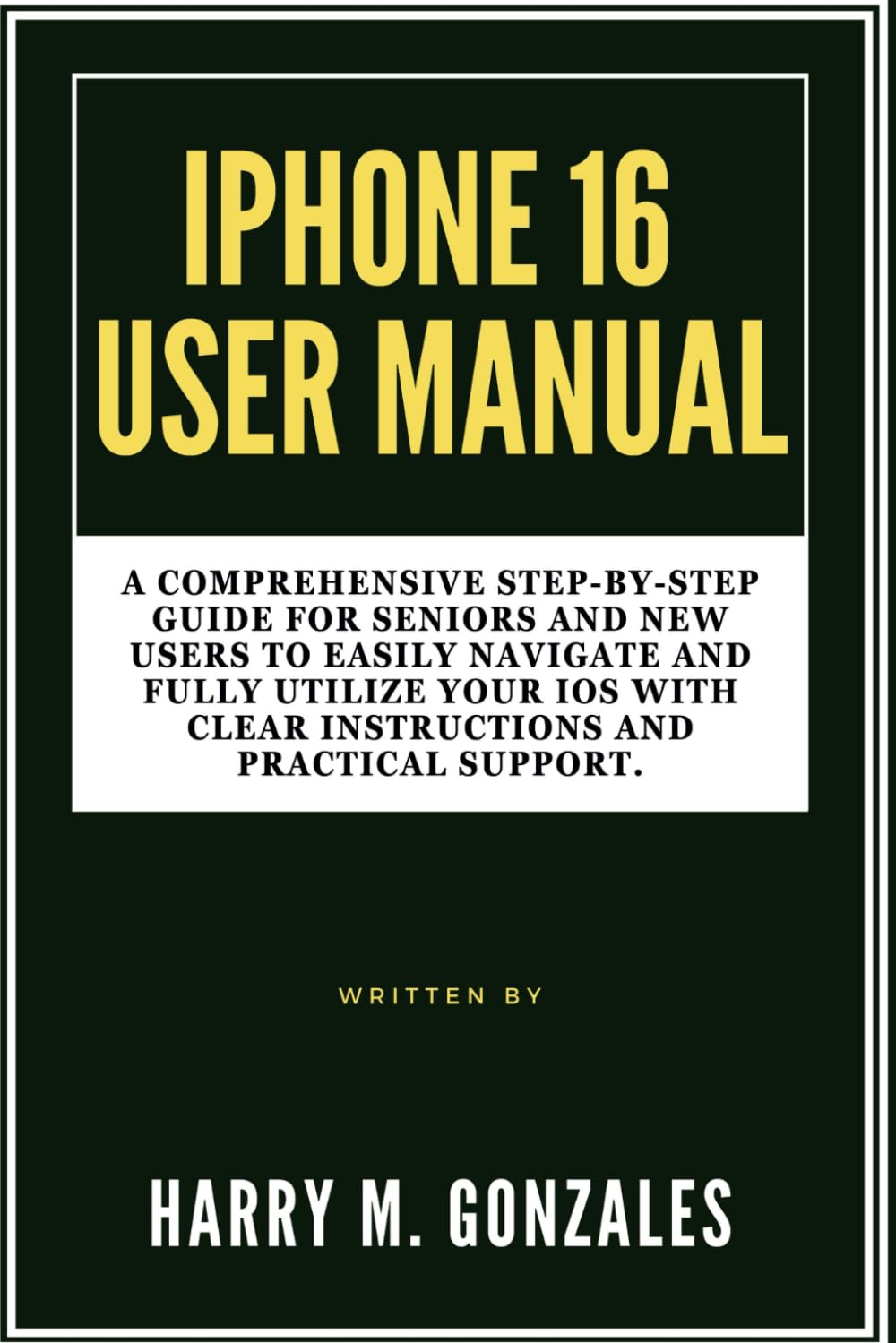
Image: Front cover of the iPhone 16 User Manual, providing a visual reference for the guide.
Setup: Getting Started with Your iPhone 16
Setting up your iPhone 16 is a straightforward process. This section guides you through the initial steps to activate and personalize your device.
- Güç Açık: Apple logosu görünene kadar yan düğmeye basılı tutun.
- Başlangıç konfigürasyonu: Dilinizi, bölgenizi seçmek ve bir Wi-Fi ağına bağlanmak için ekrandaki talimatları izleyin.
- Veri Transferi: Choose to restore from an iCloud or computer backup, or set up as a new iPhone.
- Apple Kimliği: Apple Kimliğinizle oturum açın veya yeni bir tane oluşturun. Bu, App Store, iCloud ve diğer Apple hizmetlerine erişim için gereklidir.
- Yüz Tanıma/Dokunmatik Tanıma ve Parola: Set up Face ID (facial recognition) or Touch ID (fingerprint sensor) and create a strong passcode for security.
- Siri & Analytics: Configure Siri and decide whether to share analytics data with Apple.
- Yazılım Güncellemeleri: En iyi performans ve güvenlik için iPhone'unuzun en son iOS sürümünü kullandığından emin olun.
iPhone 16'nızı Kullanma
This section covers the essential functions and features of your iPhone 16, helping you navigate its interface and utilize its capabilities.
Customization and Organization
Personalize your iPhone 16 to suit your preferences and organize your apps for easy access.
- Duvar Kağıdını Değiştir: Git Settings > Wallpaper to choose a new background for your Lock Screen and Home Screen.
- Uygulamaları Düzenle: Tap and hold an app icon until it jiggles, then drag it to rearrange, create folders, or delete.
- widget'lar: Ana Ekranınıza veya Bugün'e widget'lar ekleyin. View for quick information at a glance.
Aramalar ve Mesajlar
Learn how to communicate effectively using your iPhone 16.
- Arama Yapma: Açın Telefon uygulama, dokunun Tuş takımı, enter the number, and tap the green call button.
- Mesaj Gönderme: Açın Mesajlar app, tap the new message icon, enter a contact or number, and type your message.
- FaceTime: Use FaceTime for video or audio calls with other Apple device users.
Kamera Fonksiyonları
Capture stunning photos and videos with your iPhone 16 camera.
- Fotoğraf çekmek: Açın Kamera app, select Photo mode, and tap the shutter button.
- Videoları Kaydetme: Switch to Video mode in the Kamera app and tap the record button.
- Düzenleme: Use the built-in Photos app to crop, adjust colors, and apply filters to your media.
Internet and Apps
Connect to the internet and explore the vast world of applications.
- Wi-Fi Bağlantısı: Git Ayarlar > Wi-Fi ve ağınızı seçin.
- Gözatma: Kullanın Safari app to browse the web güvenli bir şekilde.
- Uygulama Mağazası: Yeni uygulamaları buradan indirin. Uygulama Mağazası to enhance your iPhone's functionality.
Contacts and Calendar Management
Keep your contacts organized and manage your schedule efficiently.
- Kişileri Ekle: Açın İletişim app, tap the '+' icon, and fill in the contact details.
- Calendar Events: Kullanın Takvim app to create events, set reminders, and manage your schedule.
Optimizing Settings
Adjust various settings to improve your iPhone's performance, privacy, and battery life.
- Bildirimler: Customize app notifications in Ayarlar > Bildirimler.
- Pil Ömrü: Monitor battery usage and enable Low Power Mode in Ayarlar > Pil.
- Mahremiyet: Review and adjust privacy settings for location services, photos, and more in Settings > Privacy & Security.
Maintenance: Keeping Your iPhone 16 in Top Condition
Regular maintenance ensures your iPhone 16 remains functional and secure.
- Yazılım Güncellemeleri: Always install the latest iOS updates to benefit from new features, security patches, and performance improvements. Go to Ayarlar > Genel > Yazılım Güncelleme.
- Yedekleme Verileri: Veri kaybını önlemek için iPhone'unuzu düzenli olarak iCloud'a veya bilgisayarınıza yedekleyin.
- Cihazınızı Temizleyin: Use a soft, lint-free cloth to gently clean your screen and device exterior. Avoid harsh chemicals.
- Depolamayı Yönet: Periodically check your storage usage (Ayarlar > Genel > iPhone Depolama) and delete unnecessary apps or files.
Yaygın Sorunların Giderilmesi
This section provides solutions for common problems you might encounter with your iPhone 16.
- Cihaz Yanıt Vermiyor: If your iPhone is frozen, perform a force restart. For iPhone 8 or later: Press and quickly release the Volume Up button. Press and quickly release the Volume Down button. Then, press and hold the side button until you see the Apple logo.
- Uygulama Çöküyor: Close the app by swiping up from the bottom of the screen (or double-clicking the Home button on older models) to open the App Switcher, then swipe the app up to close it. Reopen the app. If the issue persists, try reinstalling the app.
- Wi-Fi/Hücresel Bağlantı Sorunları: Try toggling Wi-Fi or Cellular Data off and on in Control Center or Settings. If the problem continues, reset network settings (Ayarlar > Genel > iPhone'u Aktar veya Sıfırla > Sıfırla > Ağ Ayarlarını Sıfırla).
- Pil Hızla Boşalıyor: Pil kullanımını kontrol edin Ayarlar > Pil to identify apps consuming the most power. Enable Low Power Mode or adjust background app refresh settings.
- Depolama Dolu: Delete unused apps, photos, and videos. Offload apps you don't use frequently (Ayarlar > Genel > iPhone Depolama).
Özellikler
Key specifications related to this user manual and the iPhone 16 it describes.
| ASIN | B0DFHMMS4X |
| Yayımcı | Bağımsız olarak yayınlandı |
| Yayın tarihi | 28 Ağustos 2024 |
| Dil | İngilizce |
| Baskı uzunluğu | 118 sayfa |
| ISBN-13 | 979-8337641362 |
| Ürün Ağırlığı | 8.2 ons |
| Boyutlar | 6 x 0.27 x 9 inç |

Image: Back cover of the iPhone 16 User Manual, showing the ISBN barcode 9798337641362.
Garanti ve Destek
This manual provides guidance for the iPhone 16. For specific warranty information and official support regarding the iPhone 16 device, please refer to Apple's official websiteyi ziyaret edin veya doğrudan Apple Destek ile iletişime geçin.
- Apple Resmi Destek: Ziyaret etmek destek.apple.com/iphone for comprehensive support articles, troubleshooting guides, and contact options.
- Garanti Bilgileri: Details regarding your iPhone 16's limited warranty can be found on Apple's official website üzerinden veya cihazın ayarları altından Settings > General > About > Limited Warranty.


