1. Giriş
This user manual provides comprehensive instructions for setting up, operating, and maintaining your THOMSON 10.1-inch WiFi Digital Photo Frame. Please read this manual carefully before using the device to ensure proper functionality and longevity.
2. Ürün Bittiview
The THOMSON Digital Photo Frame is designed to display your cherished memories with ease. It features a high-definition IPS touchscreen and WiFi connectivity for convenient photo sharing.
Temel Özellikler:
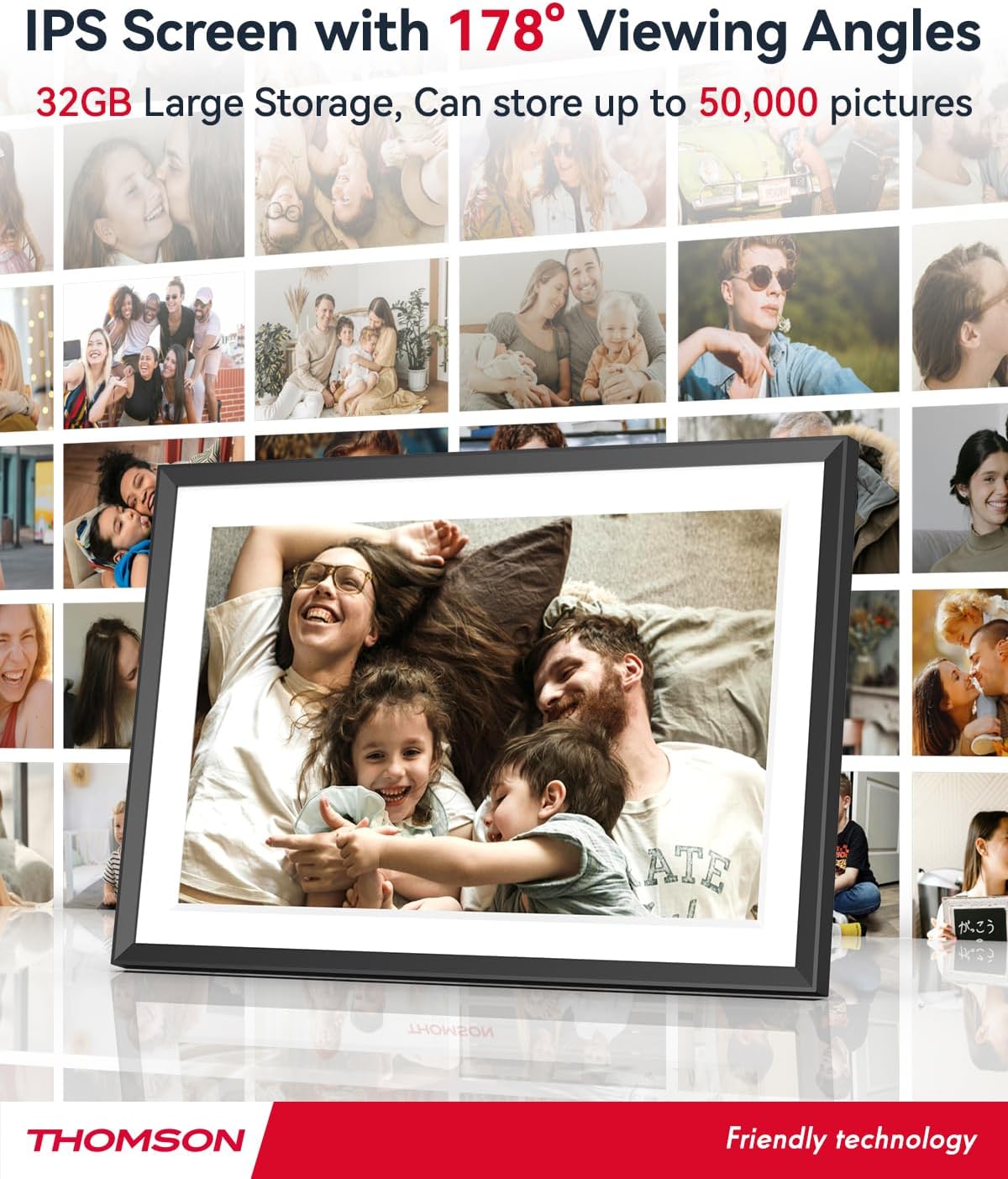
- 32 GB Dahili Hafıza: Stores approximately 50,000 photos. Supports SD Card/SDHC Card/MMC Card/USB Drive expansion up to 256GB.
- Basit Kurulum: Connects to WiFi, automatically sets local date and time.
- 10.1-inch 1280x800 HD IPS Screen: Provides clear image viewing with a 180° viewaçı.
- Çoklu Arayüzler: Supports DC-4.0, Type-C, SD, 3.5mm Jack, and USB.
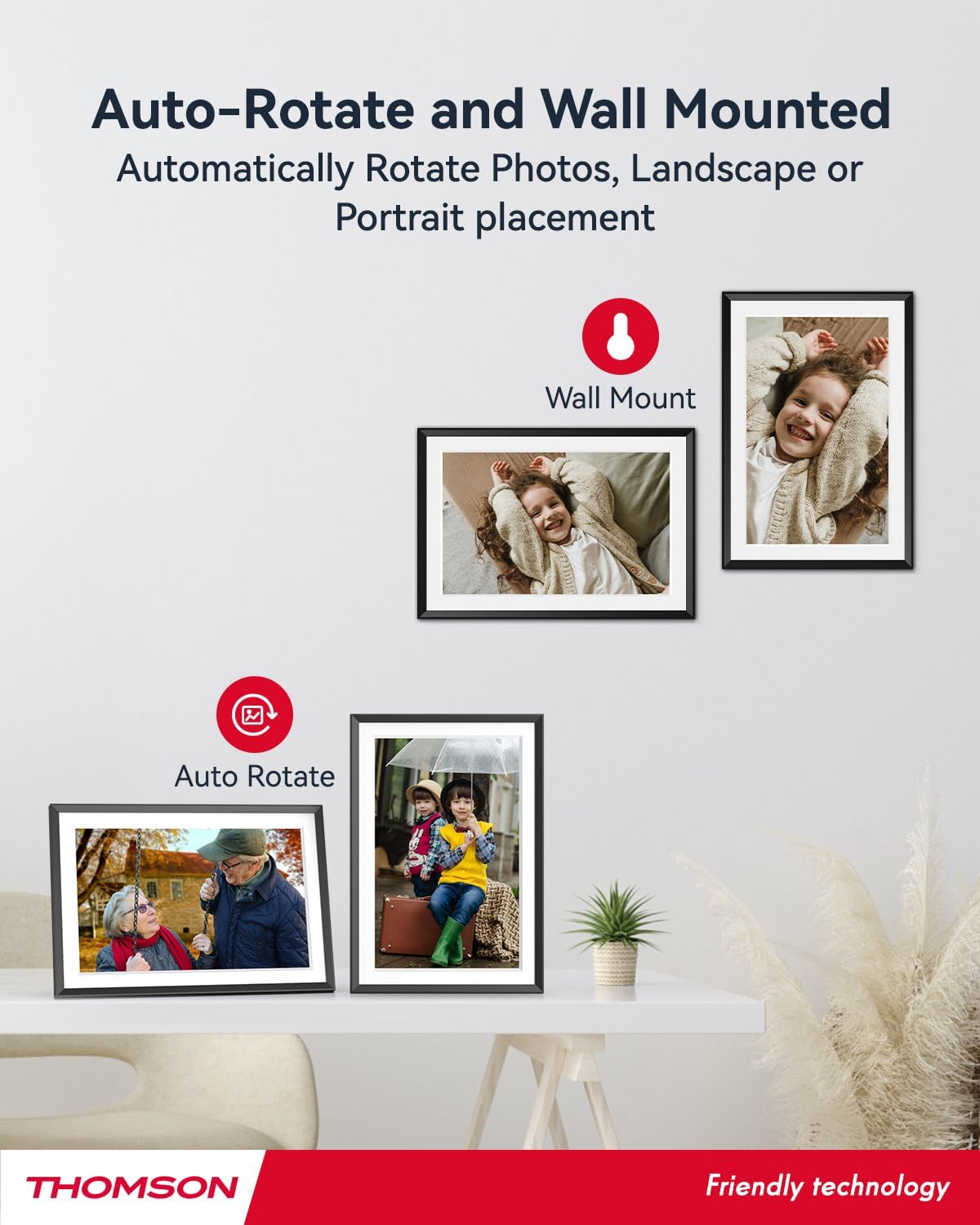
- Otomatik Döndürme: Displays photos correctly in any orientation.
- Arka Plan Müziği: Play music during slideshows.
- Google Photo Support: Send photos directly from Google Photos.




3. Kurulum
3.1 Paketin Açılması ve İlk Muayene
- Tüm bileşenleri dikkatlice ambalajından çıkarın.
- Verify that all items listed in the 'Product Overview' bölümü mevcuttur.
- Inspect the frame for any signs of damage. If damaged, do not proceed and contact customer support.
3.2 Güç Bağlantısı
- Connect the power adapter to the DC-4.0 port on the back of the photo frame.
- Güç adaptörünü standart bir elektrik prizine takın.
- The frame will power on automatically.
3.3 Ağ Bağlantısı (Wi-Fi)
- On the frame's touchscreen, navigate to 'Settings' or 'Wi-Fi Settings'.
- Mevcut ağlar listesinden istediğiniz Wi-Fi ağını seçin.
- Ekran klavyesini kullanarak Wi-Fi şifresini girin.
- Confirm the connection. Once connected, the frame will automatically synchronize the date and time.
3.4 App Installation (Thomson Smart Frame)
To share photos wirelessly from your smartphone, download the 'Thomson Smart Frame' app:
- For Android devices, search for 'Thomson Smart Frame' on the Google Play Mağazası.
- For iOS devices, search for 'Thomson Smart Frame' on the Apple Uygulama Mağazası.
- Follow the on-screen instructions within the app to pair it with your digital photo frame.
4. Kullanım Talimatları
4.1 Fotoğraf ve Video Ekleme
- Via Thomson Smart Frame App: Use the paired smartphone app to wirelessly send photos and videos to the frame.
- SD Kart/USB Sürücüsü aracılığıyla: Insert a compatible SD card or USB drive into the respective slot. The frame will detect the media, and you can import files to the internal memory or play directly.
- Google Fotoğraflar aracılığıyla: The frame supports integration with Google Photos for direct photo sharing. Refer to the frame's on-screen instructions for linking your Google Photos account.
4.2 Dokunmatik Ekran Navigasyonu
The frame features an intuitive touchscreen interface. Tap to select, swipe to scroll, and pinch to zoom (if supported by the specific function).
4.3 Slayt Gösterisi Ayarları
Customize your photo slideshow experience:
- Slideshow Speed: Her fotoğrafın görüntülenme süresini ayarlayın.
- Geçiş Etkileri: Fotoğraflar arasında çeşitli geçiş stilleri arasından seçim yapın.
- Arka Plan Müziği: ses seç files to play during the slideshow.
4.4 Otomatik Döndürme
The frame automatically detects its orientation (landscape or portrait) and adjusts the displayed photos accordingly. Ensure the auto-rotate function is enabled in the settings if you wish to utilize this feature.
4.5 Çok Kullanıcılı Bağlantı
Multiple users can connect to the same frame via the Thomson Smart Frame app, allowing family and friends to share their photos to your frame from different locations.
5. Bakım
5.1 Ekranı Temizleme
- Turn off the photo frame and unplug it from the power source.
- Ekranı nazikçe silmek için yumuşak, tiftiksiz bir bez (örneğin mikrofiber bez) kullanın.
- İnatçı lekeler için hafifçeampen the cloth with water or a screen-cleaning solution specifically designed for electronic displays. Do not spray liquid directly onto the screen.
5.2 Genel Bakım
- Avoid exposing the frame to extreme temperatures, direct sunlight, or high humidity.
- Çerçeveyi sudan ve diğer sıvılardan uzak tutun.
- Do not block the ventilation openings on the frame.
- Handle the frame with care to prevent drops or impacts.
6. Sorun Giderme
| Sorun | Olası Neden | Çözüm |
|---|---|---|
| Çerçeve açılmıyor. | Güç adaptörü bağlı değil veya priz arızalı. | Ensure power adapter is securely connected to the frame and a working electrical outlet. Try a different outlet. |
| Wi-Fi'ye bağlanılamıyor. | Hatalı şifre, zayıf sinyal veya ağ sorunu. | Wi-Fi şifresini tekrar kontrol edin. Çerçeveyi yönlendiriciye daha yakın bir yere taşıyın. Yönlendiriciyi ve çerçeveyi yeniden başlatın. |
| Photos not displaying. | Desteklenmiyor file format, no photos loaded, or storage issue. | Ensure photos are in supported formats (e.g., JPEG, PNG). Verify photos are loaded onto the frame's internal memory or connected storage. Check storage space. |
| Dokunmatik ekran yanıt vermiyor. | Geçici yazılım hatası. | Güç adaptörünü çıkarıp tekrar takarak çerçeveyi yeniden başlatın. |
7. Özellikler
| Özellik | Detay |
|---|---|
| Marka | Thomson |
| Model Numarası | TDF-1001P |
| Ekran Boyutu | 10.1 inç |
| Ekran Çözünürlüğü | 1280x800 HD |
| Görüntü Türü | IPS Dokunmatik Ekran |
| Dahili Bellek | 32 GB |
| Genişletilebilir Bellek | SD Card/SDHC Card/MMC Card/USB Drive (up to 256GB) |
| Bağlantı Teknolojisi | Wifi |
| Uyumlu Cihazlar | Android ve iOS Akıllı Telefonlar |
| Güç Kaynağı | Kablolu Elektrik |
| En Boy Oranı | 16:10 |
| Çerçeve Malzemesi | Plastik |
| Ürün Boyutları (U x G x Y) | 26.5x18.4x2.51 cm |
| Ürün Ağırlığı | 530 gram |
8. Garanti ve Destek
For warranty information or technical support, please refer to the documentation included with your purchase or visit the official Thomson website. You may also contact Thomson customer service directly for assistance with product issues or inquiries.


