1. Giriş
This manual provides essential information for setting up, operating, and maintaining your DOOGEE N55PLUS Unlocked Cell Phone. Please read it carefully to ensure proper use and to maximize the device's capabilities. The DOOGEE N55PLUS is an Android 14 smartphone featuring a 6.56-inch HD+ 90Hz display, an Octa-Core processor, 20GB RAM (8GB physical + 12GB virtual), 128GB internal storage expandable up to 1TB, a 5150mAh battery, and a 13MP AI main camera.
2. Kutuda Neler Var?
- 1 x DOOGEE N55PLUS Cell Phone
- 1 x Şarj Cihazı
- 1 x Tip-C Bağlantı Noktası Kablosu
- 1 x TP Koruyucu film (önceden uygulanmış)
- 1 x TPU Koruyucu kılıf
3. Kurulum
3.1 SIM Kart ve TF Kart Kurulumu
- Telefonunuzun yan tarafındaki SIM kart tepsisini bulun.
- (Varsa) SIM kart çıkarma aletini tepsinin yanındaki küçük deliğe yerleştirin ve tepsi çıkana kadar hafifçe itin.
- Place your Nano-SIM card(s) and/or TF card into the designated slots on the tray. Ensure the gold contacts are facing down. The phone supports dual 4G SIM cards (nano SIM1 + nano SIM2) or one nano SIM and one TF card for storage expansion.
- Tepsiyi yerine oturana kadar dikkatlice telefona yeniden yerleştirin.

3.2 Açma/Kapatma
- Açmak İçin: DOOGEE logosu görünene kadar (sağ tarafta bulunan) Güç düğmesine basılı tutun.
- Kapatmak İçin: Press and hold the Power button until the power options menu appears. Tap 'Power off' and confirm.
- Yeniden başlatmak: From the power options menu, tap 'Restart' and confirm.
3.3 İlk Kurulum
Upon first power-on, follow the on-screen prompts to complete the initial setup. This includes selecting your language, connecting to Wi-Fi, setting up your Google account, and configuring security features like Face Unlock.
4. Telefonunuzu Kullanma
4.1 Görüntüleme ve Gezinme
The DOOGEE N55PLUS features a 6.56-inch HD+ Waterdrop screen with a 90Hz refresh rate, providing a smooth visual experience. Navigate the interface using touch gestures: tap to select, swipe to scroll, pinch to zoom.

4.2 Kamera Fonksiyonları
The phone is equipped with a 13MP AI main camera and an 8MP front camera. Open the Camera app to capture photos and videos. Various modes such as Portrait, Pro Mode, Beauty, Night mode, and Panorama are available to enhance your photography.

4.3 Performans ve Depolama
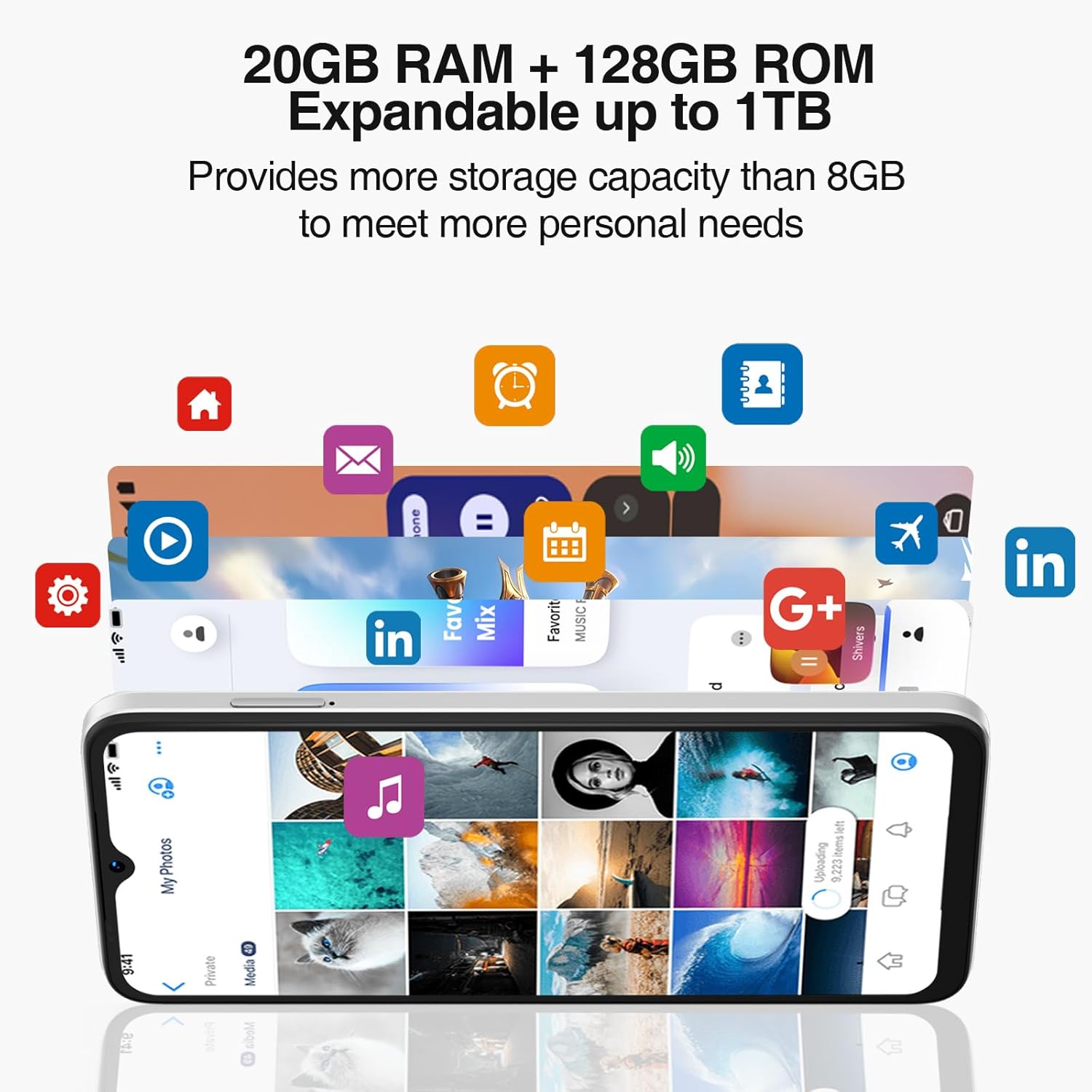
Powered by an Octa-Core processor and 20GB RAM (8GB physical + 12GB virtual), the N55PLUS ensures smooth multitasking and app performance. It comes with 128GB of internal storage, expandable up to 1TB using a TF card, providing ampsenin için boş alan files, photos, and applications.
4.4 Pil Yönetimi
The 5150mAh large battery provides extended usage time. To optimize battery life, manage background app usage, adjust screen brightness, and enable power-saving modes when needed. The phone supports OTG reverse charging, allowing it to charge other devices.

5. Bağlantı
- Ağ: Supports 4G global network bands (GSM, WCDMA, TDD, FDD). Ensure your SIM card is compatible with the phone's supported bands for optimal service.
- Wifi: İnternet erişimi için mevcut Wi-Fi ağlarına bağlanın.
- Bluetooth: Pair with Bluetooth devices such as headphones, speakers, or car systems.
- KÜRESEL KONUMLAMA SİSTEMİ: Doğru navigasyon için entegre GPS, Glonass, Galileo ve Beidou sistemleri.
- USB Tip-C: Şarj ve veri aktarımı için.
6. Bakım
6.1 Yazılım Güncellemeleri
Telefonunuzun en son özelliklere, güvenlik yamalarına ve performans iyileştirmelerine sahip olduğundan emin olmak için yazılım güncellemelerini düzenli olarak kontrol edin ve yükleyin. Ayarlar > Sistem > Sistem güncellemesi.
6.2 Cihazınızı Temizleme
Telefonunuzun ekranını ve gövdesini temizlemek için yumuşak, tiftiksiz bir bez kullanın. Cihaza zarar verebilecek sert kimyasallar veya aşındırıcı malzemeler kullanmaktan kaçının.
6.3 Depolama Yönetimi
En iyi performansı korumak için, periyodik olarak gereksiz eşyaları temizleyin. fileKullanılmayan uygulamaları kaldırın ve büyük medya dosyalarını aktarın. files to external storage or cloud services. Go to Ayarlar > Depolama Cihazınızın depolama alanını yönetmek için.
7. Sorun Giderme
- Telefon açılmıyor: Pilinin dolu olduğundan emin olun. Telefonu şarj cihazına bağlayın ve tekrar açmayı denemeden önce birkaç dakika bekleyin.
- Uygulamaların çökmesi veya donması: Close and restart the app. If the issue persists, clear the app's cache (Settings > Apps > [App Name] > Storage > Clear cache) or uninstall and reinstall the app.
- Zayıf ağ sinyali: SIM kartınızın doğru takılı olup olmadığını kontrol edin. Daha iyi şebeke kapsama alanı olan bir yere geçin. Sorun devam ederse servis sağlayıcınızla iletişime geçin.
- Pilin çabuk bitmesi: Ekran parlaklığını azaltın, Wi-Fi veya Bluetooth gibi kullanılmayan özellikleri devre dışı bırakın ve arka planda çalışan uygulamaları kapatın. Pil tüketimini kontrol etmek için Ayarlar'ı ziyaret ederek çok güç tüketen uygulamaları belirleyin.
- Yüz Tanıma Kilidi Çalışmıyor: Ensure your face is well-lit and clearly visible to the front camera. Re-register your face data in Settings > Security > Face Unlock.
8. Özellikler
| Özellik | Şartname |
|---|---|
| Model Adı | N55 Artı |
| İşletim Sistemi | Android 14 |
| İşlemci | Octa-Core (Mediatek Dimensity 1100, 3.2 GHz) |
| Veri deposu | 8 GB (sanal RAM ile 20 GB'a kadar genişletilebilir) |
| Dahili Depolama | 128 GB |
| Genişletilebilir Depolama | TF kartı aracılığıyla 1 TB'a kadar depolama alanı. |
| Ekran Boyutu | 6.56 inç |
| Görüntü Türü | HD+ IPS Damla Ekran |
| Çözünürlük | 1612x720 |
| Yenileme Hızı | 90 Hz |
| Ana Kamera | 13 MP Yapay Zeka Kamerası |
| Ön Kamera | 8 MP |
| Pil Kapasitesi | 5150 mAh Lityum İyon |
| Bağlantı | 4G LTE, Wi-Fi, Bluetooth, USB Type-C |
| Navigasyon | GPS, Glonass, Galileo, Beidou |
| Özel Özellikler | Dual SIM, Expandable Memory, Face Unlock, Widevine L1, OTG |
| Boyutlar | 6.45 x 2.98 x 0.34 inç (8.6 mm kalınlık) |
| Ağırlık | 6.6 ons (186 Gram) |
9. Garanti ve Destek
All DOOGEE unlocked phones purchased from our official channels are covered by a 12-month warranty. If you encounter any issues during use, please contact our customer support for assistance. For further support, visit the official DOOGEE webLütfen siteyi ziyaret edin veya satın alma işleminizle birlikte verilen iletişim bilgilerine başvurun.


