1. Giriş
Satın aldığınız için teşekkür ederizasing the eKids Marvel Deadpool Wireless Earbuds. These earbuds are designed to provide a high-quality audio experience with the convenience of wireless connectivity. This manual will guide you through the setup, operation, and maintenance of your new earbuds.
Lütfen ürünü kullanmadan önce bu kılavuzu dikkatlice okuyun ve ileride başvurmak üzere saklayın.
2. Ürün Bittiview
The eKids Marvel Deadpool Wireless Earbuds feature a distinctive Deadpool design and offer wireless stereo sound streaming with a built-in microphone for calls. They come with a portable charging case and multiple ear cushion sizes for comfort.
Temel Özellikler:
- Wireless stereo sound streaming
- Aramalar için dahili mikrofon
- Three sizes of rubber ear cushions (small, medium, large) for personalized comfort
- USB-C şarj bağlantısı
- Bluetooth bağlantısı
- Up to 22 hours total music playtime with charging case
- Ergonomic shape for comfort
- Hafif yapı
- Compatible with iPhone, Android, smartphones, tablets, and computers
- Suitable for gaming, audiobooks, video calls, and various entertainment/educational content
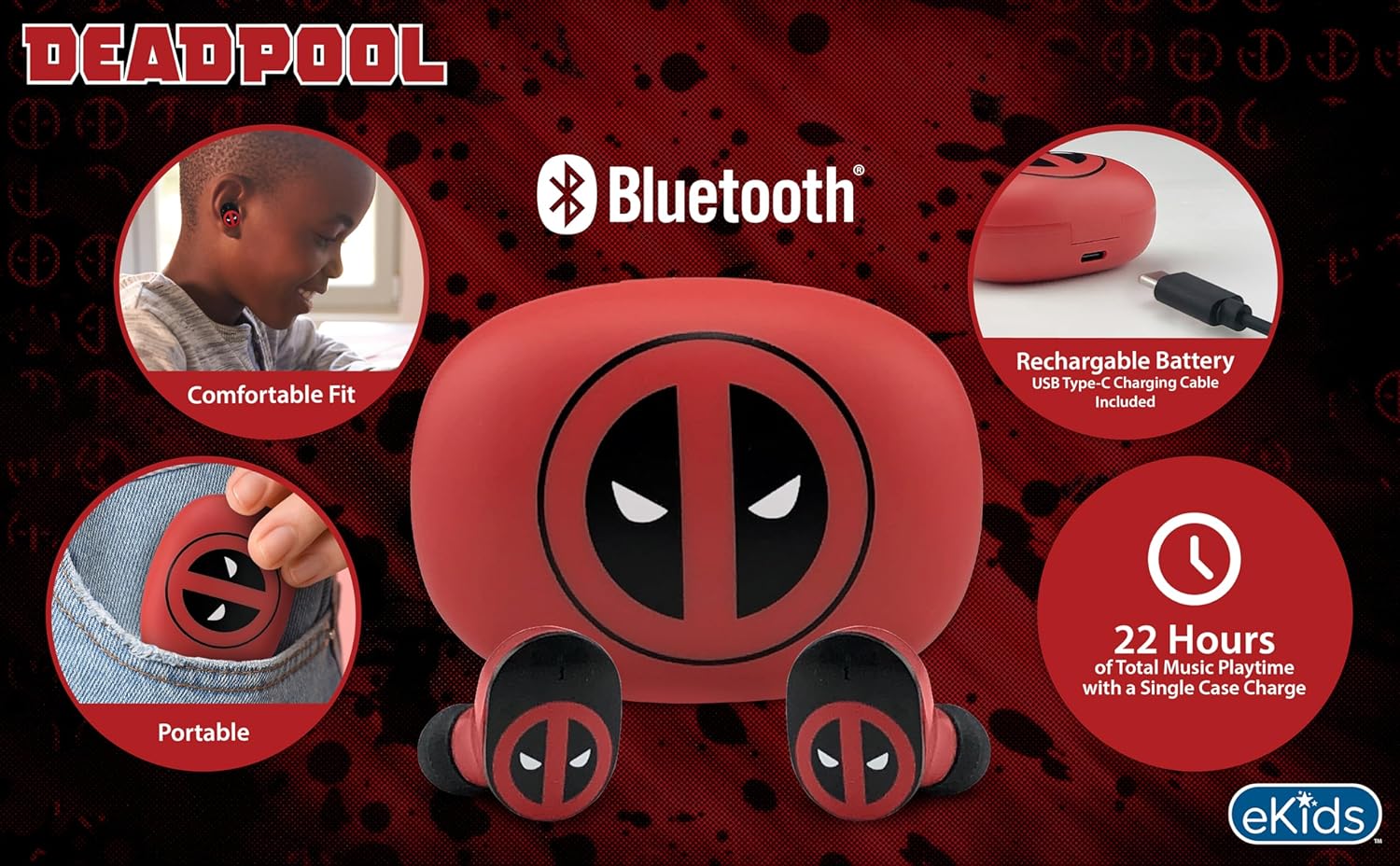
Image 2.1: The eKids Marvel Deadpool Wireless Earbuds and their charging case, showcasing the distinctive Deadpool logo.
3. Kurulum
3.1 Kulaklıkları ve Kutuyu Şarj Etme
- Open the charging case and place both earbuds inside, ensuring they are correctly seated.
- Kutu içeriğinde bulunan USB-C şarj kablosunu kılıf üzerindeki şarj portuna bağlayın.
- USB-C kablosunun diğer ucunu uyumlu bir USB güç kaynağına (örneğin, bilgisayar, duvar adaptörü) bağlayın.
- Şarj kutusundaki gösterge ışığı, şarj durumunu göstermek için yanacaktır. Tamamen şarj olduğunda, ışığın rengi değişebilir veya sönebilir.
A full charge provides up to 22 hours of total music playtime, with the case offering 2.5 times extra charge for the earbuds.

Image 3.1: The Deadpool-themed charging case with the USB-C charging cable connected, illustrating the charging process.
3.2 Bluetooth Cihazıyla Eşleştirme
- Kulaklıkların şarjlı olduğundan ve şarj kutusuna yerleştirildiğinden emin olun.
- Open the charging case. The earbuds will automatically power on and attempt to connect to the last paired device.
- Cihazınızda (akıllı telefon, tablet, bilgisayar) Bluetooth ayarlarına gidin.
- Arama available devices and select "eKids Deadpool Earbuds" (or similar name).
- Once connected, the LED light on the earbuds will stop flashing or change to a solid color.
The earbuds are compatible with iPhone, Android, and other Bluetooth-enabled devices.
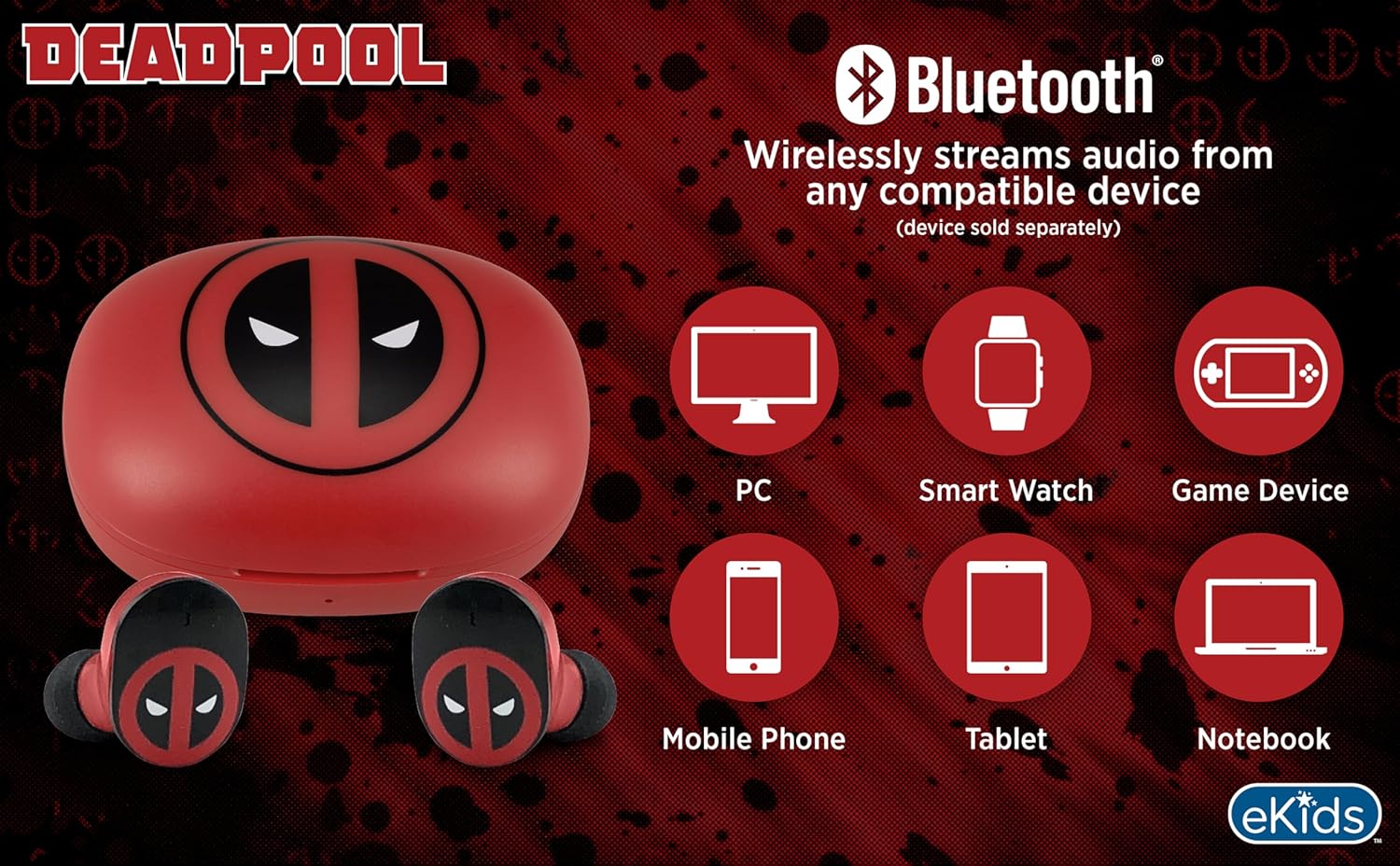
Image 3.2: An illustration showing the Bluetooth connectivity of the earbuds with various devices such as PCs, smartwatches, game devices, mobile phones, tablets, and notebooks.
3.3 Selecting Ear Cushions for Comfort
The earbuds come with three sizes of rubber ear cushions (small, medium, large) to ensure a comfortable and secure fit. Experiment with different sizes to find the best fit for your ears. A proper fit enhances sound quality and comfort.
- Gently remove the pre-installed ear cushions from the earbuds.
- Select a different size ear cushion.
- Carefully attach the new ear cushion to the earbud, ensuring it is securely fastened.

Image 3.3: The Deadpool earbuds shown with the three different sizes of ear cushions included for a customized fit.
4. Kulaklıkların Çalıştırılması
4.1 Güç Açma/Kapatma
- Güç Açık: Şarj kutusunu açtığınızda, kulaklıklar otomatik olarak açılacak ve en son eşleştirilen cihaza bağlanmaya çalışacaktır.
- Kapat: Kulaklıkları şarj kutusuna geri yerleştirin ve kapağı kapatın. Kulaklıklar otomatik olarak kapanacak ve şarj olmaya başlayacaktır.
4.2 Müzik Oynatma
- Oynat/Duraklat: Her iki kulaklığa da bir kez dokunun.
- Sonraki Parça: Sağ kulaklığa iki kez dokunun.
- Önceki parça: Sol kulaklığa iki kez dokunun.
- Ses Kontrolü: Bağlı cihazınızdan doğrudan ses seviyesini ayarlayın.
4.3 Telefon Görüşmeleri
The built-in microphone allows for hands-free calling.
- Çağrıyı Cevapla/Sonlandır: Her iki kulaklığa da bir kez dokunun.
- Çağrıyı Reddet: Kulaklıklardan birini 2 saniye basılı tutun.
5. Bakım
- Temizlik: Kulaklıkları ve şarj kutusunu temizlemek için yumuşak, kuru bir bez kullanın. Aşındırıcı temizleyiciler veya çözücüler kullanmayın.
- Depolamak: Kullanmadığınız zamanlarda kulaklıklarınızı şarj kutusunda saklayarak hem koruyun hem de şarjlı kalmasını sağlayın.
- Sudan Kaçının: Bu kulaklıklar su geçirmez değildir. Suya veya aşırı neme maruz bırakmaktan kaçının.
- Sıcaklık: Do not expose the earbuds or case to extreme temperatures.
6. Sorun Giderme
| Sorun | Çözüm |
|---|---|
| Kulaklıklar eşleşmiyor. | Ensure earbuds are charged. Turn off Bluetooth on your device and turn it back on. Forget the device in your Bluetooth settings and re-pair. |
| Tek kulaklıktan ses gelmiyor. | Place both earbuds back in the charging case, close the lid, then open it again. Check device audio balance settings. |
| Şarj kutusu şarj olmuyor. | Check the USB-C cable and power adapter. Ensure the cable is securely connected to both the case and the power source. |
| Kötü ses kalitesi. | Ensure earbuds are properly seated in your ears with the correct size ear cushions. Move closer to your connected device to avoid interference. |
7. Özellikler
- Marka: eÇocuklar
- Modeli: B0D1CS61NB
- Renk: Deadpool (Red/Black)
- Kulak Yerleşimi: Kulakta
- Form Faktörü: Kulakta
- Empedans: 32 Ohm
- Bluetooth Mesafesi: ≥ 10M / 32ft
- Hassasiyet: 100dB ± 3dB at 1kHz spl
- Pil Ömrü: Şarj kutusuyla birlikte toplam 22 saate kadar çalma süresi
- Şarj Portu: USB-C
- Boyutlar (Kasa): Approximately 2.4 in / 6.2 cm (width) x 1.8 in / 4.6 cm (height) x 1.2 in / 3.1 cm (depth)
- Dimensions (Earbud): Approximately 0.9 in / 2.5 cm (height) x 0.7 in / 1.8 cm (width)

Image 7.1: A detailed diagram illustrating the dimensions and key specifications of the Deadpool wireless earbuds and their charging case.
8. Garanti ve Destek
For warranty information and customer support, please refer to the documentation included with your purchase or visit the official eKids webSite. Satın alma belgenizi herhangi bir garanti talebi için saklayın.
For additional assistance, you may contact eKids customer service directly.
9. Resmi Ürün Videosu
Video 9.1: Ürünün resmi video gösterimiasing the eKids Marvel Deadpool Wireless Earbuds, highlighting their features and design. This video provides a visual overview of the product's functionality and appearance.


