giriiş
This manual provides comprehensive instructions for the VTech CS2000 DECT Cordless Home Phone. It covers setup, operation, maintenance, and troubleshooting to ensure you get the most out of your device. The VTech CS2000 offers reliable long-range communication, advanced call blocking features, a clear backlit display, and hands-free functionality, designed for ease of use in your home.

Image: The VTech CS2000 cordless handset resting in its base station, showcasinKompakt tasarımı ve net ekranıyla dikkat çekiyor.
Kurmak
Follow these steps to set up your VTech CS2000 phone system.
1. Paket İçeriği
Tüm öğelerin mevcut olduğundan emin olun:
- VTech CS2000 El Cihazı
- Baz İstasyonu
- Baz İstasyonu için Güç Adaptörü
- Telefon Hattı Kablosu
- Rechargeable NiMH Batteries (2 x AAA)
- Kullanım Kılavuzu (bu belge)
3. Pil Kurulumu
- Telefonunuzun arka tarafındaki pil yuvasının kapağını açın.
- Insert the two supplied NiMH AAA batteries, observing the correct polarity (+ and -).
- Pil bölmesi kapağını sıkıca kapatın.
3. Baz İstasyonu Bağlantısı
- Connect one end of the telephone line cord to the TEL LINE jack on the back of the base station.
- Telefon hattı kablosunun diğer ucunu duvardaki telefon prizine bağlayın.
- Plug the small end of the power adapter into the POWER jack on the back of the base station.
- Güç adaptörünün büyük ucunu standart bir elektrik prizine takın.
- Pilleri şarj etmek için ahizeyi baz istasyonuna yerleştirin. İlk şarj için en az 16 saat bekleyin.

Resim: Açılı bir view of the VTech CS2000 handset docked in its base, illustrating proper placement for charging.
Kullanım Talimatları
Learn how to use the various features of your VTech CS2000 phone.
Çağrı Yapma ve Alma
- Telefon çağrısı yapmak: Ahizeyi kaldırın veya KONUŞMAK Düğmeye basın, ardından numarayı çevirin.
- Bir Çağrı Almak İçin: Telefon çaldığında ahizeyi kaldırın veya tuşa basın. KONUŞMAK düğme.
- Eller Serbest Hoparlör: Bir arama sırasında tuşuna basın. KONUŞMACI Hoparlörü etkinleştirmek için düğmeye basın. Ahizeye geri dönmek için tekrar basın.

Image: A person using the hands-free speakerphone function of the VTech CS2000 while preparing food, demonstrating convenience.
Çağrı Engelleme
The VTech CS2000 features a robust call blocking function to filter unwanted calls.
- Block up to 30 numbers in the blacklist.
- Block unwanted calls and calls from unknown numbers.
- Option to block all calls during a programmable period for undisturbed time.
*Note: This feature requires subscription to a Caller ID service from your network provider.

Image: The VTech CS2000 phone with an overlay indicating the call blocker feature, showing a person relaxing undisturbed.
Phone Directory and Caller ID
- Store up to 30 names and numbers in the phone directory.
- Caller ID memory stores up to 20 names and numbers.
- Access the last 10 dialed numbers for quick redial.
*Note: Caller ID function requires subscription to a Caller ID service from your network provider.
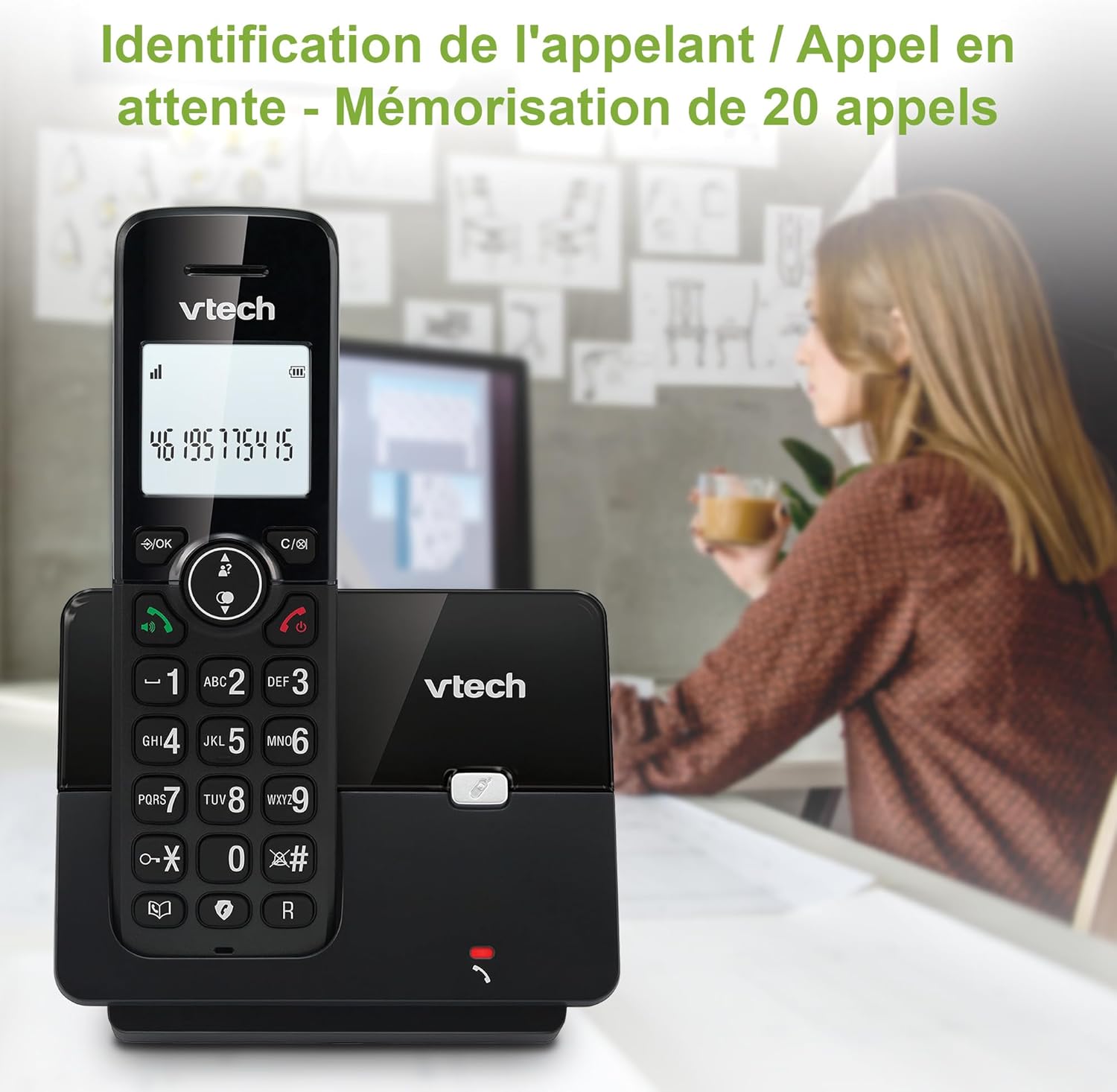
Image: The VTech CS2000 handset displaying caller ID information, with an overlay indicating storage for 20 calls.
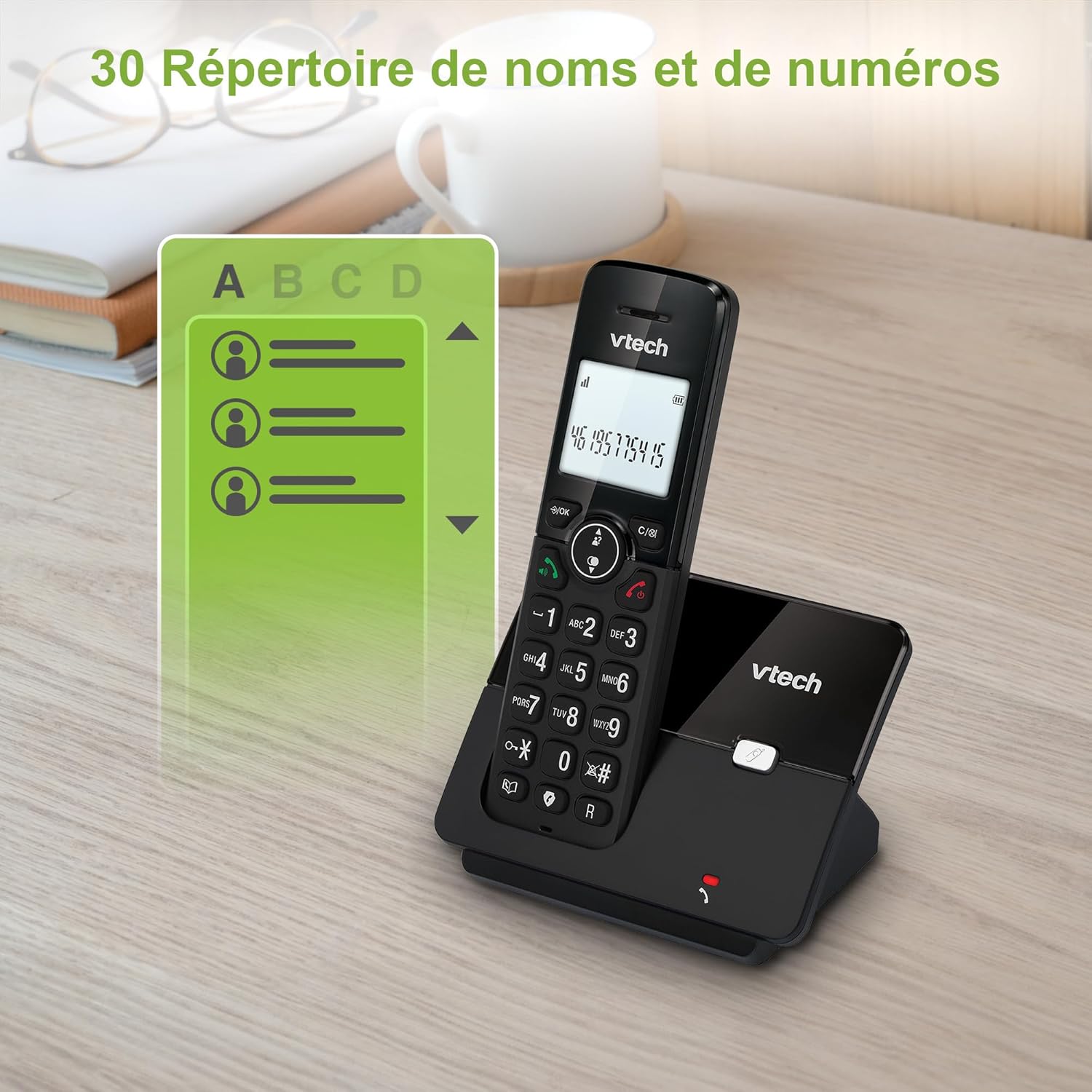
Image: The VTech CS2000 handset displaying a phone directory list, highlighting its capacity for 30 names and numbers.

Image: The VTech CS2000 handset displaying a list of recently dialed numbers, indicating the 10 last number redial feature.
Ayarların Düzenlenmesi
- Ringtone Volume and Melody: Adjust these settings through the handset menu to suit your preference.
- Alarm and Mute Function: Utilize the alarm feature for reminders and the mute function for privacy during calls.
- EKO Modu: The handset automatically adjusts radio frequency power based on its distance from the base station, optimizing power consumption.

Image: The VTech CS2000 handset with an overlay indicating adjustable ringtone volume and melody, showing sound waves.

Image: A split image showing the VTech CS2000's alarm function (person exercising) and mute function (couple relaxing), indicating versatility.
Bakım
Proper care ensures the longevity of your VTech CS2000 phone.
- Temizlik: Telefonu ve baz istasyonunu yumuşak bir bezle silin.amp Bez kullanın. Temizlik spreyleri veya sert kimyasallar kullanmayın.
- Pil Bakım: For optimal battery life, always return the handset to the base station when not in use. If the phone will be unused for an extended period, remove the batteries.
- Çevre: Telefonu ısı kaynaklarından, doğrudan güneş ışığından ve nemden uzak tutun.
Sorun giderme
If you encounter issues with your VTech CS2000, try these solutions:
| Sorun | Çözüm |
|---|---|
| Çevir sesi yok. |
|
| Telefon şarj olmuyor. |
|
| Poor sound quality or limited range. |
|
| Ekran boş veya okunaksız. |
|
| Çağrıları engelleyemiyorum. |
|
Özellikler
Detailed technical specifications for the VTech CS2000 DECT Cordless Home Phone.
| Özellik | Detay |
|---|---|
| Marka | VTech |
| Model Numarası | CS2000 |
| Renk | Siyah |
| Telefon Türü | Kablosuz |
| Ekran Boyutu | 1.8 inç |
| Özel Özellikler | Cordless, Call Blocking, Hands-free Speakerphone, ECO Mode |
| Pil Bileşimi | NiMH |
| Pil Sayısı | 2 AAA (dahil) |
| Malzeme | Plastik |
| Güç Kaynağı | Pil ile çalışır |
| Çevirici Türü | Tek Tuş Takımı |
| Ürün Boyutları (U x G x Y) | 17.5 x 10.5 x 9.2 santimetre |
| Yanıtlama Sistemi Türü | Dijital |
| Konuşma Zamanı | 13 saat |
| kablosuz Menzil | Up to 300 meters (outdoors) |
| Telefon Rehberi Kapasitesi | 30 isim ve numara |
| Arayan Kimliği Hafızası | 20 isim ve numara |
| Son Numarayı Yeniden Arama | 10 giriş |
| Menşei ülke | Çin |

Image: A visual representation of the VTech CS2000's reliable long-range capability, showing the phone in a large home environment.
Garanti ve Destek
Garanti bilgileri ve müşteri desteği için lütfen üreticinin resmi web sitesine başvurun. website or the warranty card included with your product. VTech products typically come with a standard manufacturer's warranty covering defects in materials and workmanship.
If you require technical assistance or have questions not covered in this manual, please contact VTech customer support. Keep your purchase receipt as proof of purchase for warranty claims.
For returns or specific purchase-related inquiries, please refer to the return policy of your retailer (e.g., Amazon's 30-day return policy).


