giriiş
Welcome to the user manual for your boAt Airdopes 161 ANC True Wireless Stereo (TWS) Earbuds. This guide provides detailed instructions on how to set up, operate, maintain, and troubleshoot your earbuds to ensure optimal performance and a seamless audio experience.

Image: The boAt Airdopes 161 ANC earbuds shown with their charging case, highlighting their sleek design and portability.
1. Kurulum
1.1 Kutuda Neler Var?
Your boAt Airdopes 161 ANC package includes:
- boAt Airdopes 161 ANC Earbuds
- Şarj Kutusu
- USB Type-C Şarj Kablosu
- Kullanıcı Kılavuzu
1.2 Kulaklıkları ve Kutuyu Şarj Etme
İlk kullanımdan önce kulaklıklarınızı ve şarj kutusunu tamamen şarj edin.
- Her iki kulakiçi de şarj kutusuna yerleştirin.
- USB Type-C şarj kablosunu kasanın üzerindeki şarj portuna ve bir güç kaynağına bağlayın.
- Kılıfın üzerindeki gösterge ışığı şarj durumunu gösterecektir. Tamamen şarj olduğunda gösterge rengi değişecek veya sönecektir.

Image: The USB Type-C charging port on the boAt Airdopes 161 ANC charging case, indicating the modern charging interface. Also shows Bluetooth v5.3 icon.
The Airdopes 161 ANC features ASAP Charge technology, providing 150 minutes of playback with just 10 minutes of charging.

Image: Illustration of ASAP Charge, showing 10 minutes of charge provides 150 minutes of playback.
1.3 Pairing with Your Device (IWP Technology)
The Airdopes 161 ANC features Insta Wake N' Pair (IWP) Technology for instant connection.
- Şarj kutusunun kapağını açın. Kulaklıklar otomatik olarak açılacak ve eşleştirme moduna girecektir.
- Cihazınızda (akıllı telefon, tablet vb.) Bluetooth özelliğini etkinleştirin.
- Arama "Airdopes 161 ANC" in the list of available Bluetooth devices and select it to connect.
- Bağlantı sağlandıktan sonra onay sesini duyacaksınız ve kulaklıklarınız kullanıma hazır hale gelecektir.

Image: A smartphone screen displaying "Airdopes 161 ANC Connected" with the earbuds and case, illustrating the IWP pairing process.
2. Kulaklıkların Çalıştırılması
2.1 Dokunmatik Kontroller
The Airdopes 161 ANC features intuitive touch controls on each earbud.
| Aksiyon | İşlev |
|---|---|
| Tek Dokunuş (Sol/Sağ Kulaklık) | Müzik Çal/Duraklat, Çağrıyı Cevapla/Sonlandır |
| Çift Dokunma (Sağ Kulaklık) | Sonraki Parça |
| Çift Dokunma (Sol Kulaklık) | Önceki Parça |
| Uzun Basış (Sağ Kulaklık) | Sesi Aç |
| Uzun Basış (Sol Kulaklık) | Sesi Azalt |
| Üçlü Dokunma (Sol/Sağ Kulaklık) | Sesli Asistanı Etkinleştir |
| Long Press (2 seconds) during call | Çağrıyı Reddet |
| Long Press (2 seconds) to toggle ANC/Transparency | Toggle Active Noise Cancellation / Transparency Mode |
2.2 Aktif Gürültü Önleme (ANC)
The Airdopes 161 ANC features Active Noise Cancellation up to 32dB, reducing ambient noise for an immersive listening experience.
- To activate ANC, long press the touch control area on either earbud for 2 seconds.
- Repeat the action to switch between ANC, Transparency Mode, and Normal Mode.
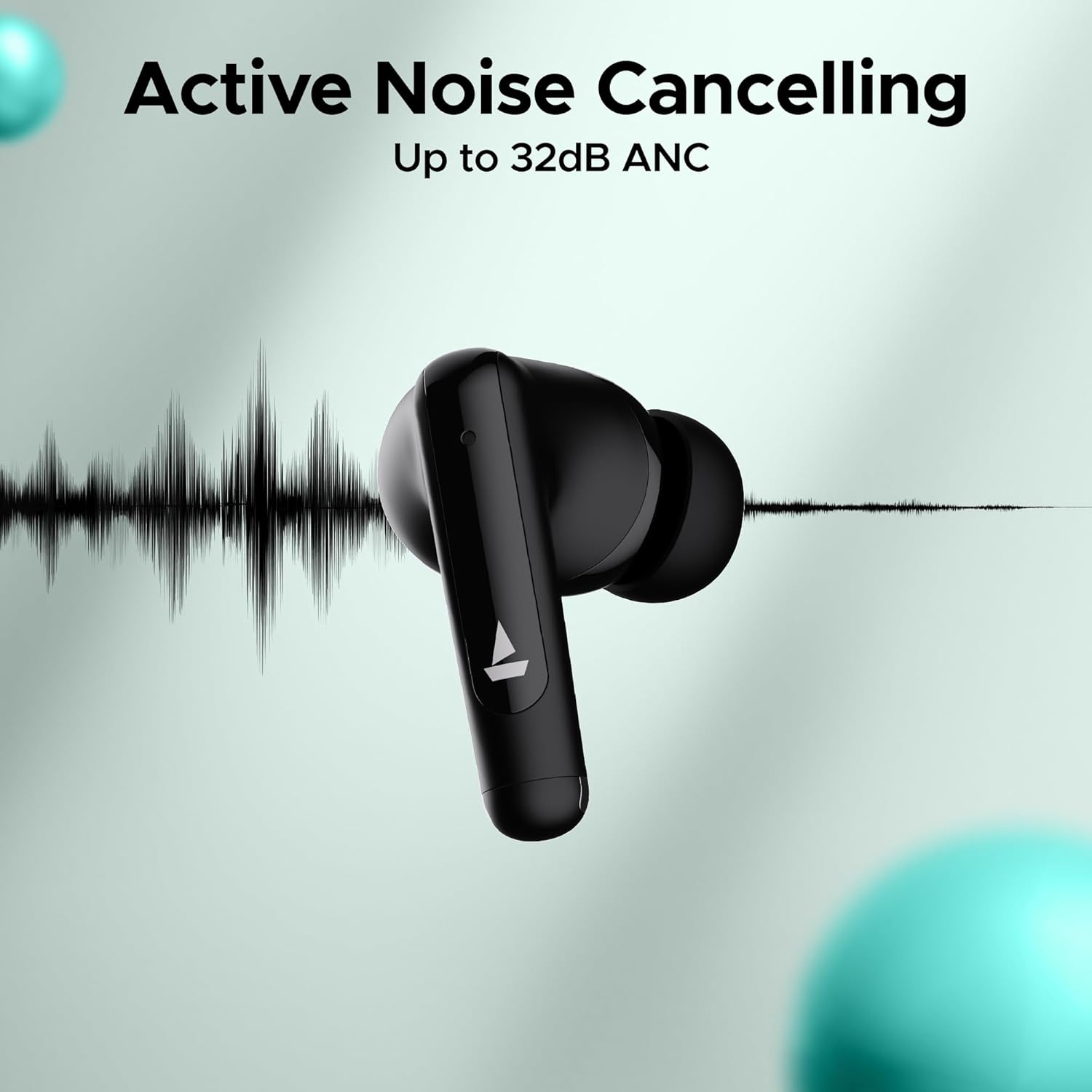
Image: An earbud with a sound wave graphic, illustrating the Active Noise Cancelling capability up to 32dB.
2.3 Making Calls (Quad Mics with ENx Technology)
The earbuds are equipped with Quad Mics and ENx Technology for clear voice calls by filtering out environmental noise.
- Çağrıyı Cevapla/Sonlandır: Her iki kulaklığa da tek dokunuşla ulaşın.
- Çağrıyı Reddet: Kulaklıklardan herhangi birine 2 saniye boyunca uzun basın.
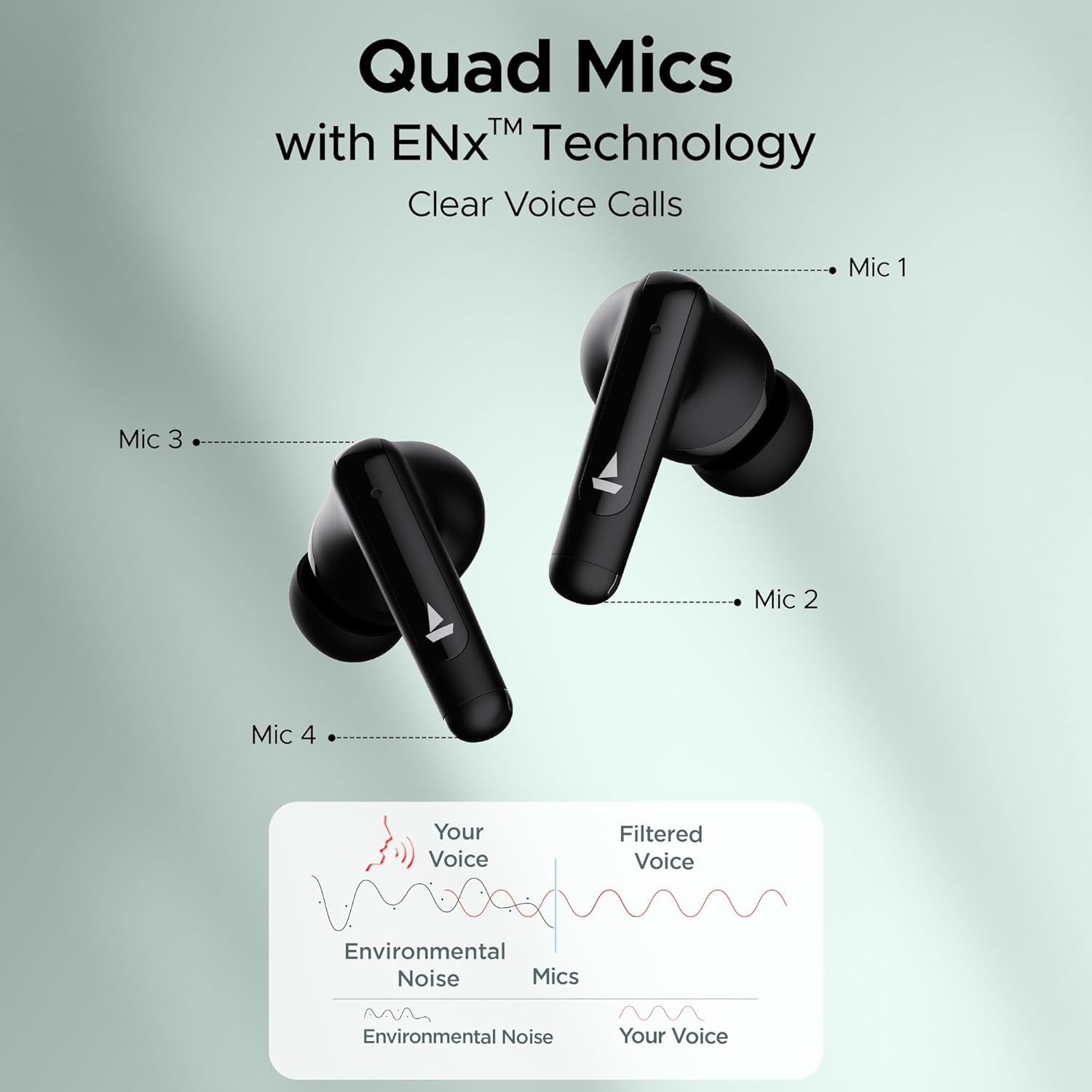
Image: Diagram showing the placement of four microphones on the earbuds and how ENx Technology filters environmental noise for clear voice calls.
2.4 Playback Time
The boAt Airdopes 161 ANC provides up to 50 hours of total playback time with the charging case. Individual earbud playback time varies based on usage and ANC status.
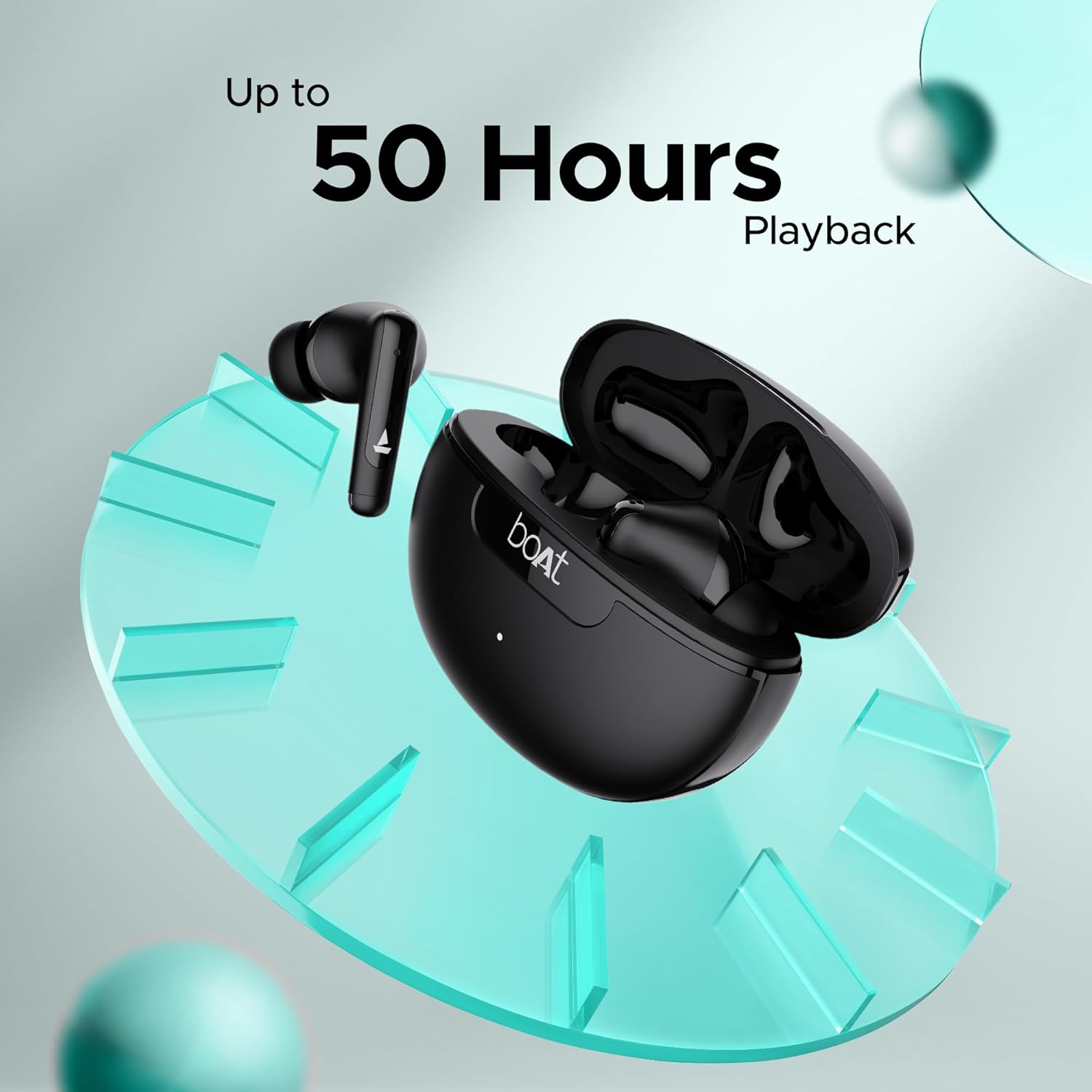
Image: Graphic indicating "Up to 50 Hours Playback" for the boAt Airdopes 161 ANC earbuds and charging case.
3. Bakım
3.1 Kulaklıklarınızı Temizleme
Düzenli temizlik ses kalitesinin ve hijyenin korunmasına yardımcı olur.
- Kulaklıklarınızı ve şarj kutusunu silmek için yumuşak, kuru ve tiftiksiz bir bez kullanın.
- Küçük ve temiz bir fırça veya pamuklu çubuk kullanarak kulak uçlarındaki ve hoparlör ağındaki kulak kirini veya kalıntıları nazikçe temizleyin.
- Aşındırıcı maddeler, alkol veya kimyasal temizleyiciler kullanmaktan kaçının.
3.2 Su ve Ter Direnci (IPX5)
The Airdopes 161 ANC earbuds are IPX5 rated, meaning they are resistant to water splashes and sweat. This makes them suitable for workouts and light rain.
- Kulaklıklarınızı suya batırmayın.
- Kulaklıklarınızı şarj kutusuna geri koymadan önce hasar görmelerini önlemek için kuru olduklarından emin olun.
Image: Earbuds shown with water droplets, indicating IPX5 water and sweat resistance.
4. Sorun Giderme
If you encounter any issues with your Airdopes 161 ANC, refer to the following common solutions:
| Sorun | Çözüm |
|---|---|
| Kulaklıklar eşleşmiyor |
|
| Sadece tek kulaklık çalışıyor |
|
| Düşük ses seviyesi veya zayıf ses kalitesi |
|
| ANC etkili bir şekilde çalışmıyor |
|
5. Özellikler
| Özellik | Detay |
|---|---|
| Model Adı | Hava Dopları 161 ANC |
| Bağlantı Teknolojisi | Bluetooth |
| Kablosuz İletişim Teknolojisi | Bluetooth |
| Bluetooth Sürümü | 5.0 (Note: Image shows v5.3, using product spec 5.0) |
| Bluetooth Menzili | 10 Metre |
| Gürültü Kontrolü | Aktif Gürültü Önleme (32 dB'ye kadar) |
| Mikrofonlar | ENx Teknolojili Dörtlü Mikrofonlar |
| Kontrol Yöntemi | Dokunmak |
| Su Direnç Seviyesi | IPX5 (Suya Dayanıklı) |
| Form Faktörü | Kulakta |
| Ses Sürücüsü Türü | Dinamik Sürücü |
| Pil Türü | Lityum İyon (dahil) |
| Oynatma Süresi | 50 Saate Kadar (şarj kutusu ile) |
| Şarj Arayüzü | USB Tip-C |
| Özel Özellikler | Built-In Voice Assistant, IWP Technology, ASAP Charge |
| Ürün Ağırlığı | 50 Gram |
| Ürün Boyutları | 5x3x5 cm |
6. Garanti ve Destek
Your boAt Airdopes 161 ANC earbuds come with a 1-year warranty from the date of purchase.
For warranty claims, technical support, or any other inquiries, please contact boAt customer service:
- Üretici: Imagine Marketing Ltd.
- E-posta: info@imaginemarketingindia.com
- Webalan: Refer to the official boAt webEn güncel destek bilgileri ve iletişim detayları için siteyi ziyaret edin.
Please retain your purchase receipt as proof of purchase for warranty services.