1. Ürün Bittiview
The Magcubic HY320 is a mini portable projector designed for home entertainment, offering native 1080P resolution with 4K decoding support. It features Wi-Fi 6 and Bluetooth 5.0 connectivity, a 180-degree swivel projection, and runs on Android 11.0, providing a versatile view150 inçe kadar deneyim.
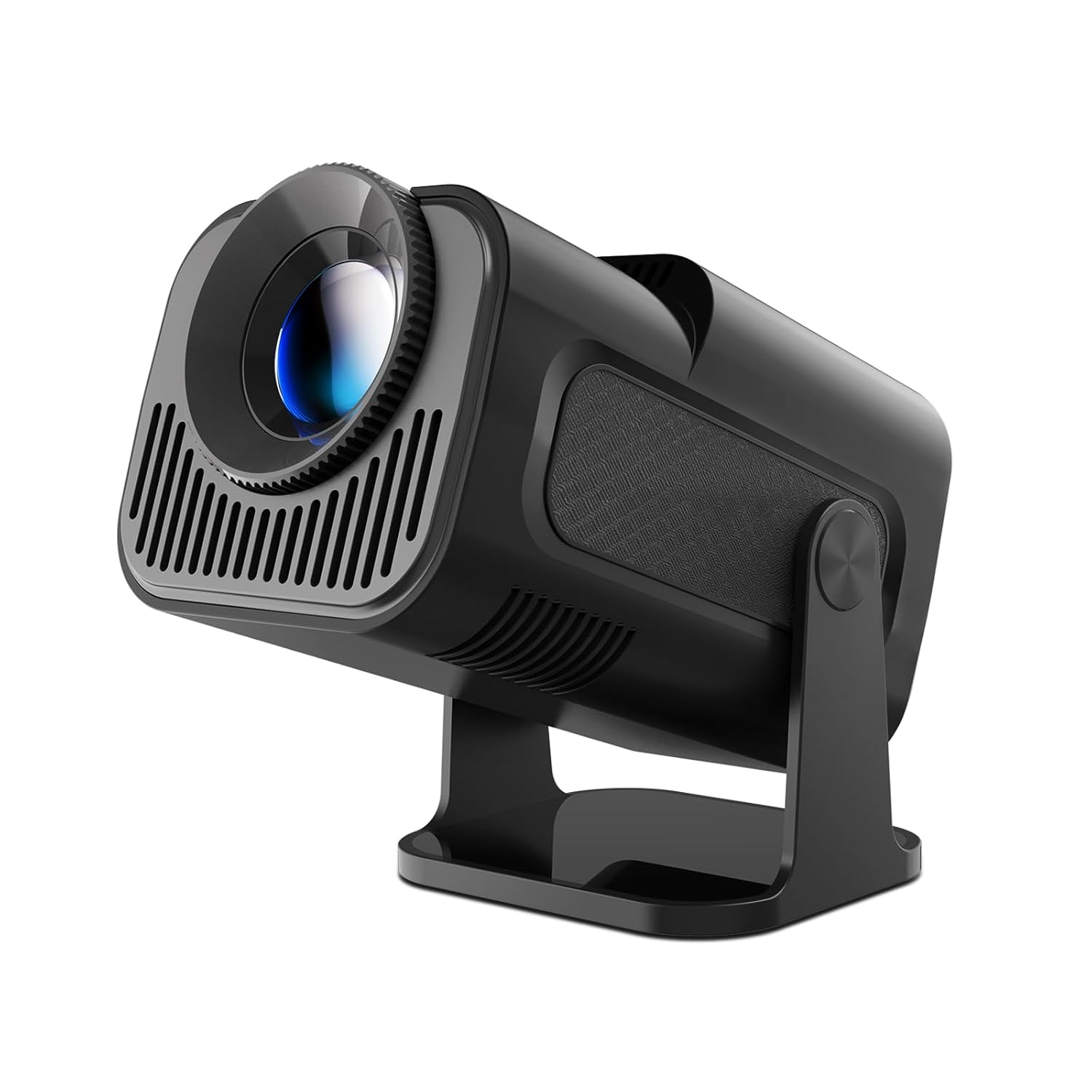
Image: The Magcubic HY320 projector, showcasinkompakt tasarımı ve ayarlanabilir standı sayesinde.
2. Önemli Güvenlik Bilgileri
Please read all safety instructions carefully before using the projector. Failure to follow these instructions may result in electric shock, fire, or damage to the device.
- Elektriksel Güvenlik: Use only the provided power adapter. Do not expose the projector to rain or moisture. Disconnect power during lightning storms or when unused for long periods.
- Havalandırma: Ensure adequate ventilation around the projector. Do not block ventilation openings. Overheating can cause malfunction or fire.
- Sıcaklık: The projector may become warm during operation. This is normal. Avoid touching the ventilation areas directly.
- Işık kaynağı: Projektör lensine doğrudan bakmayın.amp is on. The intense light can cause eye damage. Keep out of reach of children.
- Atama: Projeksiyon cihazını sabit, düz bir yüzeye yerleştirin. Doğrudan güneş ışığına, ısı kaynaklarının yakınına veya aşırı tozlu veya nemli ortamlara koymaktan kaçının.
- Temizlik: Temizlemeden önce projektörün fişini çekin. Yumuşak, kuru bir bez kullanın. Sıvı veya aerosol temizleyiciler kullanmayın.
3. Paket İçeriği
Paketin içinde tüm öğelerin mevcut olduğundan emin olun:
- Magcubic HY320 Projector
- Güç Adaptörü
- Uzaktan kumanda
- Kullanıcı Kılavuzu
4. Temel Özellikler
- Native 1080P / 4K Decoding: Supports 1080P resolution for clear images and can decode 4K content. Advanced LED technology ensures vibrant colors and dynamic effects.
- 180° Dönen Projeksiyon: The projector can rotate 180 degrees, allowing projection onto walls, ceilings, or floors from various angles.
- Otomatik Çarpıklık Düzeltme: Features automatic keystone correction for quick image alignment and manual focus for fine-tuning.
- BT 5.0 & Hi-Fi Speaker: Equipped with a built-in 3W Hi-Fi speaker for immersive audio. Bluetooth 5.0 allows connection to external headphones or speakers. Note: Does not support connecting to smartphones or Bluetooth laptops directly via Bluetooth for audio input.
- Android 11.0 İşletim Sistemi: Built-in Android 11.0 operating system for direct access to streaming apps and content.
- Wi-Fi 6 Bağlantısı: Supports Wi-Fi 6 for ultra-fast and stable wireless connections.
- Büyük Projeksiyon Boyutu: Capable of projecting an image up to 150 inches.

Image: Visual representation of the projector's 4K and 1080P video playback capabilities, highlighting image clarity.

Image: Diagram illustrating various projection sizes (50", 80", 200") at different distances, demonstrating the large screen capability.
5. Kurulum Kılavuzu
5.1 İlk Yerleştirme
Place the projector on a stable, flat surface. The 180-degree swivel allows flexible positioning to project onto a wall, ceiling, or floor. For optimal viewYansıtma yüzeyinin pürüzsüz ve açık renkli olduğundan emin olun.
5.2 Güç Bağlantısı
- Güç adaptörünü projektörün güç giriş portuna bağlayın.
- Güç adaptörünü uygun bir elektrik prizine takın.
- The projector will typically power on or enter standby mode.
5.3 Odaklama ve Trapez Düzeltme
The HY320 features automatic keystone correction to adjust the image shape. For focus, use the manual focus ring on the lens or the remote control to achieve a sharp image.

Image: Depiction of automatic keystone correction and zoom functionality, showing how the projector adjusts image shape and size.
6. Kullanım Talimatları
6.1 Güç Açma/Kapatma
- Cihazı açmak veya kapatmak için projektördeki veya uzaktan kumandadaki güç düğmesine basın.
6.2 Android Arayüzünde Gezinme
Upon startup, the projector will display the Android 11.0 home screen. Use the remote control's directional buttons and OK button to navigate menus, select applications, and adjust settings.
6.3 Sistem Ayarları
Access the settings menu to configure Wi-Fi, Bluetooth, display options, sound, and other system preferences. Ensure your Wi-Fi is connected for online streaming and app downloads.
7. Bağlantı
7.1 Wi-Fi Bağlantısı
Bir Wi-Fi ağına bağlanmak için:
- Go to "Settings" on the home screen.
- "Ağ ve İnternet" seçeneğini seçin.
- Wi-Fi'yi açın ve listeden istediğiniz ağı seçin.
- İstenirse şifreyi girin ve bağlanın.

Image: Graphic illustrating the projector's WIFI6 capabilities, showing 5G and 2.4G network support for fast connectivity.
7.2 Bluetooth Bağlantısı
The projector supports Bluetooth 5.0 for connecting external audio devices like headphones or speakers.
- Go to "Settings" on the home screen.
- Select "Connected devices" or "Bluetooth".
- Turn on Bluetooth and pair with your desired audio device.
Note: The projector's Bluetooth is primarily for audio output to external speakers/headphones and does not support connecting to smartphones or Bluetooth laptops for audio input.
7.3 Wired Connections (HDMI, USB)
The projector includes HDMI and USB interfaces for connecting various devices:
- HDMI Arayüzü: Connect laptops, PCs, TV boxes, gaming consoles (e.g., PS5), or DVD players for video and audio input.
- USB Arayüzü: Connect USB drives for media playback or other USB peripherals.
- Ses arayüzü: Connect headphones or external audio systems via the audio output port.

Image: Diagram showing various input ports (HDMI, Audio, USB) and compatible devices such as laptops, PCs, TV sticks, game consoles, DVD players, headphones, and USB drives.
7.4 Ekran Yansıtma
The projector supports screen mirroring from smartphones, tablets, and laptops via Wi-Fi. Refer to the projector's on-screen instructions for specific mirroring protocols (e.g., Miracast, AirPlay).
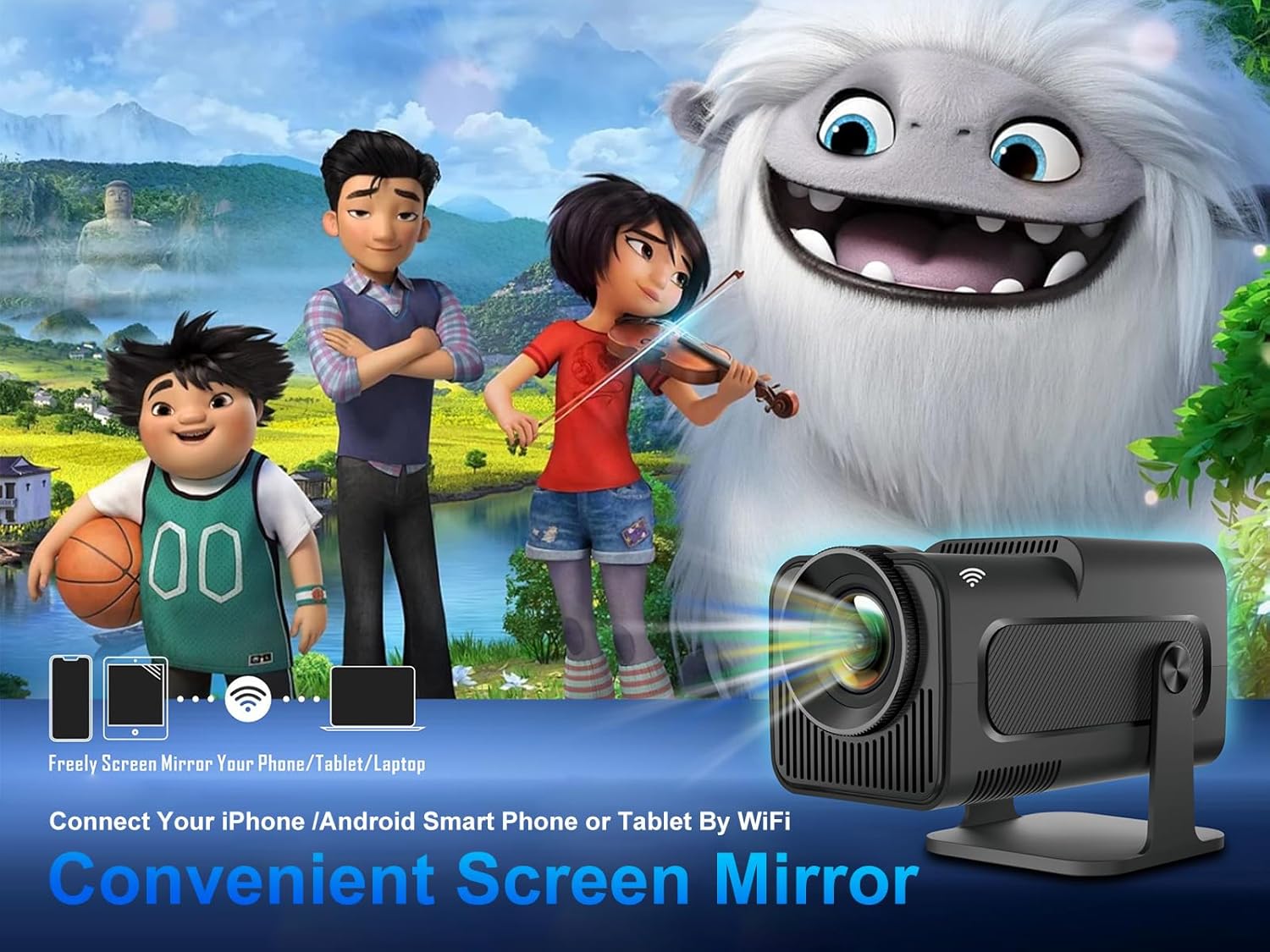
Image: Illustration of screen mirroring functionality, showing how phones, tablets, and laptops can wirelessly connect to the projector.
8. Bakım
8.1 Lensin Temizlenmesi
Use a soft, lint-free cloth specifically designed for optical lenses to gently wipe the projector lens. Avoid using abrasive materials or liquid cleaners that could damage the lens coating.
8.2 Projektör Gövdesinin Temizlenmesi
Wipe the exterior of the projector with a soft, dry cloth. Do not use chemical solvents or abrasive cleaners.
8.3 Depolama
When not in use, store the projector in a cool, dry place, away from direct sunlight and excessive dust. If storing for an extended period, consider using the original packaging or a protective case.
9. Sorun Giderme
| Sorun | Olası Neden | Çözüm |
|---|---|---|
| Görüntü yansıtılmıyor. | Güç bağlantısı yok; Projektör kapalı; Giriş kaynağı seçilmedi. | Ensure power adapter is securely connected and plugged in. Press power button. Select correct input source (HDMI, USB, etc.). |
| Görüntü bulanık/odak dışı | Odak ayarı yapılmamış; Projektör ekrana çok yakın/uzak. | Adjust the manual focus ring on the lens. Reposition the projector for optimal distance. |
| Görüntü bozulmuş (yamuk şeklinde) | Projector not perpendicular to screen; Auto keystone issue. | Ensure the projector is placed as straight as possible. Check keystone correction settings in the menu; some users report auto keystone may require manual adjustment. |
| Ses yok | Ses seviyesi çok düşük; Ses kapalı; Harici ses aygıtı bağlı/eşleştirilmiş değil. | Increase volume. Check if muted. Ensure Bluetooth audio device is properly paired or wired audio is connected. |
| Wi-Fi bağlantısı kararsız/yavaş | Yönlendiriciye olan uzaklık; Parazit; Yönlendirici sorunları. | Move projector closer to Wi-Fi router. Reduce interference from other devices. Restart router. |
| Uzaktan kumanda çalışmıyor | Batteries low/dead; Obstruction; Out of range. | Replace batteries. Ensure no obstructions between remote and projector. Use within effective range. |
10. Teknik Özellikler
| Özellik | Detay |
|---|---|
| Marka | Magcubic |
| Örnek | HY320 |
| Yerel Çözünürlük | 1920 x 1080 Piksel (Full HD) |
| Desteklenen Çözünürlük | Up to 3840 x 2160 Pixels (4K Decoding) |
| Ekran Teknolojisi | LCD |
| Işık kaynağı | NEDEN OLMUŞ |
| Görüntü parlaklığı | 10000 (Units not specified, typically Lumens or ANSI Lumens) |
| En Boy Oranı | 16:9 |
| Projeksiyon Boyutu | Up to 150 Inches (Visible screen diagonal) |
| İşletim Sistemi | Android 11.0 |
| Bağlantı | Wi-Fi 6, Bluetooth 5.0 |
| Donanım Arayüzü | HDMI, USB, Audio Out |
| Özel Özellikler | Auto Focus, Auto Screen Alignment, Portable, 180° Swivel |
| Ürün Boyutları | 20.32x30.48x25.4 cm |
| Ürün Ağırlığı | 1.15 kilo |
| Netage | 3 Watts (Likely speaker wattage, not total power consumption) |
| Yenileme Hızı | 60 Hz |
11. Garanti ve Müşteri Desteği
Magcubic provides product warranty and technical support for the HY320 projector. If you encounter any questions or problems with your projector, please do not hesitate to contact our customer service team.
We offer 24-hour customer service to assist you with any issues or inquiries.
For support, please refer to the contact information provided on the product packaging or the official Magcubic webalan.


