giriiş
Thank you for choosing the LEXIP Madara Design Headset. This manual provides detailed instructions for setting up, operating, and maintaining your headset. Please read this manual thoroughly before use to ensure optimal performance and longevity of your device.
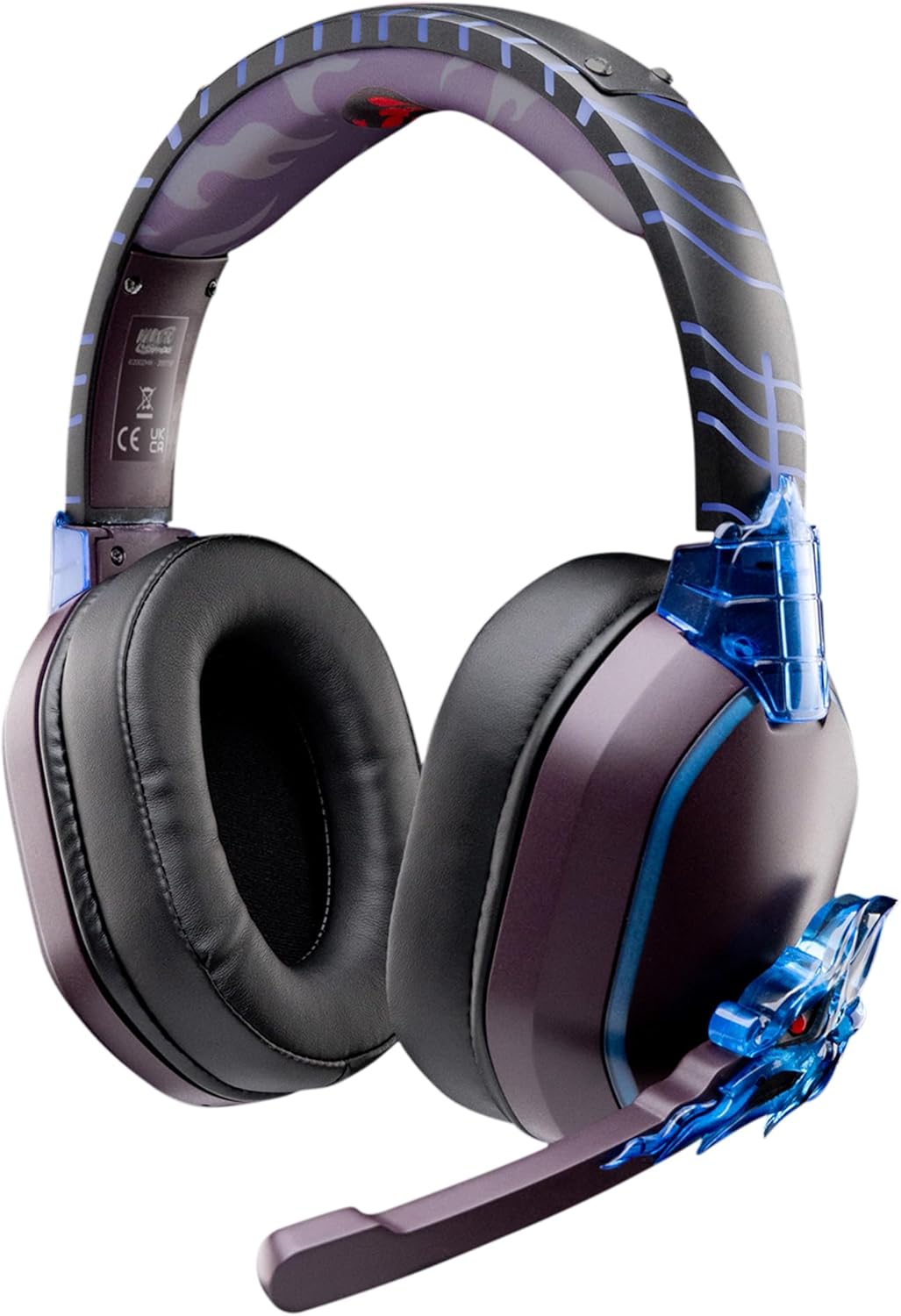
Image: The LEXIP Madara Design Headset, featuring a distinctive purple and blue color scheme with intricate design elements inspired by Madara.
Paket İçeriği
Paketin içerisinde tüm ürünlerin mevcut olduğundan emin olun:
- LEXIP Madara Design Headset
- Çıkarılabilir Mikrofon
- 3.5 mm Ses Kablosu
- USB Şarj Kablosu
- Kullanıcı Kılavuzu
Ürün Bittiview
Familiarize yourself with the components and design features of your headset.

Image: Close-up of the headset's ear cup, highlighting the intricate blue dragon design element.

Resim: View of the soft earcups and adjustable headband, designed for comfort during extended use.
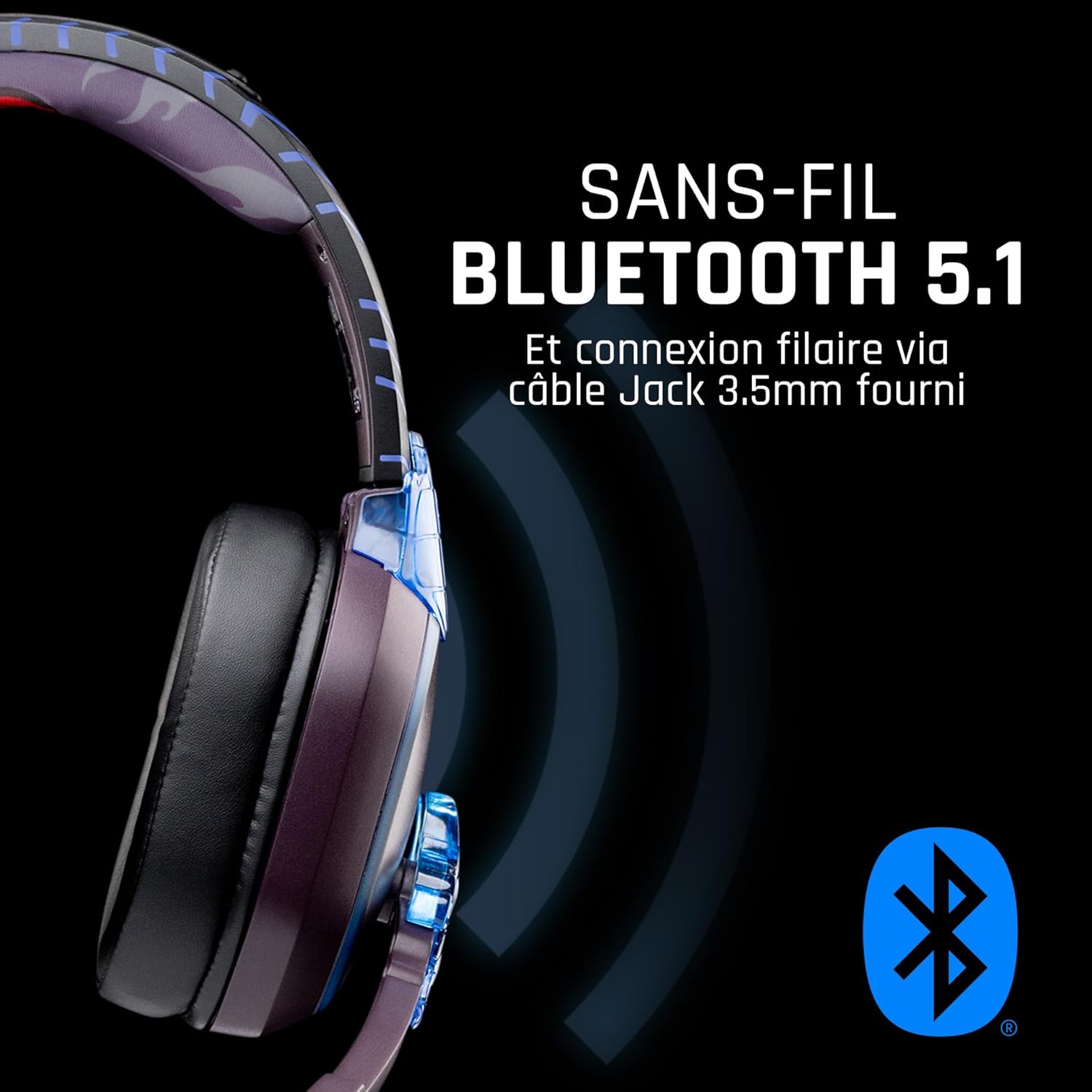
Resim: Yan view of the headset, illustrating its wireless Bluetooth 5.1 capability and connection points.

Image: The headset displayed on a stand, alongside a matching game controller, showcasing its gaming application.
Temel Özellikler:
- Kablosuz Bluetooth 5.1: For seamless wireless audio.
- Kablolu Bağlantı: Via the included 3.5mm Jack cable.
- Çıkarılabilir Mikrofon: For clear communication and versatility.
- Ses Kontrolü: Kolay ses ayarı için entegre kontroller.
- Gürültü İzolasyonu: Passive noise reduction for an immersive experience.
- Rahat Tasarım: Adjustable headband and over-ear form factor.
Kurmak
1. Kulaklığı Şarj Etme
- USB şarj kablosunu kulaklığın şarj portuna takın.
- USB kablosunun diğer ucunu uyumlu bir USB güç kaynağına (örneğin, bilgisayarın USB portu, USB duvar adaptörü) bağlayın.
- The LED indicator on the headset will show the charging status. A full charge typically takes approximately 2-3 hours.
2. Mikrofonun Takılması
- Locate the microphone input port on the headset, usually on the left earcup.
- Align the detachable microphone connector with the port and gently push it in until it clicks into place.
- Adjust the microphone's position for optimal voice pickup.
Kullanım Talimatları
1. Açma/Kapama
- Açmak İçin: LED göstergesi yanana kadar Güç düğmesini yaklaşık 3 saniye basılı tutun.
- Kapatmak İçin: LED göstergesi kapanana kadar Güç düğmesini yaklaşık 5 saniye basılı tutun.
2. Bluetooth Eşleştirme (Kablosuz Mod)
- Kulaklığın kapalı olduğundan emin olun.
- Güç düğmesini yaklaşık 5-7 saniye basılı tutun; LED göstergesi hızlı bir şekilde yanıp sönmeye başlayacak ve eşleştirme moduna geçecektir.
- On your device (Windows 10/11, Mac, PS5, PS4, Xbox Series X/S, Xbox One, Nintendo Switch, Android, iOS, tablets), navigate to Bluetooth settings.
- Arama available devices and select "LEXIP Madara Headset" (or similar name).
- Eşleştirildikten sonra LED göstergesinin yanıp sönmesi duracak ve sabit mavi renkte kalacaktır.
3. Kablolu Bağlantı (3.5 mm Jak)
- Insert one end of the 3.5mm audio cable into the headset's audio jack.
- Insert the other end into the 3.5mm audio port of your desired device.
- The headset will operate in passive wired mode, even if the power is off.
4. Ses Kontrolü
- Use the volume control dial or buttons located on the headset to adjust the audio level.
Bakım
- Temizlik: Kulaklığı temizlemek için yumuşak ve kuru bir bez kullanın. Aşındırıcı temizleyiciler veya çözücüler kullanmayın.
- Depolamak: Kulaklığınızı serin, kuru ve doğrudan güneş ışığından ve aşırı sıcaklıklardan uzak bir yerde saklayın.
- Pil Bakım: For optimal battery life, avoid fully discharging the headset frequently. Charge it regularly.
- Suya Dayanıklılık: Kulaklık su geçirmez değildir. Sıvılarla temasından kaçının.
Sorun giderme
| Sorun | Olası Neden | Çözüm |
|---|---|---|
| Kulaklıktan ses gelmiyor | Headset not powered on; Volume too low; Not paired/connected; Incorrect audio output selected on device. | Ensure headset is powered on and charged. Increase volume. Re-pair Bluetooth or check 3.5mm cable connection. Select headset as audio output on your device. |
| Bluetooth üzerinden eşleştirilemiyor | Headset not in pairing mode; Device Bluetooth off; Too far from device; Interference. | Ensure headset is in pairing mode (flashing LED). Turn device Bluetooth off and on again. Move headset closer to device. Avoid strong Wi-Fi signals or other Bluetooth devices. |
| Mikrofon çalışmıyor | Microphone not properly attached; Muted on headset/device; Incorrect input selected on device. | Ensure microphone is securely attached. Check if microphone is muted. Select headset microphone as input device in your device's sound settings. |
| Kısa pil ömrü | Headset not fully charged; Old battery. | Ensure headset is fully charged before use. Battery performance may degrade over time. |
Özellikler
| Model Numarası | TSXLXHS0003 |
| Marka | Lexip |
| Bağlantı Teknolojisi | Kablosuz (Bluetooth 5.1), Kablolu (3.5 mm Jak) |
| Frekans Aralığı | 20 Hz - 20,000 Hz |
| Empedans | 3 ohm |
| Hassasiyet | 116 dB |
| Gürültü İzolasyonu | Pasif Gürültü Azaltma |
| Mikrofon | Çıkarılabilir |
| Kontroller | Ses Seviyesi Kontrolü, Uzaktan Kumanda |
| Uyumlu Cihazlar | Windows 10/11, Mac, PS5, PS4, Xbox Series X/S, Xbox One, Nintendo Switch, Android, iOS, tablets |
| Form Faktörü | Over-ear, Extra-aural |
| Malzeme | Karışık Malzemeler |
| Yaş Aralığı | Yetişkin |
| Su Direnç Seviyesi | Suya dayanıklı değil |
| Pil | 1 non-standard battery (included) |
Garanti ve Destek
The LEXIP Madara Design Headset comes with a 2 yıllık üretici garantisi satın alma tarihinden itibaren. Bu garanti, normal kullanımda malzeme ve işçilikteki kusurları kapsar.
For warranty claims, technical support, or further assistance, please contact LEXIP customer service through their official website or the retailer where the product was purchased. Please have your proof of purchase and model number (TSXLXHS0003) ready when contacting support.
Not: Yedek parça bulunabilirliği ve yazılım güncellemeleriyle ilgili bilgiler şu anda mevcut değildir.


