giriiş
Thank you for choosing the Lexip Tsume Kakashi Kamui Naruto Shippuden Controller. This high-performance gaming controller is designed to enhance your gaming experience with its unique design and advanced features. This manual provides essential information for setting up, operating, and maintaining your controller.
Paket İçeriği
Lütfen paketi aşağıdaki öğeler açısından kontrol edin:
- Lexip Tsume Kakashi Kamui Naruto Shippuden Controller
- USB Şarj/Veri Kablosu
- Kullanım Kılavuzu (bu belge)
Kontrolör Düzeni
Familiarize yourself with the various components of your controller.

Şekil 1: Ön view of the controller, showcasing the limited edition design inspired by Naruto Shippuden.
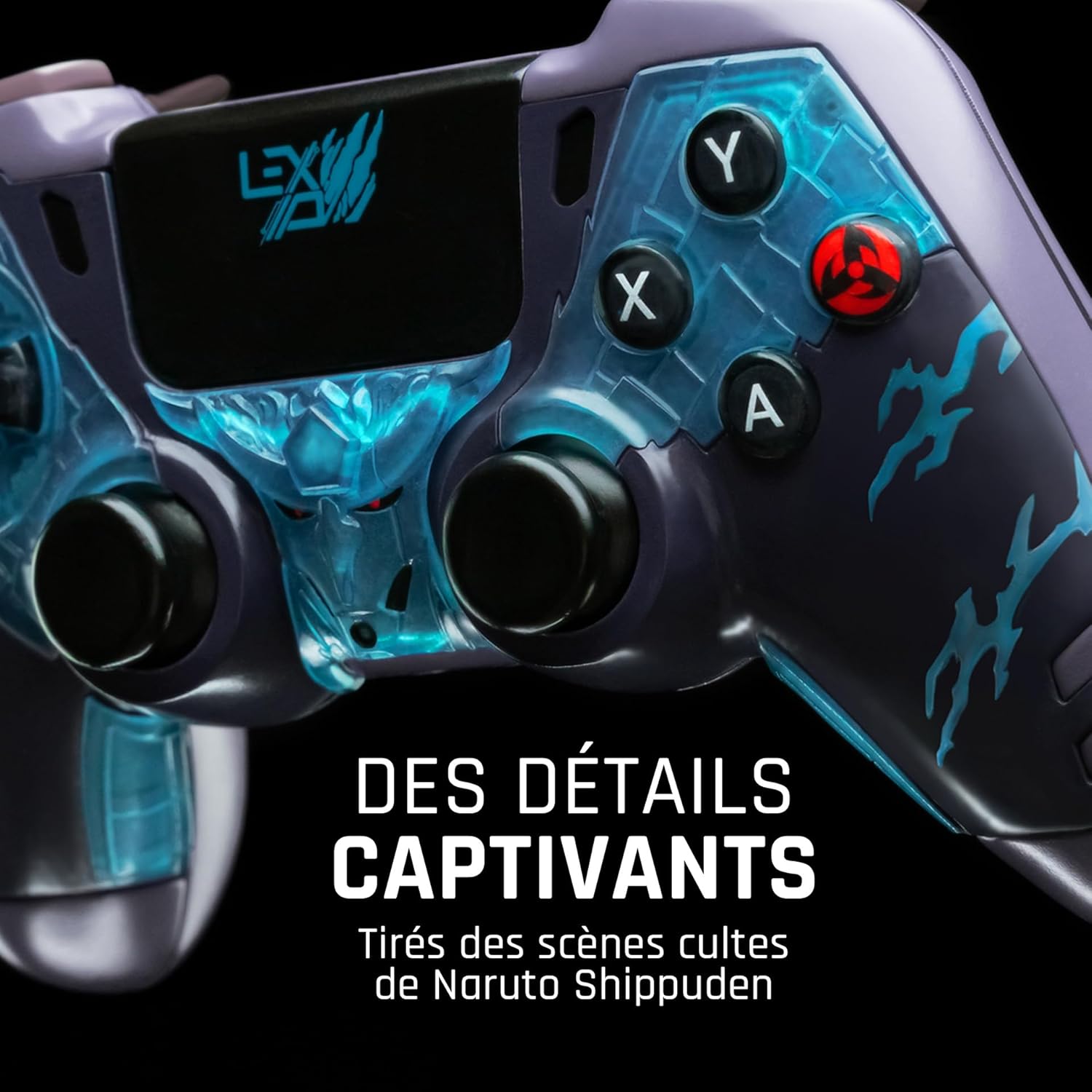
Şekil 2: Ayrıntılı view of the controller's face buttons and analog sticks, highlighting the intricate Naruto Shippuden design elements.

Şekil 3: Arka view of the controller, illustrating the placement of the programmable paddles (M1, M2, M3) for enhanced gameplay.
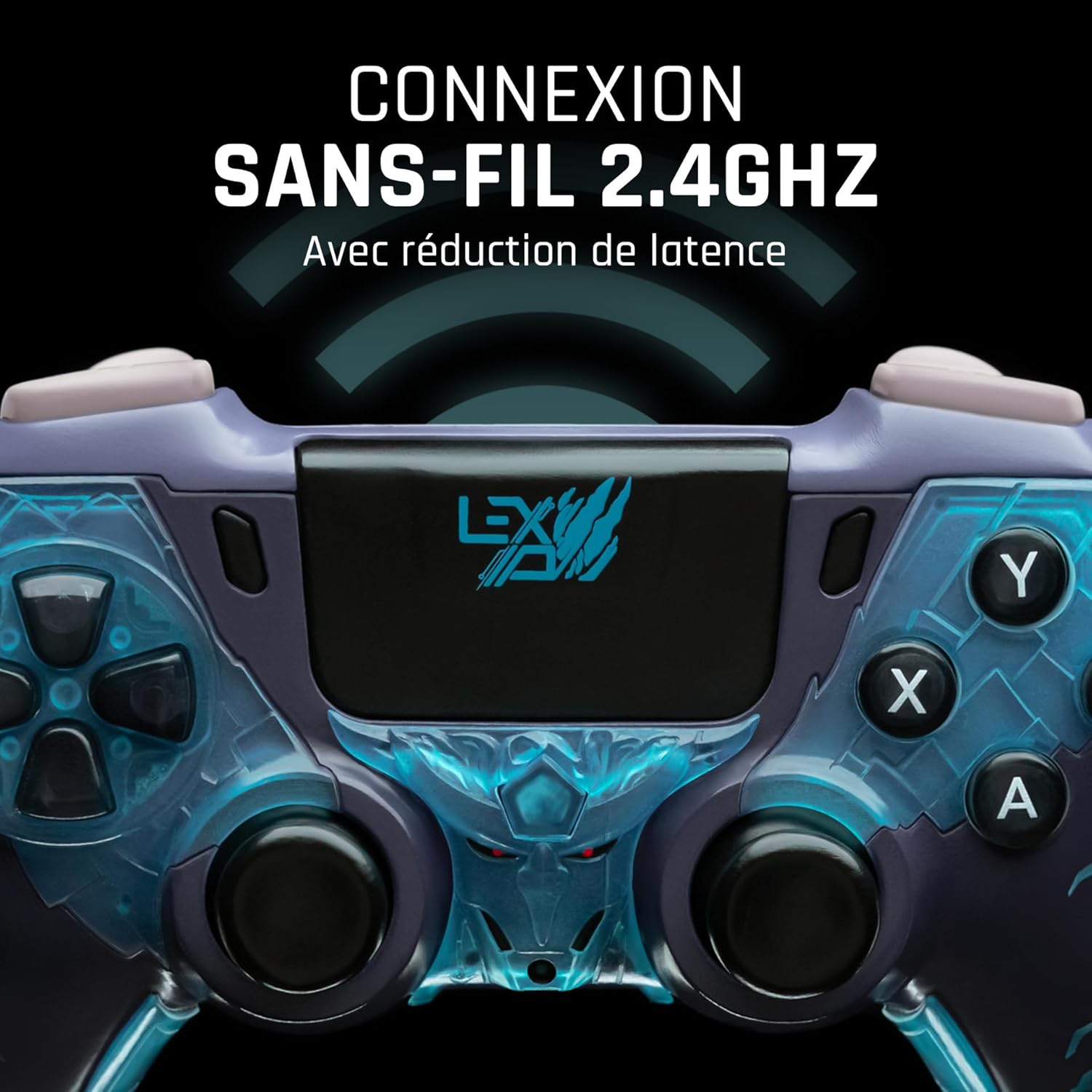
Şekil 4: Ön view of the controller, indicating its 2.4GHz wireless connection capability for reduced latency.
Temel Bileşenler:
- Analog Çubuklar: Two high-precision analog sticks for movement and camera control.
- Yön Düğmesi: Hassas giriş için yön tuşları.
- Yüz Düğmeleri (A, B, X, Y): Standart eylem düğmeleri.
- Omuz Düğmeleri (L1, R1) ve Tetikleyiciler (L2, R2): Oyun içi çeşitli eylemler için.
- Programmable Paddles (M1, M2, M3): Located on the rear for custom button assignments.
- Ana menü tuşu: Sistem menüsüne erişim için.
- Share/Options Buttons: For in-game menu and sharing functions.
- USB-C Bağlantı Noktası: Şarj ve kablolu bağlantı için.
Kurmak
1. İlk Şarj
Before first use, fully charge the controller. Connect the supplied USB cable to the controller's USB-C port and the other end to a powered USB port (e.g., console, PC, or USB wall adapter). The charging indicator will show the charging status and turn off when fully charged.
2. Kablosuz Bağlantı (2.4GHz)
- Insert the 2.4GHz wireless dongle (if included, typically found in the controller's packaging or a dedicated slot) into an available USB port on your gaming console or PC.
- Ana Sayfa düğmesine basarak kumandayı açın.
- The controller will automatically attempt to pair with the dongle. The indicator light on the controller will stop flashing and remain solid once connected.
3. Connecting via USB Cable
To use the controller in wired mode or if wireless connection is not desired:
- Connect the USB cable to the controller's USB-C port.
- Connect the other end of the USB cable to an available USB port on your gaming console or PC.
- The controller will be recognized as a wired device and is ready for use.
Kullanım Talimatları
Güç Açık/Kapalı
- Açmak İçin: Press the Home button. The controller will attempt to connect to the last paired device.
- Kapatmak İçin: Press and hold the Home button for approximately 5-10 seconds until the indicator lights turn off. The controller will also power off automatically after a period of inactivity to conserve battery.
Using Programmable Paddles
The controller features three programmable paddles (M1, M2, M3) on the rear. These paddles can be assigned to replicate other button inputs for quick access during gameplay. Refer to your console or PC's controller settings for specific button remapping options, as dedicated software for programming these paddles may not be available.

Şekil 5: A user holding the controller, demonstrating its ergonomic design during use.
Bakım
- Temizlik: Kumanda ünitesini temizlemek için yumuşak, kuru bir bez kullanın. İnatçı kirler için hafifçe kurulayın.ampBezi suyla yıkayın. Sert kimyasallar veya aşındırıcı temizleyiciler kullanmayın.
- Depolamak: Kontrol cihazını serin, kuru ve doğrudan güneş ışığından ve aşırı sıcaklıklardan uzak bir yerde saklayın.
- Pil Bakım: Pil ömrünü uzatmak için, kontrol cihazını sık sık tamamen boşaltmaktan kaçının. Uzun süre kullanılmasa bile düzenli olarak şarj edin.
Sorun giderme
Kumanda Bağlanmıyor
- Kontrol cihazının şarjlı olduğundan emin olun.
- For wireless connection, ensure the 2.4GHz dongle is securely plugged into the console/PC and the controller is powered on.
- Try connecting the controller via the USB cable to verify functionality.
- Restart your console/PC and try connecting again.
Buttons/Sticks Unresponsive
- Ensure the controller is properly connected and powered on.
- Düğmelerin veya kumanda kollarının çevresinde herhangi bir fiziksel engel veya kalıntı olup olmadığını kontrol edin.
- Test the controller with another game or application to determine if the issue is specific to one program.
Kısa Pil Ömrü
- Kullanmadan önce kontrol cihazının tamamen şarj olduğundan emin olun.
- Reduce rumble intensity if possible through system settings, as vibration motors consume significant power.
- Kullanım ve saklama sırasında aşırı sıcaklıklardan kaçının.
Özellikler
| Özellik | Detay |
|---|---|
| Model Numarası | TSXLXGC0002 |
| Bağlantı | 2.4 GHz Kablosuz, USB Kablolu |
| Boyutlar (U x G x Y) | 3.94 x 1.97 x 0.5 inç |
| Ağırlık | 1.01 pound |
| Giriş Voltage | 3V - 500mA |
| Programmable Paddles | Yes (M1, M2, M3) |
Garanti ve Destek
For warranty information and technical support, please refer to the official Lexip website or contact Lexip customer service. Keep your proof of purchase for warranty claims.
Lexip Official Webalan: www.lexip.com (Note: This is a placeholder link, please refer to actual Lexip support channels.)


