1. Giriş
The SanDisk Ultra Luxe 256GB USB Type-C Flash Drive is designed for efficient and stylish file transfer across various USB Type-C compatible devices. This manual provides essential information for setting up, operating, maintaining, and troubleshooting your flash drive to ensure optimal performance and longevity.
2. Temel Özellikler
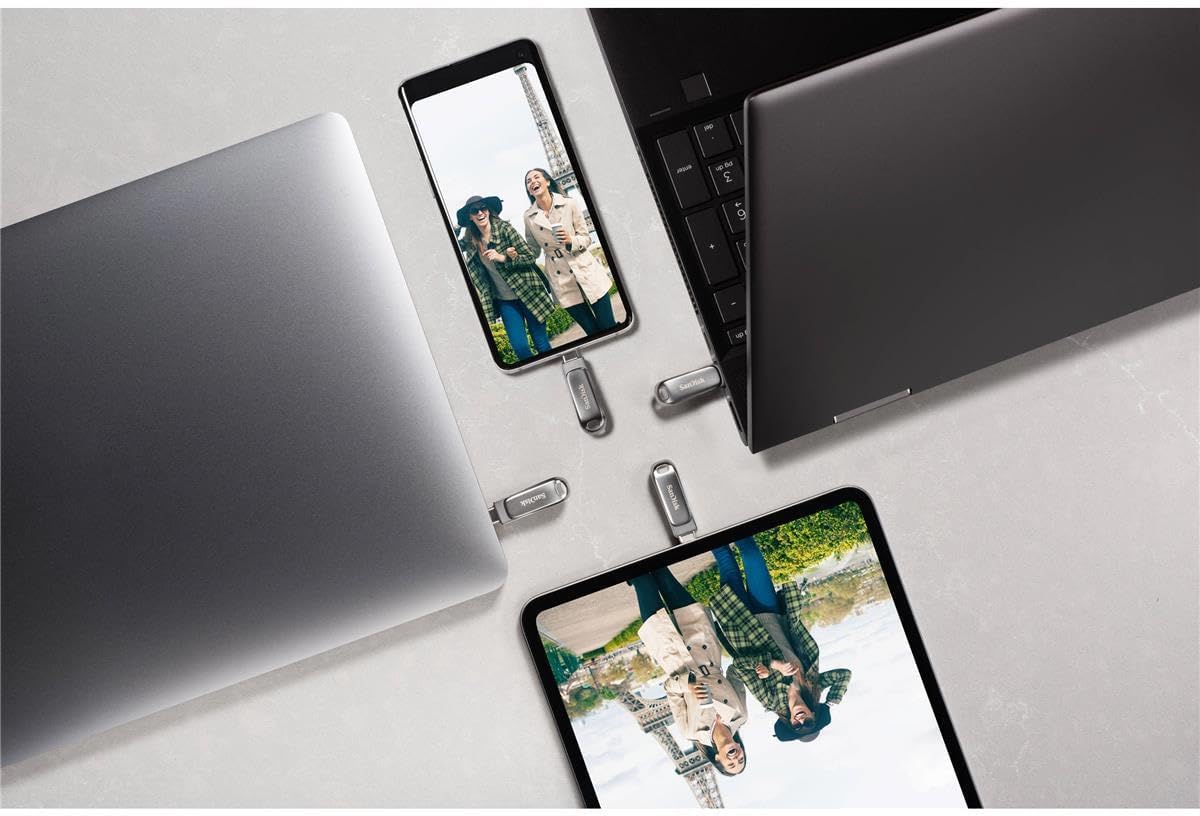
- Evrensel Uyumluluk: Sorunsuz aktarım files between your USB Type-C devices, including laptops, tablets, and smartphones.
- Üstün Tasarım: Features a luxurious and durable metal enclosure, offering both style and robust protection for your data.
- Yüksek Hızlı Performans: Experience rapid data access with read speeds of up to 400MB/s, utilizing USB 3.2 Gen 1 technology for quick file Transferler.
- Geri Çekilebilir Bağlantı Elemanı: A smooth, retractable USB Type-C connector helps protect the drive from wear and tear when not in use.
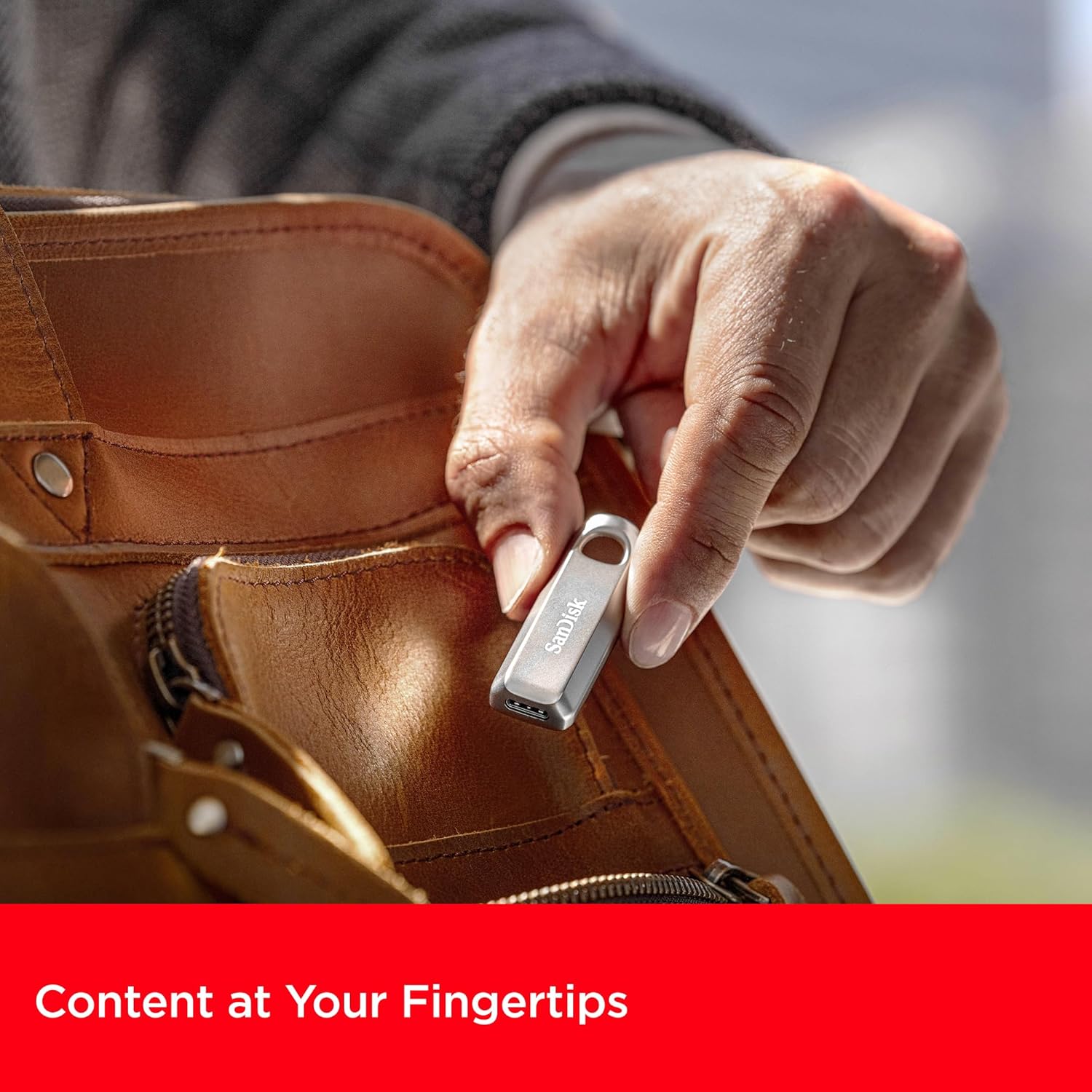
- Gelişmiş Taşınabilirlik: Equipped with a convenient keyring hole, allowing you to easily attach the drive to your keys or bag for secure transport.


3. Kurulum Talimatları
The SanDisk Ultra Luxe USB Type-C Flash Drive is designed for plug-and-play functionality, requiring no special software installation for basic use on most operating systems (Windows, macOS, Linux, Android, iOS with compatible devices).
- Sürücüyü açın: Carefully remove the flash drive from its packaging.
- Identify USB Type-C Port: Locate an available USB Type-C port on your computer, tablet, or smartphone.
- Sürücüyü takın: Gently slide the retractable connector out and insert the flash drive into the USB Type-C port. Ensure it is fully seated.
- Otomatik Tanıma: Your device should automatically detect the flash drive and display its contents or prompt you to open it.
4. Kullanım Talimatları
4.1. Aktarma Files
Once the drive is recognized by your device, you can transfer fileStandart işletim sistemi fonksiyonlarını kullanarak:
- Sürükle ve Bırak: Tıkla ve sürükle files or folders from your device's storage to the flash drive's folder, or vice versa.
- Kopyala ve Yapıştır: Right-click (or long-press on touch devices) on the desired file(s), select 'Copy', navigate to the destination (flash drive or device storage), right-click (or long-press), and select 'Paste'.

4.2. Sürücünün Güvenli Bir Şekilde Çıkarılması
Always safely eject the flash drive before physically removing it to prevent data corruption or loss.
- Pencereler: Right-click the drive icon in 'This PC' or the system tray, then select 'Eject'. Wait for the 'Safe to Remove Hardware' notification.
- MacOS: Drag the drive icon from the desktop to the Trash, or click the 'Eject' icon next to the drive in Finder.
- Android: Go to 'Settings' > 'Connected devices' > 'USB' and tap 'Eject' or 'Unmount'.

5. Bakım
- Fiziksel Bakım: Sürücüyü temiz ve toz ve kalıntılardan uzak tutun. Temizlik için yumuşak ve kuru bir bez kullanın.
- Sıcaklık: Sürücüyü aşırı sıcaklıklara veya doğrudan güneş ışığına maruz bırakmaktan kaçının.
- Veri Yedekleme: Regularly back up important data stored on the flash drive to another storage medium to prevent accidental loss.
- Donanım Yazılımı Güncellemeleri: SanDisk'i düzenli olarak kontrol edin. website for any available firmware updates for your drive model to ensure optimal performance and compatibility.
6. Sorun Giderme
6.1. Sürücü Tanınmadı
- Sürücünün USB Type-C bağlantı noktasına tamamen takıldığından emin olun.
- Try connecting the drive to a different USB Type-C port on your device.
- Test the drive on another compatible device to determine if the issue is with the drive or the original device.
- Bilgisayarınızı veya cihazınızı yeniden başlatın.
6.2. Yavaş Aktarım Hızları
- Ensure you are using a USB 3.2 Gen 1 (or higher) compatible port on your device for optimal speeds. Older USB 2.0 ports will result in significantly slower transfers.
- Arka planda çalışan ve sistem kaynaklarını tüketebilecek gereksiz uygulamaları kapatın.
- Çok sayıda küçük parçayı transfer etmekten kaçının fileAynı anda birden çok dosyayı görüntülemek; bunları tek bir arşive sıkıştırmak bazen hızı artırabilir.
6.3. Data Corruption or Loss
- Always perform a safe ejection of the drive before physically removing it.
- If data appears corrupted, try running a disk check utility on your operating system (e.g., 'Error Checking' on Windows, 'Disk Utility' on macOS).
7. Özellikler
| Bağlanmak | Detay |
|---|---|
| Marka | SanDisk |
| Model Adı | SanDisk Ultra Luxe |
| Ürün Model Numarası | SDCZ75-256G-G46 |
| Bellek Depolama Kapasitesi | 256 GB |
| Donanım Arayüzü | USB Tip C |
| Bağlantı Teknolojisi | USB |
| Okuma Hızı | Saniyede 400 Megabayta Kadar |
| Yazma Hızı | 400 MB/sn'ye kadar |
| Renk | Gümüş |
| Ürün Boyutları (UxGxY) | 1.8 x 0.63 x 0.47 inç |
| Ürün Ağırlığı | 0.368 ons |
| Özel Özellik | Hızlı Veri Transferi |
| UPC | 619659203511 |
8. Resmi Ürün Videoları
9. Garanti ve Destek
For detailed warranty information, product registration, and technical support, please visit the official SanDisk website. Herhangi bir garanti talebi için satın alma belgeniz olarak satın alma makbuzunuzu saklayın.
Çevrimiçi destek: www.sandisk.com/support