giriiş
This manual provides essential information for setting up, operating, maintaining, and troubleshooting your HP 15 Laptop Computer. Please read this guide thoroughly to ensure optimal performance and longevity of your device. This laptop is equipped with an AMD Ryzen 3 processor, 16GB RAM, and a 512GB SSD, running on Windows 11 Home.

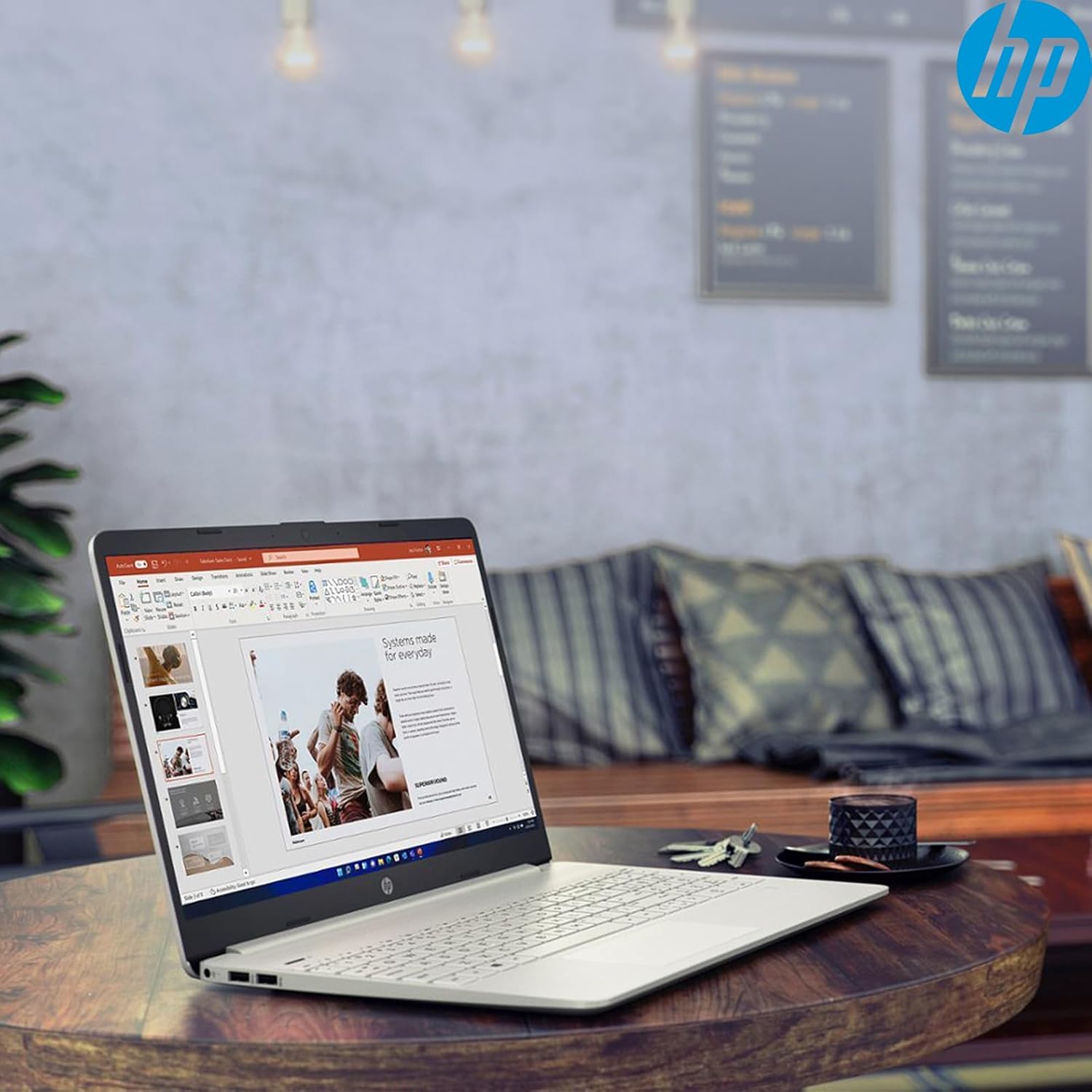
Image: The HP 15 Laptop Computer open, displaying the Windows 11 Home operating system, AMD Ryzen 3 processor, and AMD Radeon Graphics on its screen. An HP earphone case is visible on the palm rest, and the Microsoft Office logo is present on the bottom right.
1. Kurulum
1.1 Kutudan Çıkarma ve İlk İnceleme
Carefully remove all components from the packaging. Verify that all items listed in the 'What's in the Box' section are present. Inspect the laptop for any visible damage.
- HP 15 Laptop
- Güç Adaptörü
- HP Earphone
- Kablosuz Fare
1.2 Güç Adaptörünün Bağlanması
Connect the power adapter to the laptop's power jack and then plug it into a wall outlet. It is recommended to fully charge the battery before initial use.
1.3 İlk Açılış ve Windows 11 Kurulumu
Dizüstü bilgisayarı açmak için güç düğmesine basın. Windows 11 Home kurulum işlemini tamamlamak için ekrandaki yönergeleri izleyin. Bu, bölgenizi seçmeyi, bir Wi-Fi ağına bağlanmayı ve bir kullanıcı hesabı oluşturmayı içerir.
2. Operating Your HP 15 Laptop
2.1 Temel Fonksiyonlar
- Güç Düğmesi: Located on the top right of the keyboard deck. Press to turn on/off, or put the laptop to sleep.
- Klavye: Features a full-size keyboard with a 10-key numeric keypad for efficient data entry.
- Dokunmatik yüzey: Supports multi-touch gestures for navigation.
Resim: Yakın çekim view of the HP 15 laptop's keyboard, clearly showing the integrated 10-key numeric keypad on the right side and the central touchpad below the spacebar.
2.2 Bağlantı Noktaları ve Bağlantılar
Your HP 15 laptop is equipped with various ports for connectivity:
- USB-C (5Gbps signaling rate): Veri aktarımı için.
- USB A (x2): Çevre birimleri için standart USB bağlantı noktaları.
- HDMI1.4b: Harici ekranlara bağlanmak için.
- SD Kart Okuyucu: Hafıza kartlarını okumak için.
- Kulaklık Girişi: Kulaklık veya mikrofonlu kulaklığı bağlamak için.

Image: This image provides a detailed side view of the HP 15 laptop, illustrating the locations of its various connectivity ports including the power jack, two USB-A ports, an HDMI 1.4b port, an SD card reader, a headset jack, and a SuperSpeed USB Type-C port.
2.3 Webkamera ve ses
The laptop features an HP True Vision 720p HD camera with dual array digital microphones for video calls. Audio is delivered through B&O-tuned stereo speakers.
2.4 Pil Yönetimi
The laptop offers up to 9.75 hours of battery life. HP Fast Charge technology allows for a 50% charge in approximately 45 minutes when the laptop is powered off or in sleep mode.
3. Bakım
3.1 Dizüstü Bilgisayarınızı Temizleme
Yumuşak, tiftiksiz bir bez kullanın ve hafifçe kurulayın.ampEkranı temizlemek için su veya özel bir ekran temizleyici kullanın. Klavye ve kasa için yumuşak, kuru bir bez kullanın. Sert kimyasallardan kaçının.
3.2 Yazılım Güncellemeleri
Regularly check for and install Windows updates and HP driver updates to ensure optimal performance and security. Access Windows updates via Settings > Windows Update.
3.3 Depolama Yönetimi
Periyodik olarak yenidenview ve gereksiz olanları silin files to maintain sufficient free space on your 512GB SSD. Utilize cloud storage or external drives for large files.
4. Sorun Giderme
4.1 Güç Sorunları
- Dizüstü bilgisayar açılmıyor: Güç adaptörünün güvenli bir şekilde takılı olduğundan ve prizin çalışır durumda olduğundan emin olun. Farklı bir priz deneyin.
- Pil şarj olmuyor: Verify the power adapter connection. Check for any damage to the adapter or charging port.
4.2 Ekran Sorunları
- Boş ekran: Connect an external monitor to check if the laptop is outputting video. If it displays, the laptop screen may be faulty.
- Dim display: Adjust brightness settings using the function keys (Fn + F2/F3 typically).
4.3 Performans Sorunları
- Yavaş çalışma: Gereksiz uygulamaları kapatın. Görev Yöneticisi'nde yüksek kaynak kullanımını kontrol edin. Yeterli boş depolama alanı olduğundan emin olun.
- Aşırı Isınma: Havalandırma deliklerinin açık olduğundan emin olun. Dizüstü bilgisayarı sert ve düz bir yüzeyde kullanın.
4.4 Bağlantı Sorunları
- Wi-Fi bağlanmıyor: Restart your router and laptop. Check Wi-Fi settings in Windows.
- Bluetooth cihazı eşleşmiyor: Ensure the device is in pairing mode and within range. Check Bluetooth settings.
5. Özellikler
| Özellik | Detay |
|---|---|
| Örnek | HP 15 |
| İşletim Sistemi | Windows 11 Ev |
| İşlemci | AMD Ryzen 3 (up to 3.8GHz, 4 cores, 8 threads) |
| Grafikler | AMD Radeon Grafikleri (Tümleşik) |
| Veri deposu | 16 GB DDR4 |
| Depolamak | 512 GB PCIe NVMe M.2 SSD |
| Görüntülemek | 15.6" HD (1366 x 768), micro-edge, anti-glare, 250 nits, 45% NTSC |
| Kablosuz Bağlantı | Realtek Wi-Fi 5, Bluetooth 5 |
| Limanlar | 1x USB-C (5Gbps), 2x USB-A, 1x HDMI 1.4b, 1x SD Card Reader, 1x Headset Jack |
| Webkam | HP True Vision 720p HD camera |
| Ses | Dual B&O-tuned stereo speakers |
| Pil Ömrü | Up to 9.75 hours (HP Fast Charge: 50% in 45 mins) |
| Boyutlar (UxGxY) | 14.11 x 9.53 x 0.78 inç |
| Ağırlık | 3.75 pound |
6. Garanti ve Destek
6.1 Ürün Garantisi
Your HP 15 Laptop Computer comes with a standard manufacturer's warranty. Please refer to the warranty card included with your product or visit the official HP support webAyrıntılı şartlar ve koşullar için site.
6.2 Teknik Destek
For technical assistance, driver downloads, or further information, please visit the official HP Support website or contact HP customer service. Have your product model and serial number ready when contacting support.
HP Desteği Webalan: destek.hp.com